ImageStyle tools

AI image and video tools built around real creative tasks.

Start with a flexible generator when you have an idea or a reference. Choose a focused workflow when the creative job has a clear output.

Start with a general generator

Use a flexible image or video workspace when the task begins with an idea, reference image, or motion direction.

Video workflows

Start from a prompt, a still image, a product clip, or an existing video.

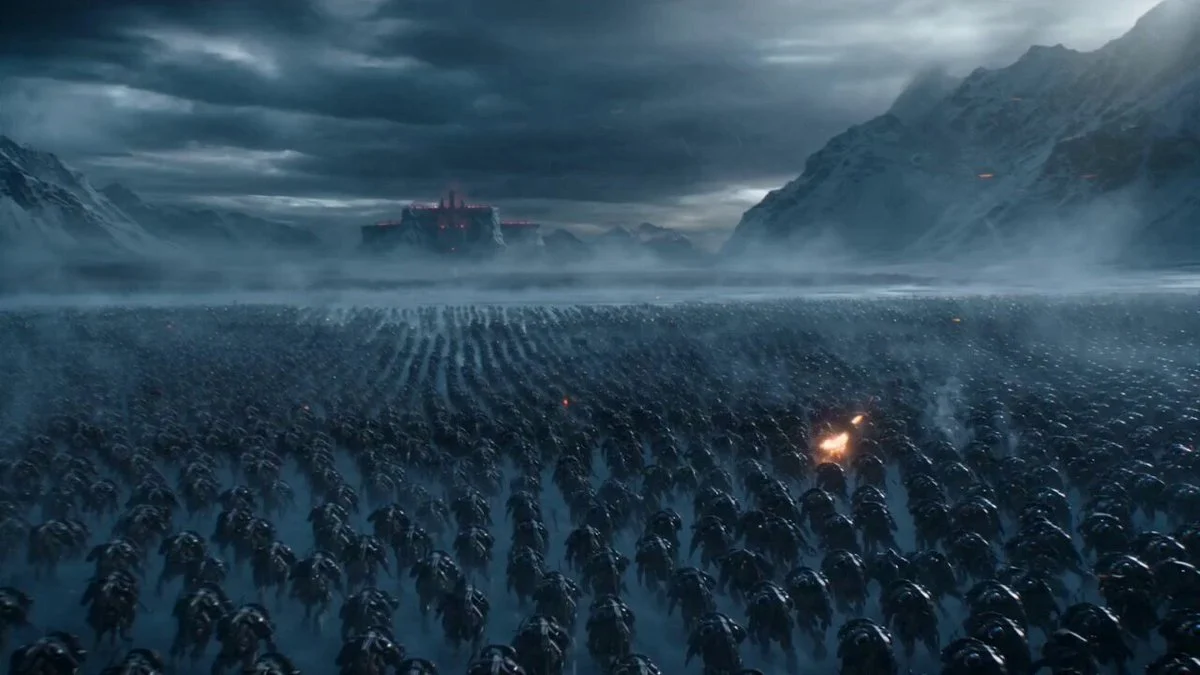
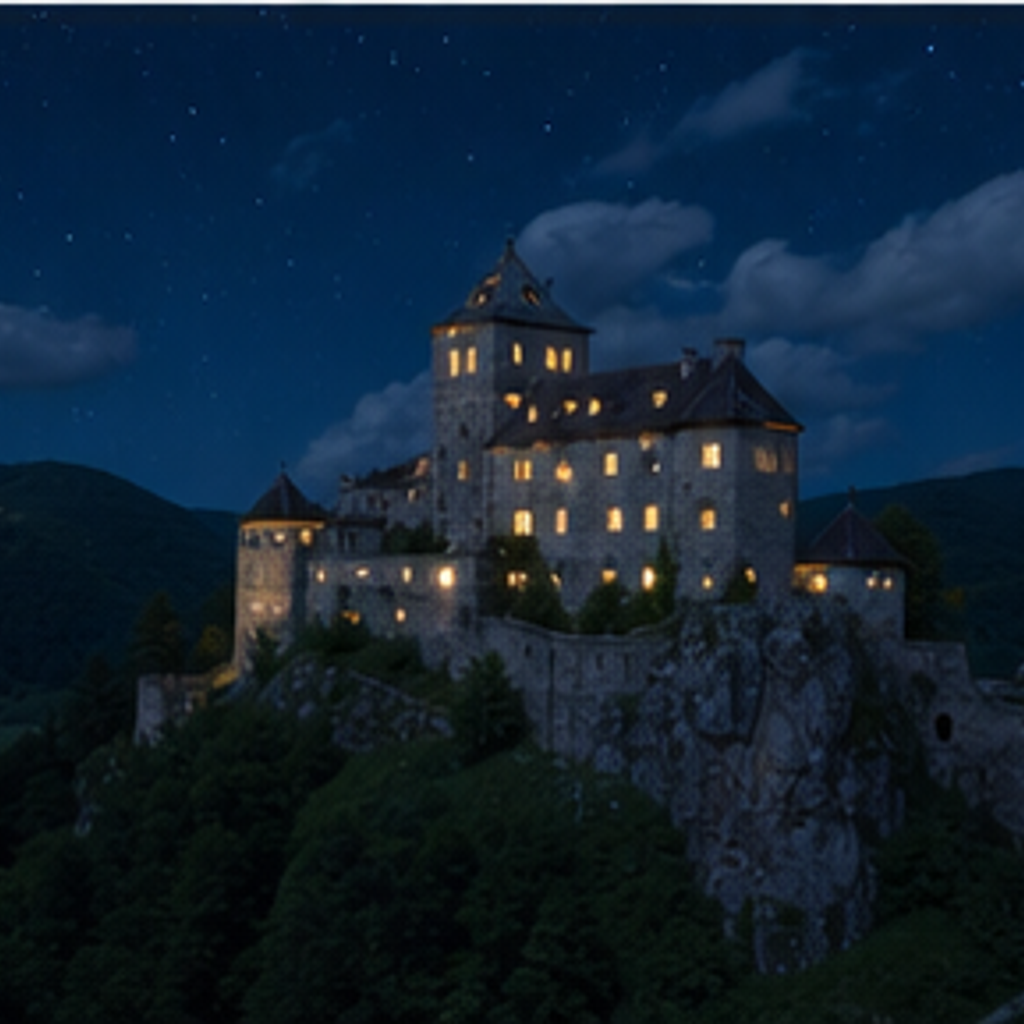
A cinematic wide shot of a fortress built into frozen cliffs.

Text to video

Text to Video Generator

Use ImageStyle for text-to-video when the first input is an idea rather than an existing asset. Describe the subject, action, setting, and camera feeling, then choose the available model controls that fit the clip you want to create.

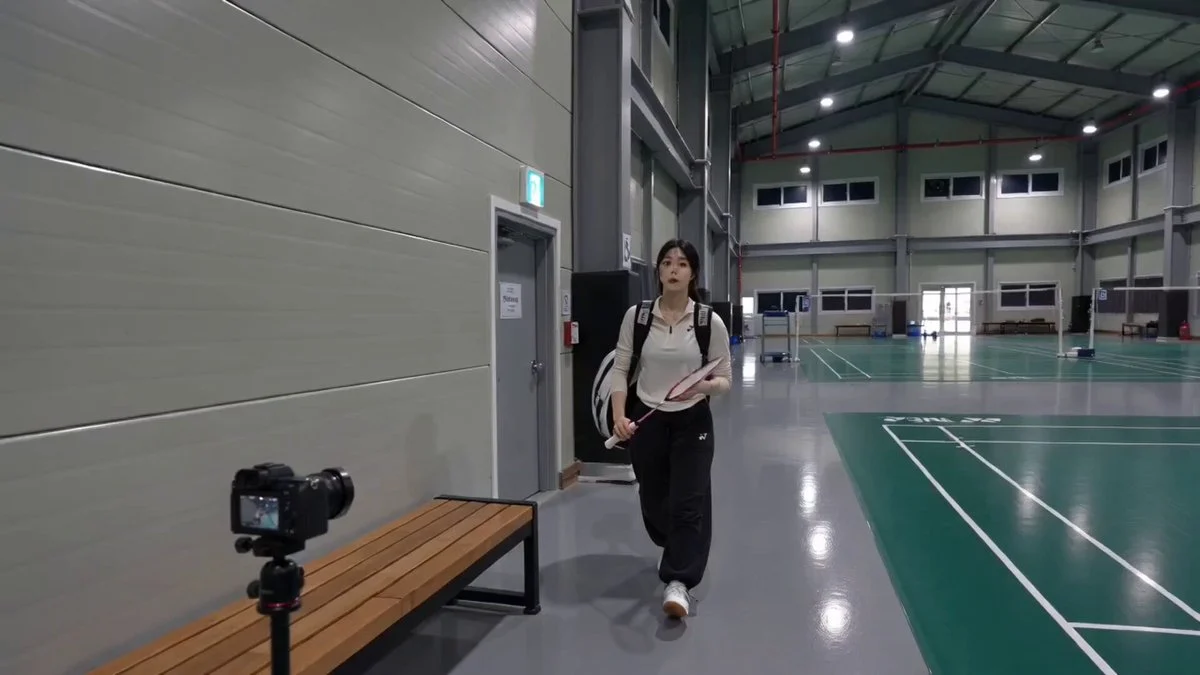
A badminton player moving through a real indoor sports-court scene.

Source-video transformation

Video to Video Generator

Choose the source-video workflow when an uploaded clip provides the movement and timing you want to begin from. Add the supported video, describe the visual transformation, then inspect the generated version as a new result before reuse.

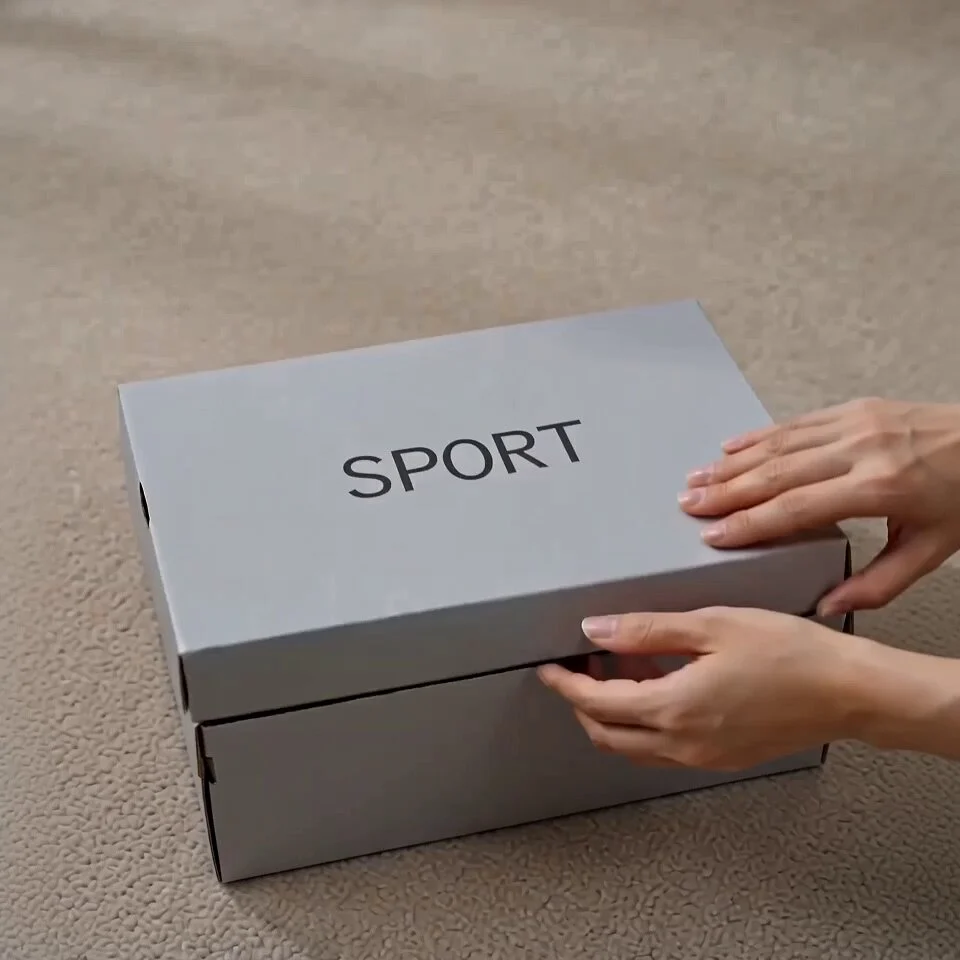
A product-focused short video showing an unboxing action and a clear product frame.

Product-focused video

AI Product Video Generator

Use ImageStyle for a product-video direction when the clip needs to make one product understandable before it becomes decorative. Start with the product role, key visible detail, and intended shot order; add an approved reference image when the selected model supports it.

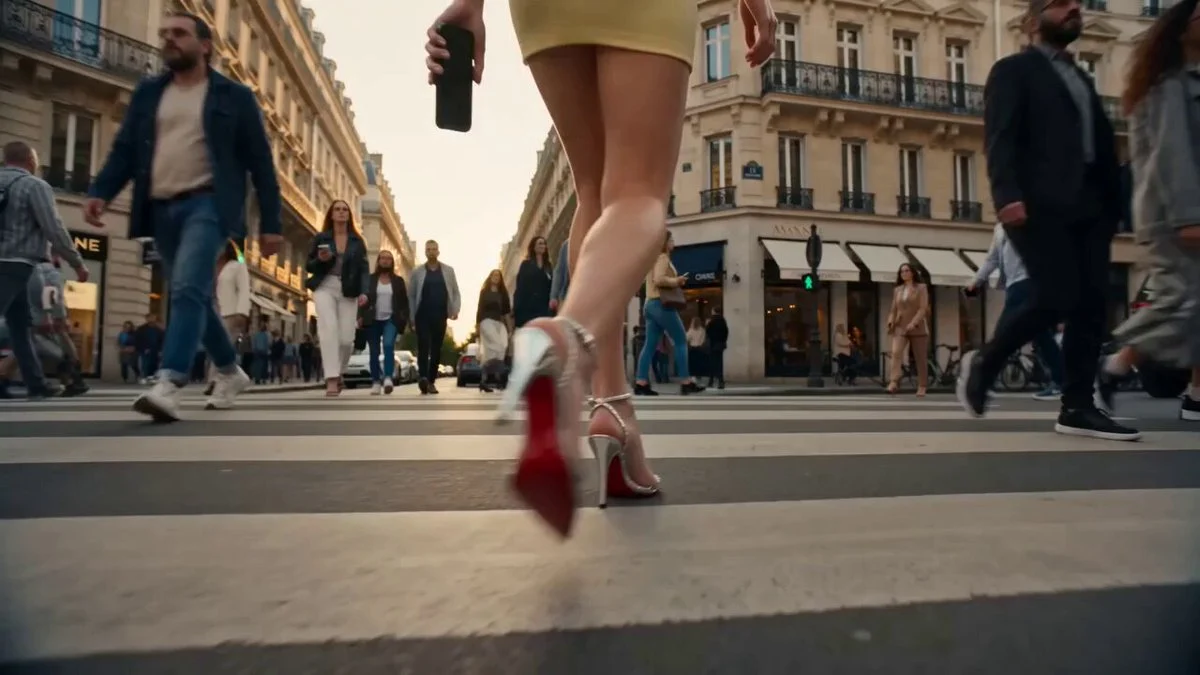
A polished commercial scene with a clear subject, setting, and campaign-style lighting.

Advertising video planning

AI Ad Video Generator

An advertising video works best when it has a visible sequence: an opening reason to look, one message or benefit, and a final frame that can carry the next action. Use ImageStyle to test that direction, then review every claim and detail before publishing.

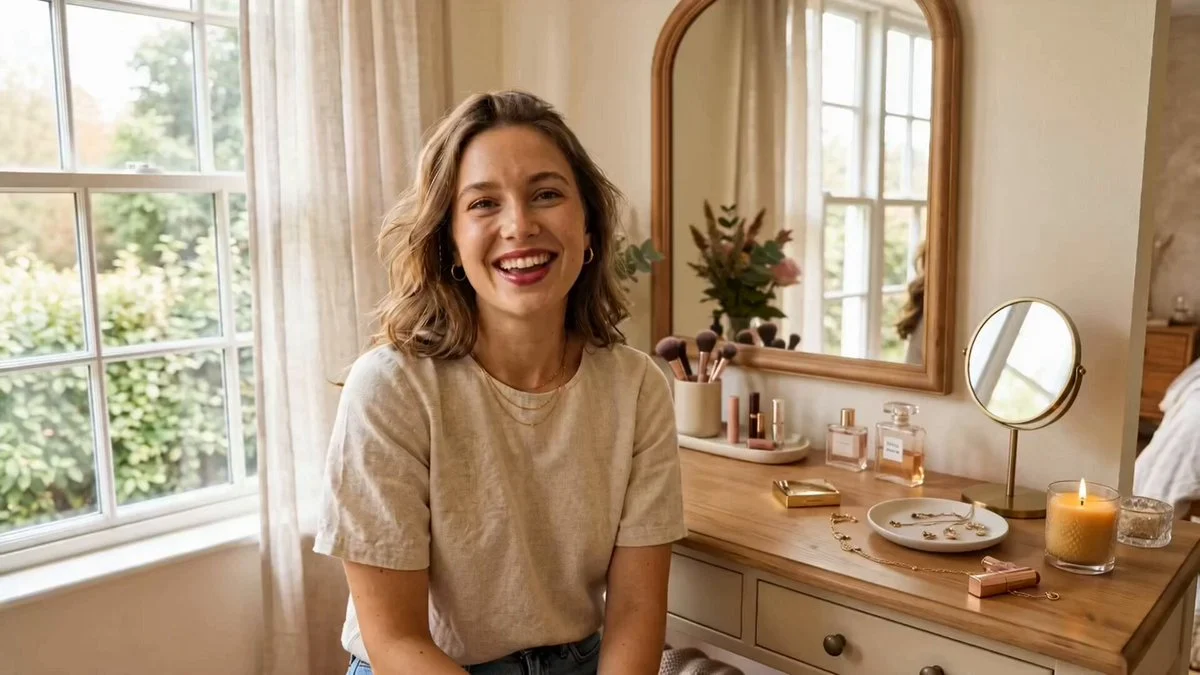
A creator-led lifestyle reel with a clear subject and short-form visual pacing.

Social video direction

AI Social Video Generator

A useful social video does not need to explain every part of a campaign in one clip. Use ImageStyle to test one visual hook, one subject action, and a clean final frame that can support your own verified message in a feed or short-form workflow.

A hand-drawn animated picnic scene beside a riverside forest.

Animated video direction

AI Animation Video Generator

Use ImageStyle for an animation-video direction when the visual treatment and motion need to feel consistent from the first frame to the last. Describe the subject, scene rule, movement, and camera path, then review the generated clip for continuity before reuse.

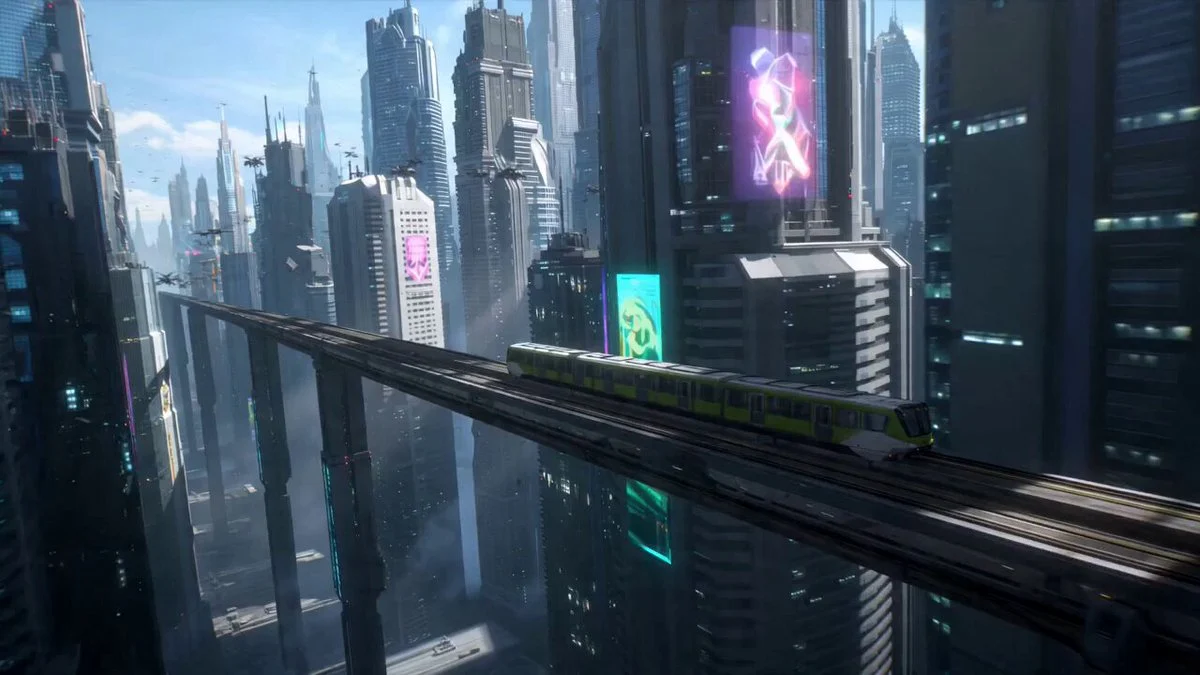
A futuristic train moving through a dense city skyline.

MiniMax H3 text to video

MiniMax H3 Text to Video

Start with one visible subject, one action, and one camera idea. MiniMax H3 text-to-video gives you six frames, 768P or 2K output, and a 4 to 15 second clip range in the ImageStyle video workspace.

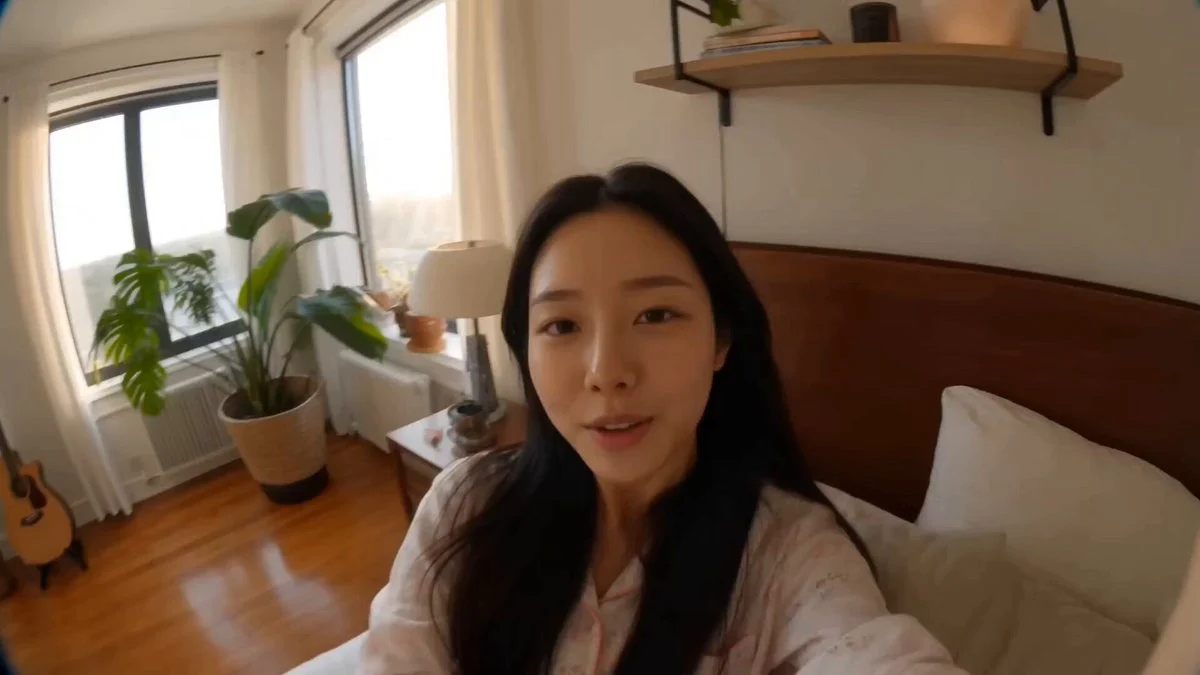
A creator recording a video diary in a sunlit room.

MiniMax H3 image to video

MiniMax H3 Image to Video

When the opening composition matters, attach one approved first frame and describe only the movement that should develop from it. MiniMax H3 derives framing from that image and keeps 768P or 2K plus a 4 to 15 second duration range.

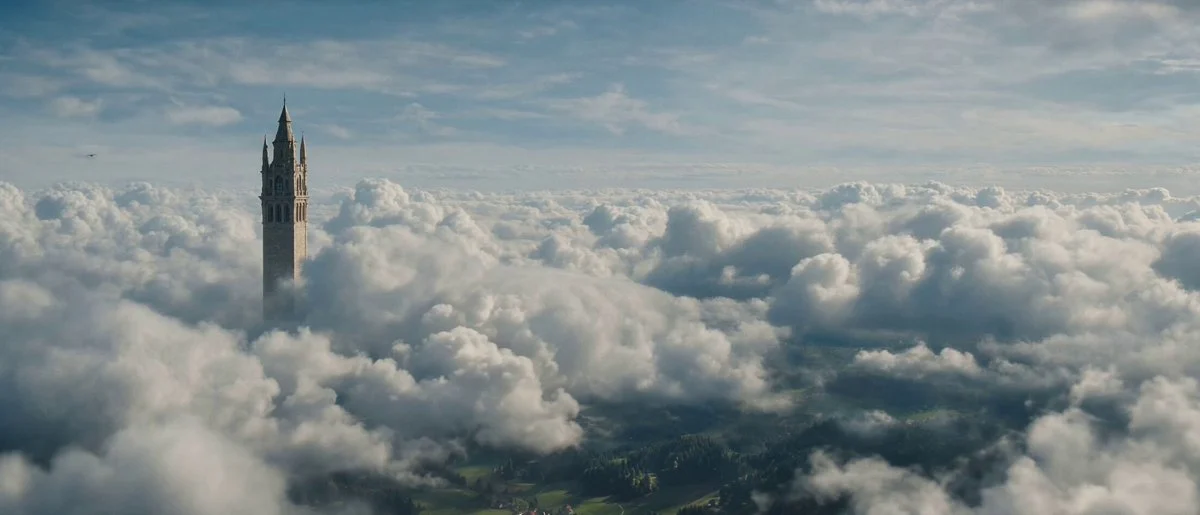
A tower rising above clouds in a wide cinematic landscape.

MiniMax H3 prompt guide

MiniMax H3 Prompts

A useful MiniMax H3 prompt tells the model what the viewer sees first, what changes through the clip, how the camera behaves, and where the motion resolves. Start from a written scene or one approved first frame, then keep the direction focused.

Focused tools and workflows

A before-and-after coloring page transformation.

Photo to coloring page

Photo to Coloring Page Generator

Upload a photo and use a reference-guided image workflow to create a clean black-and-white outline. Start with the preset, then adjust the direction when you need simpler or more detailed lines.

Try this style
A portrait photo beside its black-and-white line drawing.

Photo to line drawing

Photo to Line Drawing Converter

Upload a photo and start with a reference-guided preset for clear black-and-white outlines. Keep the main subject recognizable, then adjust line density, background detail, and shading when the first result needs refinement.

Try this style
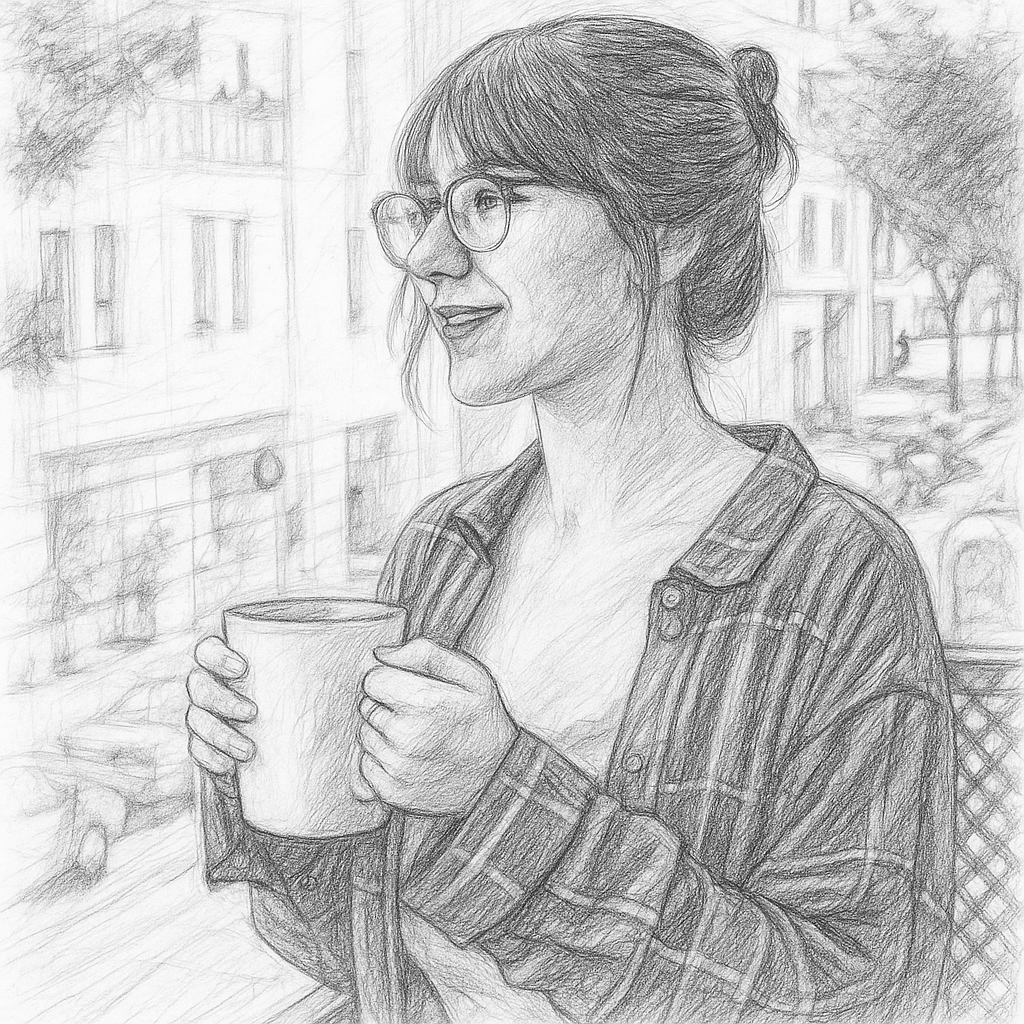
A portrait photo beside a graphite pencil sketch.

Photo to sketch

Photo to Sketch Converter

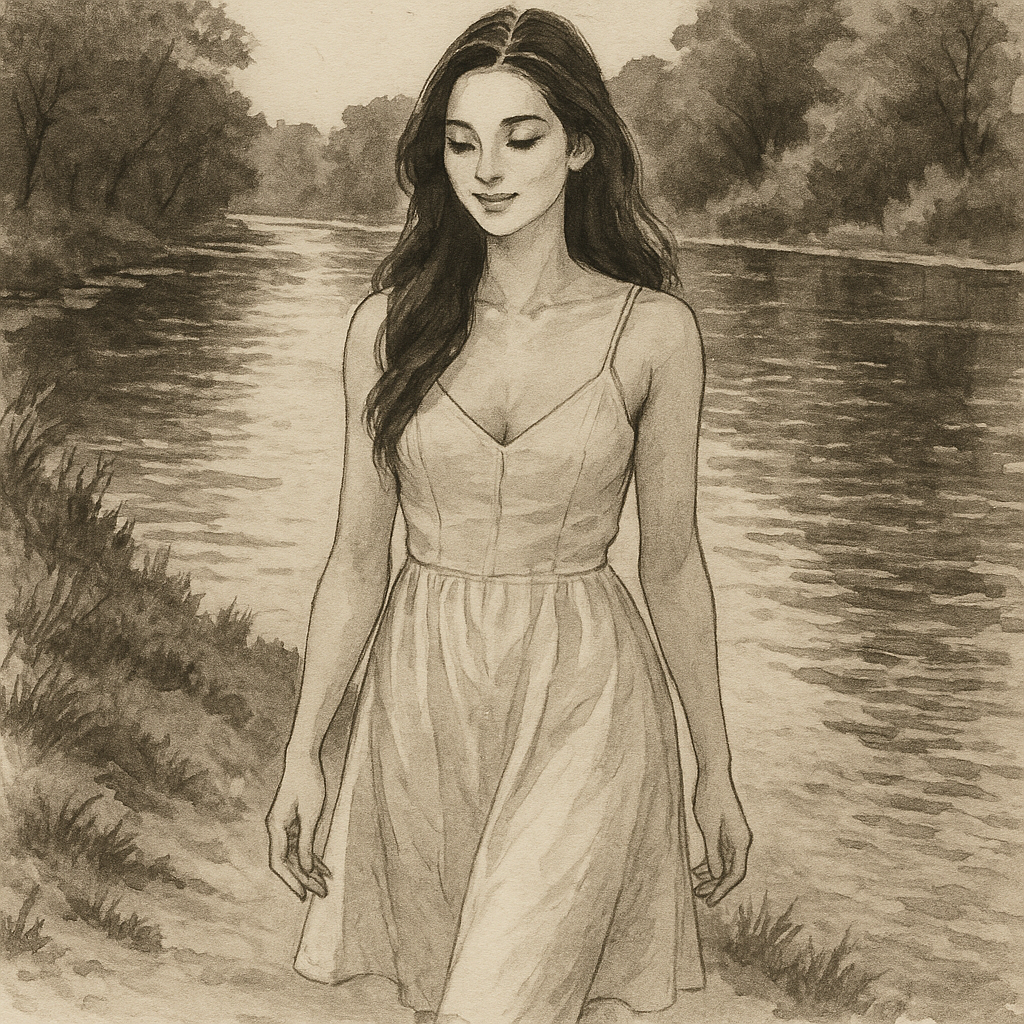
Upload a photo and start with a reference-guided sketch preset. It preserves the subject while rebuilding the image with graphite strokes, varied line weight, cross-hatching, and paper texture instead of applying a simple grayscale filter.

Try this style
A portrait photo beside a warm oil-painting interpretation.

Photo to oil painting

Photo to Oil Painting Converter

Upload a photo and start with a reference-guided oil-painting preset. It keeps the subject and framing recognizable while translating the image into layered color, visible brushwork, confident edges, and subtle canvas texture.

Try this style
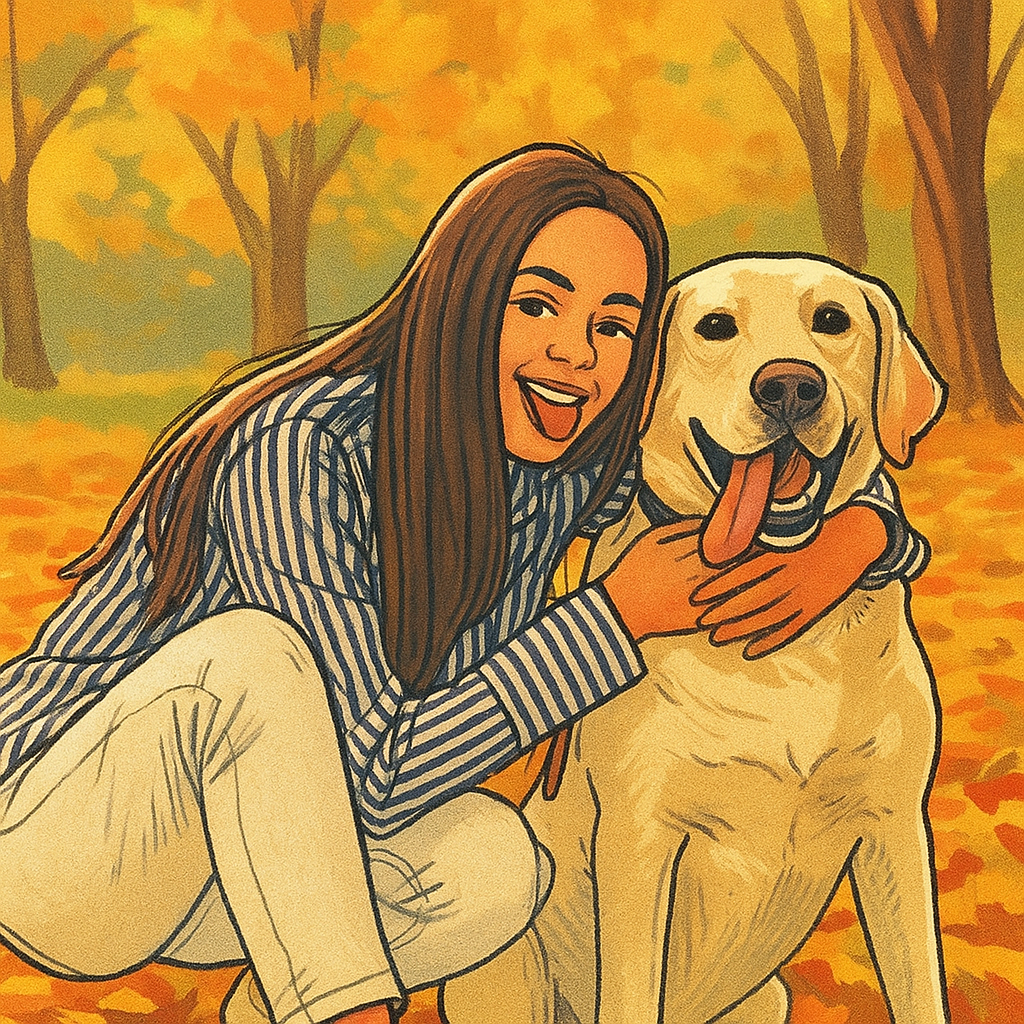
A woman and dog photo beside a warm editorial illustration.

Photo to illustration

Photo to Illustration Converter

Upload a portrait, pet, product, or scene and start from an illustration preset that keeps the composition readable while rebuilding the image with drawn contours, simplified color shapes, and tactile print texture.

Try this illustration style
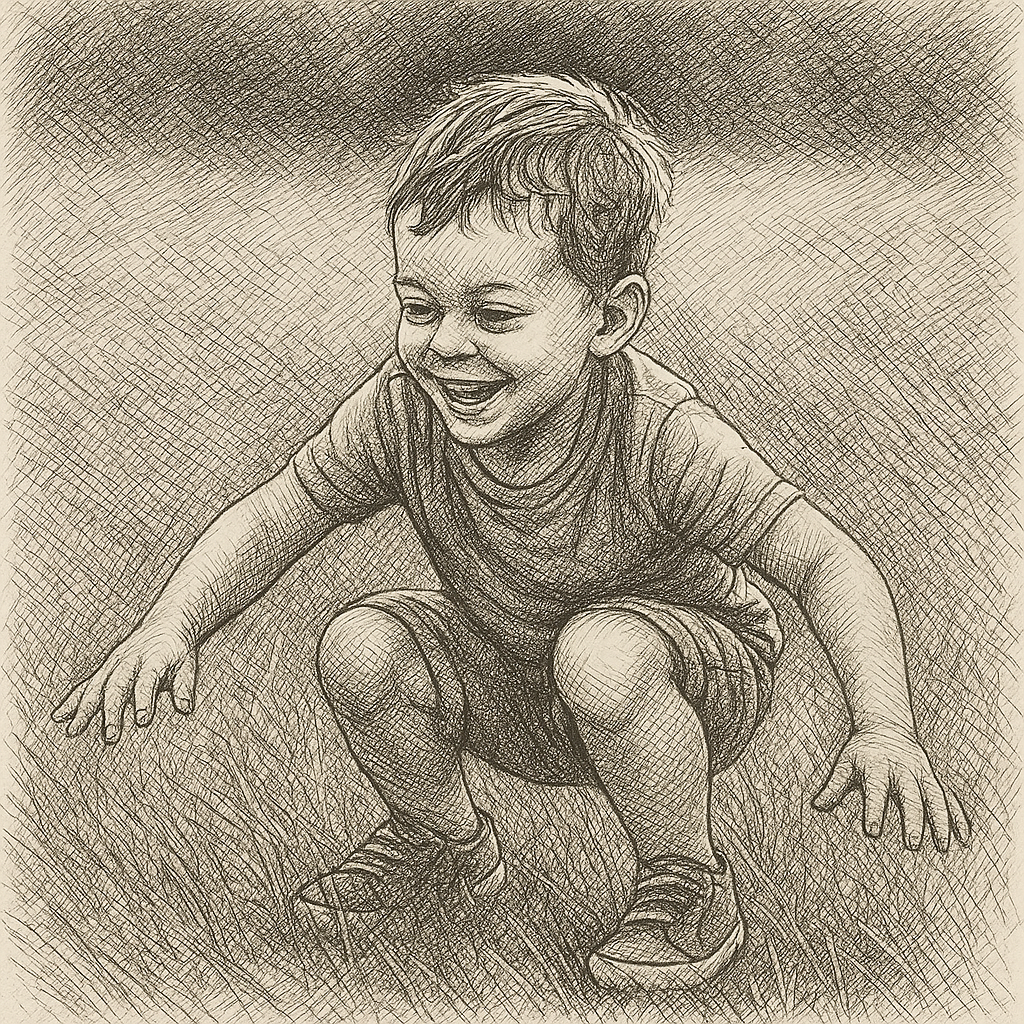
A child photo beside a detailed black-ink cross-hatching drawing.

Photo to cross hatching

Photo to Cross Hatching Converter

Upload a portrait, object, or scene and start from a black-ink preset that preserves the important structure while rebuilding light and shadow from deliberate layers of intersecting lines.

Try cross hatching
A group selfie beside a simplified flat-design illustration.

Photo to flat design

Photo to Flat Design Converter

Upload a portrait, group photo, product, or scene and rebuild it with crisp vector-like shapes, a controlled palette, minimal shading, and a clear visual hierarchy.

Try flat design
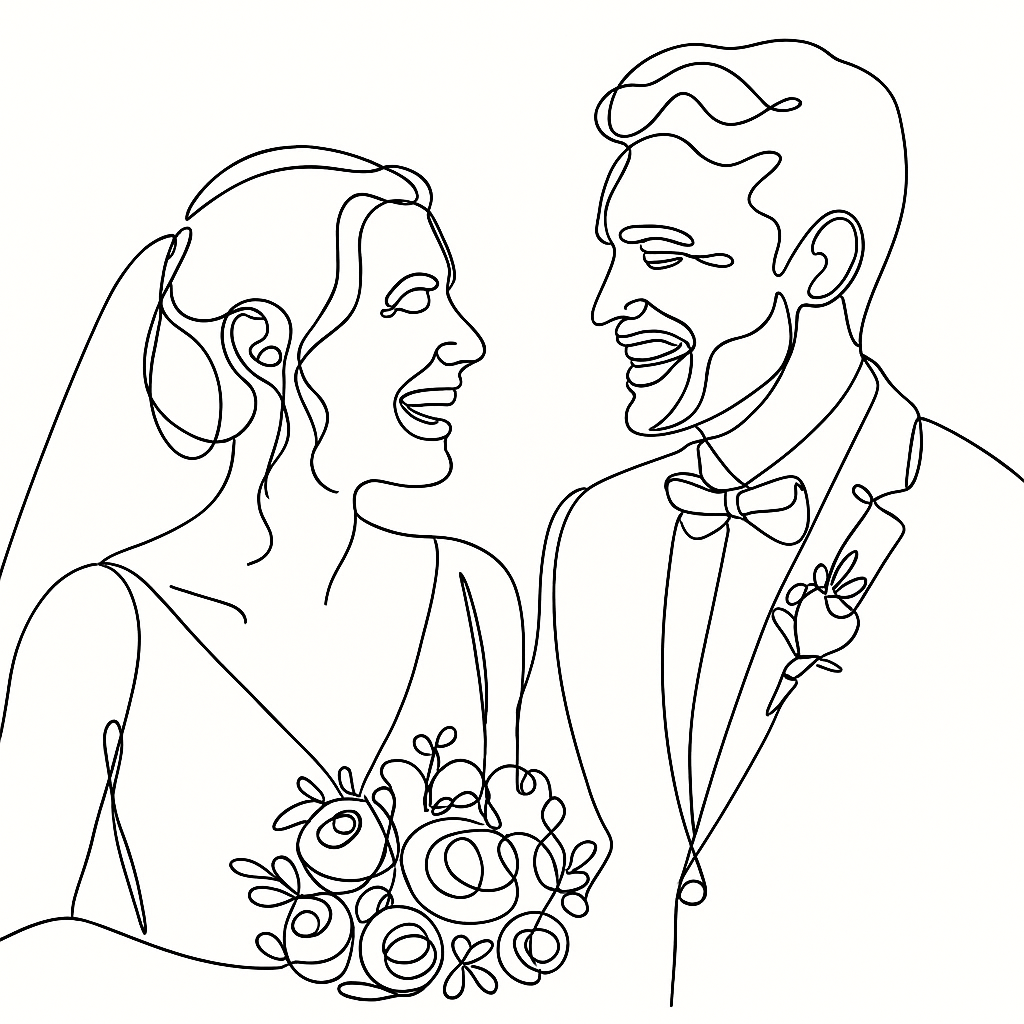
A wedding portrait beside a minimal continuous-line drawing.

Photo to one-line drawing

Photo to One-Line Drawing Converter

Upload a portrait, couple, pet, or object and start from a continuous-line preset that keeps the essential silhouette and relationships while removing color, shading, and unnecessary detail.

Try one-line drawing
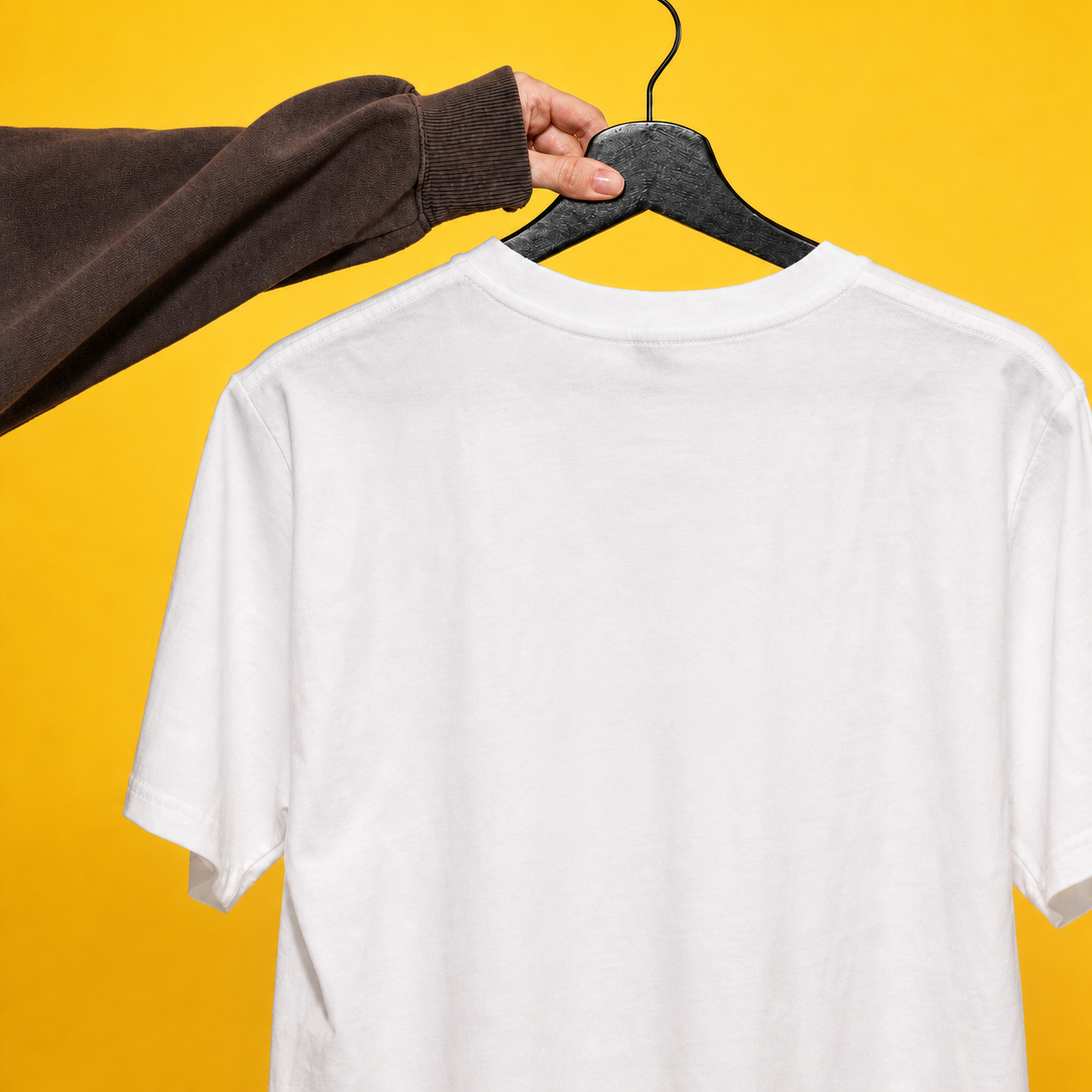
A printed T-shirt before and after its visible lettering is removed.

AI text remover

Remove Text from Image with AI

Upload an image with lettering, captions, or typographic marks. The preset asks the model to remove visible text and reconstruct the covered surface while preserving the rest of the composition as closely as possible.

Remove text from an image
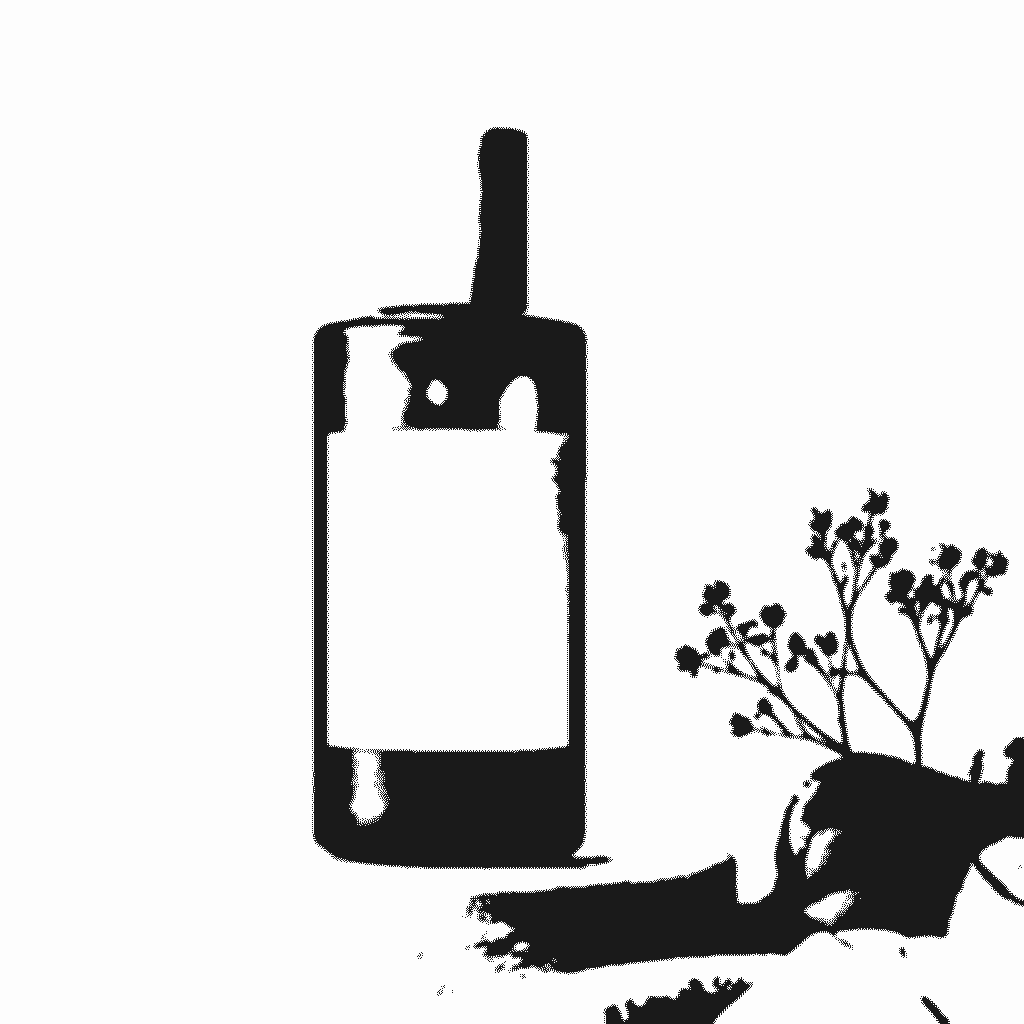
An amber product bottle beside a high-contrast stencil template.

Turn photo into stencil

Photo to Stencil Generator

Upload a photo and start with a reference-guided stencil preset. It simplifies the subject into high-contrast connected shapes, then lets you refine the cuttable detail in the existing image workspace.

Try this style
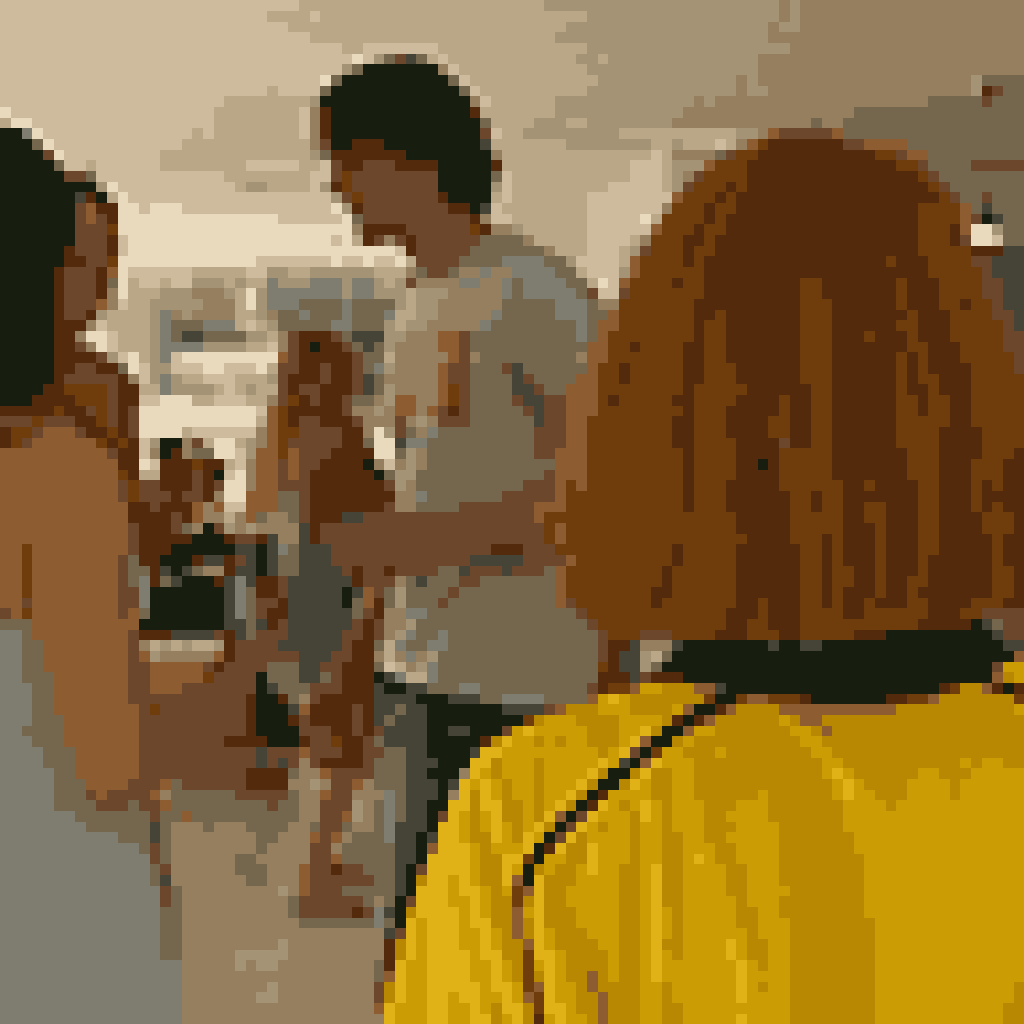
A bright character scene beside its limited-palette pixel-art version.

Picture to pixel art

Picture to Pixel Art Generator

Upload a picture and start with a reference-guided pixel-art preset. It rebuilds the scene with intentional square clusters and a controlled palette, rather than adding a blurry mosaic filter.

Try this style
A neutral product scene beside a soft watercolor interpretation.

Turn photo into watercolor

Turn Photo into Watercolor

Upload a photo and start with a reference-guided watercolor preset. It keeps the subject and framing recognizable while shifting the rendering to transparent washes, hand-painted edges, and paper grain.

Try this style
A neutral product scene beside a soft watercolor interpretation.

Turn photo into vintage

Turn Photo into Vintage Film Style

Upload a photo and start with a reference-guided preset for faded color, warm analog tone, soft contrast, and restrained film grain.

Try this style
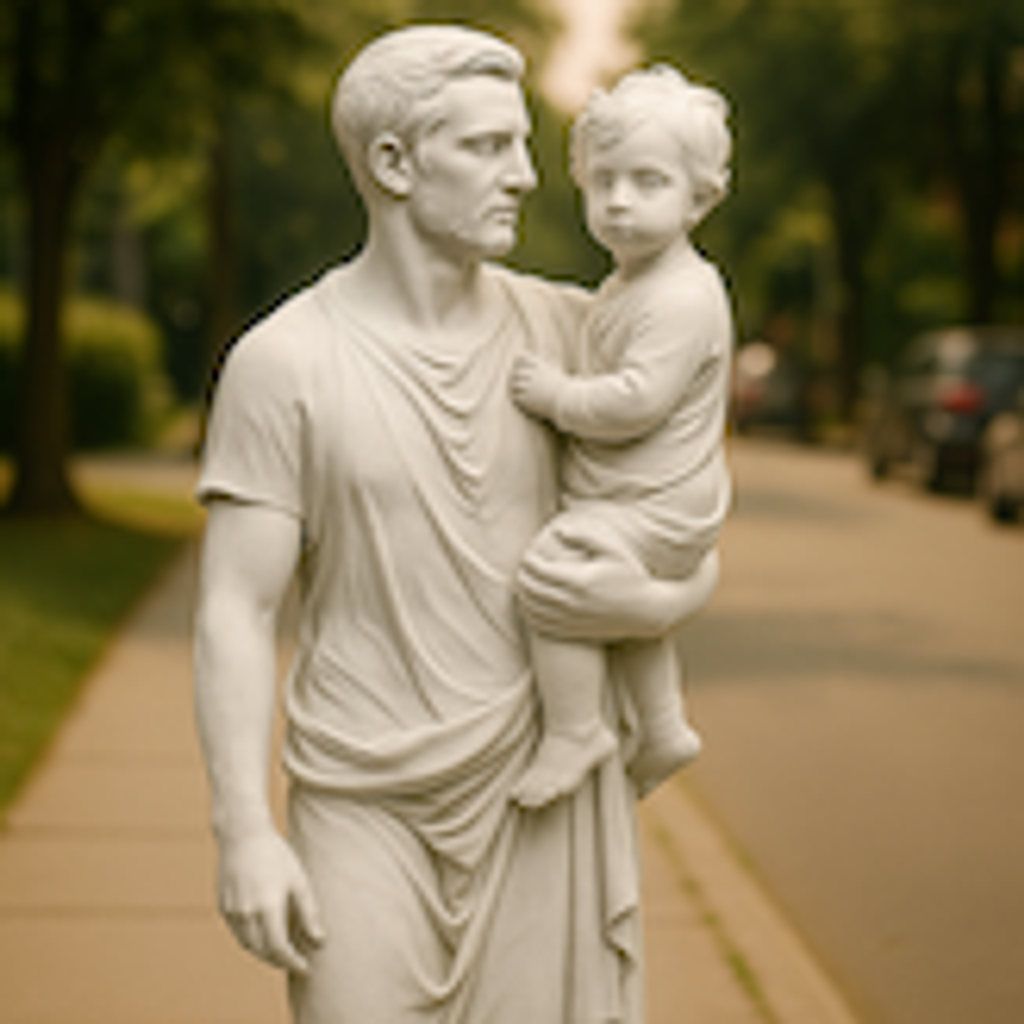
A portrait photo beside its carved marble-sculpture interpretation.

Photo to sculpture

Photo to Sculpture Generator

Upload a portrait and use the reference-guided preset to reimagine it as carved stone. The preset keeps the pose and facial structure readable while the workspace keeps the stone, framing, and lighting editable.

Try this style
A photo beside its hand-embroidered thread-art interpretation.

Photo to embroidery

Photo to Embroidery Generator

Upload a photo and use the reference-guided preset to rebuild it from visible stitches on fabric. The preset keeps the subject readable while the workspace keeps the fabric, thread palette, and framing editable.

Try this style
A studio portrait beside an opposite-gender version with matching hair and lighting.

Gender swap filter

Gender Swap Filter

Upload a portrait you have permission to edit and use the reference-guided preset to preview the same person with a different gender presentation. The pose, framing, and background stay put while the workspace keeps the direction editable.

Try this style
A photo beside its charcoal-drawing interpretation.

Photo to charcoal drawing

Photo to Charcoal Drawing Generator

Upload a photo and use the reference-guided preset to rebuild it from broad charcoal strokes and smudged shadows. The preset keeps the subject readable while the workspace keeps paper texture and contrast editable.

Try this style
A photo beside its acrylic-painting interpretation.

Photo to acrylic painting

Photo to Acrylic Painting Generator

Upload a photo and use the reference-guided preset to rebuild it with opaque layered strokes and saturated pigment. The preset keeps the subject readable while the workspace keeps color and texture editable.

Try this style
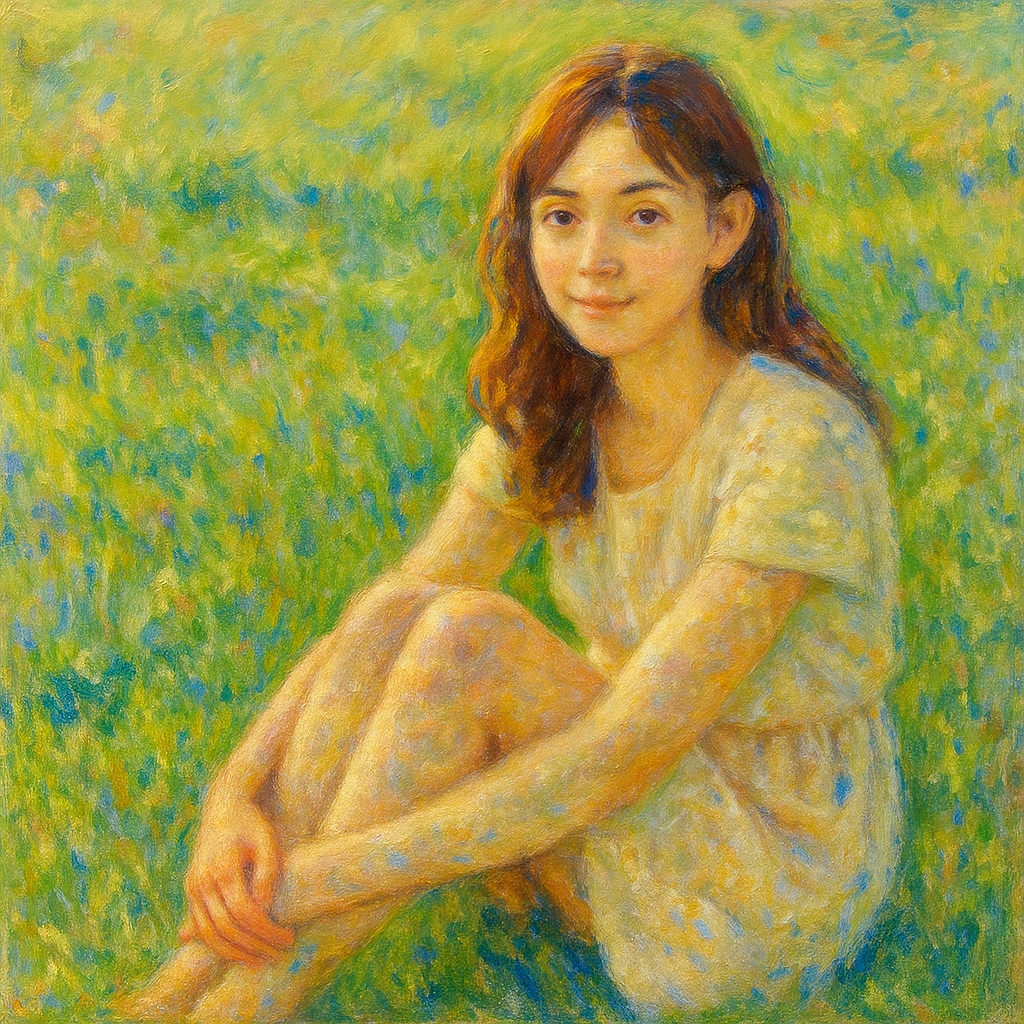
A photo beside its impressionist-painting interpretation.

Photo to impressionism

Photo to Impressionist Painting Generator

Upload a photo and use the reference-guided preset to dissolve fine detail into short, luminous brushstrokes. The preset keeps the scene readable while the workspace keeps palette and light editable.

Try this style
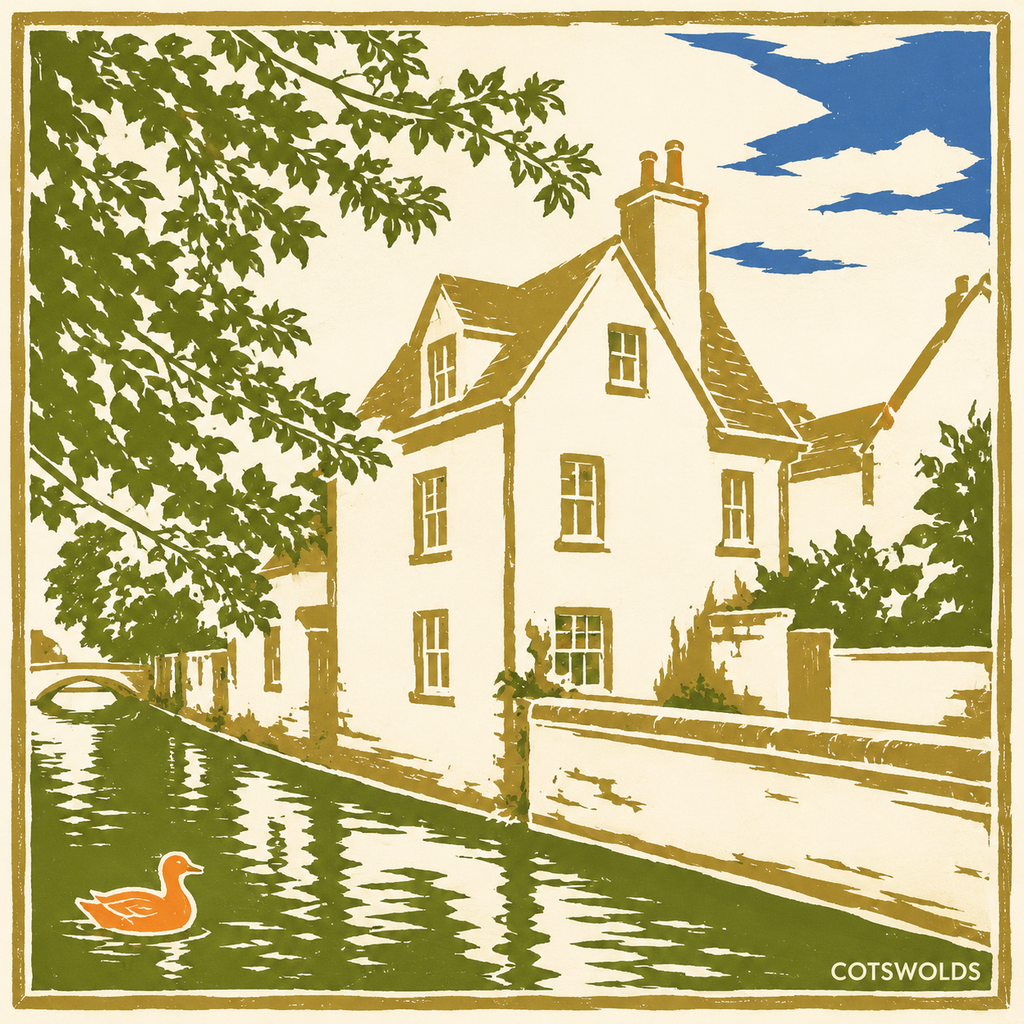
A photo beside its ukiyo-e woodblock interpretation.

Photo to ukiyo-e

Photo to Ukiyo-e Woodblock Print Generator

Upload a photo and use the reference-guided preset to flatten the scene into layered color fields, bold outlines, and bokashi gradients on handmade paper.

Try this style
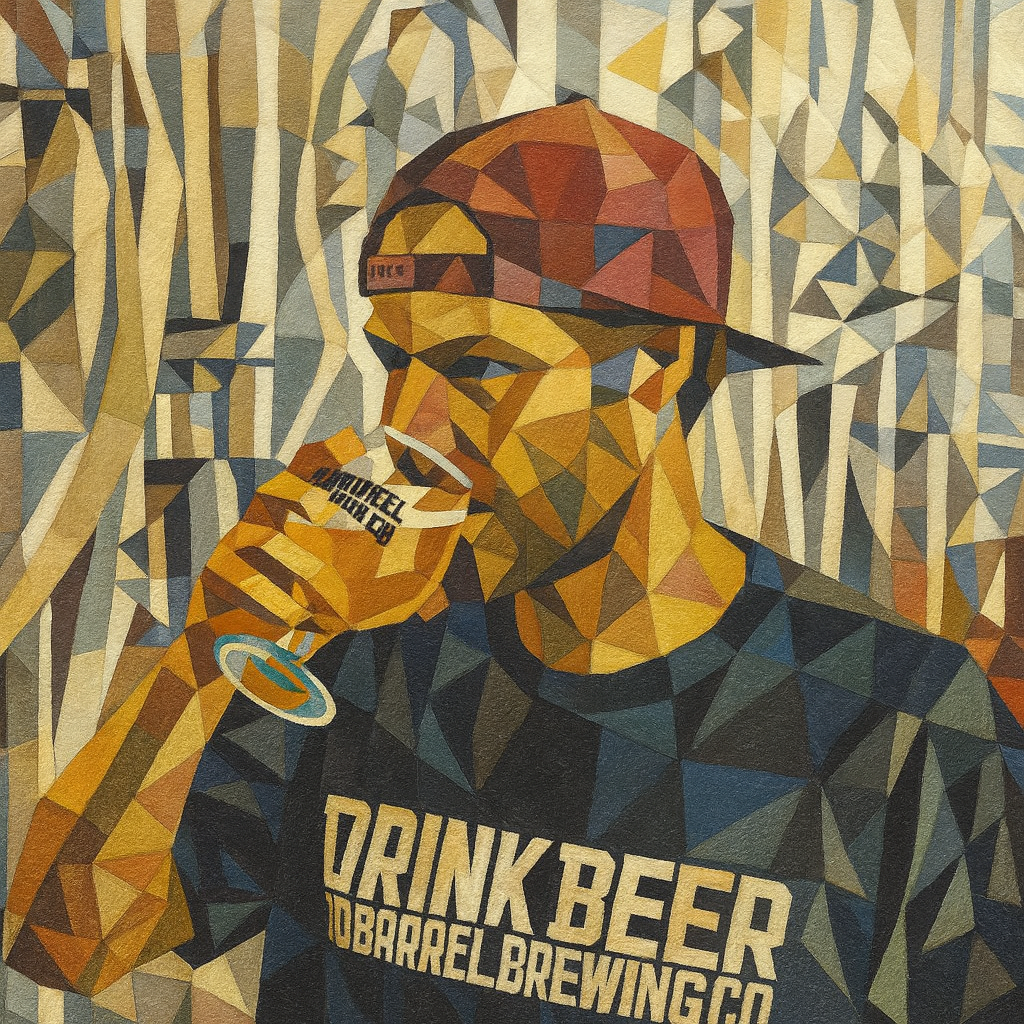
A photo beside its cubist-painting interpretation.

Photo to cubism

Photo to Cubist Painting Generator

Upload a photo and use the reference-guided preset to fragment the subject into overlapping geometric planes and simultaneous viewpoints while it stays recognizable.

Try this style
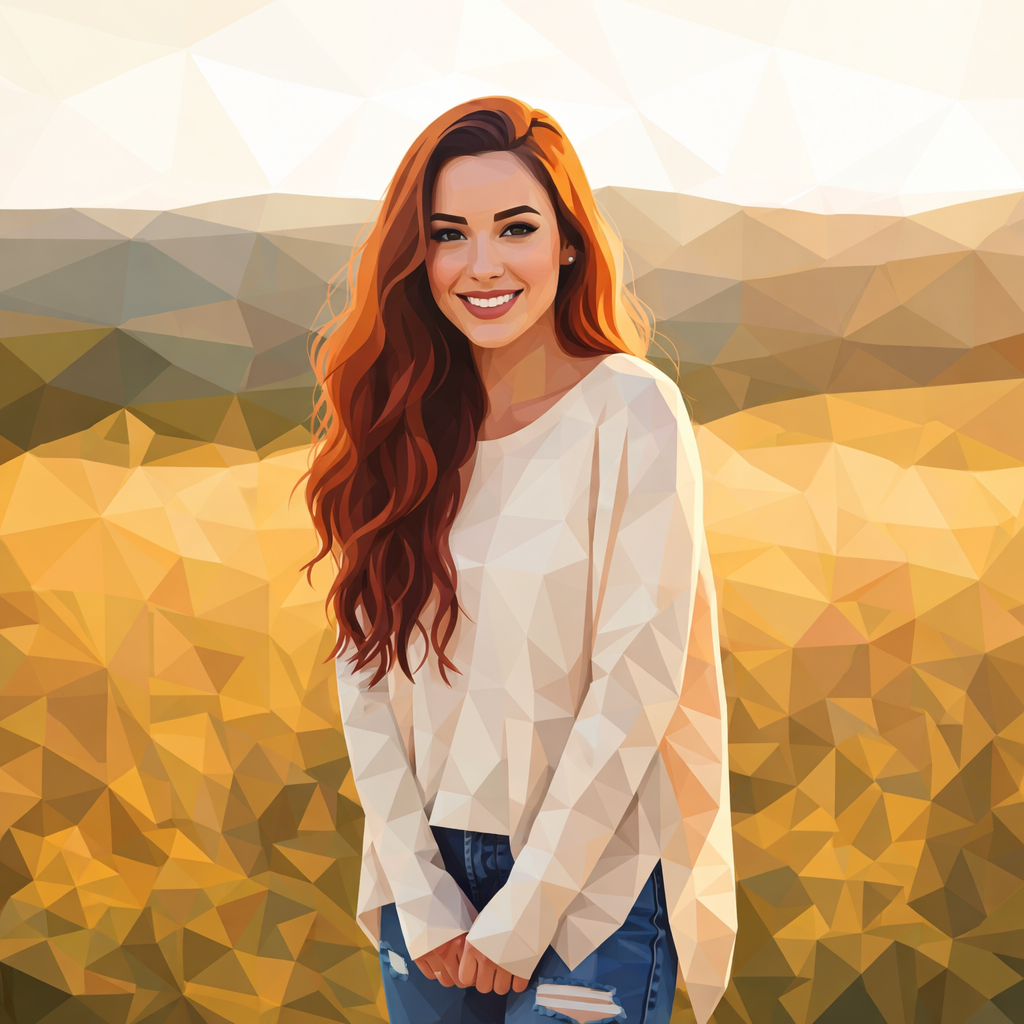
A photo beside its low-poly interpretation.

Photo to low poly art

Photo to Low Poly Art Generator

Upload a photo and use the reference-guided preset to rebuild every surface from crisp triangular facets. The preset keeps the silhouette readable while the workspace keeps mesh density and palette editable.

Try this style
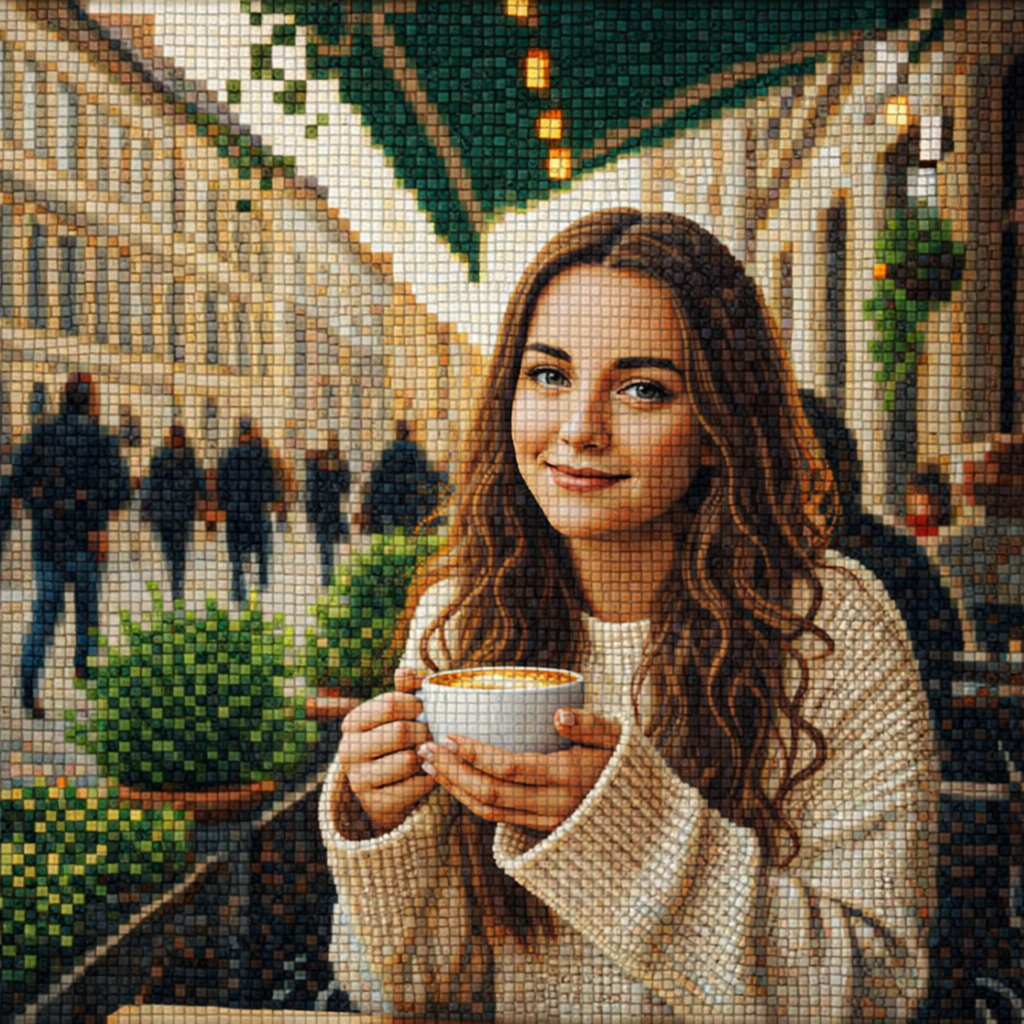
A photo beside its tile-mosaic interpretation.

Photo to mosaic art

Photo to Mosaic Art Generator

Upload a photo and use the reference-guided preset to rebuild it from hand-set tesserae tiles with visible grout lines. The preset keeps the subject readable while the workspace keeps tile size and palette editable.

Try this style
A photo beside its stained-glass interpretation.

Photo to stained glass

Photo to Stained Glass Generator

Upload a photo and use the reference-guided preset to redraw it as colored glass segments separated by bold lead lines. The preset keeps shapes readable while the workspace keeps palette and glow editable.

Try this style
A photo beside its 3D-illustration interpretation.

Photo to 3D illustration

Photo to 3D Illustration Generator

Upload a photo and use the reference-guided preset to rebuild it as a soft-shaded 3D illustration with clean materials and studio light. The preset keeps the subject recognizable while the workspace keeps lighting and finish editable.

Try this style
A photo beside its isometric-vector interpretation.

Photo to isometric vector

Photo to Isometric Vector Generator

Upload a photo and use the reference-guided preset to rebuild it as a clean isometric scene with flat-shaded planes and crisp geometry. The preset keeps the layout readable while the workspace keeps palette and detail editable.

Try this style
A photo beside its mandala interpretation.

Photo to mandala

Photo to Mandala Generator

Upload a photo and use the reference-guided preset to distill it into a symmetric mandala with radiating petals and ornamental linework. The preset keeps the motif centered while the workspace keeps detail density and palette editable.

Try this style
A photo beside its technical-drawing interpretation.

Photo to technical drawing

Photo to Technical Drawing Generator

Upload a photo and use the reference-guided preset to reduce it to clean outlines, hatching, and construction lines in the style of a patent or engineering drawing. The preset keeps the subject legible while the workspace keeps line weight and annotation editable.

Try this style
A photo beside its blueprint interpretation.

Photo to blueprint

Photo to Blueprint Generator

Upload a photo and use the reference-guided preset to redraw it as white schematic lines on classic blueprint blue. The preset keeps the subject structured while the workspace keeps line weight, tint, and annotations editable.

Try this style
A photo beside its 3D chibi figure interpretation.

Photo to 3D chibi

Photo to 3D Chibi Generator

Upload a photo and use the reference-guided preset to rebuild the subject as a glossy big-headed collectible figure with a tiny body and soft studio light. The preset keeps the likeness in the head while the workspace keeps pose, outfit, and finish editable.

Try this style
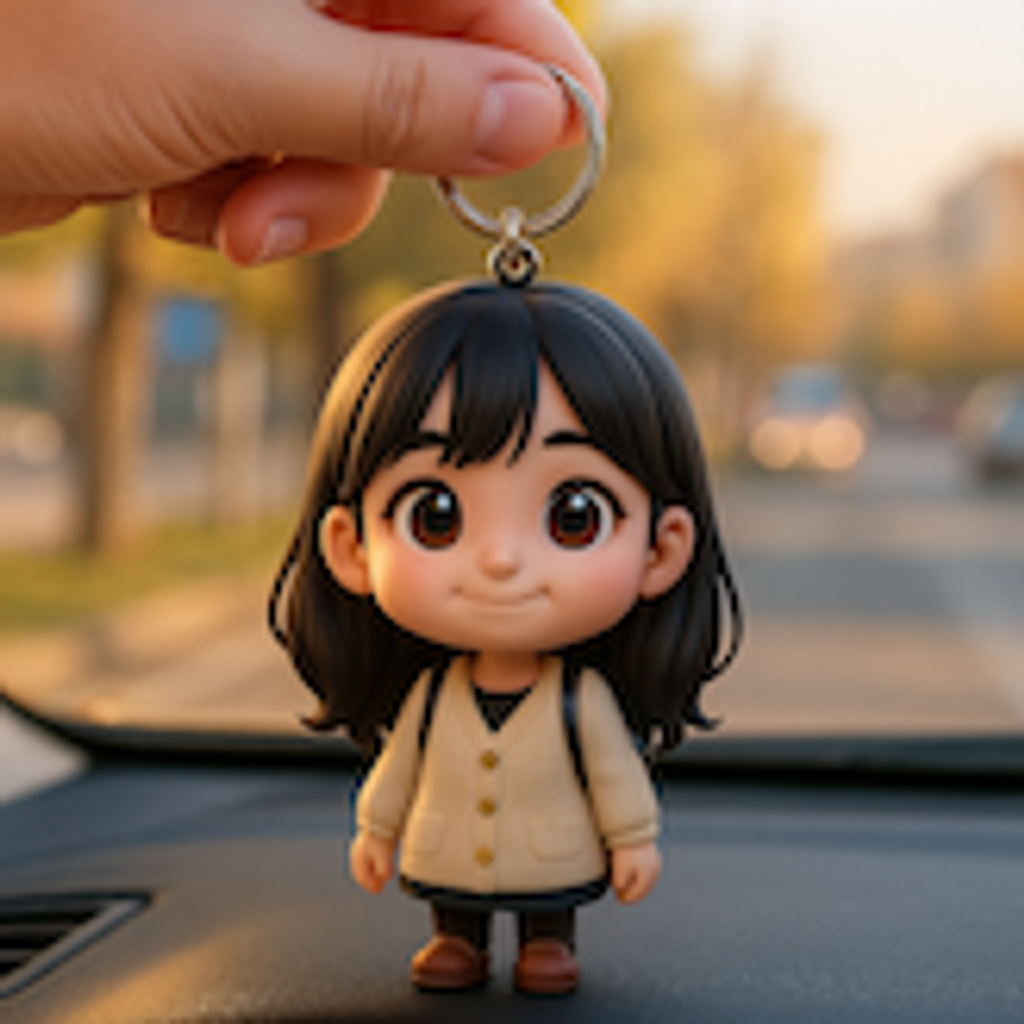
A photo beside its 3D chibi keychain interpretation.

Photo to 3D chibi keychain

Photo to 3D Chibi Keychain Generator

Upload a photo and use the reference-guided preset to rebuild the subject as a big-headed collectible figure mounted on a keyring, framed as a clean product shot. The preset keeps the likeness in the head while the workspace keeps material and backdrop editable.

Try this style
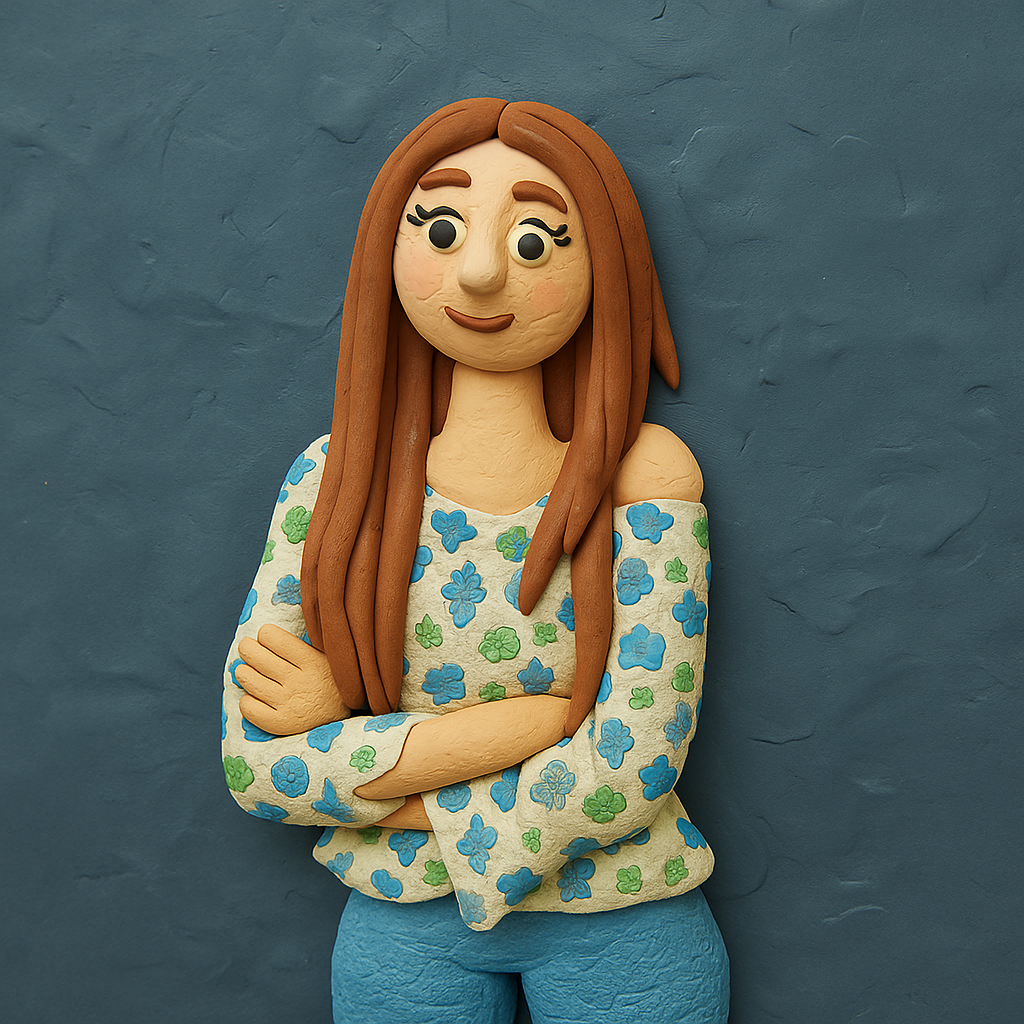
A photo beside its claymation interpretation.

Photo to claymation

Photo to Claymation Generator

Upload a photo and use the reference-guided preset to rebuild the subject as a hand-modeled clay figure with thumb marks, soft studio light, and a stop-motion set feel. The preset keeps the likeness readable while the workspace keeps clay color and props editable.

Try this style
A photo beside its caricature interpretation.

Photo to caricature

Photo to Caricature Generator

Upload a photo and use the reference-guided preset to exaggerate the features that make the subject recognizable, redrawn in confident marker lines and marker-rendered color. The preset keeps the likeness while the workspace keeps exaggeration level and palette editable.

Try this style
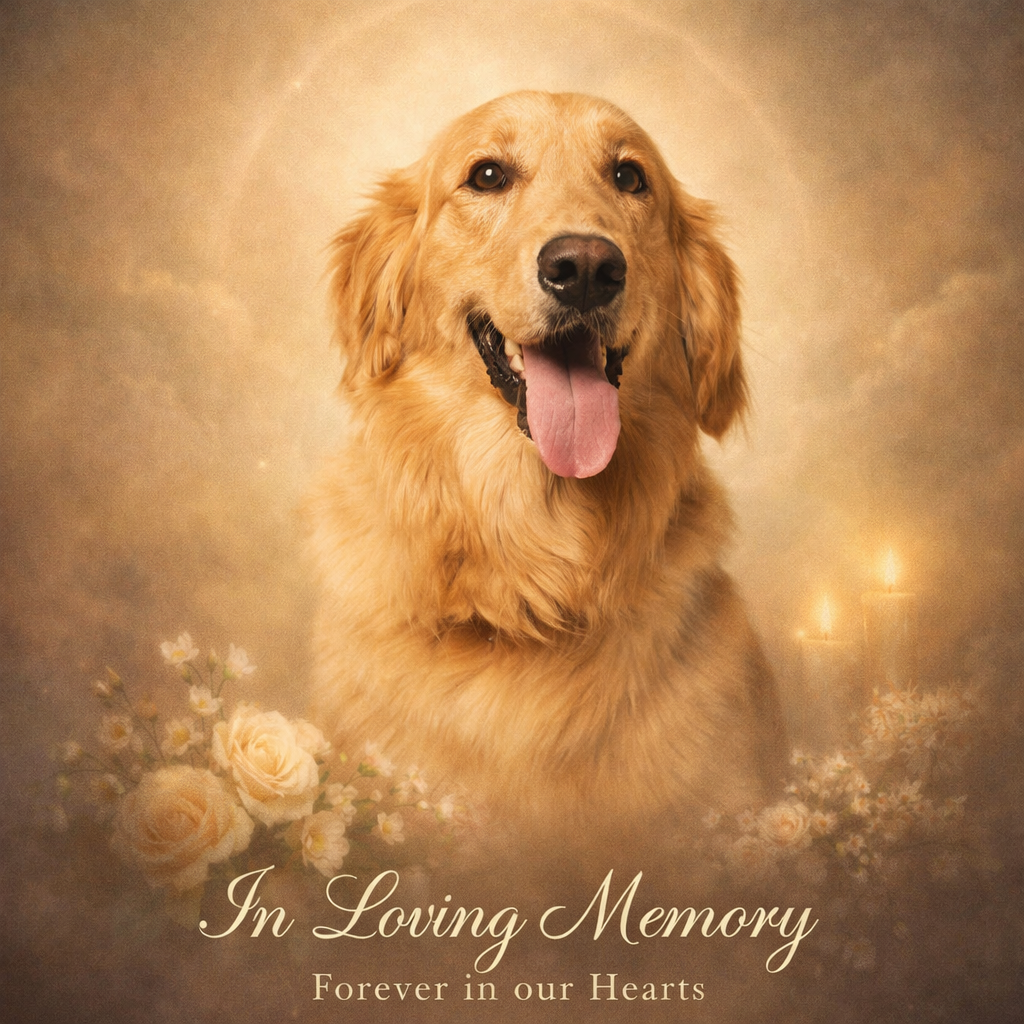
A pet photo beside its memorial-art interpretation.

Photo to pet memorial art

Photo to Pet Memorial Art Generator

Upload a photo of your pet and use the reference-guided preset to create a soft, reverent keepsake portrait with gentle light and a peaceful setting. The preset keeps the likeness while the workspace keeps mood, palette, and background editable.

Try this style
A photo beside its ink-wash interpretation.

Photo to ink wash painting

Photo to Ink Wash Painting Generator

Upload a photo and use the reference-guided preset to redraw it with flowing ink gradations, expressive brushwork, and generous negative space on rice paper. The preset keeps the composition readable while the workspace keeps ink density and empty space editable.

Try this style
A damaged photo beside its restored version.

AI photo restoration

AI Photo Restoration

Upload a damaged photo and use the reference-guided preset to repair scratches, tears, and fade while keeping faces, clothing, and composition faithful to the original. The preset preserves the period look while the workspace keeps detail level and finish editable.

Try this style
A black-and-white photo beside its colorized version.

Colorize photo

Colorize Photo — Black and White to Color

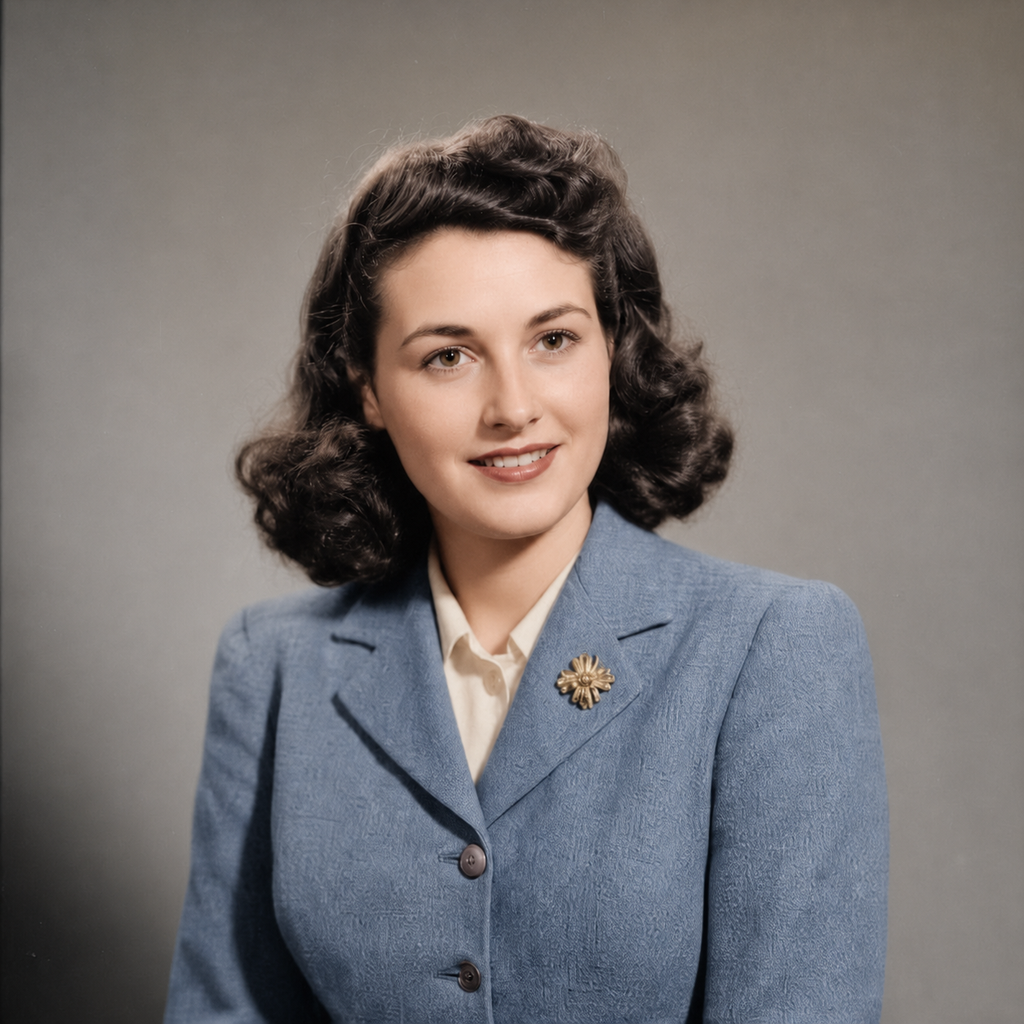
Upload a monochrome photo and use the reference-guided preset to add believable, period-appropriate color while keeping every detail of the original untouched. The preset favors realistic saturation while the workspace keeps palette and intensity editable.

Try this style
A photo beside an extended version of the same scene.

AI image extender

AI Image Extender — Expand Photo Backgrounds

Upload a photo and use the reference-guided preset to continue the scene naturally beyond the current frame. The preset matches perspective, light, and texture while the workspace keeps aspect ratio and direction editable.

Try this style
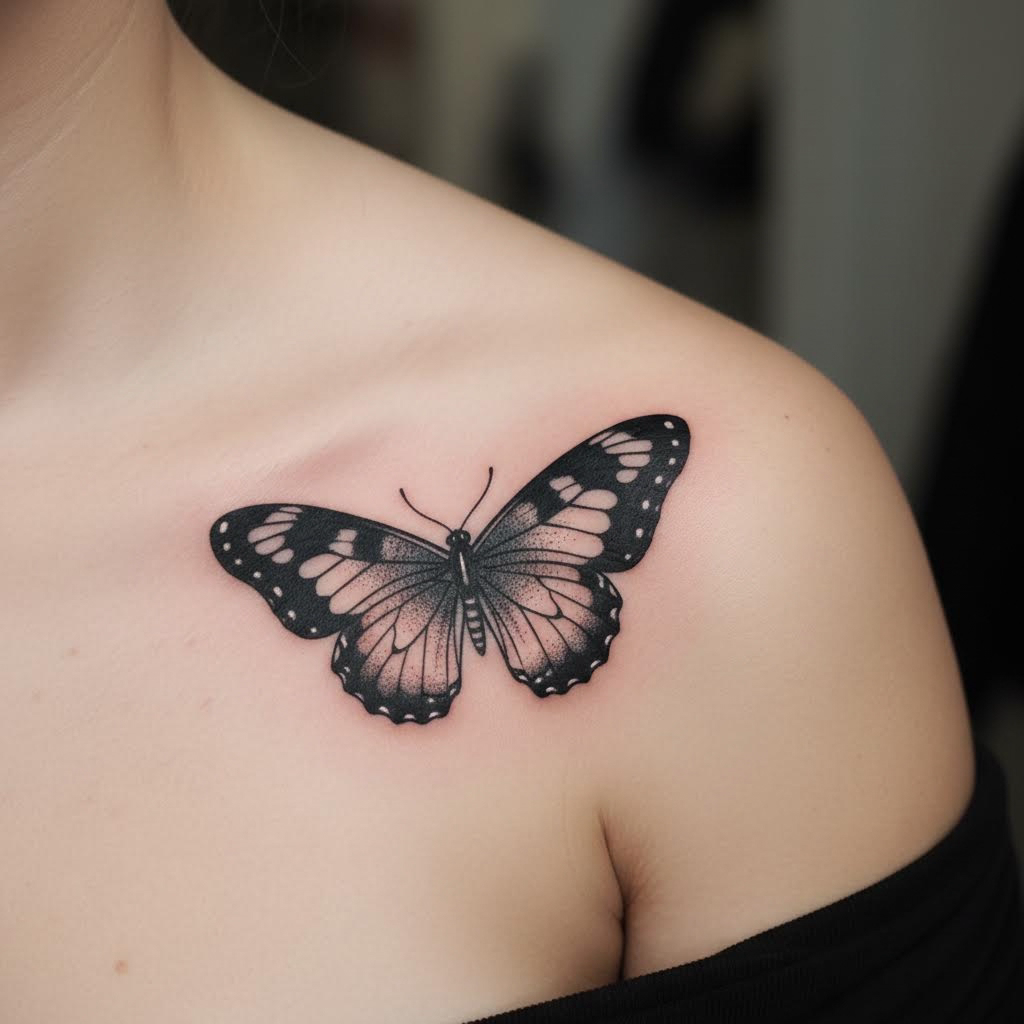
Bare skin beside the same skin with a tattoo applied.

AI tattoo generator

AI Tattoo Generator — Try Tattoos on Your Photo

Upload a photo of the skin area and use the reference-guided preset to render a realistic custom tattoo that follows body contours. The preset keeps the surrounding skin and lighting unchanged while the workspace keeps design, size, and placement editable.

Try this style
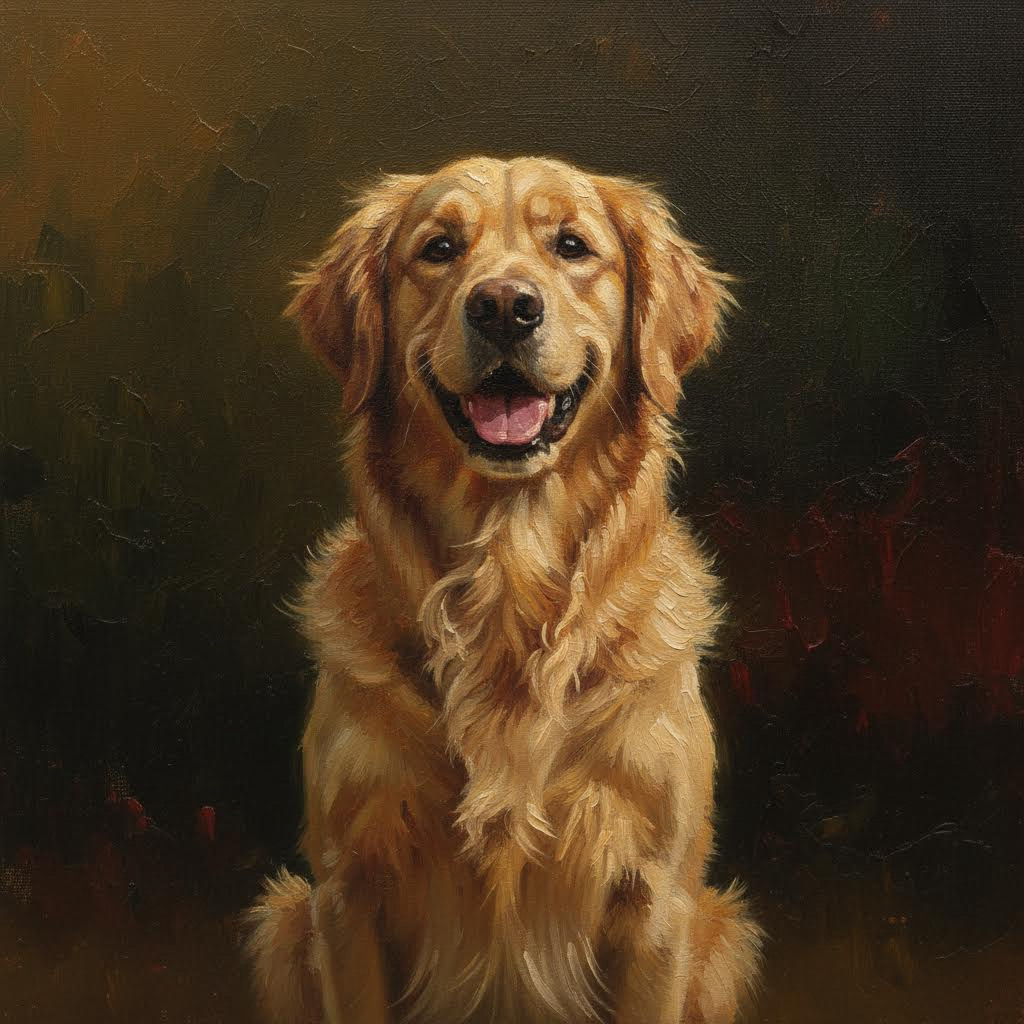
A pet photo beside its painted portrait.

AI pet portrait generator

AI Pet Portrait Generator — Custom Pet Art

Upload a pet photo and use the reference-guided preset to paint a studio-style portrait that preserves breed, fur pattern, and expression. The preset keeps the likeness faithful while the workspace keeps backdrop, lighting, and medium editable.

Try this style
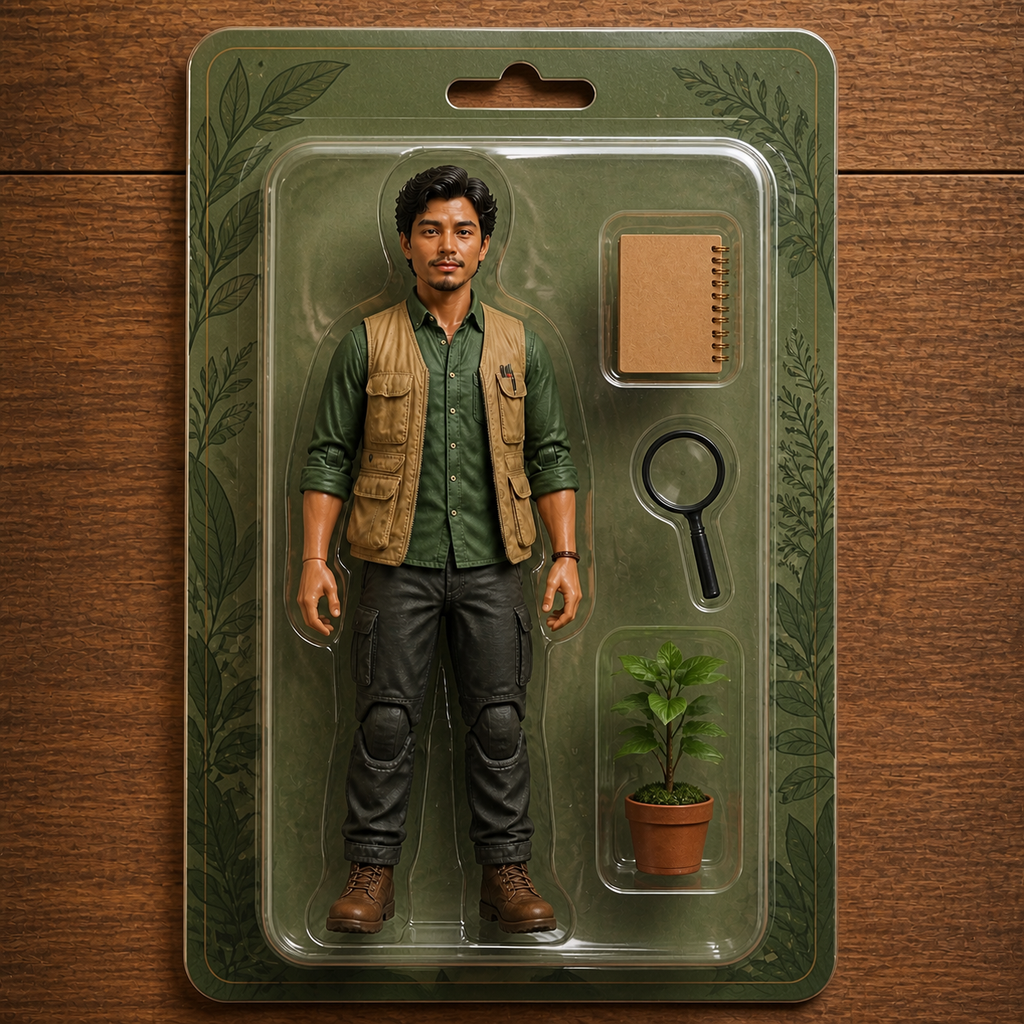
A photo beside its blister-packed action figure version.

AI action figure generator

AI Action Figure Generator — Toy Packaging Mockups

Upload a photo and use the reference-guided preset to reimagine the subject as a glossy collectible figure inside blister-pack packaging with themed accessories. The preset keeps the likeness while the workspace keeps outfit, accessories, and box colors editable.

Try this style
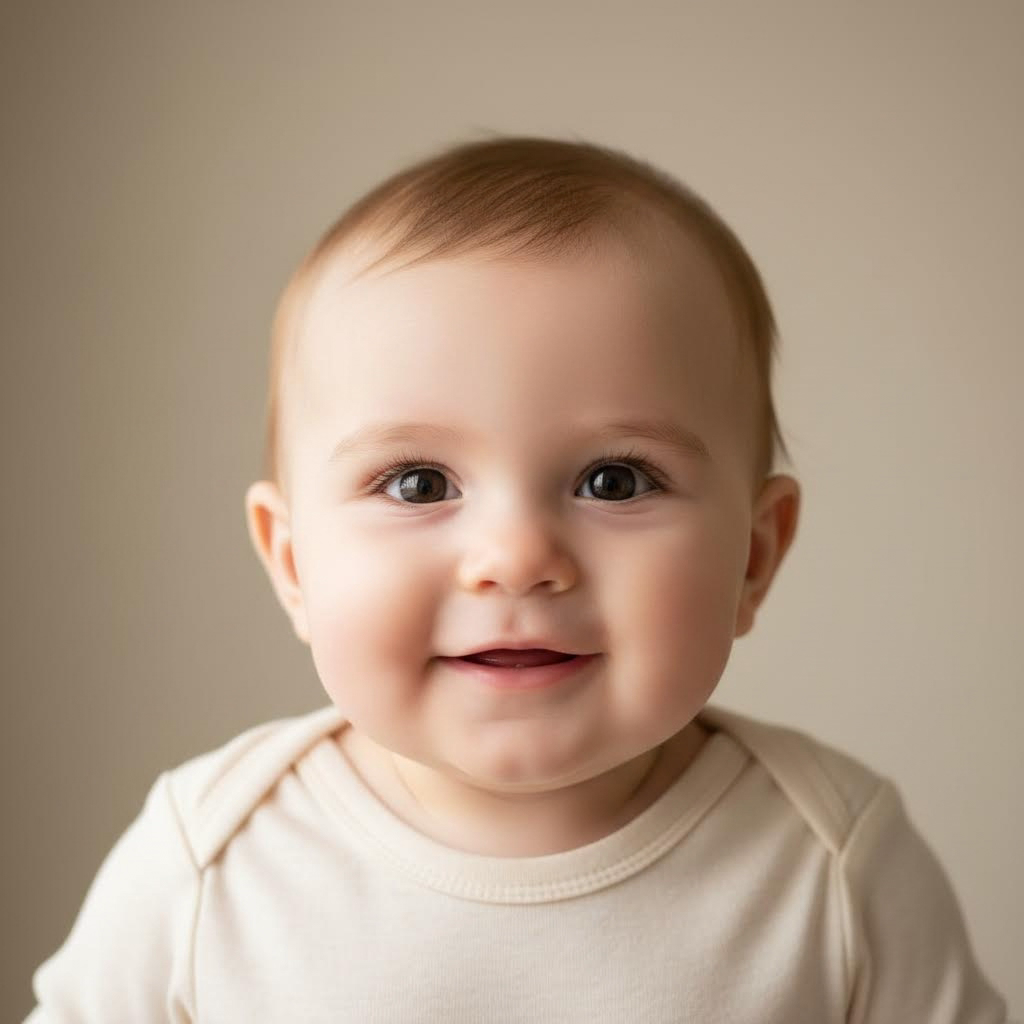
Adult faces beside their baby versions.

Baby face generator

Baby Face Generator — See Anyone as a Baby

Upload a photo and use the reference-guided preset to reimagine the subjects as realistic babies with round cheeks and bright eyes — while keeping their hair color, eye color, and skin tone so the resemblance holds. The workspace keeps lighting and background editable.

Try this style
A neutral expression beside a warm natural smile.

Facial expression changer

Facial Expression Changer — Edit Expressions in Photos

Upload a photo and use the reference-guided preset to swap the facial expression — from neutral to a warm natural smile — while identity, pose, lighting, and background stay exactly as shot. The workspace keeps the target expression editable.

Try this style
An original hairstyle beside a new modern cut.

Hairstyle changer

Hairstyle Changer — Try New Hairstyles on Your Photo

Upload a photo and use the reference-guided preset to preview a new hairstyle that suits the face in the photo. Only the hair changes — identity, face, clothing, pose, lighting, and background stay exactly as shot, and the workspace keeps style and length editable.

Try this style
An original outfit beside a restyled look.

AI clothes changer

AI Clothes Changer — Swap Outfits in Photos

Upload a photo and use the reference-guided preset to restyle the clothing — from everyday wear to formal or themed looks — while identity, face, pose, lighting, and background stay exactly as shot. The workspace keeps garment style and color editable.

Try this style
A character reference beside the same character in a new scene.

Consistent character

Consistent Character Generator — Same Face, Any Scene

Upload a photo that defines your character and use the reference-guided preset to place them into new settings with the same face, hairstyle, and identity. The preset keeps the character on-model while the workspace keeps scene, wardrobe, and style editable.

Try this style
A photo beside its comic-book redraw.

AI comic generator

AI Comic Generator — Turn Photos into Comic Art

Upload a photo and use the reference-guided preset to redraw it as a comic-book panel with bold inked outlines, halftone dots, and dramatic cel colors. The preset keeps the subject recognizable while the workspace keeps panel framing and palette editable.

Try this style
A daytime scene beside its night-time transformation.

Day to night photo

Day to Night Photo Converter — Turn Day into Night

Upload a daytime photo and use the reference-guided preset to relight it as a convincing night scene — deep sky, warm windows, street lamps, and moonlit shadows — while every building and subject stays exactly in place. The workspace keeps mood and light sources editable.

Try this style
An illustrative ecommerce product photo direction showing an unbranded bottle in a warm studio setting.

Ecommerce product images

AI Product Photo Generator for Ecommerce

Upload an approved product reference to this AI-powered product photo generator, choose one image role, and create a product-first visual for a listing or product page. Review labels, materials, and dimensions before publishing.

Create a product photo
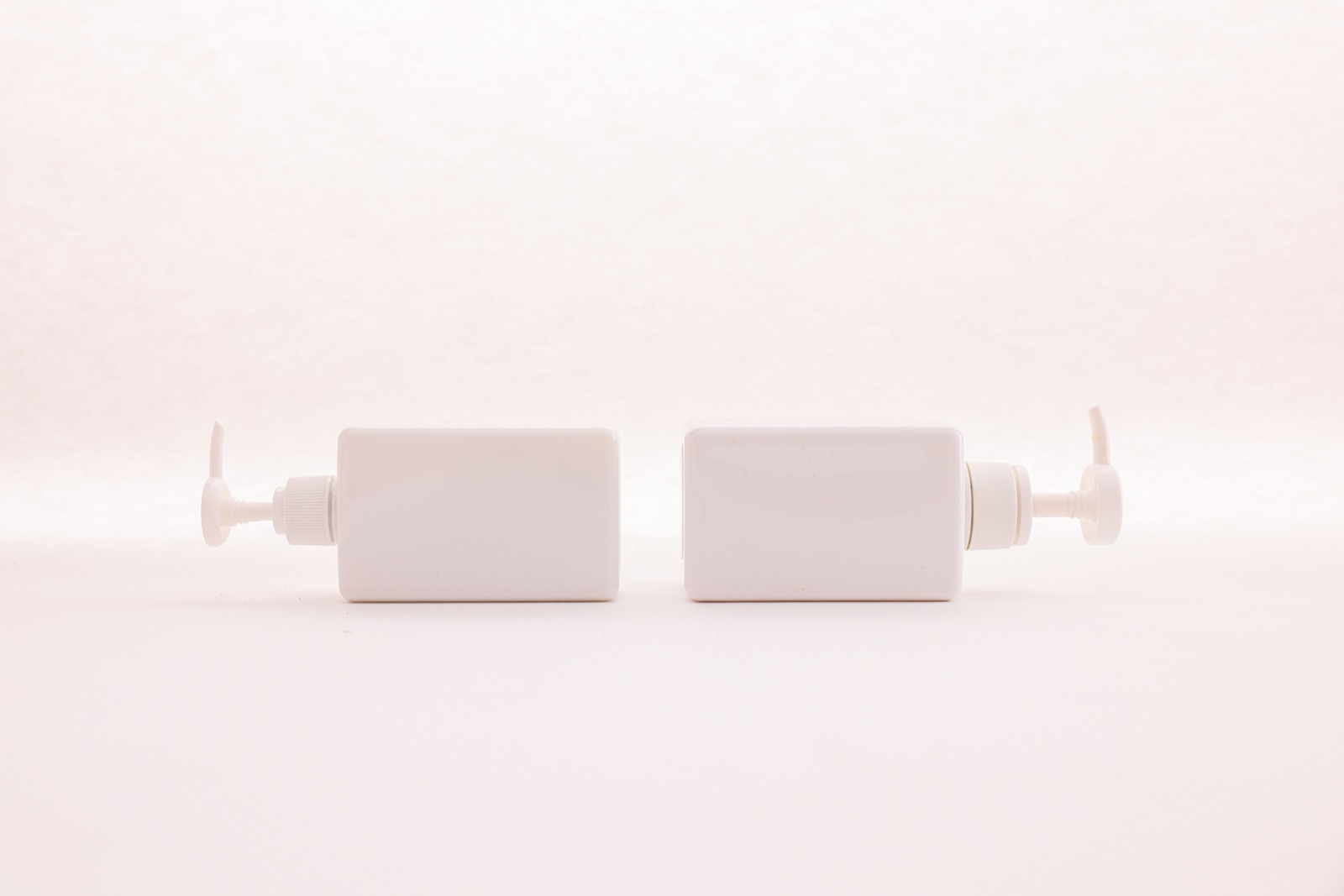
Two unbranded white pump bottles photographed on a clean white background.

Ecommerce listing images

AI White Background Generator

Upload a product image, identify the item to keep, and generate a centered ecommerce visual with a pure white background.

Open white-background tool
An illustrative marketing poster for a fictional sparkling beverage campaign.

Campaign creative

AI Marketing Poster Generator

Set the campaign topic, optional copy, visual direction, and reference assets, then generate a product-first poster built for a social or campaign format.

Open marketing poster tool
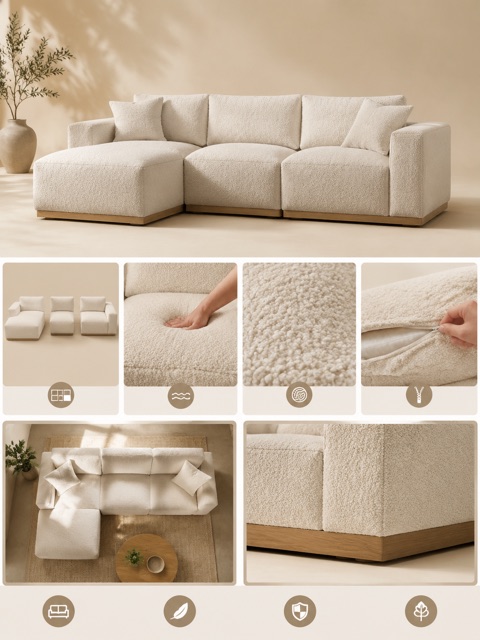
An illustrative product-detail layout showing multiple visual roles for a sofa listing.

Product detail imagery

AI Product Detail Image Generator

Use a product image as the source, then create different visual roles for a richer product page without treating every image as the same generic output.

Open product detail image tool
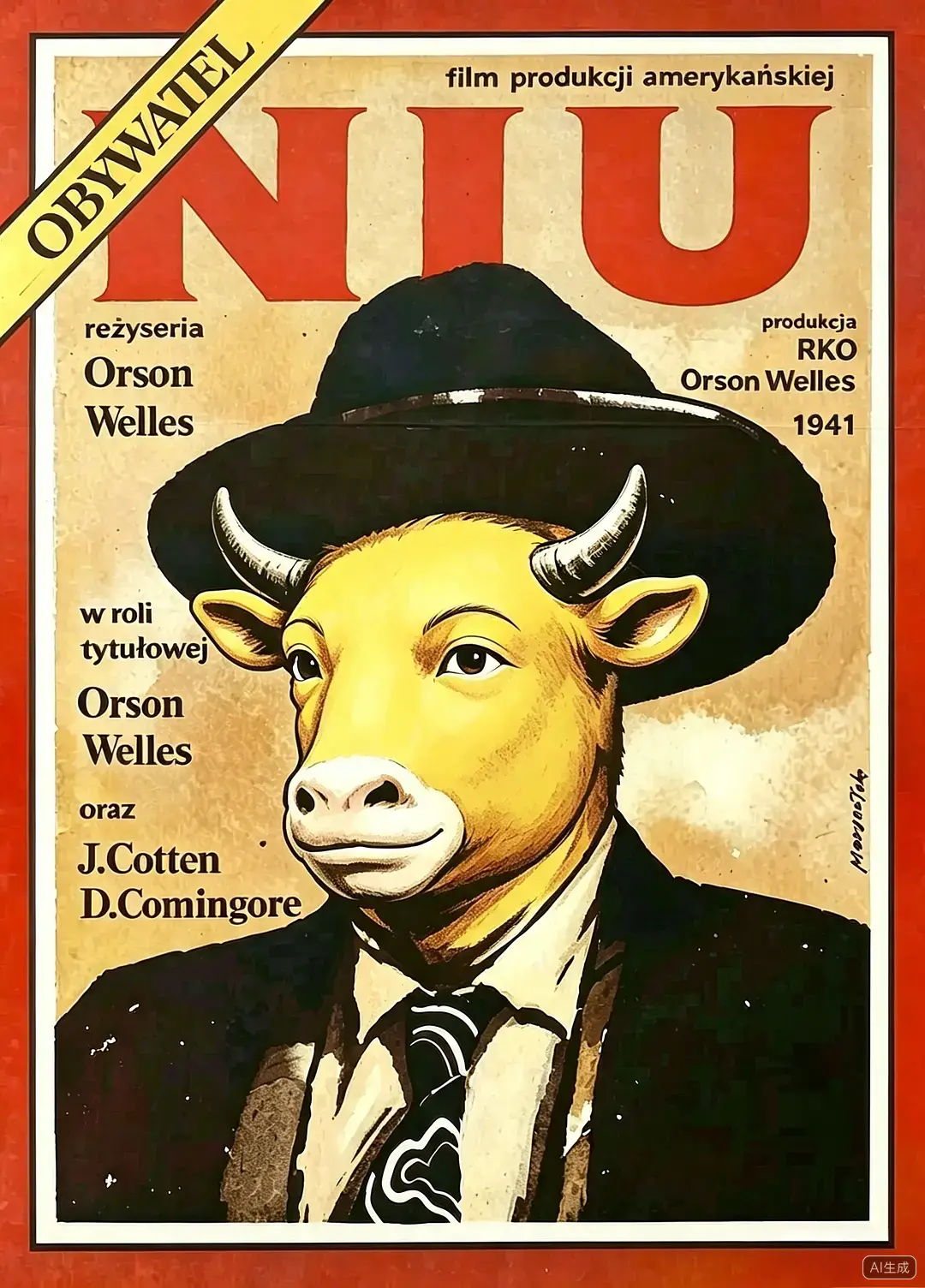
Create any Niu Lai style image — not just a poster.

Niu Lai style image generator
Niu Lai Style Image Generator
Describe a scene, portrait, wallpaper, or visual idea and generate it with the built-in Niu Lai character references. Switch to poster mode only when you want cinematic composition and title space.