Product detail imagery
Generate a coordinated set of product detail images from one reference.
Use a product image as the source, then create different visual roles for a richer product page without treating every image as the same generic output.
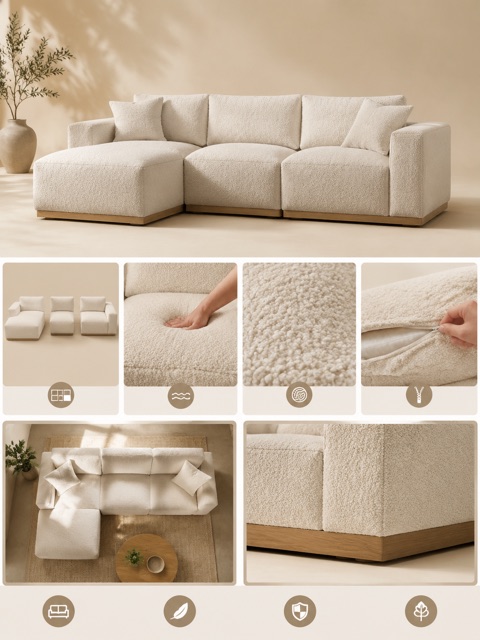
- Source
- A product reference image
- Image roles
- Hero, detail, lifestyle, material
- Optional inputs
- Logo, extra photos, and notes
Give every product image a distinct job
A detail set works when overview, material, and lifestyle images answer different shopper questions.
Every card identifies whether it is a verified model-family example or a visual reference. Reference cards are not model benchmarks or before-and-after claims.
Product detail set
Give each image a job: overview, material, feature, or lifestyle context.
Reference direction, not a model output
Local ImageStyle visual reference. It is not presented as a model-specific result.
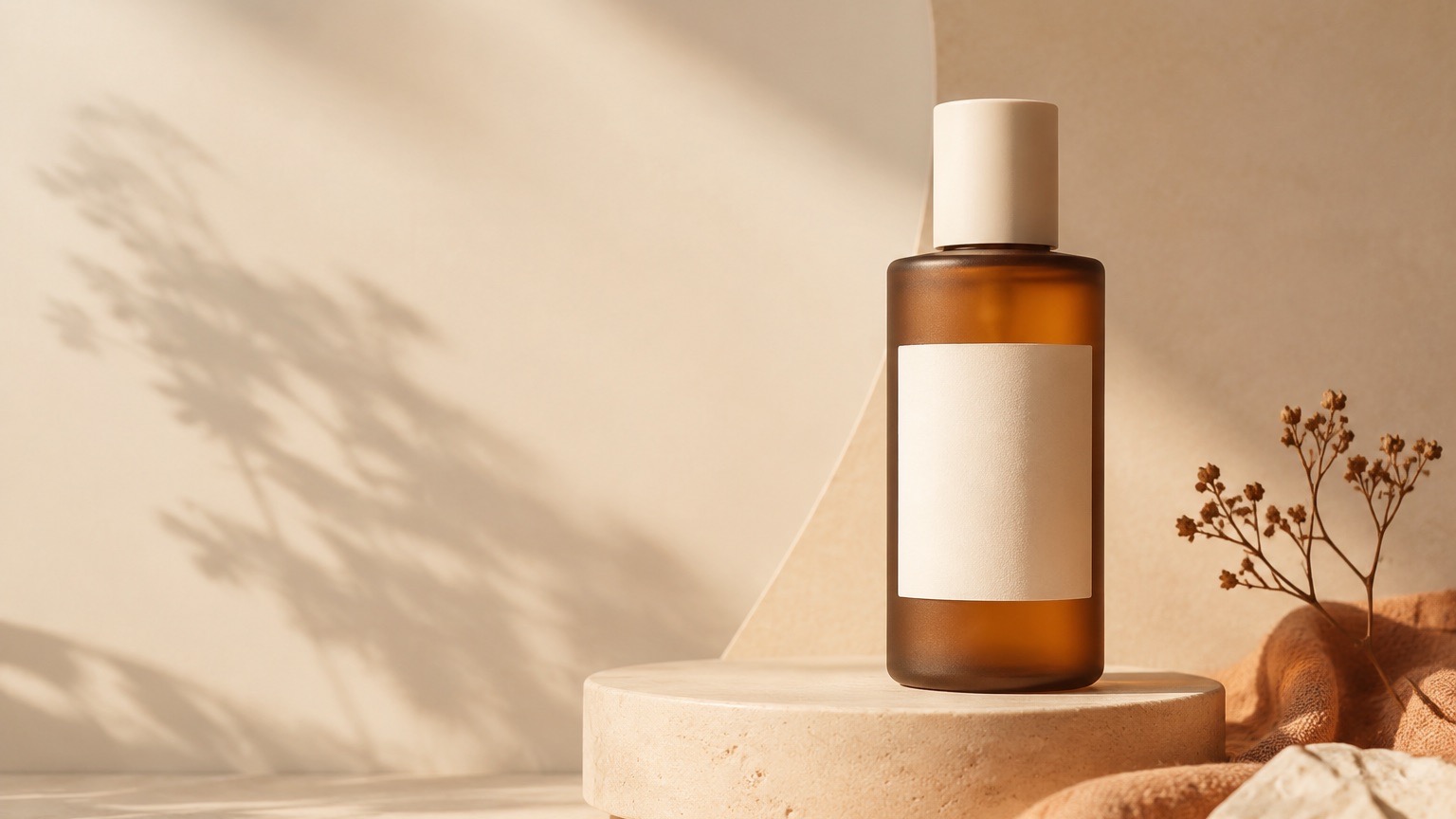
Product-first framing
Keep the product legible before adding a setting or campaign treatment.
Reference direction, not a model output
Local ImageStyle visual reference. It is not presented as a model-specific result.
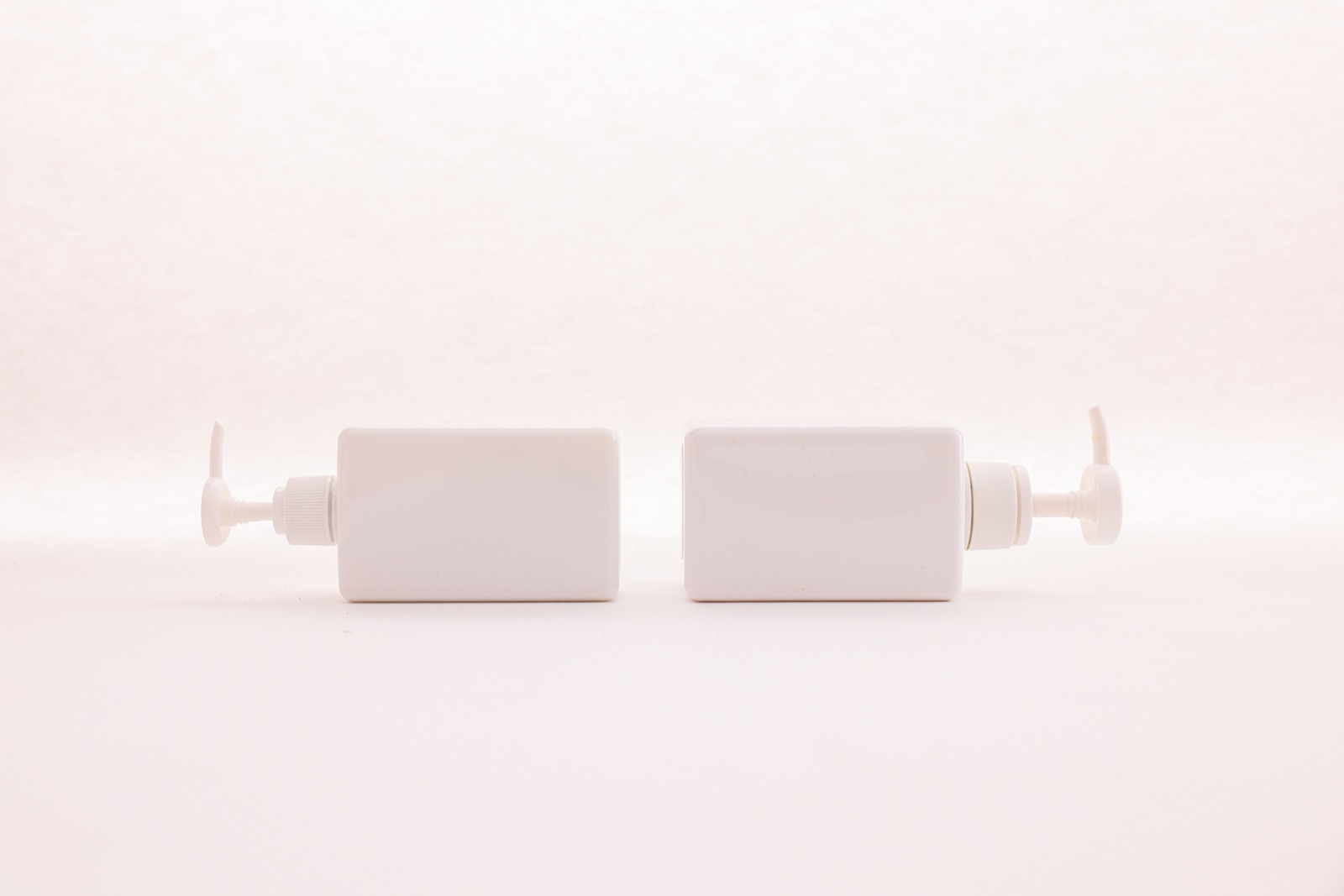
Clean catalog frame
A centered product, clean edges, and a white field with no competing objects.
Reference direction, not a model output
Local ImageStyle visual reference. It is not presented as a model-specific result.
Give every product image a purpose
Choose the visual roles that a product page needs instead of producing a set of interchangeable images.
- 1
Upload the product and optional references
Add the primary product image, then include a logo, extra product photos, or a consistent model reference when needed.
- 2
Select the image roles
Choose from hero banners, close-up details, lifestyle scenes, material views, how-to-use visuals, brand closings, or a custom role.
- 3
Set quality and generate
Choose a supported aspect ratio, copy language, and quality before generating the selected set.
Create a more complete product story
Hero imagery
Create the opening visual that makes the product the clear focal point.
Material and feature proof
Add closer views that help buyers inspect visible materials, construction, texture, and hardware.
Use context
Generate lifestyle or how-to-use images when they help explain how the product fits into a real setting.
Product detail image generator FAQ
- Which image types can I create?
- The current workflow offers hero banners, close-up details, lifestyle scenes, material images, how-to-use images, brand closings, and custom image types.
- Can I add more than one product photo?
- Yes. The workflow accepts the primary product image plus up to two additional product photos.
- Can I include a logo or a reference person?
- Yes. The workflow offers optional logo and consistent-model reference inputs alongside the product photos.