Photo to pet memorial art
Turn a pet photo into memorial art.
Upload a photo of your pet and use the reference-guided preset to create a soft, reverent keepsake portrait with gentle light and a peaceful setting. The preset keeps the likeness while the workspace keeps mood, palette, and background editable.
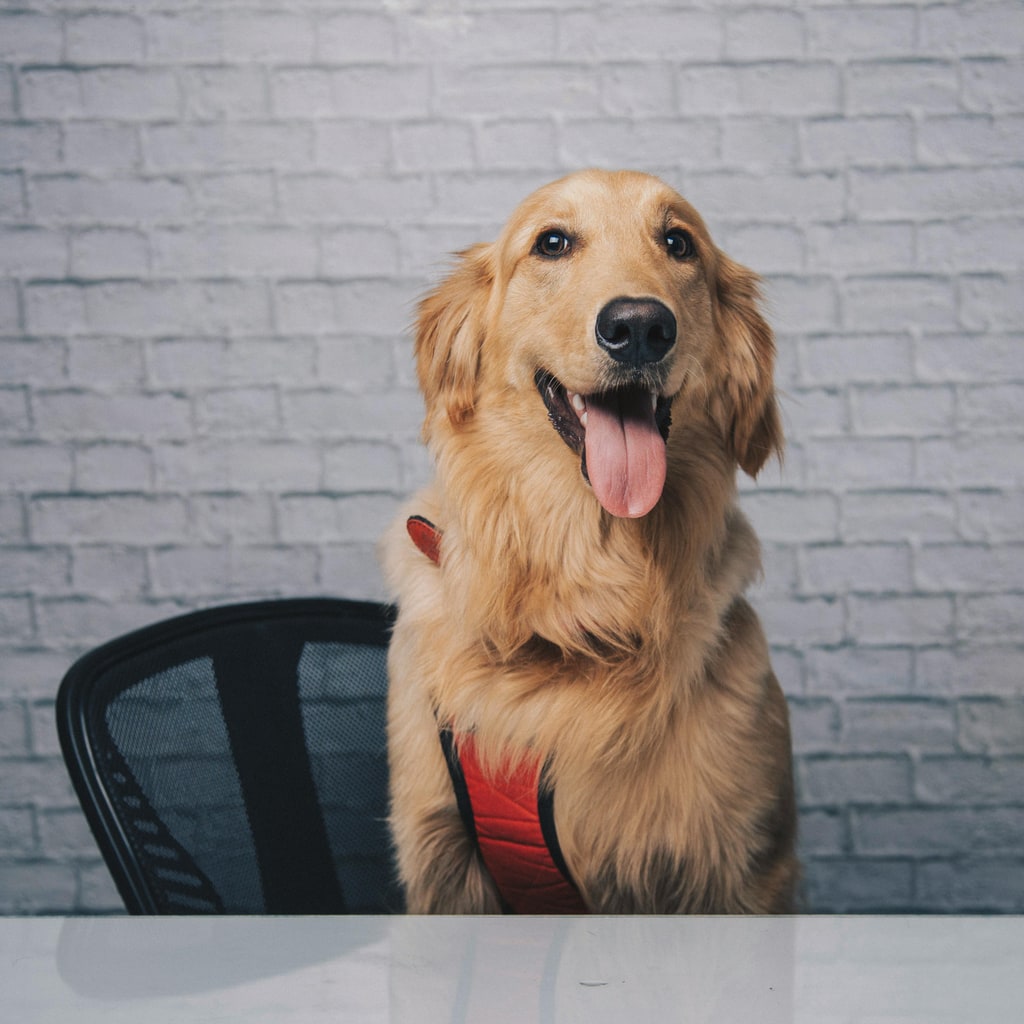
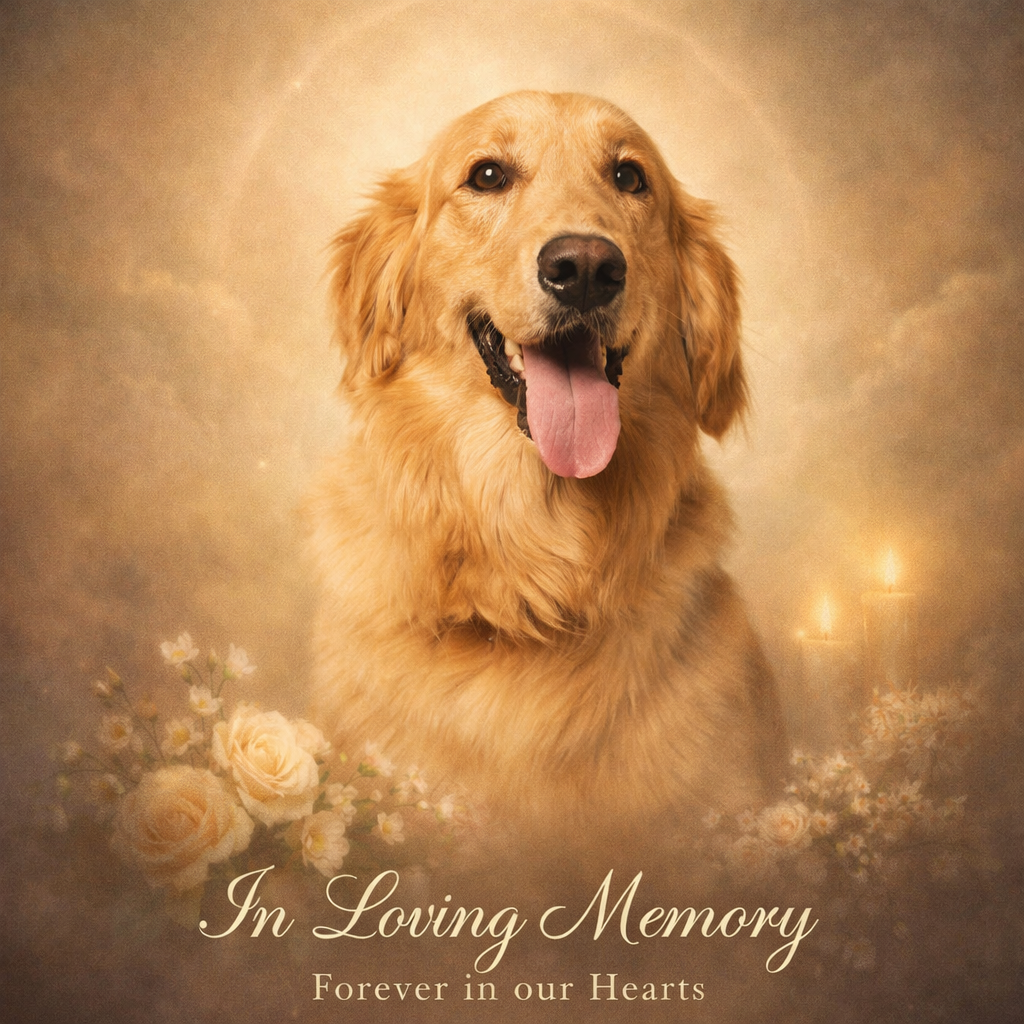
- Input
- One clear pet photo
- Output
- Soft memorial-style keepsake portrait
- Best for
- Remembrance gifts and framed keepsakes
Original photo / Pet memorial art
See the memorial art before you generate
Drag the divider to compare the source photo with a gentle pet-memorial artwork.
Original photoPet memorial artA focused pet-keepsake workflow
Keep the likeness gentle
The preset preserves your pet’s features and expression while softening the overall mood.
Choose the setting
Edit the prompt for a meadow, a favorite sunny spot, or a simple glowing background.
Compare against the source
Use the reference-image comparison to check the likeness before downloading or printing.
How to turn a pet photo into memorial art
The preset supplies the memorial direction while the ImageStyle workspace keeps the prompt and output settings editable.
- 1
Upload a clear pet photo
A sharp, well-lit photo where your pet’s face is easy to read works best.
- 2
Review the memorial prompt
The gentle keepsake direction is prefilled. Keep it, or adjust the setting and light.
- 3
Generate and compare
Inspect the artwork beside the original photo, then refine or download the result.
What to inspect in the generated artwork
- Take your time with results
- Memorial art carries weight. Generate a few options and choose when it feels right, not in a hurry.
- Old or blurry photos limit likeness
- The clearer the source, the more faithful the keepsake. Heavily compressed photos simplify features.
- Use photos you have the right to use
- Only upload photos that you are allowed to use for a personal keepsake.
Photo to pet memorial FAQ
- Can I use a photo of a pet who has passed away?
- Yes. That is the most common use. A clear photo gives the most faithful keepsake portrait.
- Do I need to write a prompt?
- No. The gentle memorial direction is prefilled and editable. Generate as-is or adjust the setting first.
- Can I match a specific art style?
- Yes. Edit the prompt for watercolor, oil, or illustration tones if you prefer a particular medium.
- What happens to my uploaded photo?
- The image is uploaded to the same reference-image workflow used by the ImageStyle generator. Review the current privacy and storage terms before using sensitive material.
Updated:
Workflow source: Current ImageStyle reference-image generator.