Product image prompts
AI product photo prompts for clearer listings and campaign visuals.
These prompt examples are organized for product-first image work. Start with your own product reference, select the visual role you need, and refine the result before it reaches a listing or campaign.
- Input
- Your product reference image
- Use for
- Listings, detail pages, and campaigns
- Prompt focus
- Product accuracy, framing, and scene
A practical product-photo prompt structure
Product prompts work best when they define what must stay accurate, then describe only the scene and image role around that item.
- 1
Name the product details that must remain true
Call out material, color, silhouette, logo placement, and any visible feature that shoppers need to recognize.
- 2
Choose one image role
Ask for a clean listing image, a close-up detail, a lifestyle scene, or a launch visual rather than trying to make one image do every job.
- 3
Review before publishing
Generated images need a final check for product fidelity, readable labels, and any product claim shown in the visual.
AI product photo prompt examples
Browse product and brand-oriented examples from the ImageStyle prompt library, then open an individual prompt to copy it or use it in a generation workflow.
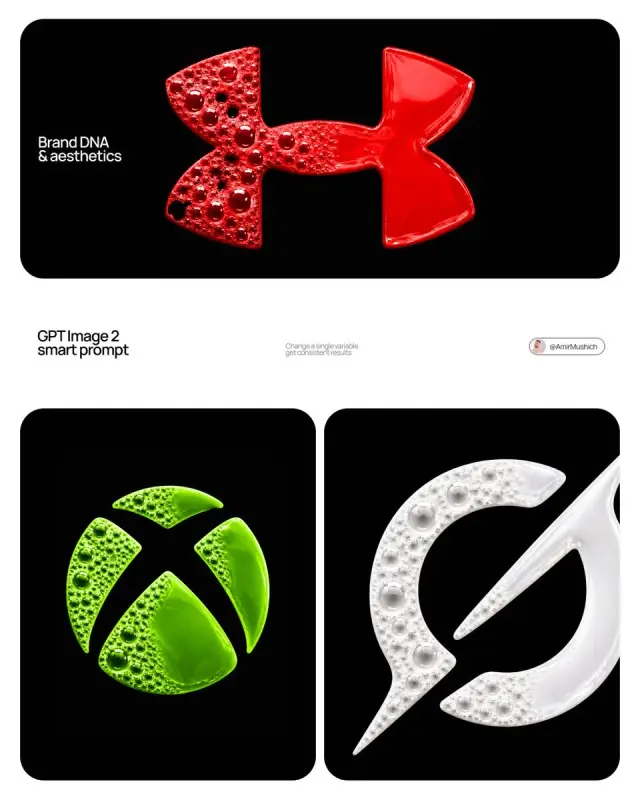
Liquid Logo Brand Advertisement | GPT Image Prompt
[BRAND NAME] | [COLOR] ABSOLUTE RULE — READ BEFORE GENERATING ANYTHING: The fluid mass in this image has the exact shape of the...
Use image prompt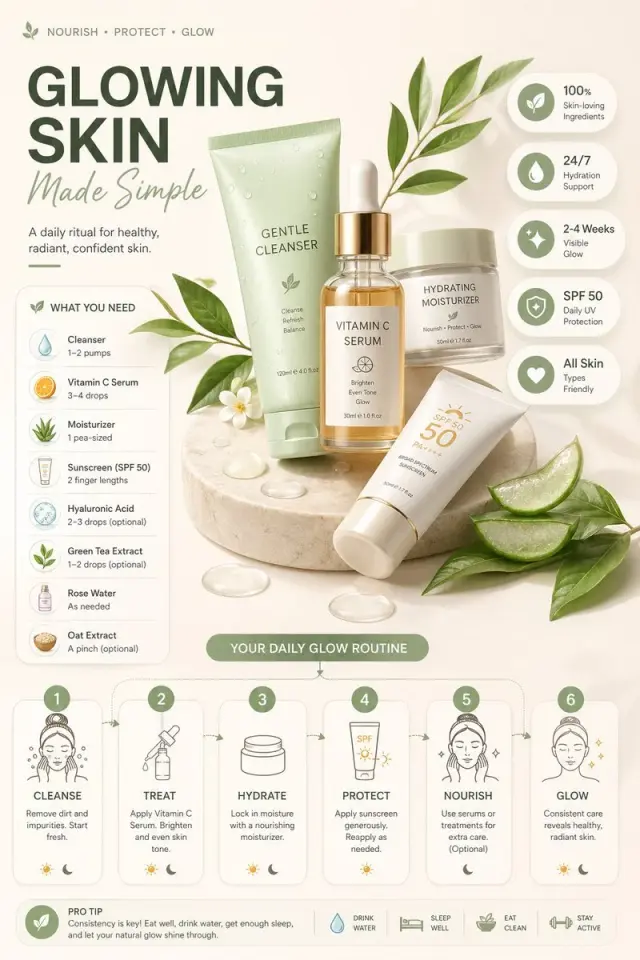
Modern Editorial Product Infographic | GPT Image Prompt
Ultra-clean modern editorial infographic
Use image prompt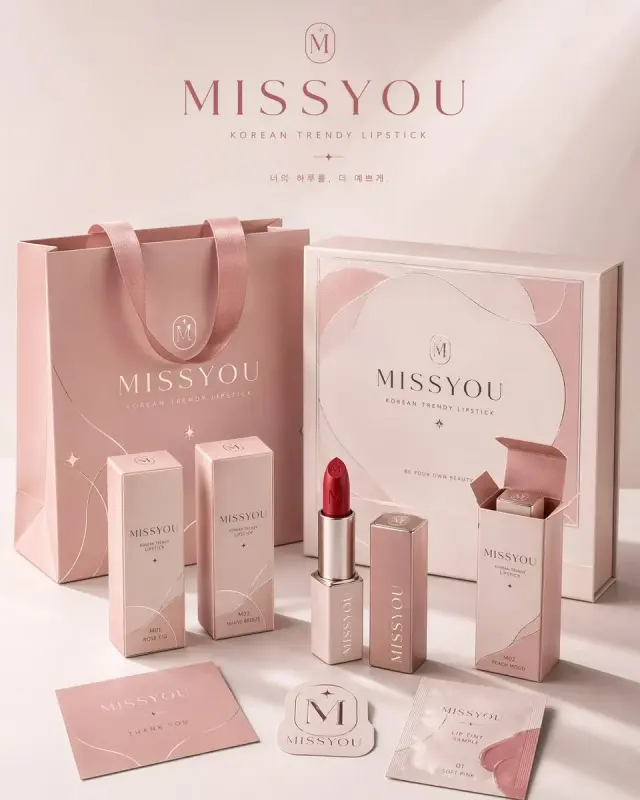
Premium Brand Packaging System | GPT Image Prompt
请为品牌[品牌名称]、类目为[品牌类目]创作一张高审美、高完成度的「品牌包装系统展示图」
Use image prompt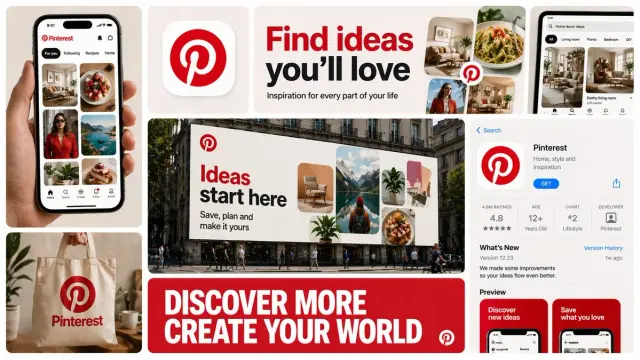
Bento Grid Brand Campaign | GPT Image Prompt
Create a 16:9 horizontal bento-grid brand collage for [BRAND NAME] in a polished contemporary campaign style
Use image prompt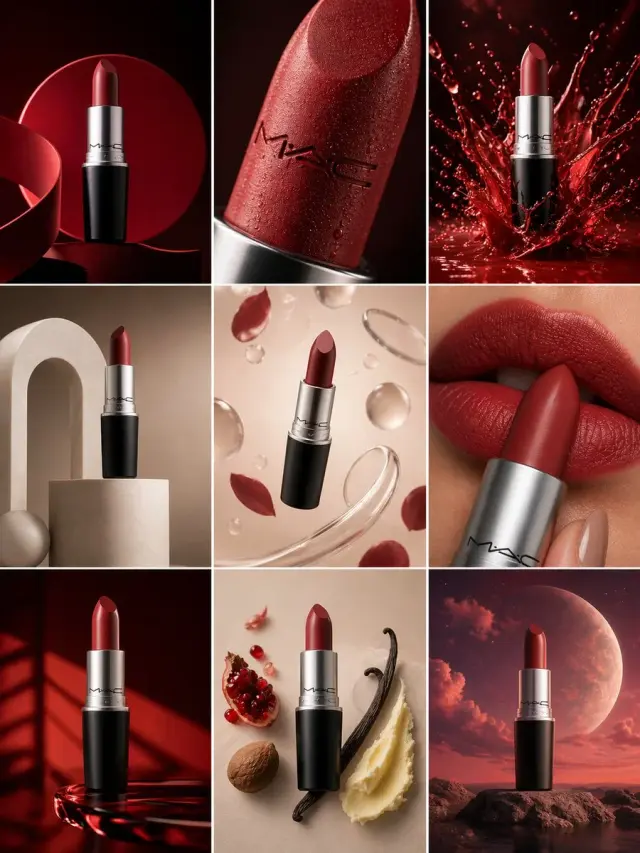
Product Campaign Grid | GPT Image Prompt
Create a 3×3 grid in 3:4 aspect ratio for a high-end commercial marketing campaign using the uploaded product as the central...
Use image prompt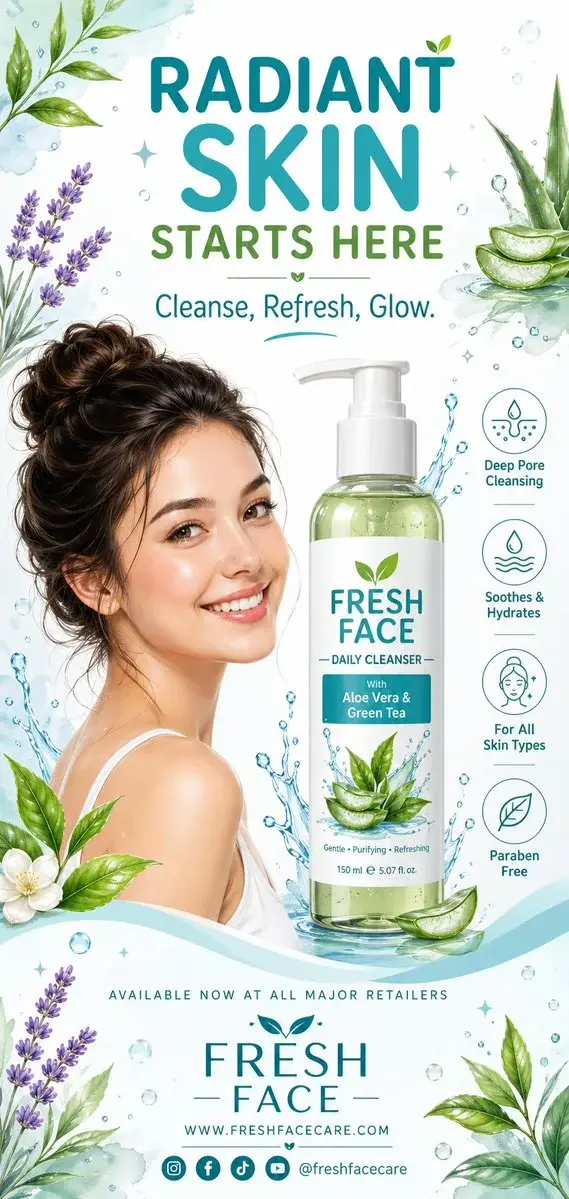
Watercolor Face Wash Poster | GPT Image Prompt
A clean, refreshing vertical advertising poster design for a face wash product, using a graphic illustration style with soft...
Use image prompt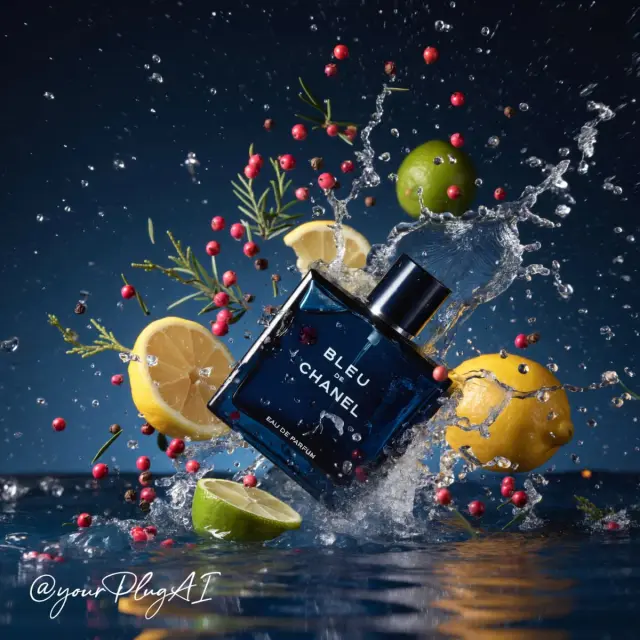
Luxury Perfume Product Photography | GPT Image Prompt
Create a hyper-realistic cinematic luxury perfume product photograph featuring [PERFUME BOTTLE DESIGN] positioned in...
Use image prompt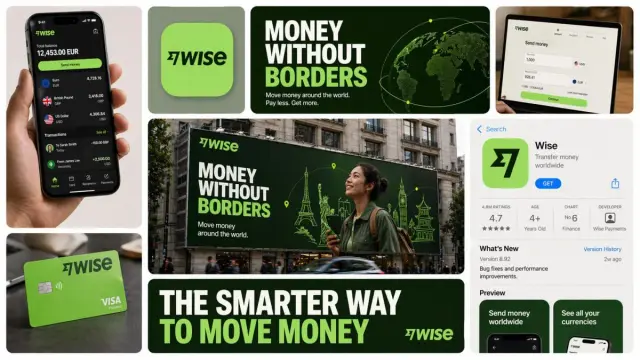
Contemporary Brand Bento Grid | GPT Image Prompt
Create a 16:9 horizontal bento-grid brand collage for [BRAND NAME] in a polished contemporary campaign style
Use image promptAI product photo prompts FAQ
- Do I need a product reference image?
- Yes. A supplied product reference gives the workflow a real item to follow, which is more useful for listings than a generic text-only product description.
- Can one prompt create every product image I need?
- Usually not. Use separate prompt directions for a hero image, detail view, lifestyle scene, and marketing asset so each image has one clear purpose.
- Can I use a result on an ecommerce listing?
- You can create a listing visual with this workflow, but you should verify product details, text, and any marketplace-specific requirement before publishing.
Product image prompts
How to plan a complete product image set from one reference
Give each image one job, then turn a product reference into a reviewable set of listing, detail, lifestyle, and campaign directions.
Related prompt collections
Prompt library
GPT Image Prompts
Use these GPT Image prompt examples as a practical starting point. Each entry keeps the prompt, model, source details, and a direct path into the ImageStyle image generator.
Marketing poster prompts
AI Marketing Poster Prompts
Use poster prompts to give an image a single focal point, a deliberate hierarchy, and enough room for campaign copy. Start from a clear product or message, then refine the visual direction.
Selected prompt recipes
Nano Banana Prompts Gallery
Start from 12 selected prompt recipes for product scenes, campaign posters, and visual concepts. Replace the subject, brand, materials, framing, and lighting with details from your own brief before generating.
Each prompt is a starting point. Use your own approved product reference and review the generated result before public use.
Create product images