Photo to technical drawing
Turn a photo into technical line art.
Upload a photo and use the reference-guided preset to reduce it to clean outlines, hatching, and construction lines in the style of a patent or engineering drawing. The preset keeps the subject legible while the workspace keeps line weight and annotation editable.

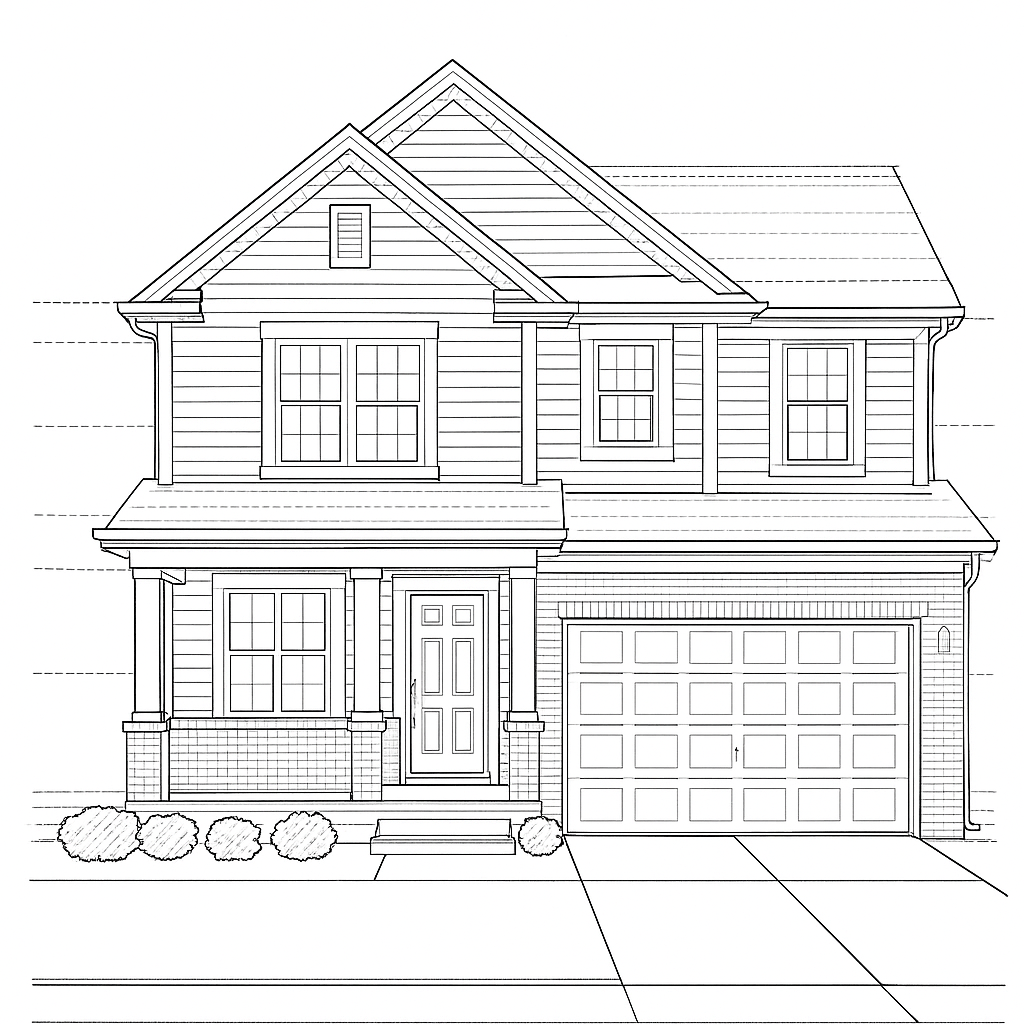
- Input
- One photo with a clear object or subject
- Output
- Monochrome technical line drawing
- Best for
- Diagrams, patents, and explainer art
Original photo / Technical drawing
See the measured lines before you generate
Drag the divider to compare the source photo with a precise technical-drawing interpretation.
Original photoTechnical drawingA focused photo-to-drawing workflow
Keep the structure readable
The preset reduces shading to hatching and keeps contours, proportions, and construction lines legible.
Choose the annotation level
Edit the prompt for pure line art, dimension-style callouts, or patent-style reference numerals.
Compare against the source
Use the reference-image comparison to check accuracy before downloading or generating another pass.
How to turn a photo into a technical drawing
The preset supplies the drawing direction while the ImageStyle workspace keeps the prompt and output settings editable.
- 1
Upload a clear photo
Objects with distinct edges and simple backgrounds convert into convincing line drawings most reliably.
- 2
Review the drawing prompt
The technical line-art direction is prefilled. Keep it, or ask for added callouts or denser hatching.
- 3
Generate and compare
Inspect the drawing beside the original photo, then refine or download the result.
What to inspect in the generated drawing
- Annotations are decorative
- Generated numerals and labels look right but are not measured data. Replace them for real documentation.
- Complex textures flatten
- Fur, foliage, and fabric become simplified hatching. Expect a clean schematic, not a copy.
- Use source material you can share
- Only upload photos and references that you are allowed to use for the intended project.
Photo to technical drawing FAQ
- Is this suitable for real patent filings?
- It produces patent-style art, not certified drawings. Patent offices have strict formal rules, so treat output as a starting point.
- Do I need to write a prompt?
- No. The technical direction is prefilled and editable. Generate as-is or adjust linework and annotation first.
- Can I keep the background empty?
- Yes. The preset favors a plain background, and you can edit the prompt to remove any remaining scene detail.
- What happens to my uploaded photo?
- The image is uploaded to the same reference-image workflow used by the ImageStyle generator. Review the current privacy and storage terms before using sensitive material.
Updated:
Workflow source: Current ImageStyle reference-image generator.