Ecommerce product images
Create an ecommerce product photo from your own reference image.
Upload an approved product reference to this AI-powered product photo generator, choose one image role, and create a product-first visual for a listing or product page. Review labels, materials, and dimensions before publishing.

- Input
- Your approved product reference photo
- Best for
- One listing, hero, or lifestyle image
- Use another tool for
- A coordinated multi-image set
Choose the right product-image workflow
These workflows share a product-first starting point, but each is built for a different final asset.
- Your goal
- One listing, hero, or lifestyle image
- Use this tool
- AI Product Photo Generator for Ecommerce
- Why
- Use a single visual role when you need one focused product asset.
- Your goal
- A pure-white catalog image
- Use this tool
- AI White Background Generator
- Why
- Use it when a clean, product-only listing presentation is the job.
- Your goal
- A coordinated hero, close-up, material, and lifestyle set
- Use this tool
- AI Product Detail Image Generator
- Why
- Use it when the product page needs multiple image roles that work together.
- Your goal
- A campaign composition with logo, copy, or brand direction
- Use this tool
- AI Marketing Poster Generator
- Why
- Use it when the main job is a marketing layout rather than a product photo.
Reference the product before styling the scene
Use a product-first image direction, then decide whether the result needs a listing, hero, or lifestyle role.
Every card identifies whether it is a verified model-family example or a visual reference. Reference cards are not model benchmarks or before-and-after claims.
Product-first framing
Keep the product legible before adding a setting or campaign treatment.
Reference direction, not a model output
Local ImageStyle visual reference. It is not presented as a model-specific result.
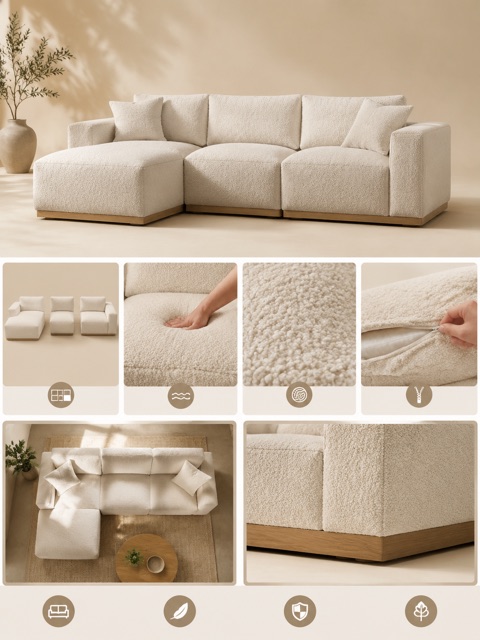
Product detail set
Give each image a job: overview, material, feature, or lifestyle context.
Reference direction, not a model output
Local ImageStyle visual reference. It is not presented as a model-specific result.
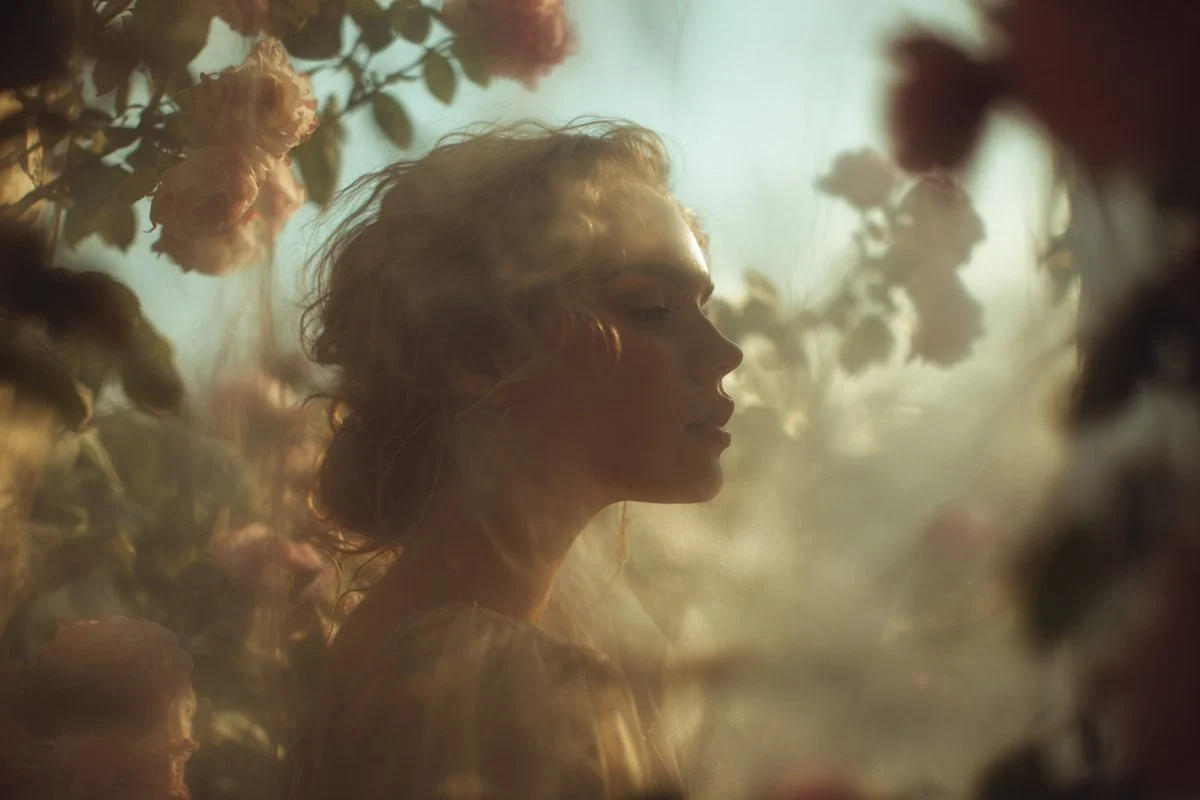
Editorial lighting study
A clear subject, a restrained setting, and a defined light treatment.
Verified model-family example
Verified GPT Image family example from the local ImageStyle prompt library.
A focused workflow for one product image
This workflow starts from the product you actually sell, then gives one visual asset a clear job instead of trying to make every output do everything.
- 1
Upload an approved product reference
Use a product image you have permission to use as the visual source for the generation.
- 2
Choose one visual role
Choose a listing image, a product-page hero, or a lifestyle image so the result has one clear purpose.
- 3
Generate, then review before publishing
Check visible labels, materials, proportions, and other product details before the image goes into a listing or product page.
Use one image for one clear product moment
Product listing image
Create a product-first image when the shopper needs to recognize the item quickly.
Product-page lead image
Create the opening visual for a product page when one focused image sets the direction.
Lifestyle product visual
Place the product in an intentional use context when that helps communicate how it fits into a real setting.
Product photo generator FAQ
- What do I need to start?
- Start with a product reference image that you are allowed to use. The workflow uses that image as the visual source for the generation.
- Can this create a full product-image set?
- Use the product detail image generator when you need a coordinated set of hero, close-up, material, and lifestyle images. This page is for one focused product visual.
- What should I review before I publish?
- Review visible labels, materials, colors, proportions, packaging, and any product-specific details against your approved source before publishing.