Photo to ukiyo-e
Turn a photo into a ukiyo-e woodblock print.
Upload a photo and use the reference-guided preset to flatten the scene into layered color fields, bold outlines, and bokashi gradients on handmade paper.
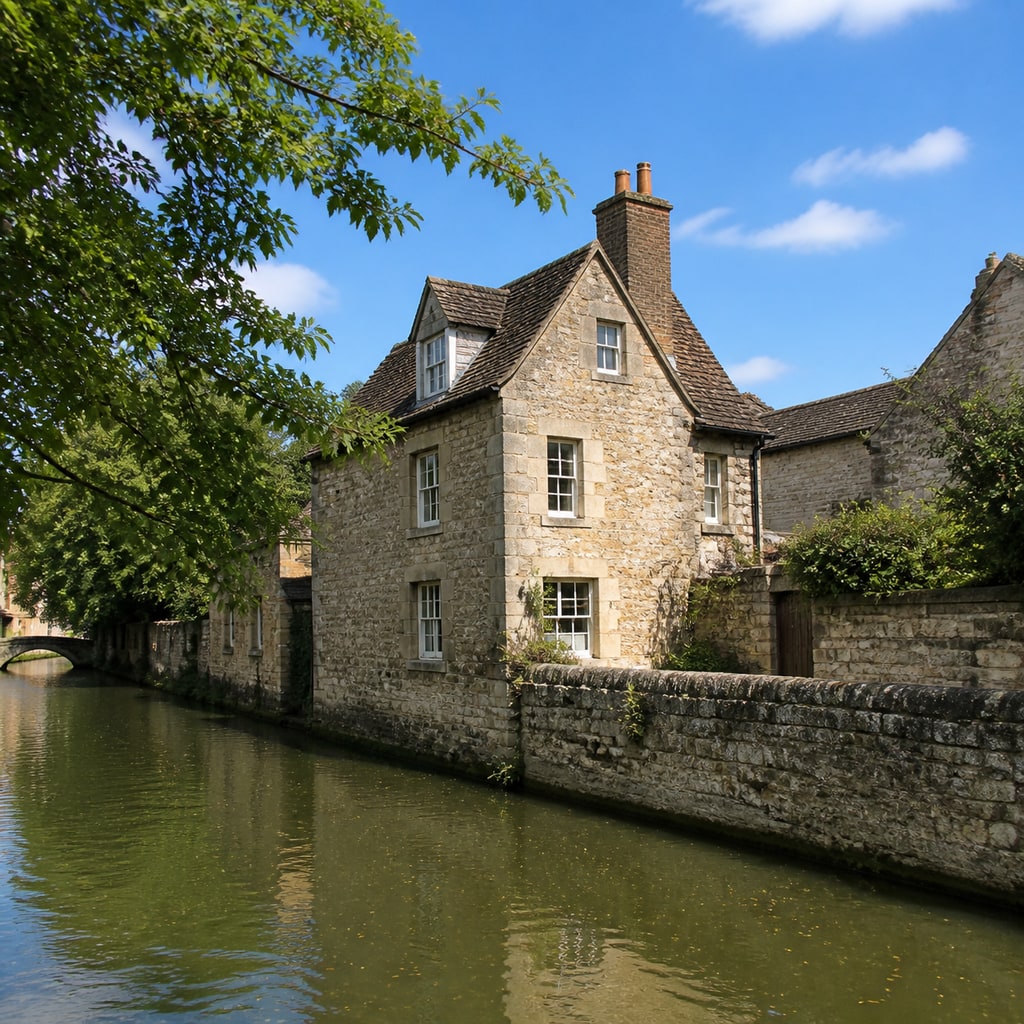
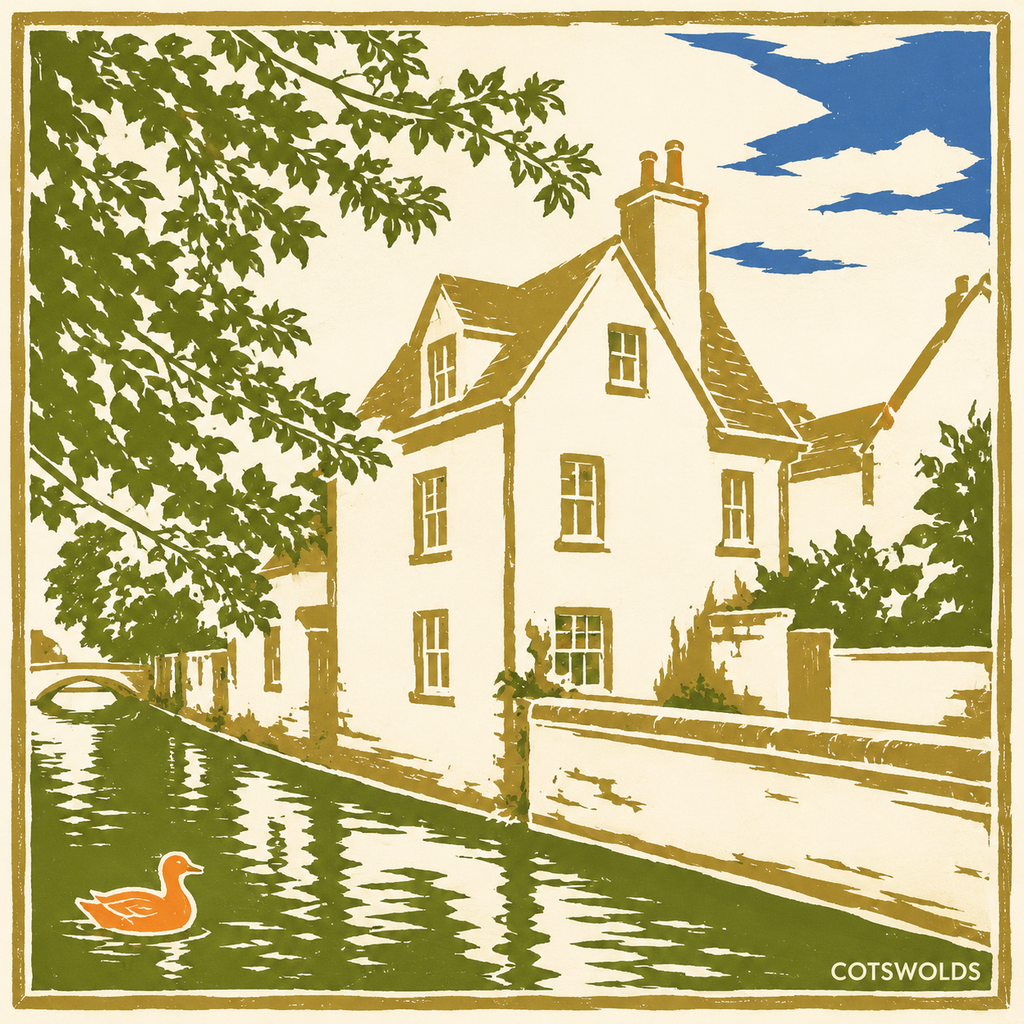
- Input
- One clear photo
- Output
- Ukiyo-e woodblock-style print
- Best for
- Landscapes, pets, and portraits
Original photo / Ukiyo-e print
See the woodblock flats before you generate
Drag the divider to compare the source photo with a ukiyo-e woodblock-print interpretation.
Original photoUkiyo-e printA focused photo-to-ukiyo-e workflow
Keep the composition graphic
The preset flattens depth into layered planes while keeping the subject pose readable.
Direct the palette
Edit the prompt to lean into indigo night, warm vermilion, or muted earth tones.
Compare against the source
Use the reference-image comparison to check the silhouette before downloading.
How to turn a photo into a woodblock print
The preset supplies the ukiyo-e direction while the ImageStyle workspace keeps the prompt and output settings editable.
- 1
Upload one clear photo
Scenes with strong shapes, such as waves, mountains, pets, or kimono-style portraits, convert most cleanly.
- 2
Review the ukiyo-e prompt
The woodblock direction is prefilled. Keep it or adjust the palette and border treatment.
- 3
Generate and compare
Inspect the print beside the original photo, then refine or download the artwork.
What to inspect in the generated print
- Detail becomes pattern
- Fine textures turn into stylized pattern bands. Check faces and hands at full size.
- Cultural respect applies
- Ukiyo-e carries real craft history. Present results as style studies, not authentic prints.
- Use source material you can share
- Only upload photos and references that you are allowed to use for the intended project.
Photo to ukiyo-e FAQ
- What photos suit ukiyo-e best?
- Strong-silhouette subjects such as waves, mountains, animals, and portraits work best. The style loves bold shapes.
- Do I need to write a prompt?
- No. The ukiyo-e preset starts with an editable woodblock direction. Generate as-is or adjust the palette first.
- Can I add a Japanese poem or signature?
- You can edit the prompt to add cartouche shapes, but rendered characters are unreliable. Add real text in an editor afterward.
- What happens to my uploaded photo?
- The image is uploaded to the same reference-image workflow used by the ImageStyle generator. Review the current privacy and storage terms before using sensitive material.
Updated:
Workflow source: Current ImageStyle reference-image generator.