Photo to one-line drawing
Turn a photo into an elegant one-line drawing.
Upload a portrait, couple, pet, or object and start from a continuous-line preset that keeps the essential silhouette and relationships while removing color, shading, and unnecessary detail.
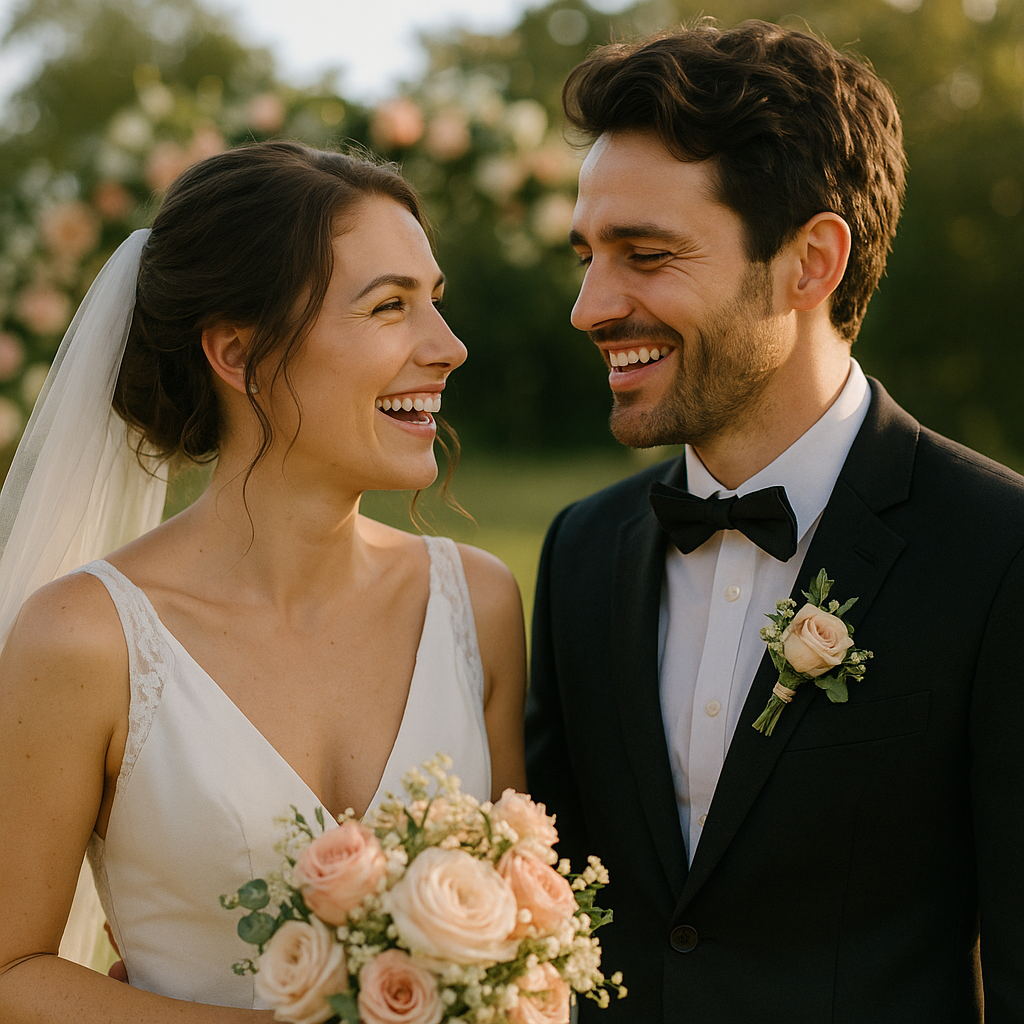
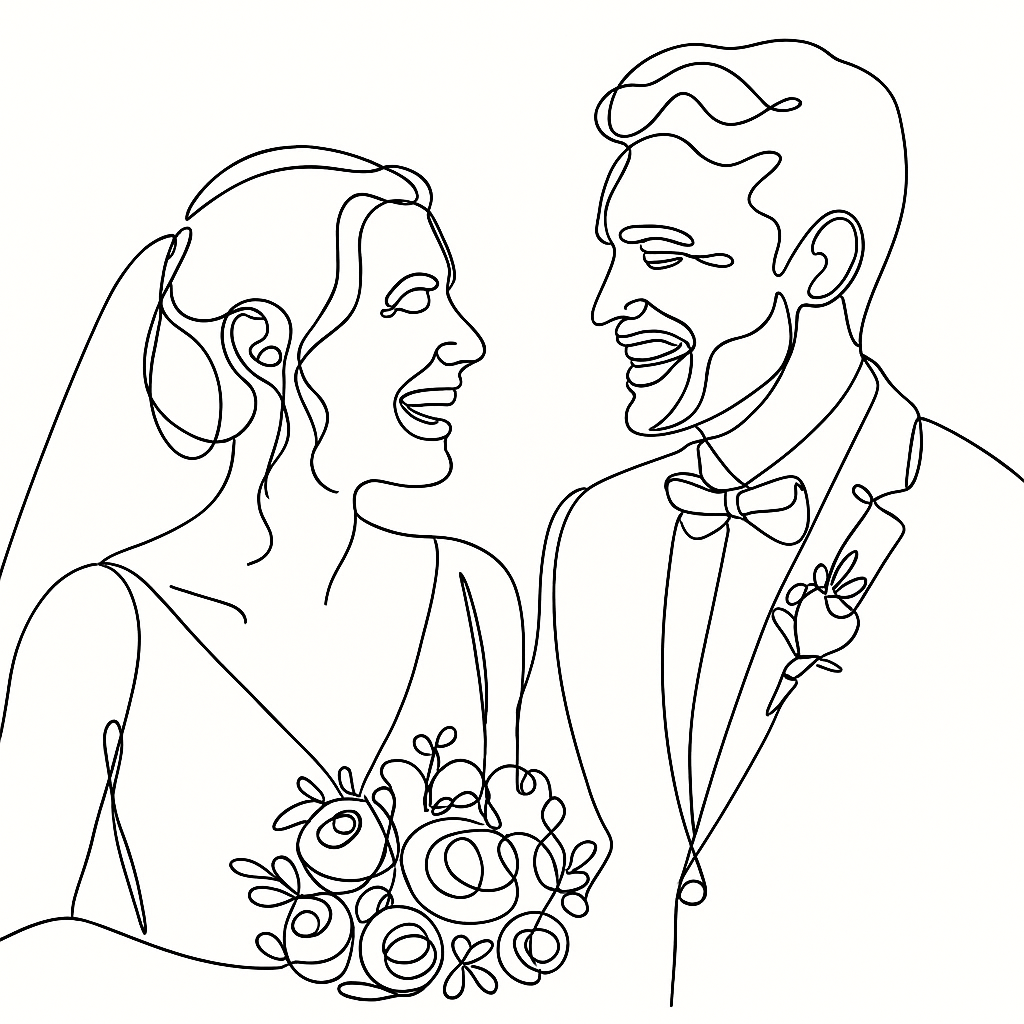
- Input
- One clear reference photo
- Output
- A minimal continuous-line drawing
- Best for
- Portraits, couples, pets, and keepsakes
Original photo / One-line drawing
See what one flowing line can preserve
Drag the divider to compare a wedding portrait with a spacious continuous-line interpretation.
Original photoOne-line drawingA continuous-line workflow with deliberate restraint
Keep only essential contours
The preset prioritizes silhouettes, facial structure, pose, and subject relationships over photographic detail.
Create visual continuity
A flowing black line links the important forms while generous white space keeps the result readable.
Control the abstraction
Ask for fewer loops, more facial detail, a heavier stroke, a looser gesture, or a simpler composition.
How to make a one-line drawing from a photo
The preset defines the continuous-line constraint while keeping the prompt, reference, model, and output settings editable.
- 1
Choose a subject with a clear silhouette
Profiles, couples, pets, and simple objects with visible separation usually translate well to minimal contours.
- 2
Set the line character
Describe the stroke weight, amount of detail, white space, facial emphasis, and whether small props should remain.
- 3
Inspect the abstracted identity
Check faces, pose, subject count, hands, and important contours before downloading or printing the drawing.
What one-line abstraction can change
- Minimal lines omit detail
- Texture, color, shading, small jewelry, patterned clothing, and complex backgrounds are intentionally reduced.
- Continuity is a visual direction
- The generated result may use visually connected segments rather than one physically unbroken editable path.
- Review before printing
- Generated contours can change faces, fingers, flowers, and small objects, especially in crowded source photos.
One-line drawing questions
- What is a one-line drawing?
- It describes a subject with one visually continuous flowing contour and very little shading or filled detail.
- Is this different from a regular line drawing?
- Yes. A regular line drawing may use many separate contours; this preset aims for a connected, minimal visual gesture.
- What source photos work best?
- Use a photo with a clear silhouette, separated subjects, and readable faces or object edges.
- Can I ask for more detail?
- Yes. Add instructions for facial features, clothing, flowers, or props, while keeping the continuous-line direction.
Updated:
Workflow source: Current ImageStyle reference-image generator.