Campaign creative
Turn a product brief into a campaign-ready marketing poster.
Set the campaign topic, optional copy, visual direction, and reference assets, then generate a product-first poster built for a social or campaign format.
- Start with
- Topic, copy, and references
- Guide with
- Style and language choices
- Create for
- Campaign and social formats
Build a poster around one visual hierarchy
A usable campaign direction identifies the product, message area, and visual mood before generation begins.
Every card identifies whether it is a verified model-family example or a visual reference. Reference cards are not model benchmarks or before-and-after claims.
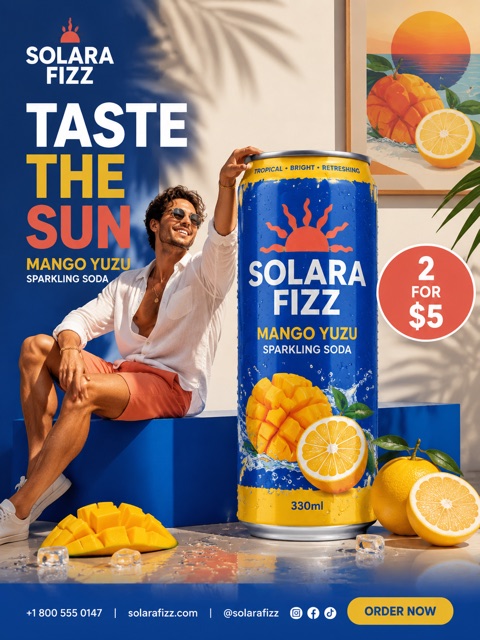
Campaign poster structure
One clear product, a readable message area, and a focused campaign mood.
Reference direction, not a model output
Local ImageStyle visual reference. It is not presented as a model-specific result.
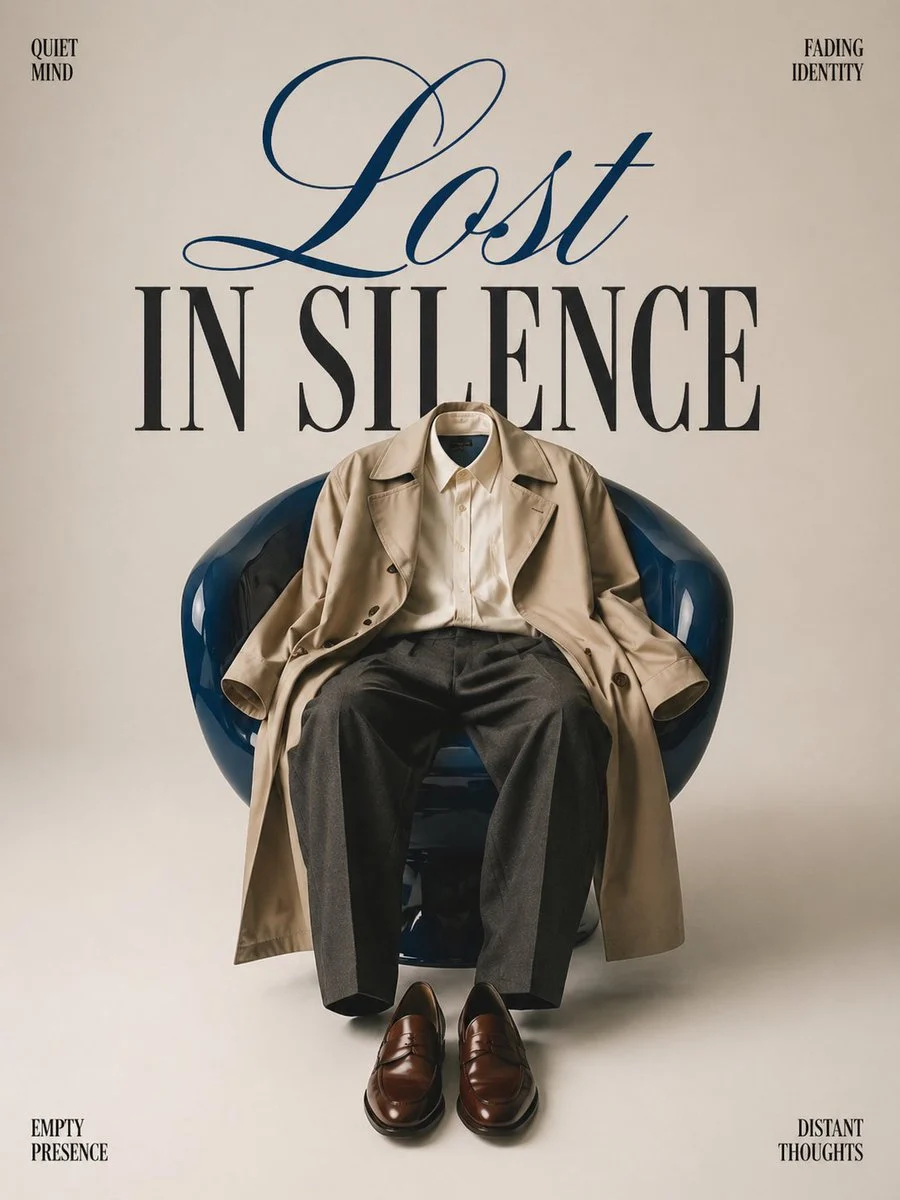
Poster composition
One central object, clear negative space, and a deliberate text hierarchy.
Verified model-family example
Verified GPT Image family example from the local ImageStyle prompt library.

Color-led editorial layout
A repeatable grid, controlled color blocks, and a consistent portrait treatment.
Verified model-family example
Verified Nano Banana family example from the local ImageStyle prompt library.
From campaign brief to a structured visual direction
The poster workflow keeps the product, supplied copy, and provided references at the center of the creative direction.
- 1
Set the campaign brief
Enter the product or campaign topic and add supplied copy when you need the message reflected in the result.
- 2
Add the references that matter
Use a logo, product photos, and a brand-style reference to guide the visual system.
- 3
Choose the visual direction
Select a curated style or supply your own direction, then choose a supported format and generation quality.
Build campaign assets around a clear visual hierarchy
Launch announcements
Create a single, product-first key visual for a new product or campaign message.
Social creative
Adapt product, copy, and visual direction into a concise social-ready poster composition.
Concept exploration
Explore different campaign directions while keeping the supplied product assets in the workflow.
Marketing poster generator FAQ
- Can I upload a product image or logo?
- Yes. The current tool supports separate references for a logo, product photos, and a brand-style reference.
- Can I control the language of visible copy?
- Yes. The poster workflow supports English, Simplified Chinese, Japanese, and Korean copy-language options.
- Can I write my own visual direction?
- Yes. You can choose automatic direction, a curated preset, or a custom style direction.