Turn photo into vintage
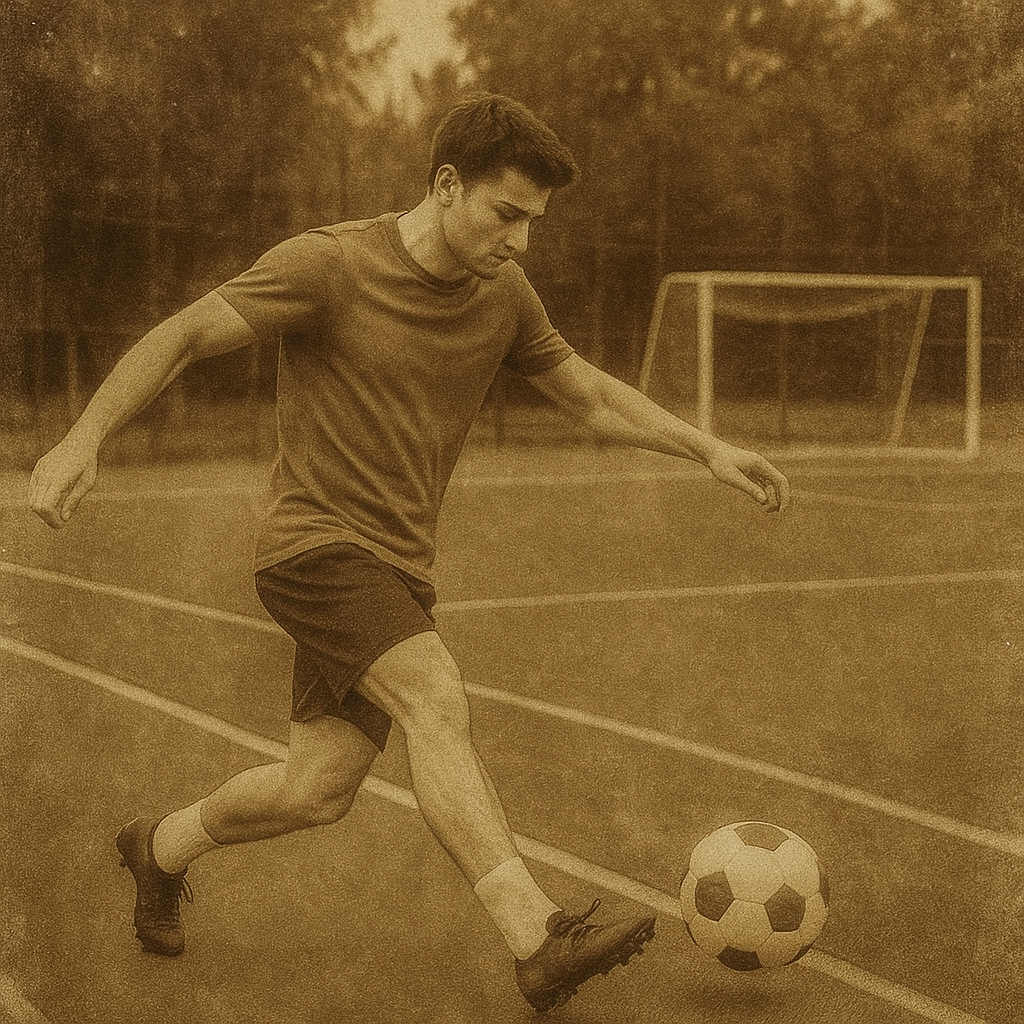
Turn a photo into a natural vintage film image.
Upload a photo and start with a reference-guided preset for faded color, warm analog tone, soft contrast, and restrained film grain.
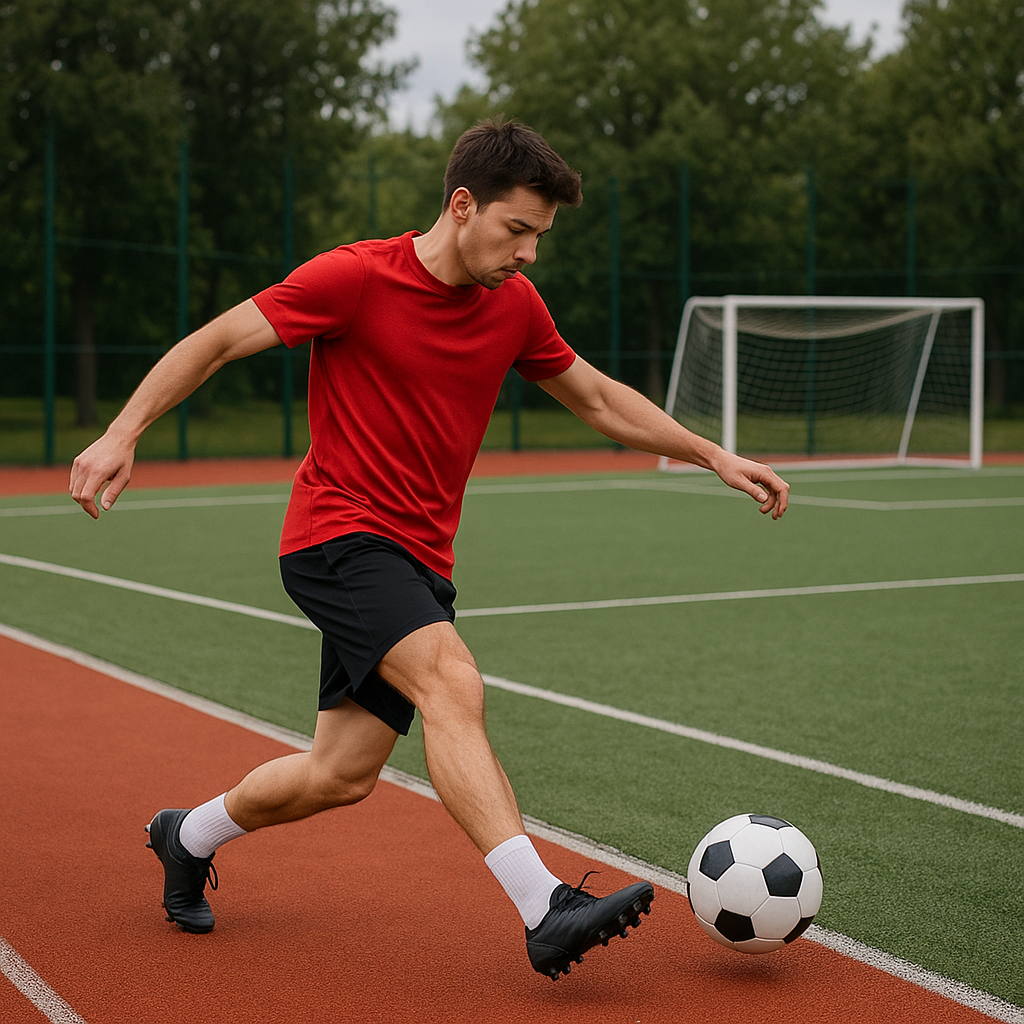
- Input
- One clear photo
- Output
- Soft watercolor interpretation
- Best for
- Portraits, travel scenes, gifts, and mood boards
Original photo / Vintage film
See the analog character before you generate
Drag the divider to compare the original photo with a softly faded vintage film treatment.
Original photoVintage filmA focused photo-to-vintage workflow
Keep the source composition
The preset anchors the subject, pose, framing, and important color relationships while changing the medium.
Add transparent pigment and paper
The direction calls for layered washes, visible brushwork, gentle edges, and a subtle cold-pressed paper surface.
Adjust the painterly mood
Edit the prompt to request lighter washes, stronger color blooms, a cleaner background, or a more illustrated finish.
How to turn a photo into vintage film style
The watercolor preset gives you a reliable starting direction while keeping the reference, prompt, model, and canvas controls editable.
- 1
Choose a photo with clear light
Portraits, travel scenes, flowers, and objects with readable light and shadow give the washes a useful structure.
- 2
Review the watercolor direction
Keep the preset or specify the paper feel, wash strength, color mood, and how much background detail should remain.
- 3
Generate and compare to the source
Inspect the subject identity, edges, colors, and paper texture before downloading or refining the painting.
What to check in vintage photos
- Edges and details become softer
- Small text, fine hair, hands, and distant objects can bleed or simplify as part of the watercolor treatment.
- Exact colors may shift
- Pigment washes change saturation and contrast. Review brand colors or important product details before publishing.
- Use source material you can share
- Only upload photos and references that you are allowed to use for your intended personal, educational, or commercial project.
Photo to vintage FAQ
- What photos work best for watercolor?
- Use a clear subject with readable light, shadow, and color relationships. Portraits, flowers, travel scenes, and objects are useful starting points.
- Will the person or object stay recognizable?
- The preset asks to preserve the main subject and framing, but painterly edges and small details can change. Review the output before using it.
- Can I make the watercolor lighter or more detailed?
- Yes. Edit the prompt to ask for lighter washes, stronger blooms, a cleaner background, or more visible structural detail.
- Do I need to write the prompt from scratch?
- No. ImageStyle opens with an editable watercolor prompt, GPT Image 2 selected, and the reference image requirement enabled.
Updated:
Workflow source: Current ImageStyle reference-image generator.