Reference-guided image generation
Use a reference image to give your next AI image a visual starting point.
Start from an approved image when it contains a subject, material, product, or composition that matters to the next result. In ImageStyle, add a written direction, then use a model that supports reference images to create a new visual variation.
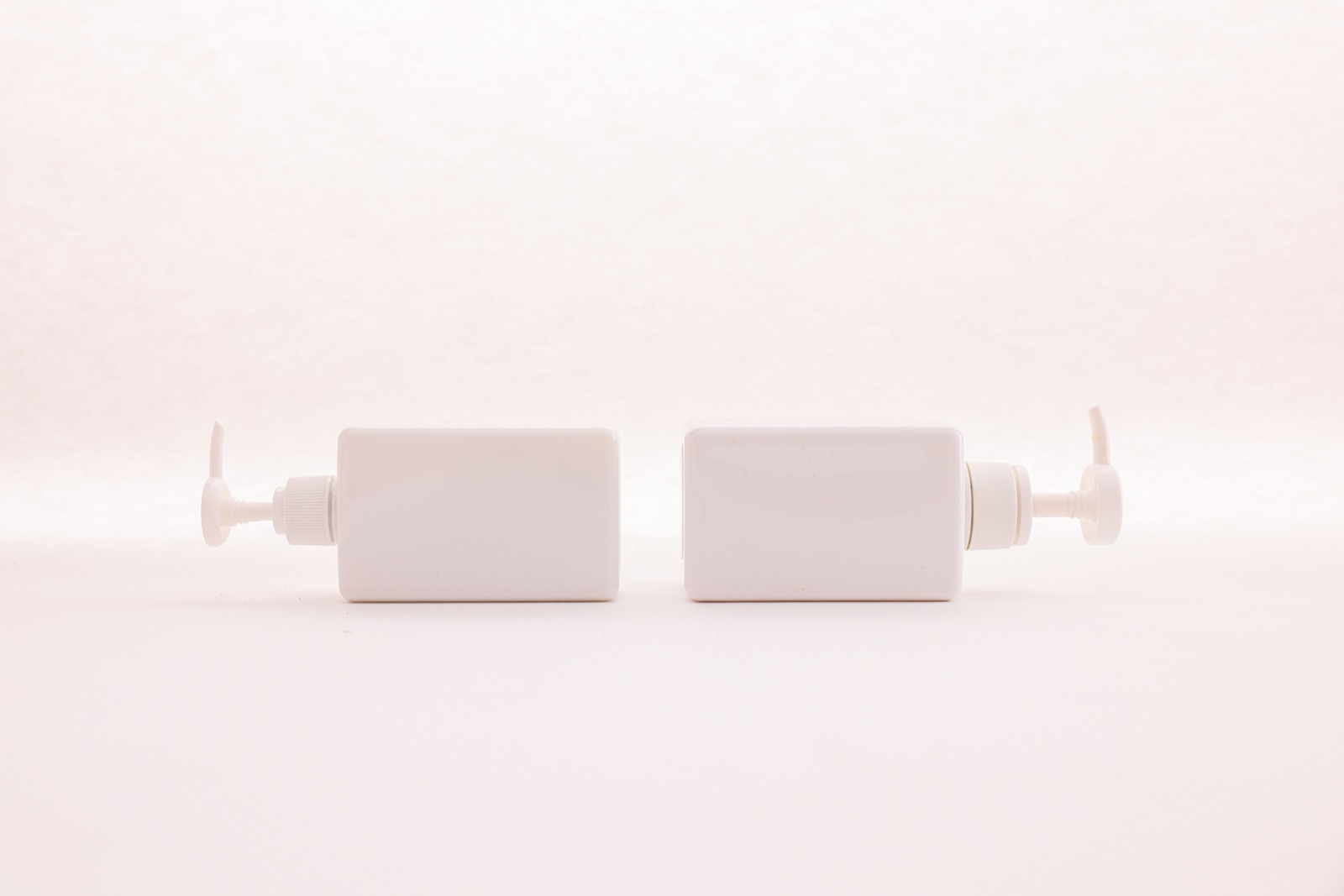
- Start with
- A supported image and a written direction
- Use it to guide
- Subject, material, composition, or scene context
- Check first
- Model-specific reference limits and output options
Plan the reference and the next direction separately
These verified local examples show the subject, material, environment, and composition cues that can establish a starting point. They are not presented as input-output pairs.
Every card identifies whether it is a verified model-family example or a visual reference. Reference cards are not model benchmarks or before-and-after claims.
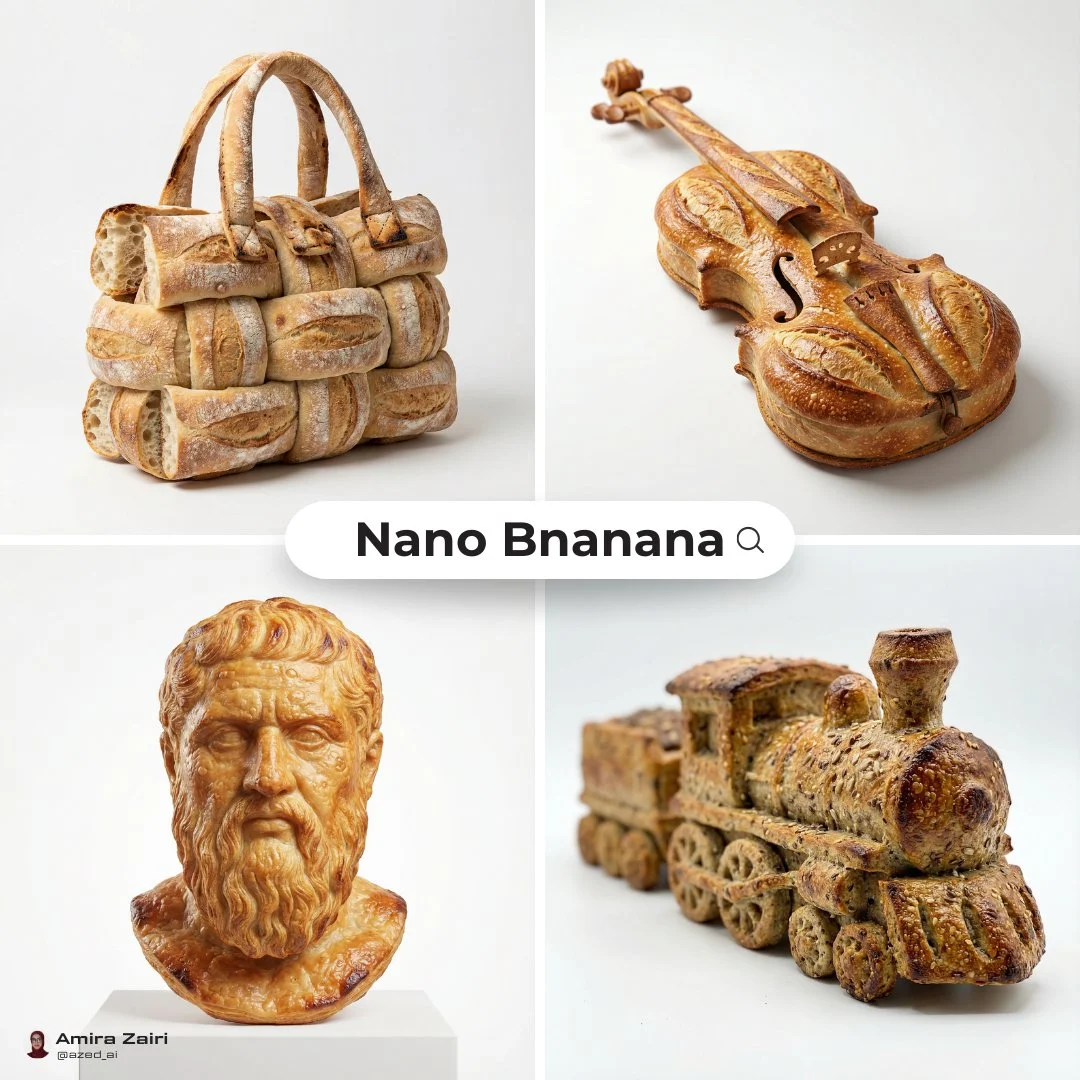
Object silhouette cues
Use the reference to establish the object outline and material treatment before writing a new scene.
Verified model-family example
Verified Nano Banana family example from the local ImageStyle prompt library.
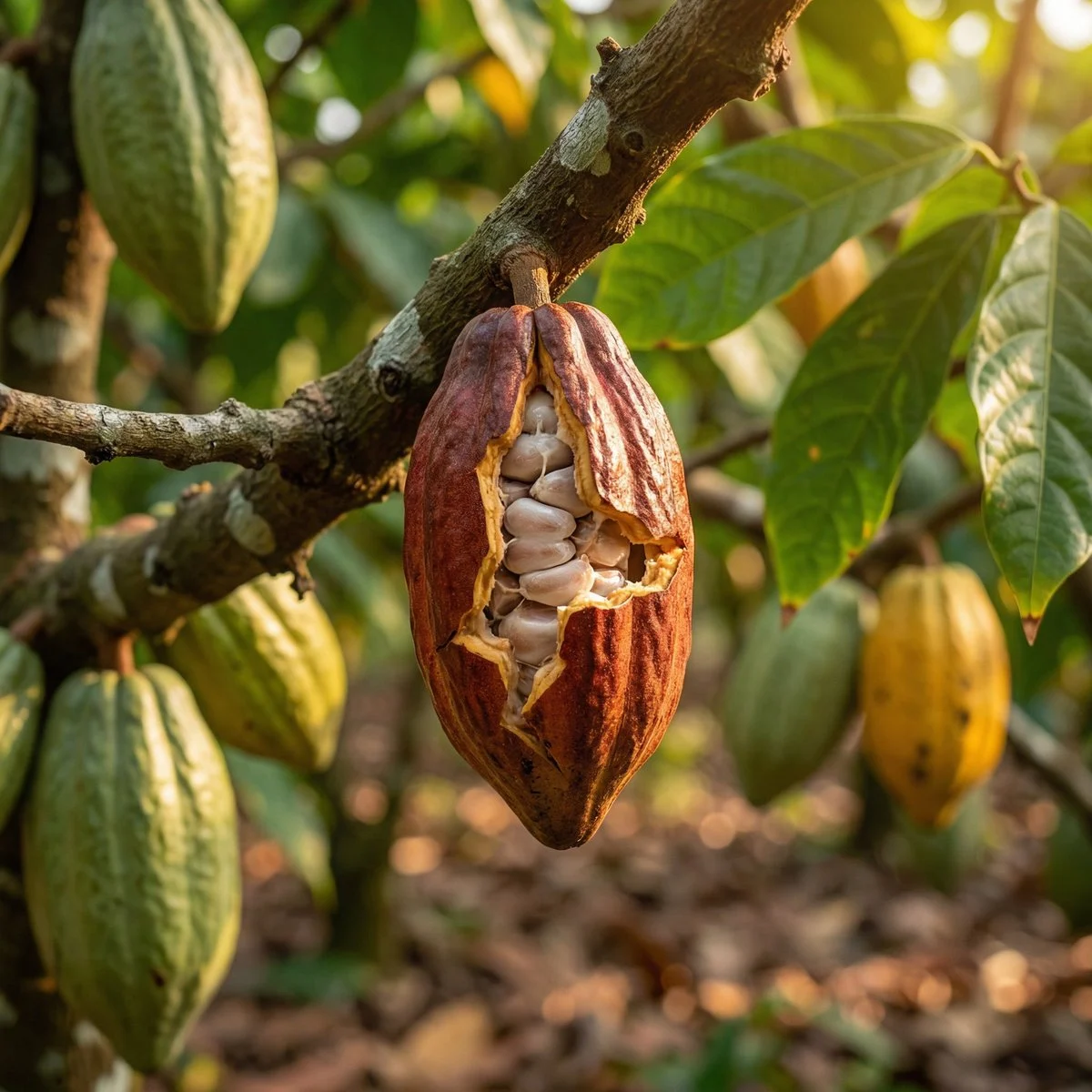
Environment texture cues
Use an approved source to anchor the material, environment, and close-up details that matter.
Verified model-family example
Verified Nano Banana family example from the local ImageStyle prompt library.
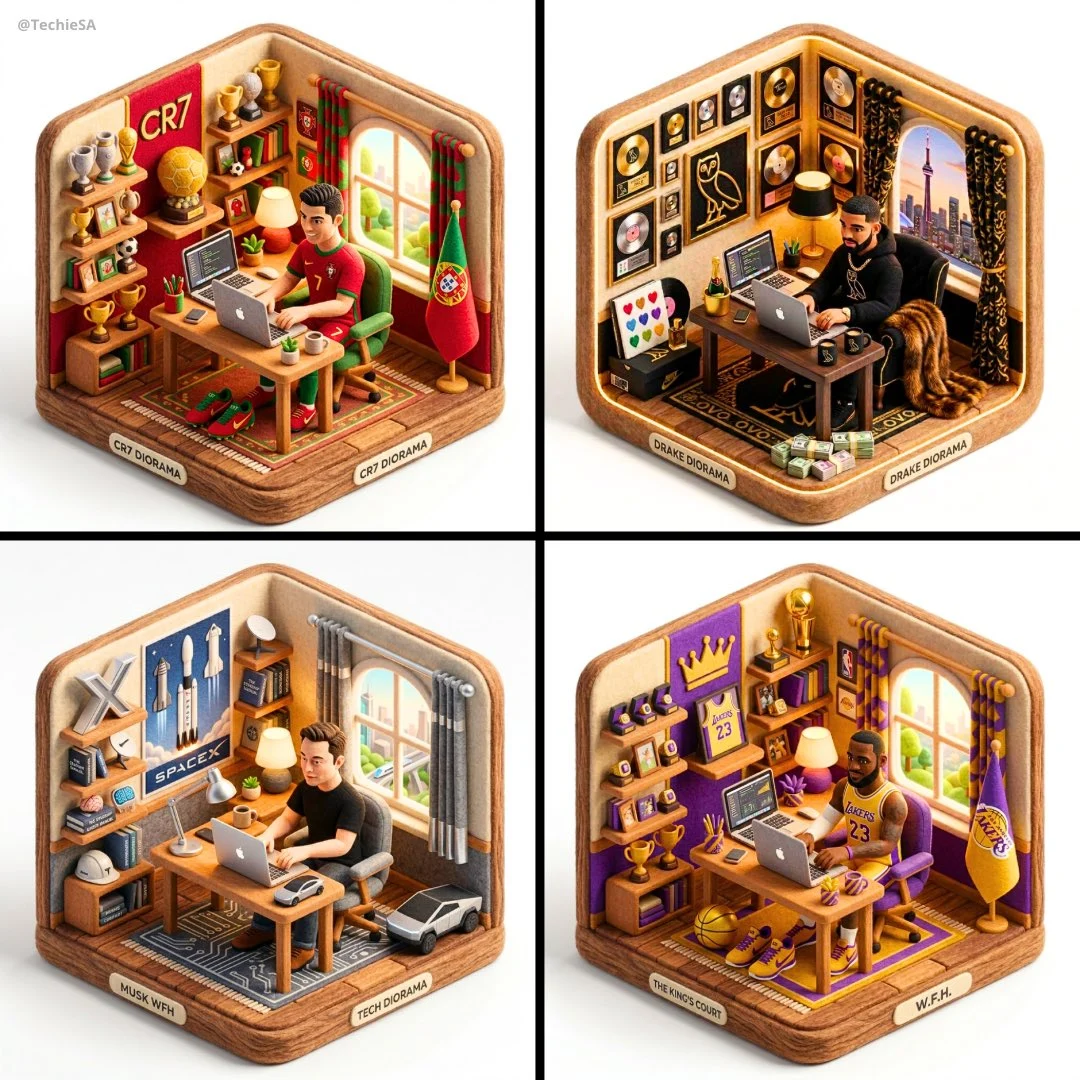
Composition cues
Use a reference to establish layout relationships without assuming the next image is a copy of it.
Verified model-family example
Verified Nano Banana family example from the local ImageStyle prompt library.
What a reference image can help you direct
Begin from an important visual cue
Use a supplied image when the subject, product silhouette, material, or composition gives the new result a better starting point than text alone.
Describe the intended change
Explain the new setting, treatment, or composition in writing so the model has a clear direction beyond the source image.
Choose a compatible image setup
Reference-image support, image limits, aspect ratios, and output tiers depend on the selected model and settings.
How to generate an AI image from a reference image
A reference image is a visual input, not a guarantee of exact reproduction. Use it to establish the starting direction, then inspect the new result as its own image.
- 1
Prepare an approved source image
Choose an image that you are allowed to upload and use for the intended project, with the visual cue you want to carry forward clearly visible.
- 2
Select a model that accepts references
Open the image workspace, choose a compatible model, and review its available reference-image count, framing, and output options.
- 3
Write the next visual direction
State what should change, what still matters from the reference, and the scene, composition, or treatment you want to create.
- 4
Inspect the new variation
Check the result before use, especially when product details, readable text, proportions, or other visible elements need to remain reliable.
Reference images guide a result, not an exact copy
- Not every model accepts reference images
- The workspace only exposes reference controls on compatible models. Limits and available output settings can differ by model.
- Important details can still change
- Treat the output as a new image and verify logos, product details, readable text, materials, proportions, and other important visible elements.
- Only use material you are allowed to use
- Upload source images only when you have the rights, permission, and appropriate basis to use them in the destination project.
Reference image generator FAQ
- Can I generate an AI image from an image?
- Yes. Choose a compatible ImageStyle image model, add a supported reference image, and write the new visual direction you want the model to follow.
- Will the output preserve every detail from my reference?
- No. A reference image guides the generation but does not guarantee exact preservation. Review the finished image before publishing or using it in a real project.
- Do all image models support reference images?
- No. Reference-image support and the number of supported images vary by model. The workspace shows the relevant controls when the selected model supports them.
- Can I use any image I find online as a reference?
- Only use images you are allowed to upload and use. You are responsible for ensuring you have the necessary rights and permissions for every source image.
Updated:
Capability source: Current ImageStyle image-generation workspace.