Qwen Image 3 Pro vs Qwen Image 3
Choose between Qwen Image 3 Pro and Qwen Image 3 by task, not by label.
The current standard and Pro workflows both accept written directions and approved reference images, with 1K or 2K output and eight fixed frames. Pro is the higher-priced Qwen tier; use it when the task makes its added fidelity worth the extra credits.


- Both tiers accept
- Text and approved reference images
- Both tiers offer
- 1K or 2K and eight fixed frames
- The decision
- Whether Pro fidelity merits more credits
Compare distinct visual roles before the next version
These local references demonstrate distinct composition and image-role directions. They are not presented as a before-and-after sequence or a model benchmark.
Every card identifies whether it is a verified model-family example or a visual reference. Reference cards are not model benchmarks or before-and-after claims.
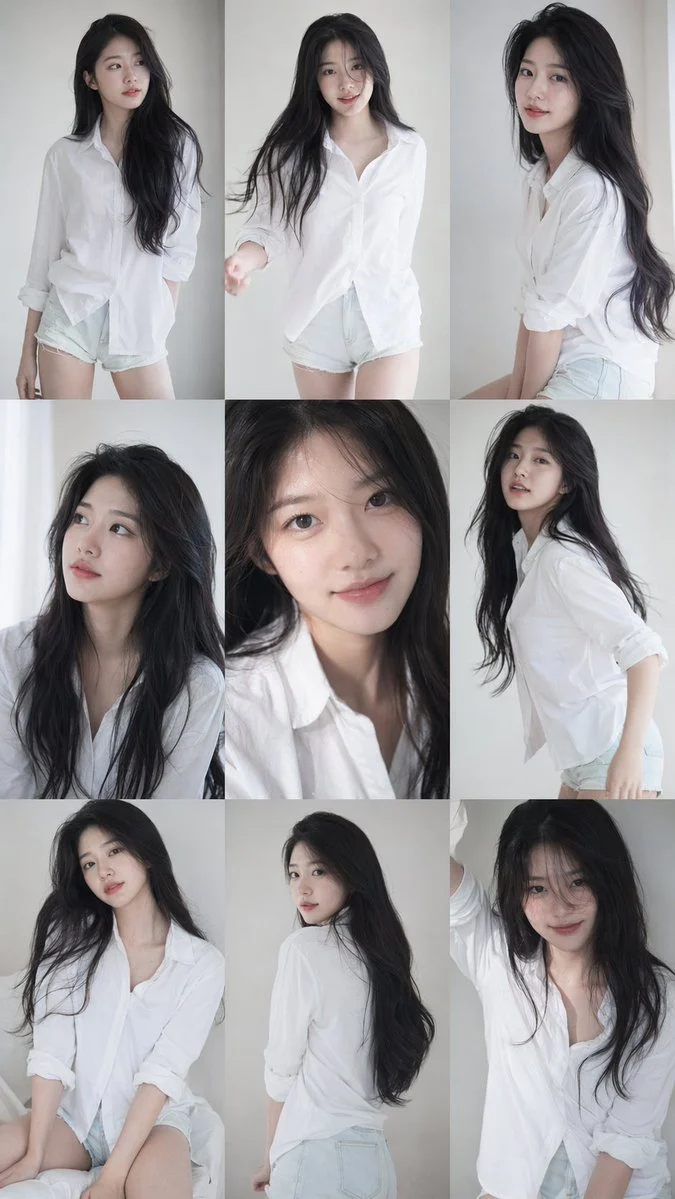
One controlled change
Change one visible choice at a time so the comparison remains useful.
Verified model-family example
Verified GPT Image family example from the local ImageStyle prompt library.

Sequence variation
Hold the subject stable while changing the moment, crop, or camera distance from frame to frame.
Verified model-family example
Verified GPT Image family example from the local ImageStyle prompt library.

Set-level variation
Keep the product identity fixed while assigning each frame a different visual job.
Verified model-family example
Verified Nano Banana family example from the local ImageStyle prompt library.
Qwen Image 3 Pro vs Qwen Image 3 at a glance
Shared input workflows
Both current tiers can generate from text or use an approved reference image to guide an image-to-image variation.
Shared output setup
Both expose 1K and 2K output tiers and the same eight fixed aspect ratios in the current ImageStyle workflow.
Different tier decision
Pro is the higher-priced Qwen output tier. Select it deliberately for higher-fidelity work rather than expecting different input controls.
How to choose Qwen Image 3 Pro or standard Qwen Image 3
Choose the tier after defining the output role. The right question is whether the task needs the higher-fidelity Pro tier, not whether the prompt is long or short.
- 1
Define the asset role
Decide what needs to be visible and whether a text brief or approved reference should establish the direction.
- 2
Check the shared controls
Both tiers currently work at 1K or 2K with eight fixed frames, so confirm that those constraints fit the delivery.
- 3
Choose standard or Pro
Use standard Qwen Image 3 when it meets the task; choose Pro only when its higher-priced fidelity is justified.
- 4
Review the output before use
Inspect text, product detail, composition, and other requirements regardless of the tier selected.
What to check before using a Qwen Image 3 result
- The selected workflow controls the input
- Qwen Image 3 and Qwen Image 3 Pro accept either a text direction or approved reference images. Output is currently available at 1K or 2K with eight fixed frames.
- Inspect details that need to stay accurate
- Treat each output as a new image. Review product details, text, proportions, and the elements a prompt or reference was intended to preserve.
- Use only publishable source material
- Upload reference images only when you have the rights to use them, and review the generated result before publishing it.
Qwen Image 3 Pro vs Qwen Image 3 FAQ
- What is the difference between Qwen Image 3 Pro and Qwen Image 3?
- Both current ImageStyle workflows support text-to-image and reference-guided image editing at 1K or 2K with eight fixed frames. Pro is the higher-priced tier for work where added fidelity is worth more credits.
- Do both tiers support image to image?
- Yes. Adding approved reference images selects the appropriate image-to-image endpoint for either the standard or Pro Qwen tier.
- Do both tiers have the same aspect ratios?
- Yes. The current standard and Pro Qwen workflows expose the same eight fixed aspect ratios.
- Which tier should I choose?
- Choose standard Qwen Image 3 when it fits the task and select Pro only when the task has a concrete need for its higher-fidelity tier. Neither tier removes the need to inspect the output.
Updated:
Capability source: Current ImageStyle Qwen Image 3 workspace.