Qwen Image 3 Pro image to image
Use Qwen Image 3 Pro when a reference-led edit needs higher fidelity.
Begin with an approved reference image when the source composition, subject, or visual direction matters. Qwen Image 3 Pro keeps the same reference-led workflow as the standard tier and applies the higher-priced Pro output tier.

- Start with
- An approved reference image
- Direct
- The intended preservation and change
- Choose Pro for
- A higher-fidelity output tier
Plan the reference and the next direction separately
These verified local examples show the subject, material, environment, and composition cues that can establish a starting point. They are not presented as input-output pairs.
Every card identifies whether it is a verified model-family example or a visual reference. Reference cards are not model benchmarks or before-and-after claims.
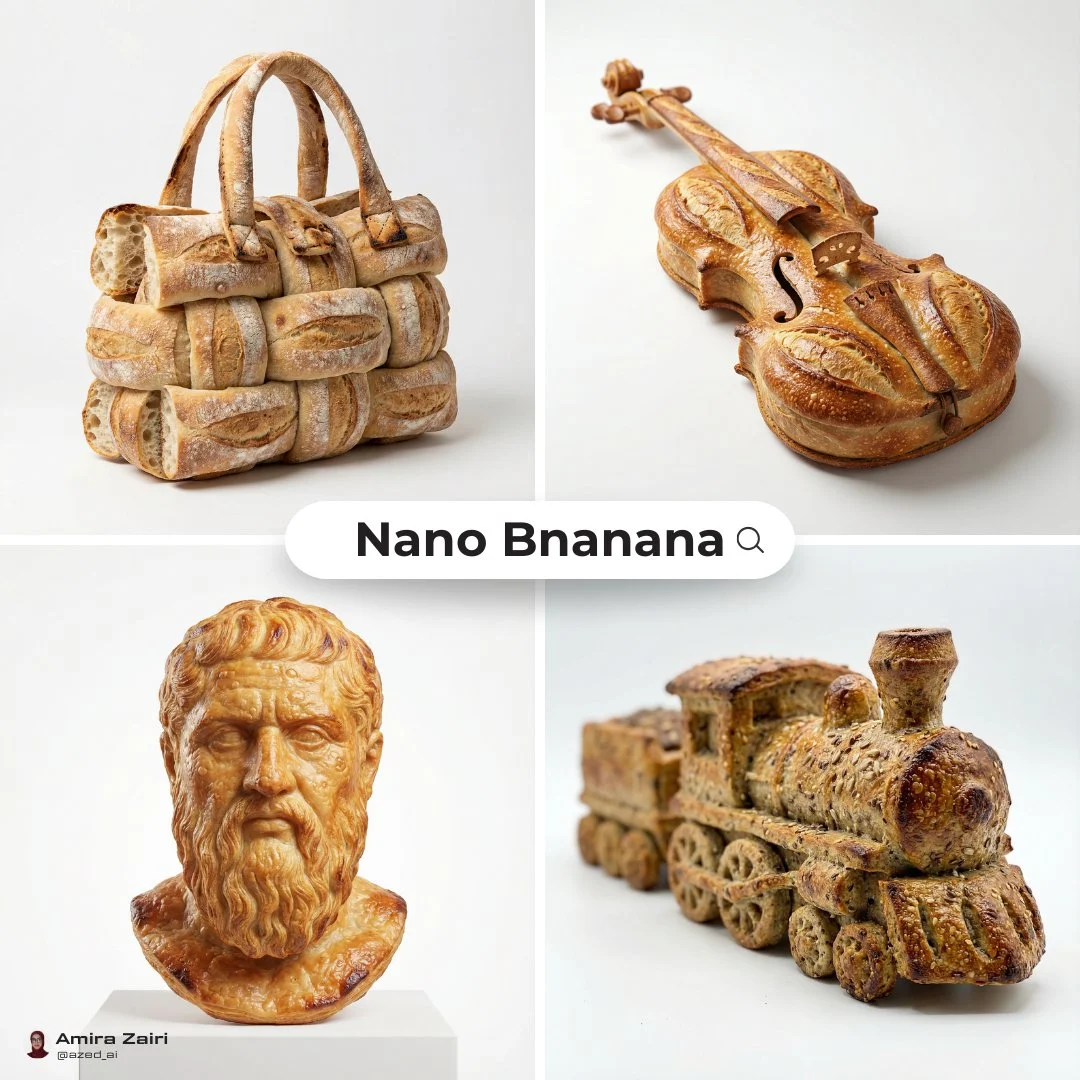
Object silhouette cues
Use the reference to establish the object outline and material treatment before writing a new scene.
Verified model-family example
Verified Nano Banana family example from the local ImageStyle prompt library.
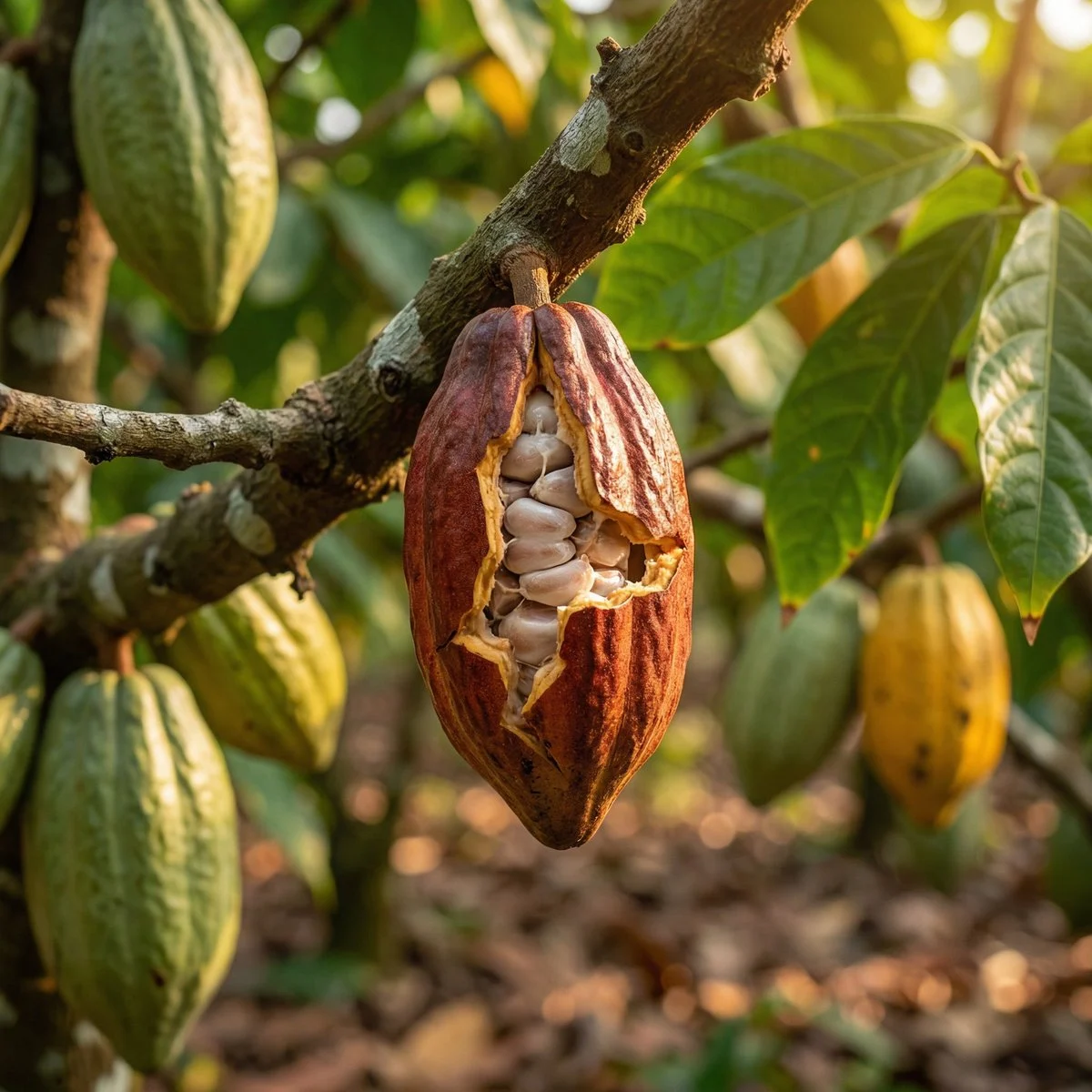
Environment texture cues
Use an approved source to anchor the material, environment, and close-up details that matter.
Verified model-family example
Verified Nano Banana family example from the local ImageStyle prompt library.
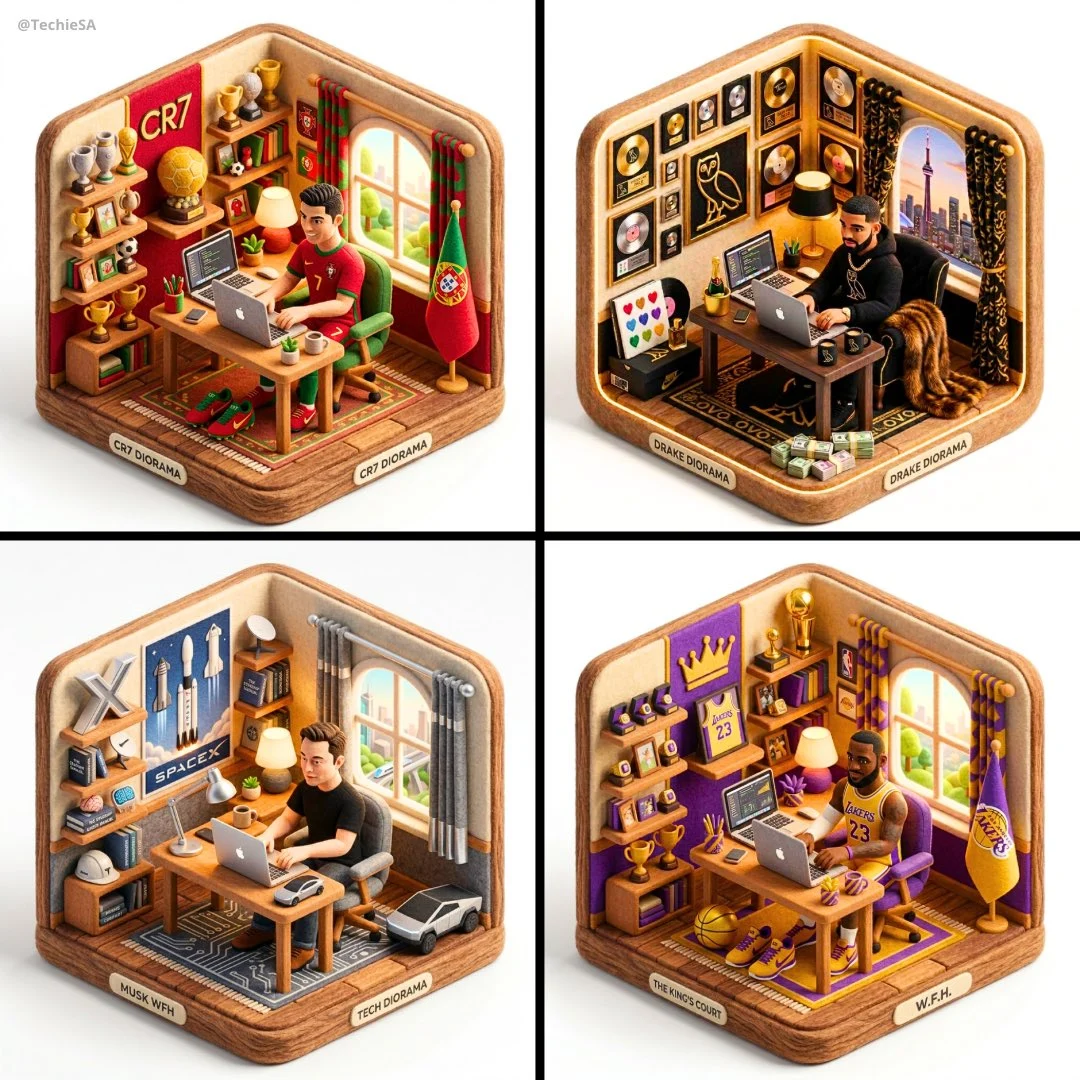
Composition cues
Use a reference to establish layout relationships without assuming the next image is a copy of it.
Verified model-family example
Verified Nano Banana family example from the local ImageStyle prompt library.
What to control in Qwen Image 3 Pro image to image
The reference role
Choose a source that makes the composition or subject you need to carry forward clear.
The change boundary
Tell the model which elements should remain and which visual attributes should be replaced or enhanced.
The delivery inspection
Use the Pro tier for a specific fidelity need, then still inspect all brand, product, and text details.
How to use Qwen Image 3 Pro image to image
Pro reference editing is useful when a supplied source gives a necessary visual direction and the delivery calls for the higher-fidelity Qwen tier.
- 1
Confirm the source is usable
Upload an approved image with a clear subject and composition. Do not use material you cannot publish.
- 2
Describe the preservation and change
Identify the elements to keep, then name the new appearance, environment, or treatment.
- 3
Select Pro output settings
Choose 1K or 2K and a fixed frame that matches the target placement.
- 4
Review the generated variation
Check that the intended reference-led direction is present and that critical visible details are correct.
What to check before using a Qwen Image 3 result
- The selected workflow controls the input
- Qwen Image 3 and Qwen Image 3 Pro accept either a text direction or approved reference images. Output is currently available at 1K or 2K with eight fixed frames.
- Inspect details that need to stay accurate
- Treat each output as a new image. Review product details, text, proportions, and the elements a prompt or reference was intended to preserve.
- Use only publishable source material
- Upload reference images only when you have the rights to use them, and review the generated result before publishing it.
Qwen Image 3 Pro image to image FAQ
- Can Qwen Image 3 Pro edit reference images?
- Yes. When approved reference images are attached, ImageStyle selects the Qwen Image 3 Pro image-to-image endpoint.
- What changes with Qwen Image 3 Pro image to image?
- The core reference-image workflow, 1K or 2K output, and fixed frames are shared with standard Qwen Image 3. Pro is the higher-priced tier for work that needs its added fidelity.
- How can I protect a reference composition?
- Use a clear source image, say which composition or subject elements should remain, and make one focused change request. Review the new image before using it.
- Can I attach any image?
- Only attach images you are allowed to use. Every supplied source image is separately billed by the provider.
Updated:
Capability source: Current ImageStyle Qwen Image 3 workspace.