Qwen Image 3 Pro text to image
Use Qwen Image 3 Pro for a higher-fidelity text-to-image direction.
Qwen Image 3 Pro uses the same text-led workflow as the standard tier with a higher-priced Pro output tier. Use it when the task calls for that added fidelity, while a 1K or 2K result and one of the eight fixed frames fit the delivery.
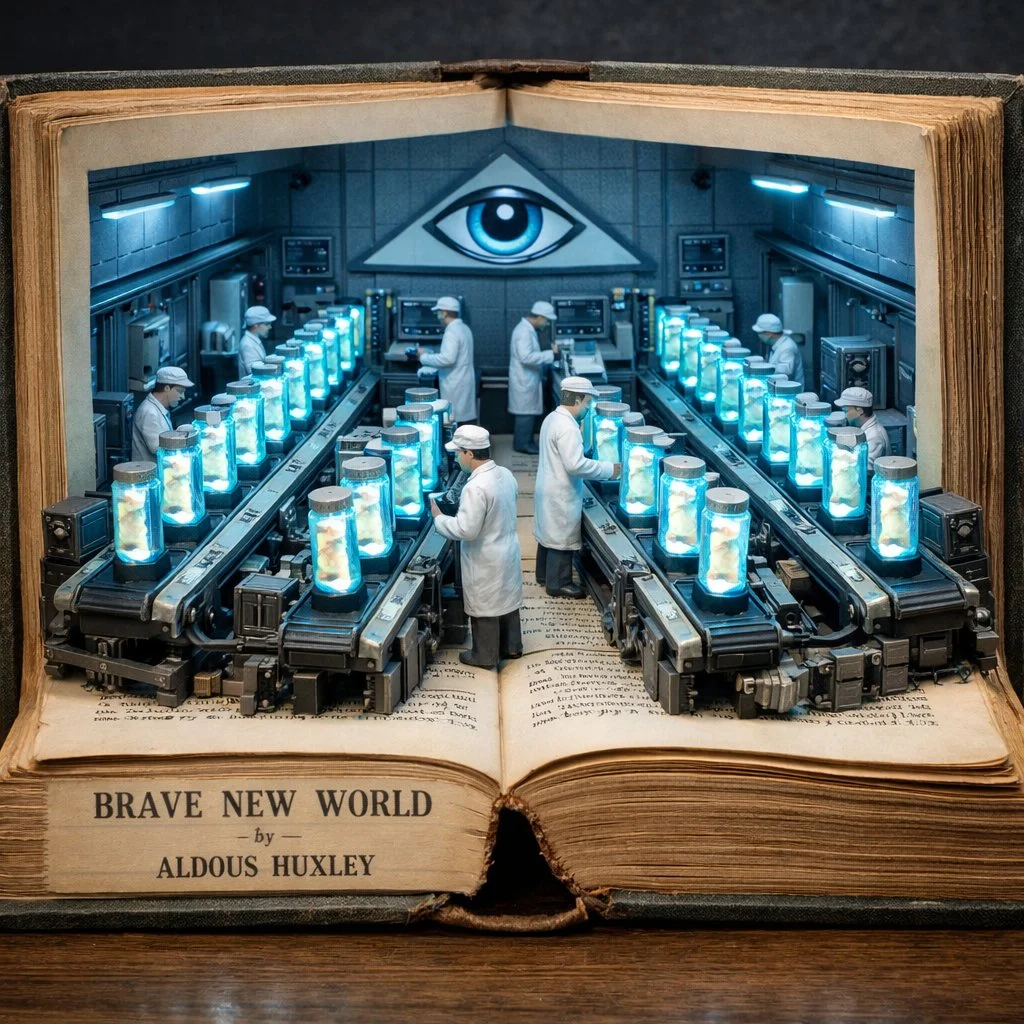
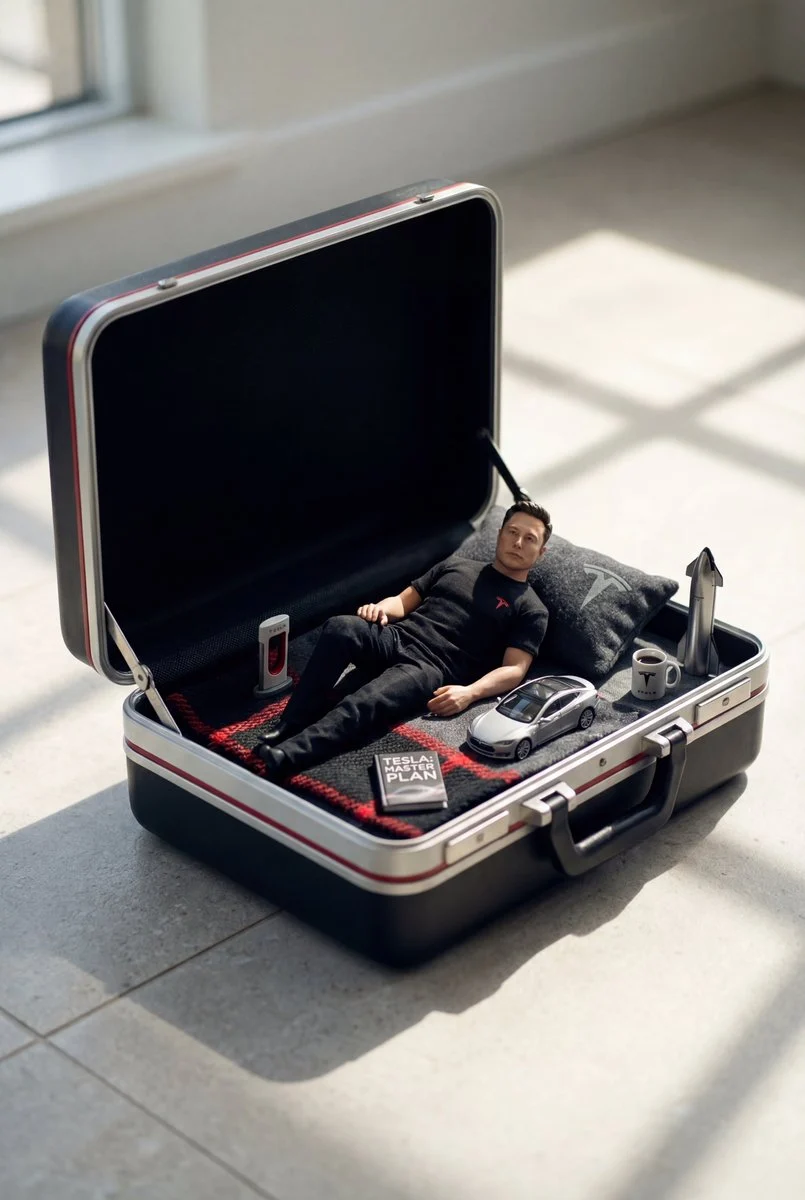
- Start with
- A written visual brief
- Output
- 1K or 2K
- Choose Pro for
- A higher-fidelity Qwen tier
Write a visual brief with a specific outcome
These verified local Nano Banana family examples show how written direction can move from a place to a visual system to a scene with action.
Every card identifies whether it is a verified model-family example or a visual reference. Reference cards are not model benchmarks or before-and-after claims.
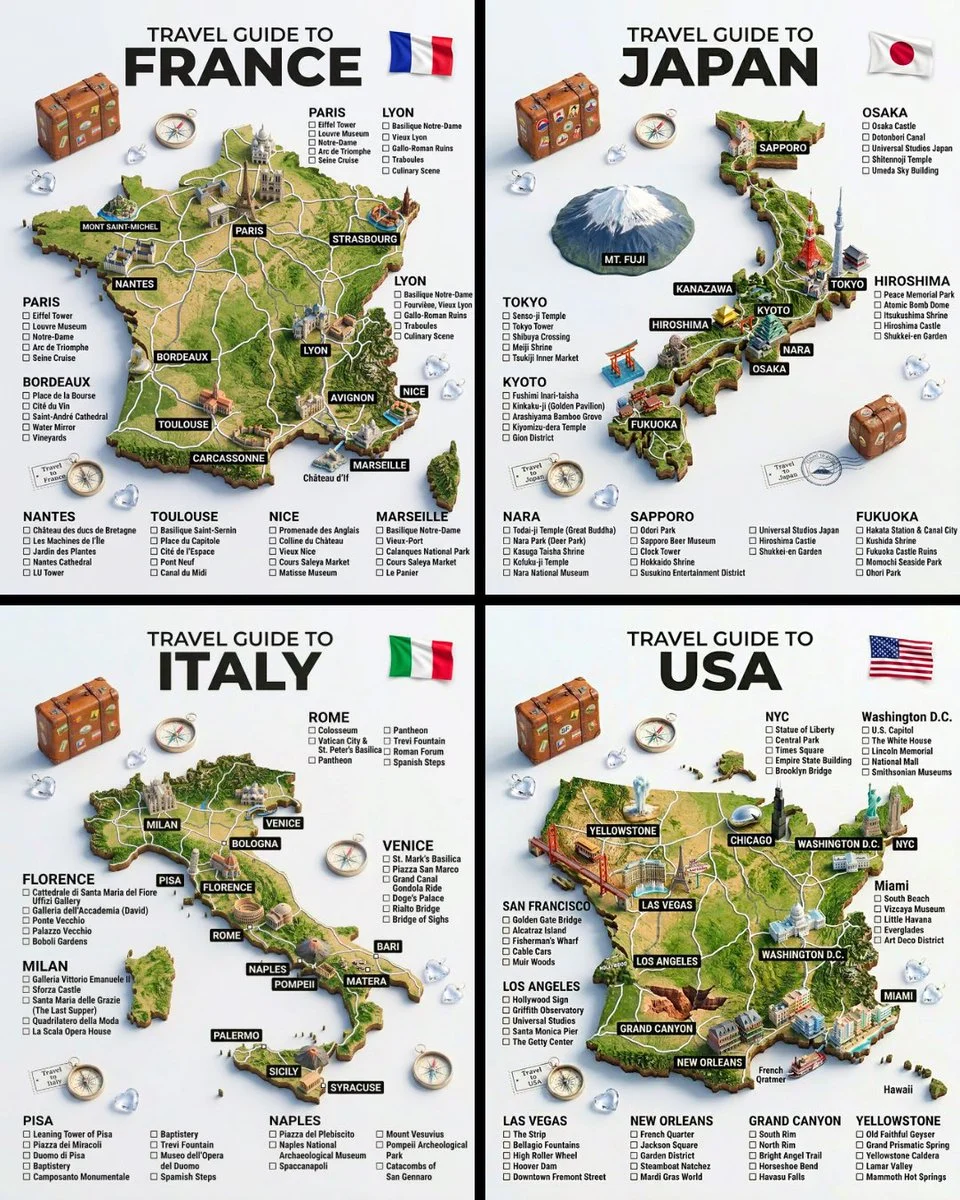
Subject, place, and structure
Turn a broad idea into a specific place, a hero subject, and a repeatable layout.
Verified model-family example
Verified Nano Banana family example from the local ImageStyle prompt library.
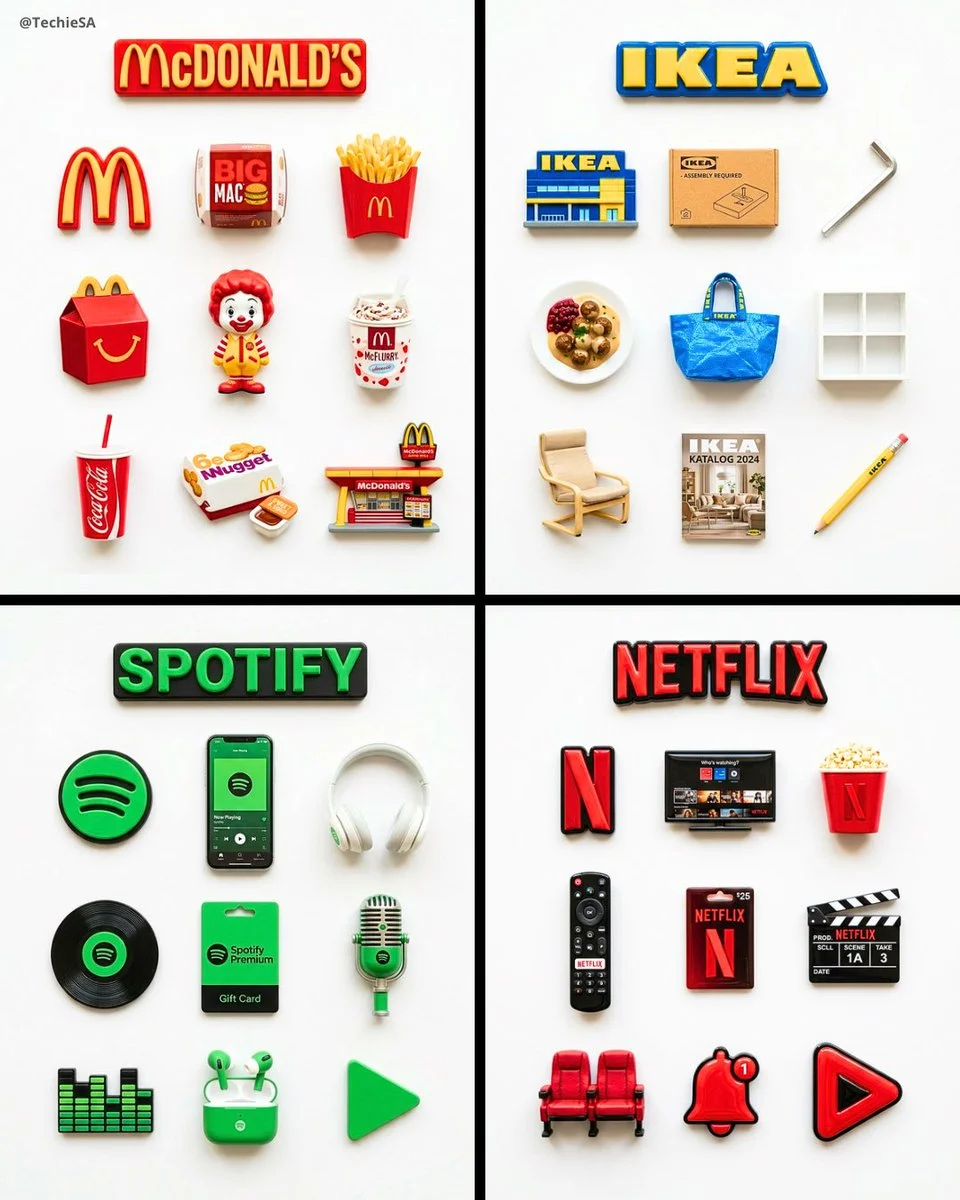
A consistent visual system
Specify the repeated object, material treatment, and layout rule that tie a set together.
Verified model-family example
Verified Nano Banana family example from the local ImageStyle prompt library.
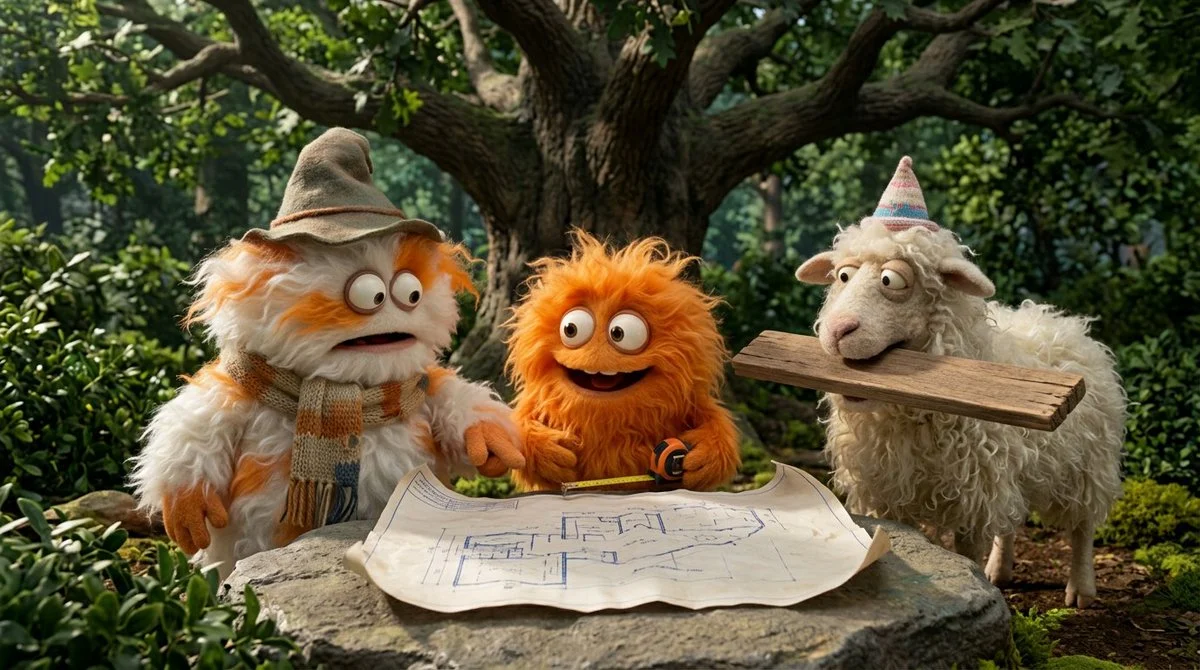
Action and scene relationship
Name who is present, what is happening, and where the action takes place.
Verified model-family example
Verified Nano Banana family example from the local ImageStyle prompt library.
When Qwen Image 3 Pro text to image fits
A focused production brief
Use a clear subject, composition, material, and light direction so the higher-fidelity tier has a specific job to do.
A deliberate output choice
Select 1K or 2K and an available frame based on the asset placement, not a generic quality assumption.
A higher-fidelity Qwen option
Choose Pro when the visual task merits its higher-priced output tier; it is not a guarantee of exact text or details.
How to create with Qwen Image 3 Pro from text
Use Pro because the delivery needs a higher-fidelity Qwen tier, then keep the prompt concrete enough for a visual review.
- 1
Decide whether Pro is worth it
Choose the higher-priced tier when the task benefits from its added fidelity and a 1K or 2K output is enough.
- 2
Write the image brief
Describe the primary subject, composition, light, materials, and the details that need attention.
- 3
Select frame and output tier
Choose a current Qwen Pro frame and 1K or 2K output before generating.
- 4
Inspect before delivery
Review all details that must be accurate, including text and product features, before publishing the result.
What to check before using a Qwen Image 3 result
- The selected workflow controls the input
- Qwen Image 3 and Qwen Image 3 Pro accept either a text direction or approved reference images. Output is currently available at 1K or 2K with eight fixed frames.
- Inspect details that need to stay accurate
- Treat each output as a new image. Review product details, text, proportions, and the elements a prompt or reference was intended to preserve.
- Use only publishable source material
- Upload reference images only when you have the rights to use them, and review the generated result before publishing it.
Qwen Image 3 Pro text to image FAQ
- What is Qwen Image 3 Pro text to image?
- It is ImageStyle’s text-led workflow for the higher-fidelity Qwen Image 3 Pro tier. It accepts a written image direction and currently offers 1K or 2K output with eight fixed frames.
- How is Pro different from standard Qwen Image 3?
- Both current workflows support written directions and reference-guided image editing at 1K or 2K. Pro is the higher-priced tier intended for tasks where its extra fidelity is worth more credits.
- Does Pro offer 4K output?
- No. The current Qwen Image 3 Pro workflow offers 1K and 2K output. Compare another model when the delivery requires an output tier above 2K.
- Can I use the same prompt structure in Pro?
- Yes. Start with the subject, composition, light, materials, and constraints. The Pro tier changes the output tier, not the need for a clear brief.
Updated:
Capability source: Current ImageStyle Qwen Image 3 workspace.