AI picture generation
Turn an idea into an AI picture with a clear visual direction.
Use ImageStyle as an AI picture generator when you want to turn a short brief into an original visual. Start with the subject and setting, then choose the available model and output options that fit the picture you need.
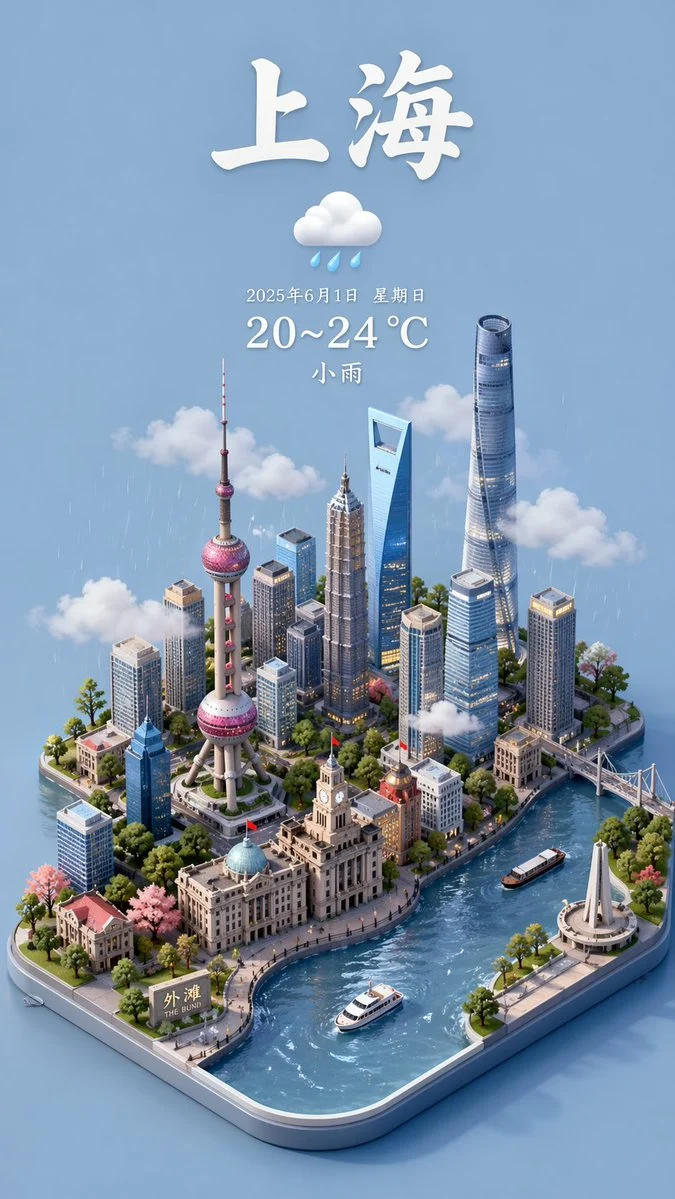
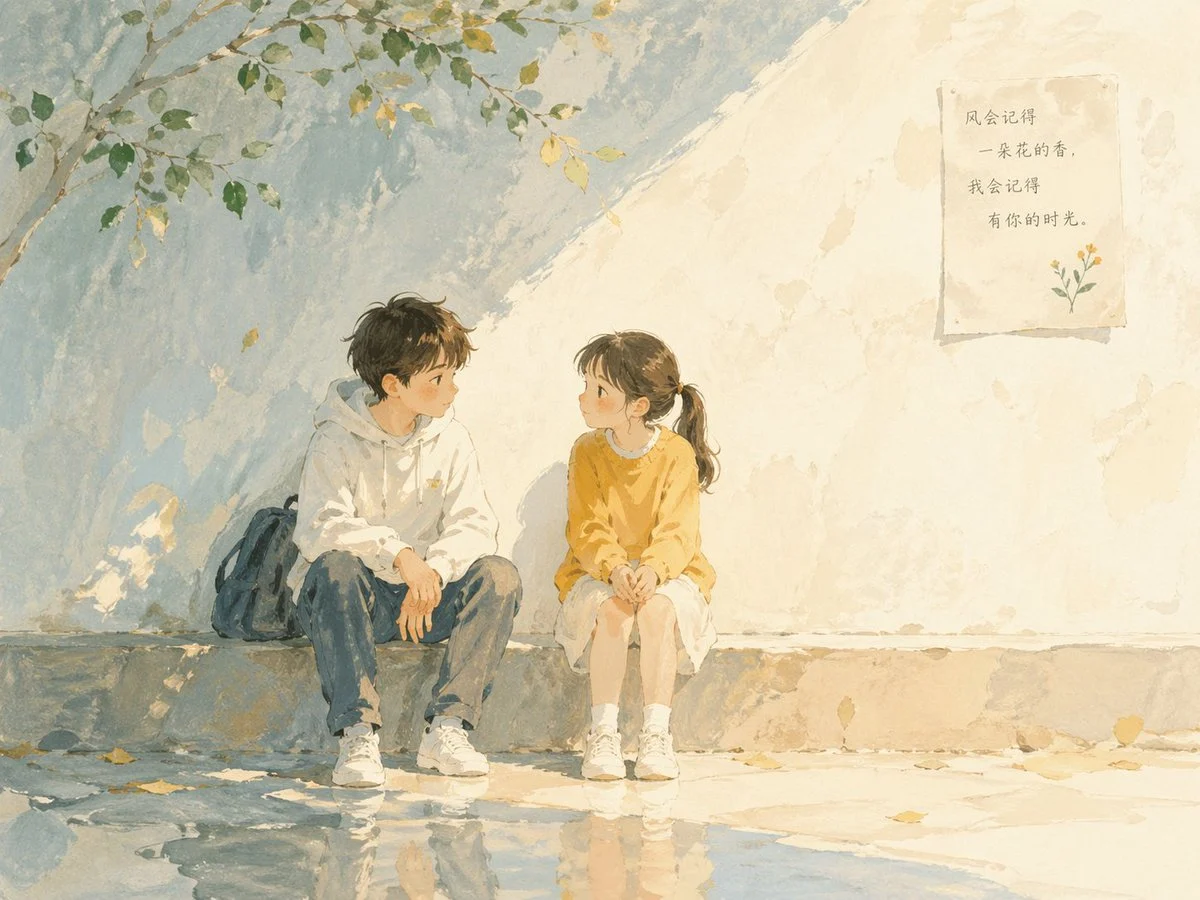
- Start with
- A written picture brief
- Optionally add
- A supported reference image
- Refine with
- Model, frame, and output options
Picture directions with a clear visual focus
These local model-family examples separate an illustrative concept, an everyday scene, and an editorial layout so this page does not repeat the general image-generator set.
Every card identifies whether it is a verified model-family example or a visual reference. Reference cards are not model benchmarks or before-and-after claims.
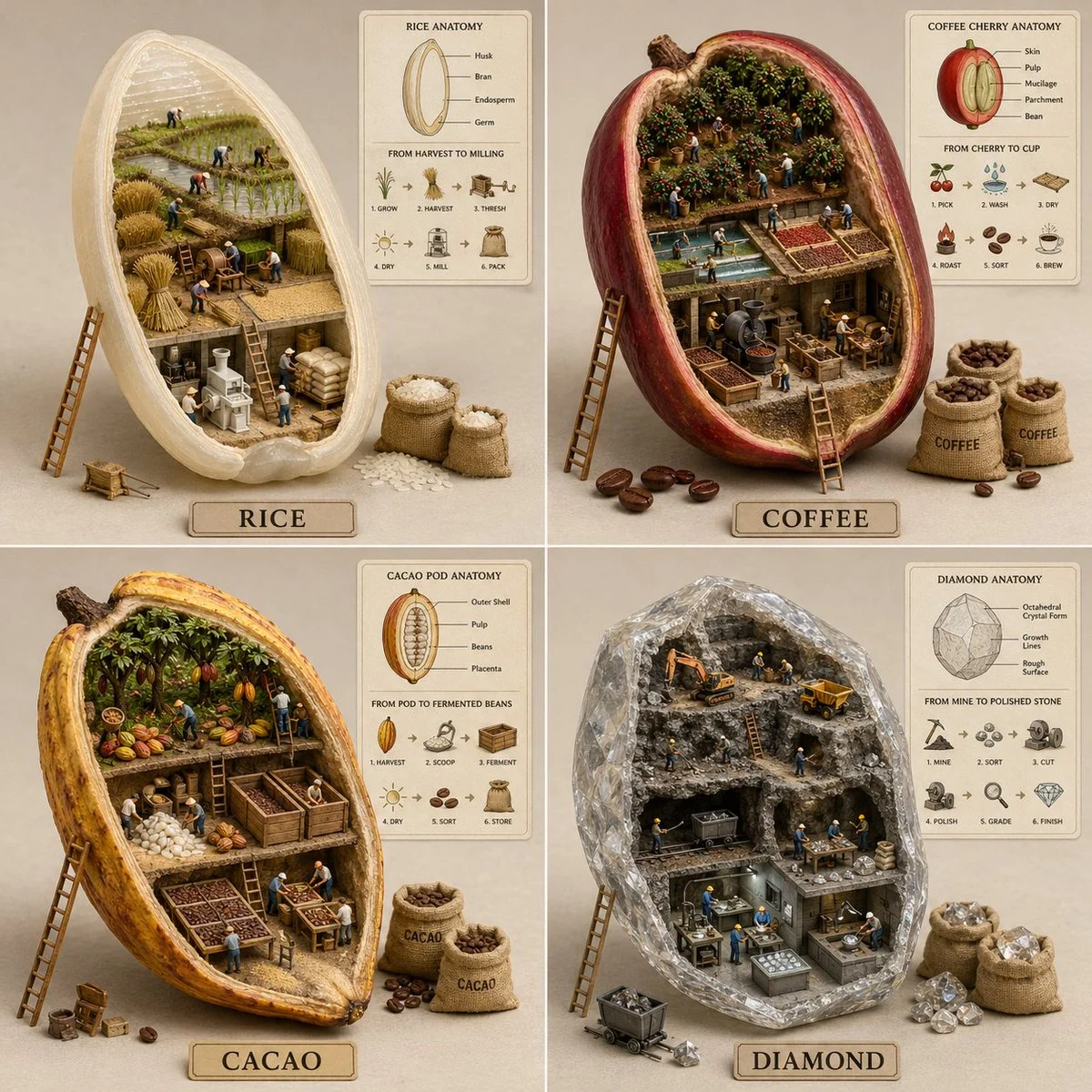
Structured visual concept
A repeated layout with a distinct visual rule for each panel.
Verified model-family example
Verified GPT Image family example from the local ImageStyle prompt library.
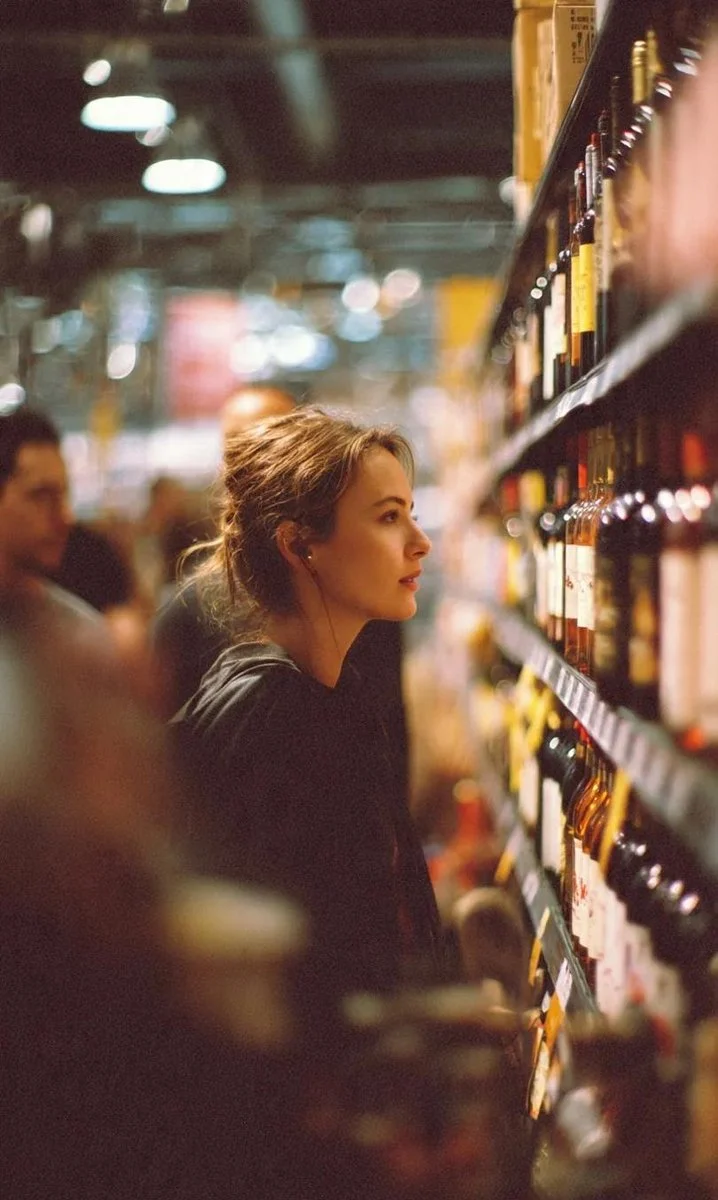
Cinematic everyday scene
A grounded location, a defined viewpoint, and a single human action.
Verified model-family example
Verified Nano Banana family example from the local ImageStyle prompt library.
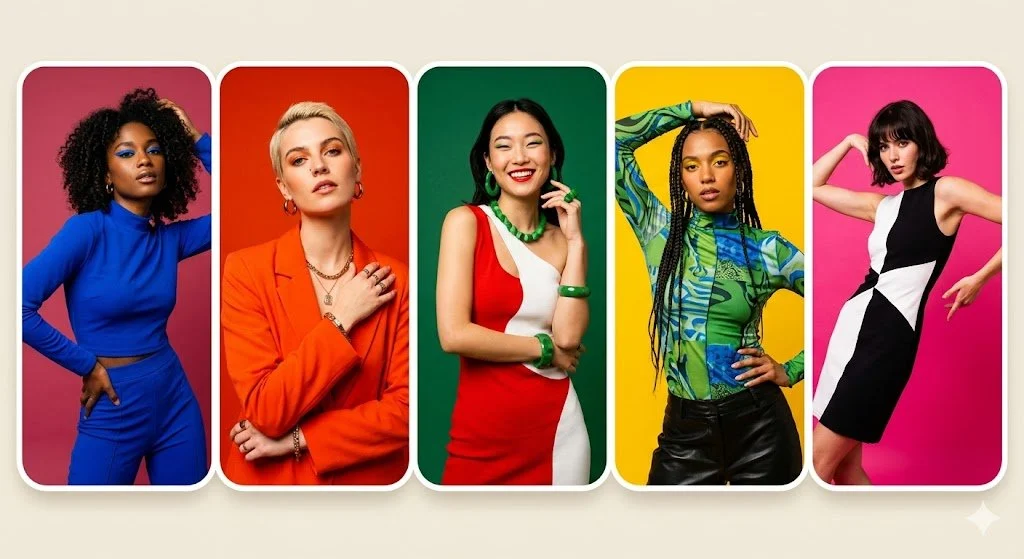
Color-led editorial layout
A repeatable grid, controlled color blocks, and a consistent portrait treatment.
Verified model-family example
Verified Nano Banana family example from the local ImageStyle prompt library.
What an AI picture generator helps you direct
A picture with one clear subject
Name what the viewer should notice first, then add the setting, composition, and visual mood around it.
A purposeful format
Choose from the aspect-ratio and output options available for the selected model instead of adapting every idea to one fixed canvas.
A reference-led direction
When a selected model accepts reference images, use one to establish a visual starting point alongside the written brief.
How to create an AI picture
A useful picture brief makes the intended subject and composition visible before the generation begins. Keep the parts that matter most explicit, then review the result before using it publicly.
- 1
Describe the scene and subject
Write the main subject, where it appears, the composition, and the visual details that should receive priority.
- 2
Select a compatible image setup
Choose a model and the available framing or output settings that suit the intended image role.
- 3
Generate and inspect the picture
Check the visible details, readable text, and any important brand or product element before you reuse the result.
What to check before using an AI picture
- The selected model defines the controls
- Reference-image support, output sizes, aspect ratios, and credit cost vary by model and setting.
- Generated details need review
- Check important objects, hands, text, product details, and visual consistency in the finished image.
- Only use material you can publish
- Upload and publish only source material that you are allowed to use in the intended project.
AI picture generator FAQ
- What is an AI picture generator?
- An AI picture generator turns a written visual direction into an image. In ImageStyle, the result is shaped by the prompt, selected model, and the output settings that model supports.
- Is an AI picture generator different from an AI image generator?
- The terms are commonly used for the same type of task. This page focuses on making a single visual from a clear picture brief, while the ImageStyle workspace also supports reference-led work on compatible models.
- Can I begin with an image instead of a written idea?
- Yes, when the selected model supports reference images. Use the image-to-image generator workflow when a supplied image should guide the new variation.
- What should I include in a picture brief?
- Start with the subject, setting, composition, light or mood, and the one or two details that must be visible in the result.
Updated:
Capability source: Current ImageStyle image-generation workspace.