AI photo generation
Create a photo-style AI image from a clear photographic brief.
Use the AI photo generator workflow when the direction calls for a photographic image rather than a graphic layout. Describe the subject, environment, camera distance, light, and mood, then examine the output before you use it in a real project.
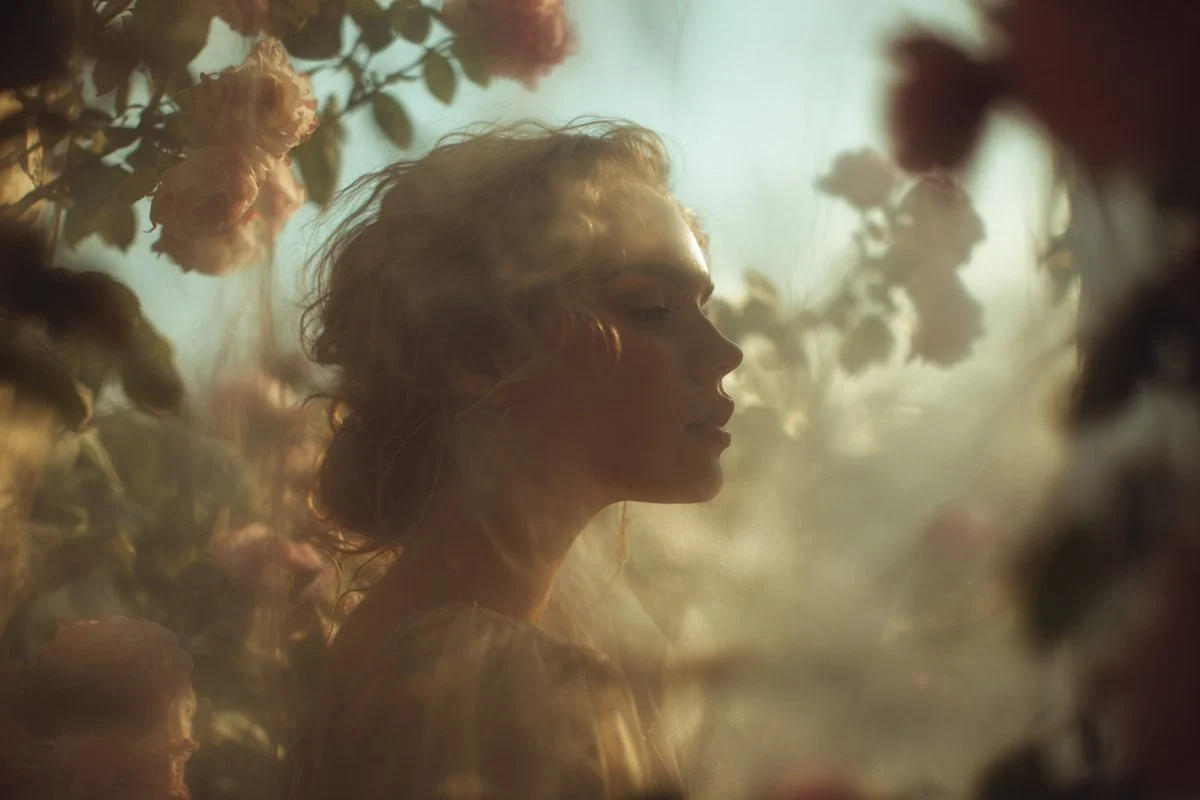
- Describe
- Subject, environment, and light
- Frame
- The viewpoint and intended image role
- Review
- Visible details before publication
Photography directions with different light and framing
These verified local GPT Image family examples focus on photography choices: location, contrast, framing, and light.
Every card identifies whether it is a verified model-family example or a visual reference. Reference cards are not model benchmarks or before-and-after claims.
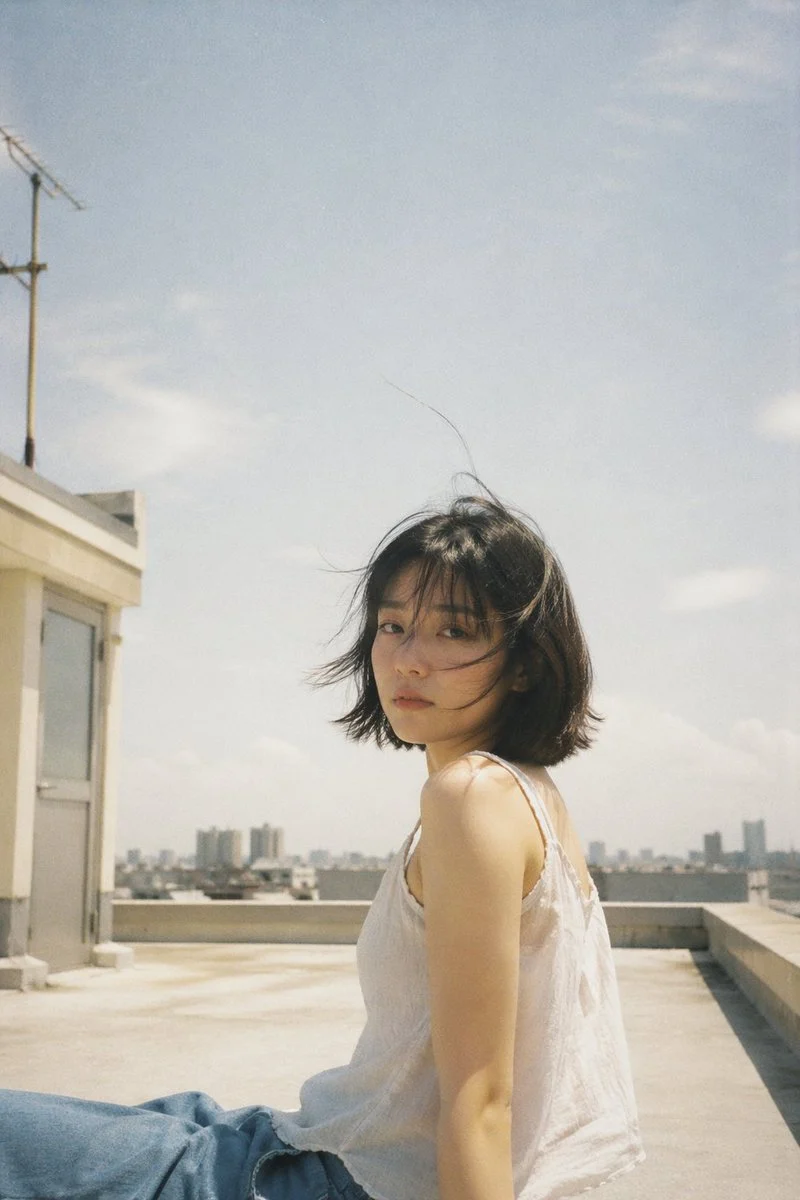
Location and light
Name the place, time of day, and light quality before adding a style cue.
Verified model-family example
Verified GPT Image family example from the local ImageStyle prompt library.
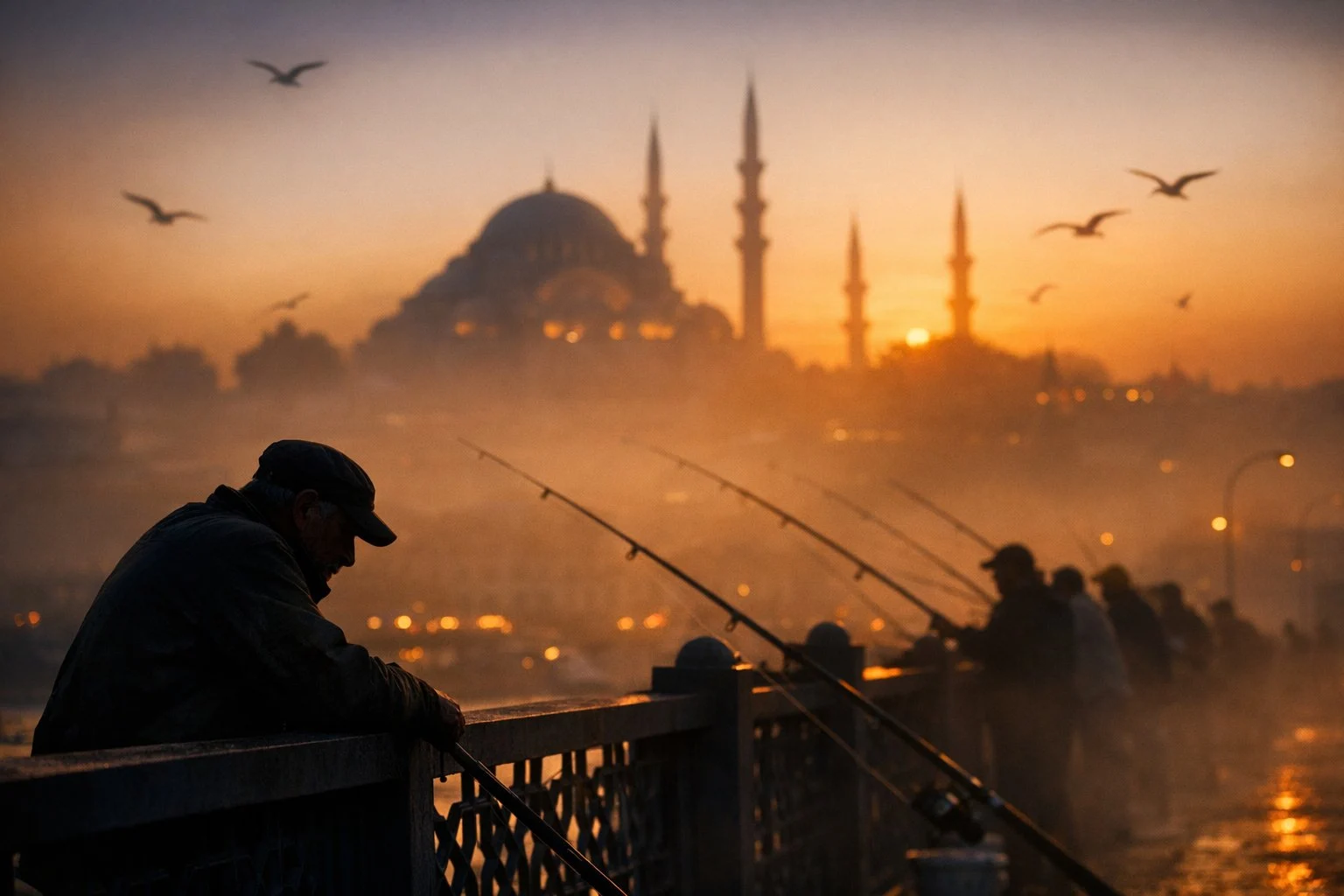
Time and atmosphere
Name the location, time of day, and atmospheric depth before adding a visual style.
Verified model-family example
Verified GPT Image family example from the local ImageStyle prompt library.
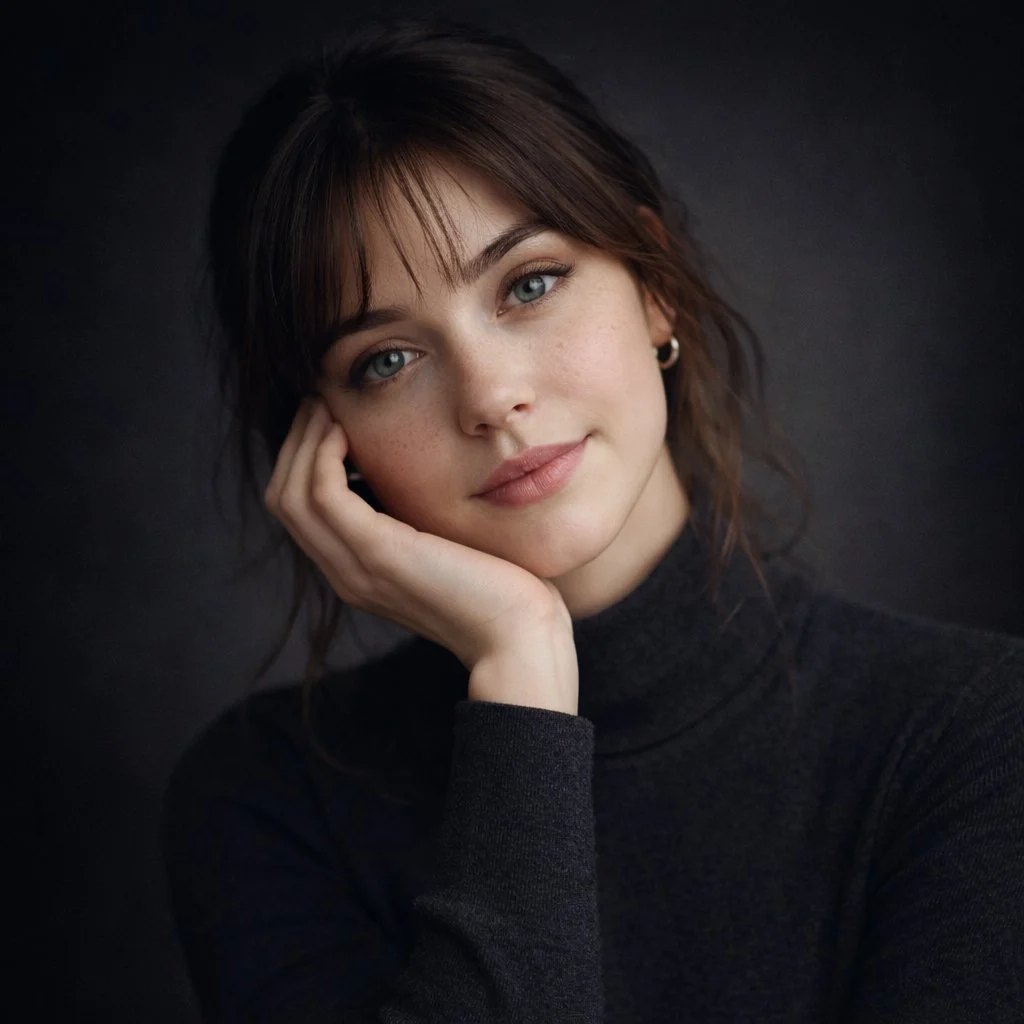
Controlled portrait
Specify the background, crop, and light direction for a repeatable photo setup.
Verified model-family example
Verified GPT Image family example from the local ImageStyle prompt library.
Direct a photo-style image with more intent
A specific visual subject
State who or what the image is about before adding photographic choices such as angle, distance, and environment.
A scene with usable context
Describe the place, time of day, material, and lighting when those details change how the image should feel.
A result that can be checked
Use a clear brief so product details, text, proportions, and other visible requirements can be reviewed after generation.
How to create an AI photo
A photographic prompt benefits from a concrete scene. Start with what must be shown, then use the camera-like details only when they genuinely change the intended result.
- 1
Name the subject and image role
Decide whether the result is a portrait-style visual, product scene, editorial image, or another defined photo role.
- 2
Add the scene and framing
Specify the setting, light, viewpoint, and composition that give the image its photographic direction.
- 3
Choose an available output setup
Select a model, aspect ratio, and output options that are available for the image you need.
- 4
Inspect the finished image
Review visible faces, hands, product details, text, and any element that needs to be accurate before publishing.
Photographic direction still needs review
- Do not treat generated details as verified
- A photo-style result may look convincing while still containing incorrect product details, text, or other visible facts.
- Use references only when they are supported
- A source image can guide a compatible model, but it is not a guarantee of exact preservation or reproduction.
- Respect rights and privacy
- Only use source images, people, products, and brand material that you are allowed to use for the intended work.
AI photo generator FAQ
- What is an AI photo generator?
- An AI photo generator creates a photo-style image from a written direction or, on compatible models, a supplied reference image. The finished output should always be reviewed before publication.
- What should I include in an AI photo prompt?
- Include the main subject, environment, viewpoint, lighting, composition, and any detail that must remain visible or accurate.
- Can I create product photos with AI?
- You can create product-focused visuals from an approved reference image. Use the dedicated product photo generator when the work is for an ecommerce listing or product page.
- Can an AI photo generator preserve every detail?
- No. Generated images should be checked closely when product labels, readable text, identity, material, or other details matter.
Updated:
Capability source: Current ImageStyle image-generation workspace.