AI image model
Nano Banana AI Image Generator
Choose Nano Banana when the visual direction can start entirely in writing and you need to decide the composition through the prompt and framing menu, not through source images.
Nano Banana task directions
These local image examples are attributed to the Nano Banana family. They show task directions, not a benchmark between model versions.
Every card identifies whether it is a verified model-family example or a visual reference. Reference cards are not model benchmarks or before-and-after claims.
- Input contract
- Text prompt only
- Current controls
- Prompt length: Up to 20,000 characters · Output behavior: Provider-selected output (no resolution selector) · Framing: 11 aspect-ratio choices
- Selection boundary
- Compare Nano Banana 2, Nano Banana 2 Lite, or Nano Banana Pro when an existing image must guide the result. Choose a model with manual output tiers when you need to select 1K, 2K, or 4K before generation.
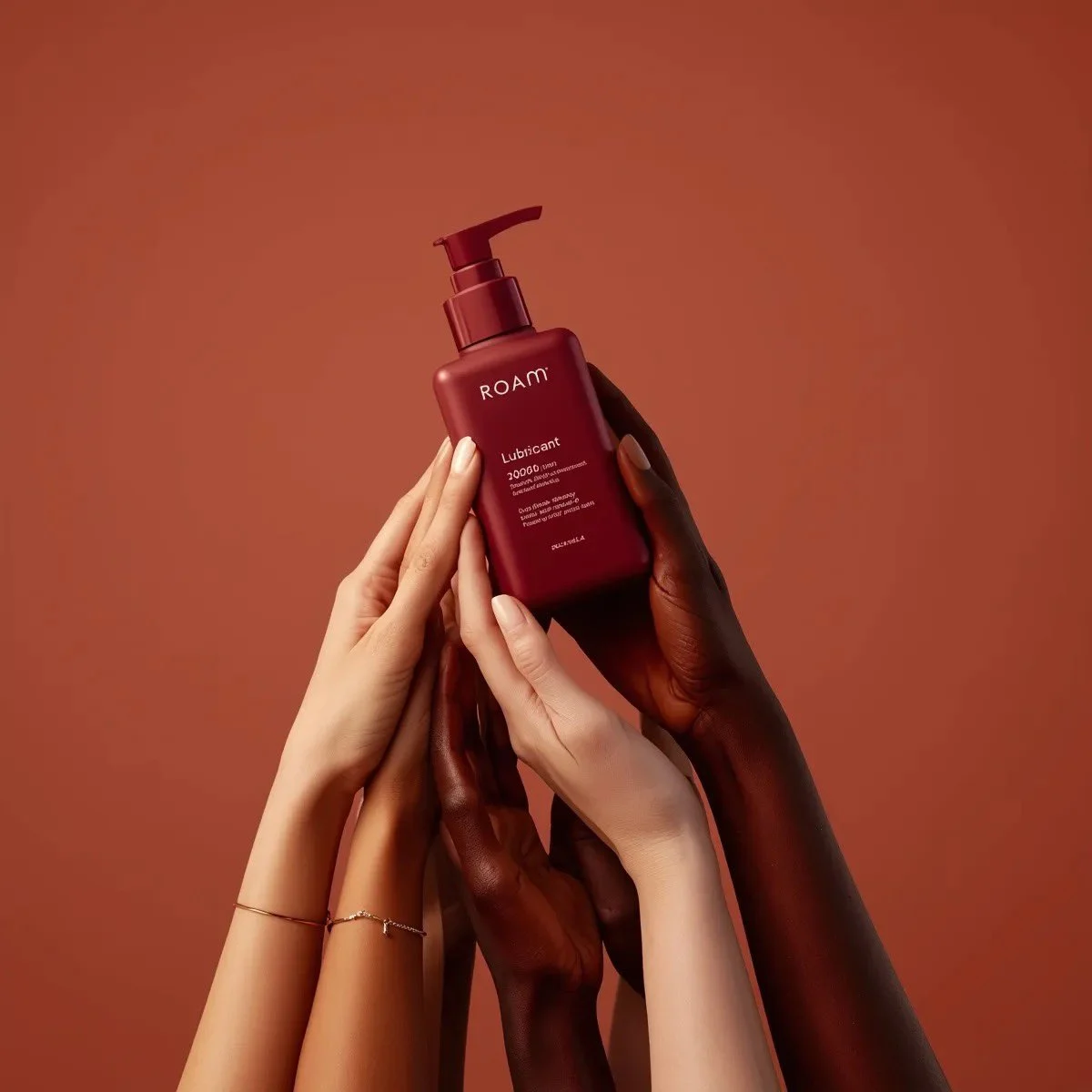
Subject and setting
Use one clear subject and setting to test whether the written brief establishes the right visual starting point.
- Task direction
- Use one clear subject and setting to test whether the written brief establishes the right visual starting point.
Verified model-family example
Verified Nano Banana family example from the local ImageStyle prompt library.
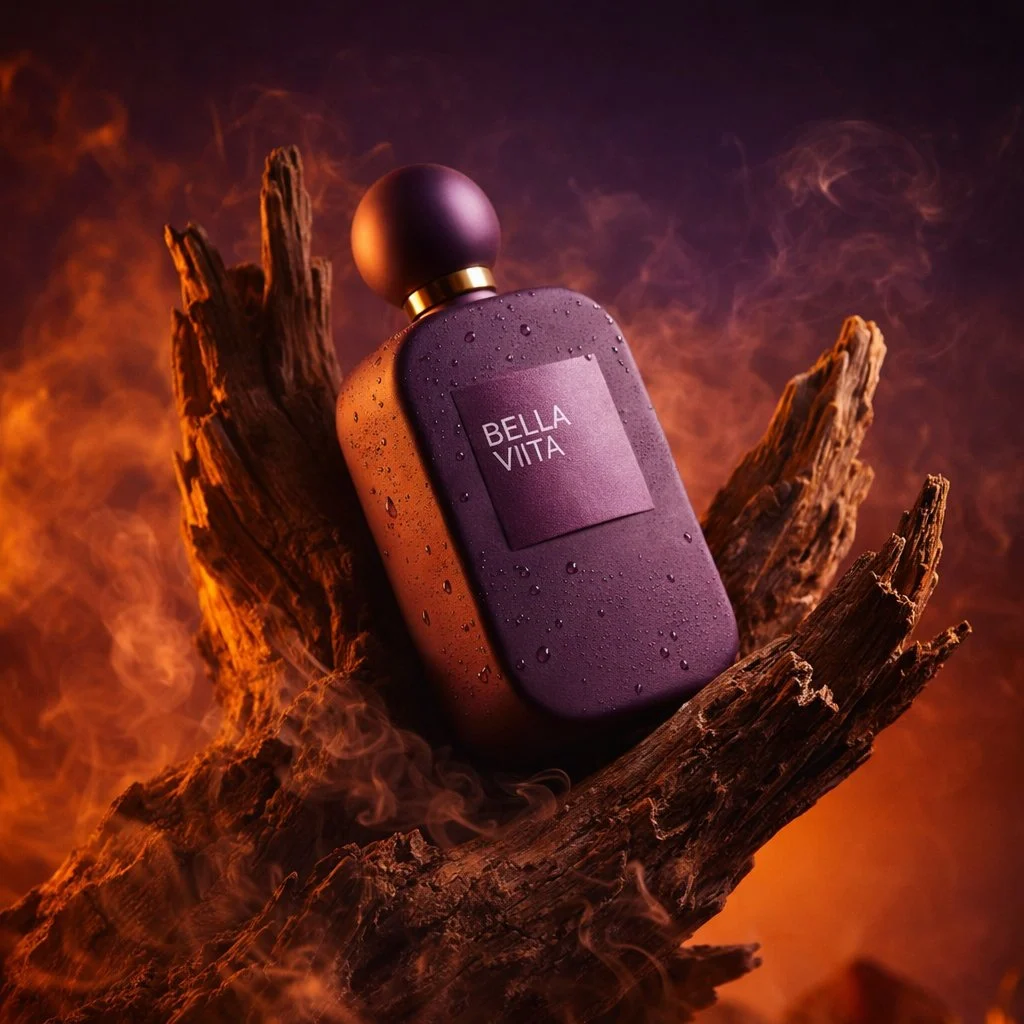
Composition direction
Use a deliberate frame and hierarchy to decide what the prompt or reference must preserve.
- Task direction
- Use a deliberate frame and hierarchy to decide what the prompt or reference must preserve.
Verified model-family example
Verified Nano Banana family example from the local ImageStyle prompt library.
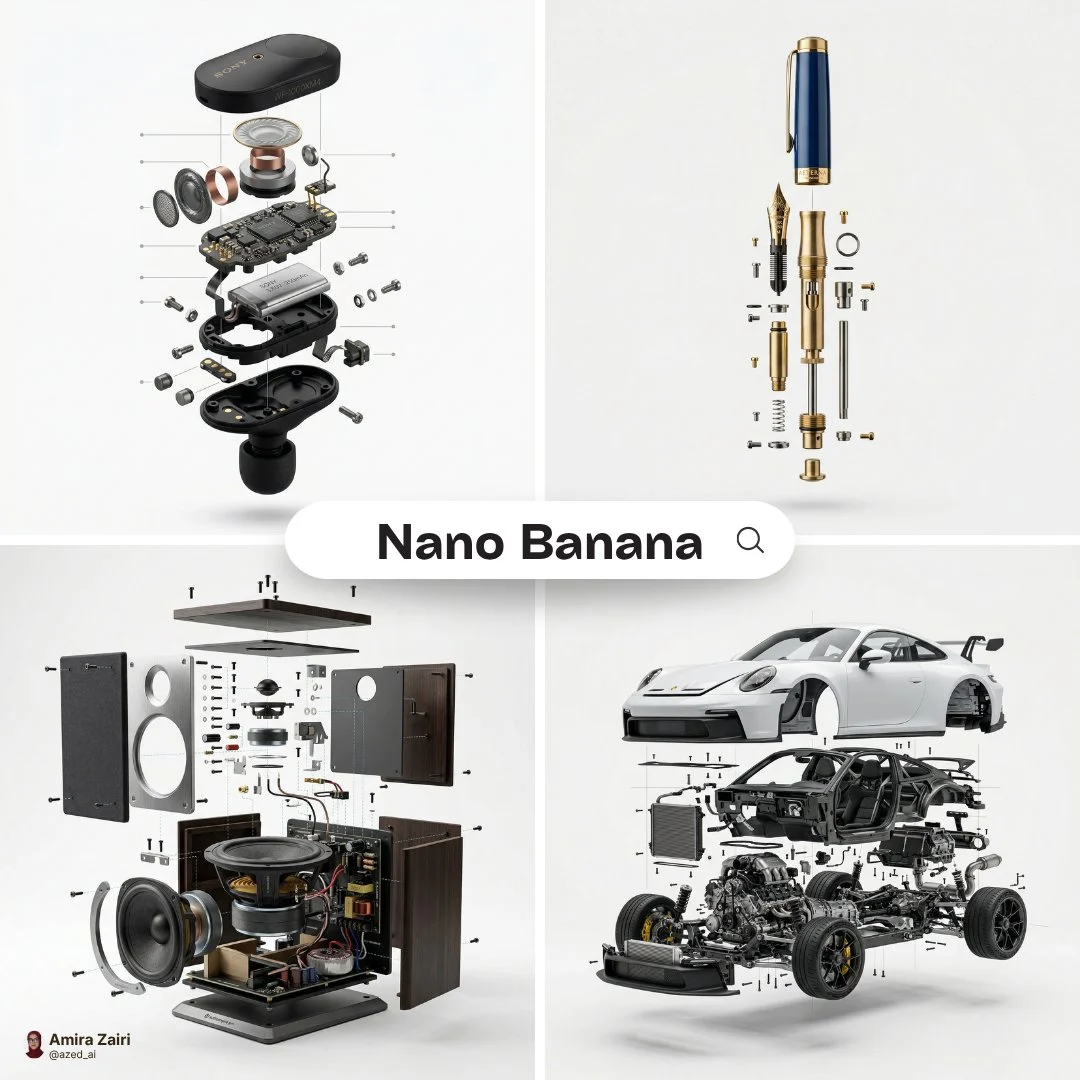
Detail and material cue
Specify the visible detail that should guide the result instead of treating the reference as a performance test.
- Task direction
- Specify the visible detail that should guide the result instead of treating the reference as a performance test.
Verified model-family example
Verified Nano Banana family example from the local ImageStyle prompt library.
- Create
- AI images
- Input
- Text prompt only
- Output behavior
- Provider-selected output (no resolution selector)
Compare available settings with related models
Check whether the input, output, and framing controls fit the job before you open a workspace. This table does not treat the example media as a cross-model performance test.
Nano Banana
Current page
Text-only image direction with flexible framing and provider-selected output.
- Input
- Text prompt only
- Prompt length
- Up to 20,000 characters
- Output behavior
- Provider-selected output (no resolution selector)
Nano Banana 2
Reference-guided images with manual 1K, 2K, or 4K selection and broad framing.
- Input
- Text prompt + up to 5 reference images
- Prompt length
- Up to 20,000 characters
- Output resolution
- 1K / 2K / 4K
Nano Banana 2 Lite
Reference-guided image directions with broad framing and provider-selected output.
- Input
- Text prompt + up to 5 reference images
- Prompt length
- Up to 20,000 characters
- Output behavior
- Provider-selected output (no resolution selector)
Nano Banana Pro
Image work with up to eight approved references and manual 1K, 2K, or 4K selection.
- Input
- Text prompt + up to 8 reference images
- Prompt length
- Up to 20,000 characters
- Output resolution
- 1K / 2K / 4K
What you can control with Nano Banana
Build the image from language
Nano Banana currently has no reference-image input, so the written brief carries the subject, scene, and composition decisions.
Work from a written direction
This model currently starts from a text prompt and does not expose a reference-image input.
Confirm the current output behavior
Current output tiers are Provider-selected output (no resolution selector), with 11 aspect-ratio choices. Use the options shown in the workspace before generation.
Current Nano Banana settings
These settings come from the current ImageStyle model configuration and help you decide whether the workflow fits the job.
| Setting | Current availability |
|---|---|
| Input | Text prompt only |
| Prompt length | Up to 20,000 characters |
| Output behavior | Provider-selected output (no resolution selector) |
| Framing | 11 aspect-ratio choices |
AI image model
When to choose Nano Banana
Text-only image direction with flexible framing and provider-selected output.
Current workflow fit
Choose Nano Banana when the visual direction can start entirely in writing and you need to decide the composition through the prompt and framing menu, not through source images.
When to compare another model
Compare Nano Banana 2, Nano Banana 2 Lite, or Nano Banana Pro when an existing image must guide the result. Choose a model with manual output tiers when you need to select 1K, 2K, or 4K before generation.
How to create an image with Nano Banana
Treat the prompt as the complete art direction: state the subject, scene, composition, and visual priority before choosing a frame.
- 1
Write the complete visual brief
Name the subject, location, camera view, light, and the one detail that cannot be lost in the result.
- 2
Confirm the written direction
Check that the prompt already communicates the composition and most important visual priorities.
- 3
Confirm the framing
The model selects the output tier; confirm 11 aspect-ratio choices before generation.
- 4
Generate and review
Before public use, inspect visible text, product details, people, marks, and framing in the result.
Checks before you create and publish
- Treat the workspace as current
- Model availability and settings can change. Use the options shown in the current workspace before you submit.
- Use approved source material
- When you upload a reference image, confirm that you are allowed to use and publish it for the current project.
- Review the generated result
- Manually check any visible text, product information, and brand element that must be accurate before publishing.
Nano Banana FAQ
- What is Nano Banana?
- The Nano Banana AI image generator in ImageStyle is a prompt-only image workflow with 11 current framing choices. For Nano Banana image editing, use a reference-capable option such as Nano Banana 2, Nano Banana 2 Lite, or Nano Banana Pro instead.
- Can I upload a reference image to Nano Banana?
- No. Nano Banana currently uses a text prompt only, so use a reference-capable image model when an existing image must guide the result.
- Can I use reference images with Nano Banana?
- The current workflow does not support a reference-image input, so start with a written prompt.
- What output settings does Nano Banana currently offer?
- Current output tiers are Provider-selected output (no resolution selector), with 11 aspect-ratio choices. The generation workspace is the source of truth for the options available at submission.
- What should I prepare before using Nano Banana?
- Prepare a clear visual direction. If the current model supports reference images, add approved images only when they help preserve a visual starting point.
- Can I publish a generated result without review?
- No. Before public use, manually review text, product details, people, marks, and any other element that must be accurate.
Updated:
Capability source: Current ImageStyle image-model configuration.