Qwen Image 3 prompt guide
Write Qwen Image 3 prompts that make the visual direction reviewable.
A useful Qwen Image 3 prompt is a production brief, not a pile of style labels. Start with the visible subject and composition, add material and lighting cues, then state the details that must stay accurate or change.
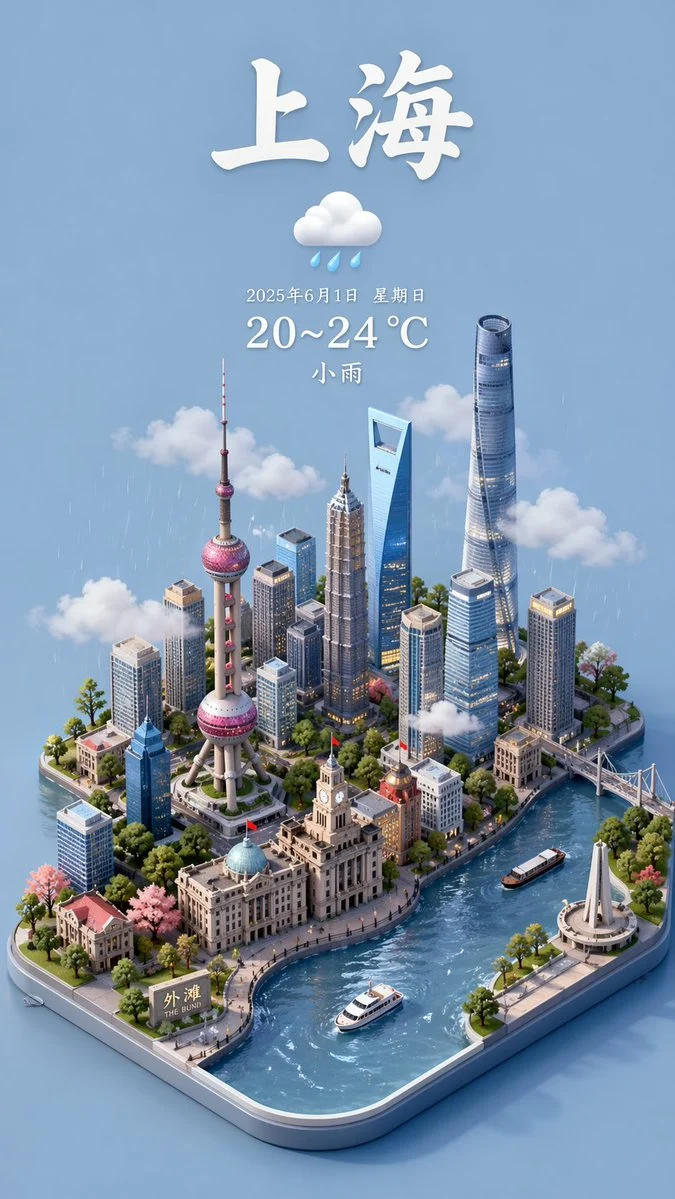

- Prompt limit
- Up to 800 characters
- For text to image
- Describe the full visual brief
- For image to image
- State what stays and changes
Examples to inspect before you generate
Inspect different image directions before choosing a model, frame, and prompt structure.
Every card identifies whether it is a verified model-family example or a visual reference. Reference cards are not model benchmarks or before-and-after claims.
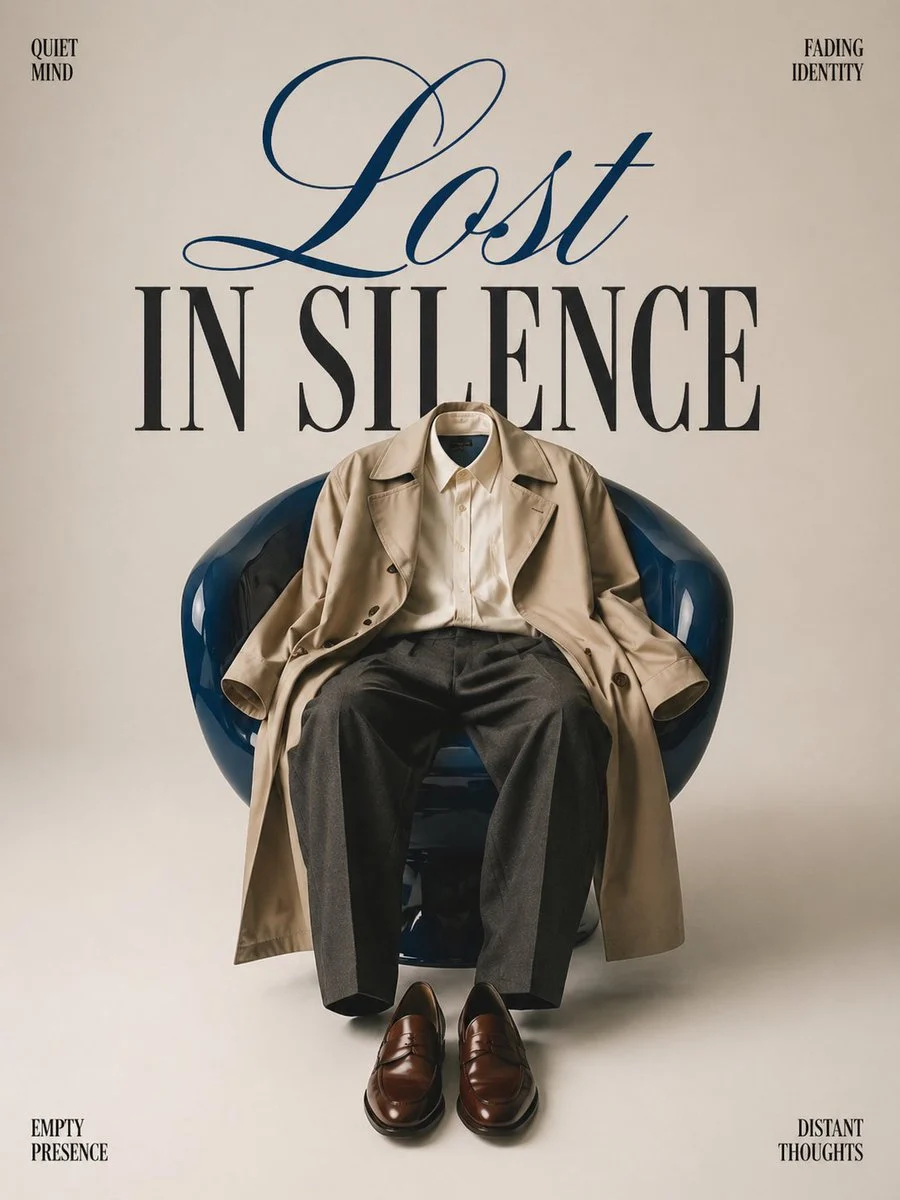
Poster composition
One central object, clear negative space, and a deliberate text hierarchy.
Verified model-family example
Verified GPT Image family example from the local ImageStyle prompt library.
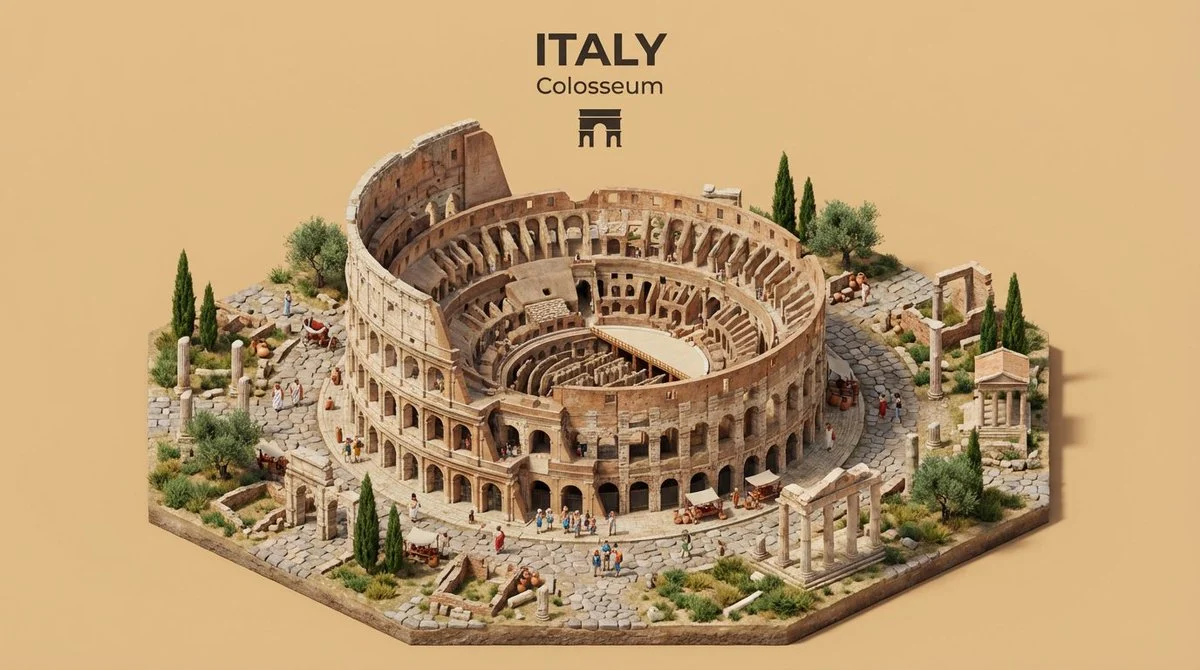
Illustrated place concept
Combine a place, its defining landmarks, and a clear viewing angle in one visual direction.
Verified model-family example
Verified Nano Banana family example from the local ImageStyle prompt library.
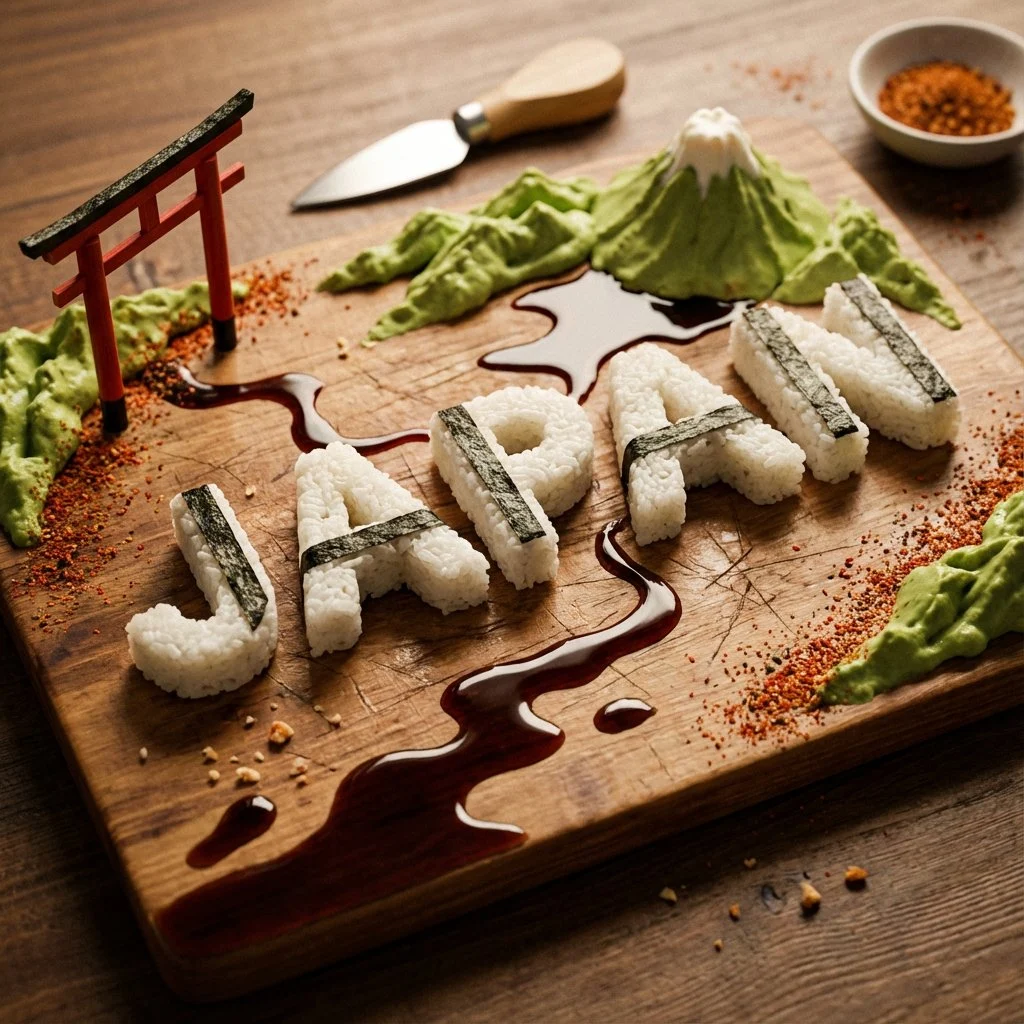
Concept-led object treatment
Give an abstract idea a material, a physical form, and a simple composition rule.
Verified model-family example
Verified GPT Image family example from the local ImageStyle prompt library.
A practical Qwen Image 3 prompt structure
Subject and setting
State what is in the image and where it is before asking for a style treatment.
Composition and light
Describe the point of view, framing, visual hierarchy, and light that make the image usable.
Materials and constraints
Name texture, color, readable copy, and other required details with a clear priority.
How to build a Qwen Image 3 prompt
Use the prompt to make choices inspectable. Do not treat it as a promise that every generated element will be exact.
- 1
Write the scene in one sentence
Give the subject, setting, and intended composition before adding secondary visual details.
- 2
Add the visual treatment
Specify lighting, materials, colors, or a visual mood that helps the image communicate its purpose.
- 3
Add the constraint or edit instruction
For a reference-led task, identify what stays and what changes. For text-to-image, identify the one detail that cannot be missed.
- 4
Generate, inspect, and revise
Review the visible output. Rewrite only the part that did not deliver the intended direction.
What to check before using a Qwen Image 3 result
- The selected workflow controls the input
- Qwen Image 3 and Qwen Image 3 Pro accept either a text direction or approved reference images. Output is currently available at 1K or 2K with eight fixed frames.
- Inspect details that need to stay accurate
- Treat each output as a new image. Review product details, text, proportions, and the elements a prompt or reference was intended to preserve.
- Use only publishable source material
- Upload reference images only when you have the rights to use them, and review the generated result before publishing it.
Qwen Image 3 prompts FAQ
- How long can a Qwen Image 3 prompt be?
- The current ImageStyle Qwen Image 3 workflow accepts prompts up to 800 characters. Use that space for visible direction rather than repeated adjectives.
- What is a good Qwen Image 3 prompt format?
- Use subject, setting, composition, light or materials, and constraints. For a reference image, add a separate instruction for what to preserve and what to change.
- Does Qwen Image 3 support negative prompts?
- The current ImageStyle controls do not expose a separate negative-prompt field. Write positive requirements and explicit constraints in the main prompt instead.
- Can prompt rewriting help?
- The current Qwen Image 3 provider request enables prompt rewriting. Start with a clear brief anyway, because the original direction remains the basis of the generation.
Updated:
Capability source: Current ImageStyle Qwen Image 3 workspace.