How to Plan a Complete Product Image Set from One Reference
Turn one approved product reference into clear listing, detail, lifestyle, and campaign image directions without making every image do the same job.
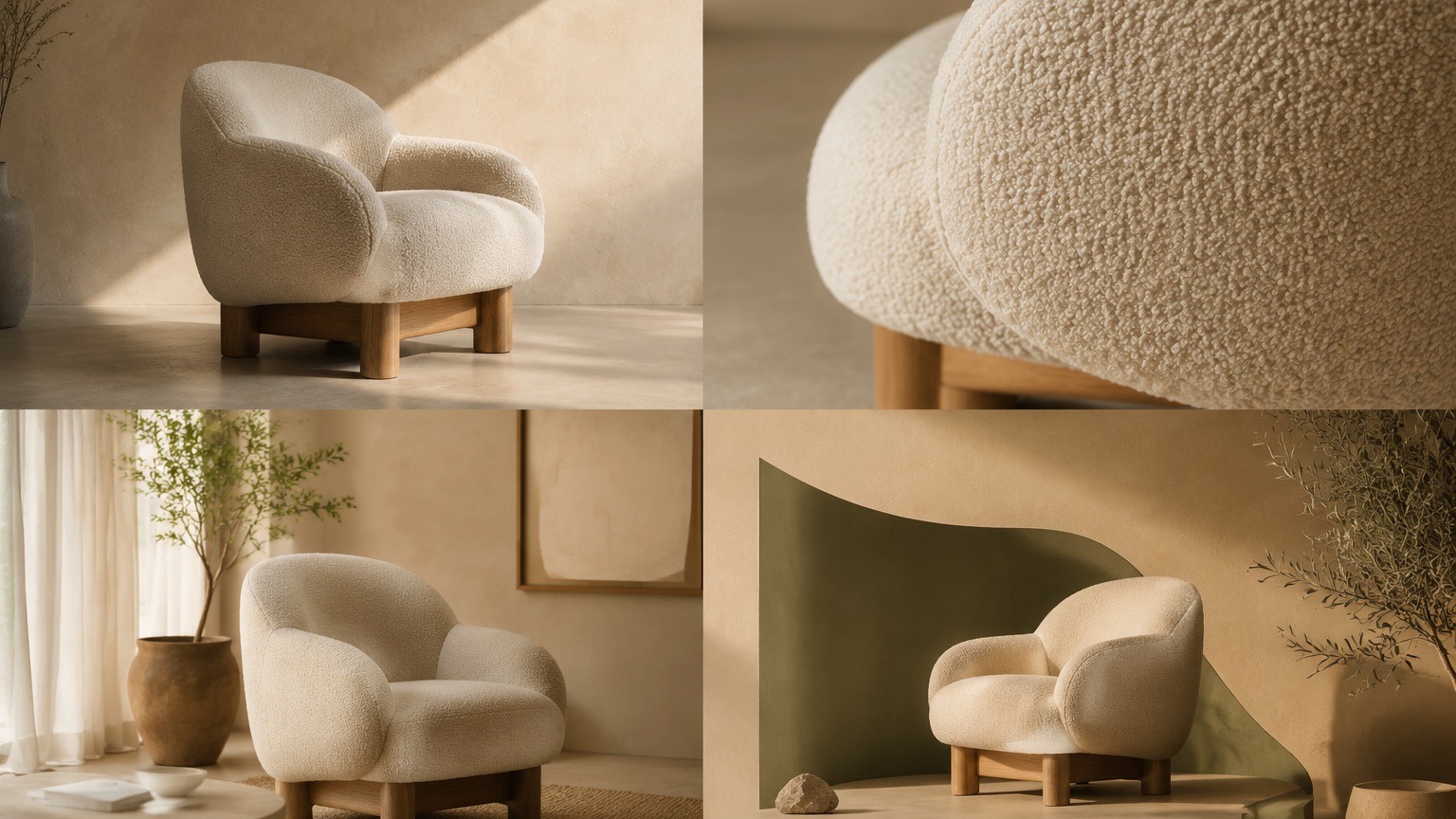
One approved product image can be the starting point for a useful set of product visuals, but it should not become one vague request for “more images.” Plan the visual roles first. Then generate and review each direction as a separate asset with one clear job.
The goal is not to make product claims through imagery. It is to give shoppers different ways to inspect the item and to give a campaign a clear visual direction.
Begin with a small image plan
Use the product page, campaign brief, or sales question to decide what the image set needs to explain. A basic set can include these roles:
| Role | Question it helps answer | Direction to write |
|---|---|---|
| Hero image | What is the product? | Product-first framing, clean background, clear silhouette |
| Detail image | What does the material or construction look like? | Close framing on one real visible feature |
| Lifestyle image | Where or how might it be used? | One believable context, controlled scale, restrained props |
| Use or instruction image | What should the viewer notice? | A single action, feature, or interaction to explain |
| Campaign image | What is the main launch message? | One focal point and a safe zone for final copy |
Not every product needs every role. Start with the gaps that block a customer from understanding the item.
Make a reference checklist before generating
Write down what is visible in the approved source and what needs a final review:
- Color, material, form, and visible construction
- Product variants, packs, and accessories that should not be invented
- Label, logo, and packaging details that need manual verification
- The final placement: storefront, detail page, email, social post, or campaign
This checklist keeps a generated visual from becoming the only source of truth about the product.
Write a direction for one role at a time
Use the following structure for a detail or lifestyle image:
Use the supplied product reference as the source item.

Create a [detail / lifestyle / use-context] image for [placement]. Preserve
the visible [product details]. Show [one feature or use context] with
[camera framing]. Use [lighting and environment]. Keep the product as the
primary subject. Do not rely on generated text for exact product, offer, or
legal information.
For a campaign image, add the intended focal message and the location of any text-safe area. Keep exact names, prices, dates, and legal copy for the final design step.
Review the set together
An image can look good alone and still fail as part of a product page. Review the set in the order a shopper will see it:
- Does the first image make the item easy to identify?
- Does each following image add a distinct visual answer?
- Are product variations and claims consistent with the approved source?
- Is there any visible generated copy that needs to be replaced?
If two images answer the same question, keep the clearer one and give the next direction a different role.
Continue in ImageStyle
- Use the Product detail images workflow for a structured product-image plan.
- Browse AI product photo prompts for starting directions.
- Create a focused product image when you only need one visual role.
FAQ
How many images should a product set include?
Use the number of roles needed to explain the product clearly. More images are not automatically better if they repeat the same visual claim.
Should I create the campaign visual first?
Usually begin with the product and detail views. They give you a clearer source for any later campaign direction and a better basis for review.
Can generated images replace product verification?
No. Compare them with the approved product source and verify any text, claim, or specification separately before publication.