Photo to caricature
Turn a photo into a caricature.
Upload a photo and use the reference-guided preset to exaggerate the features that make the subject recognizable, redrawn in confident marker lines and marker-rendered color. The preset keeps the likeness while the workspace keeps exaggeration level and palette editable.
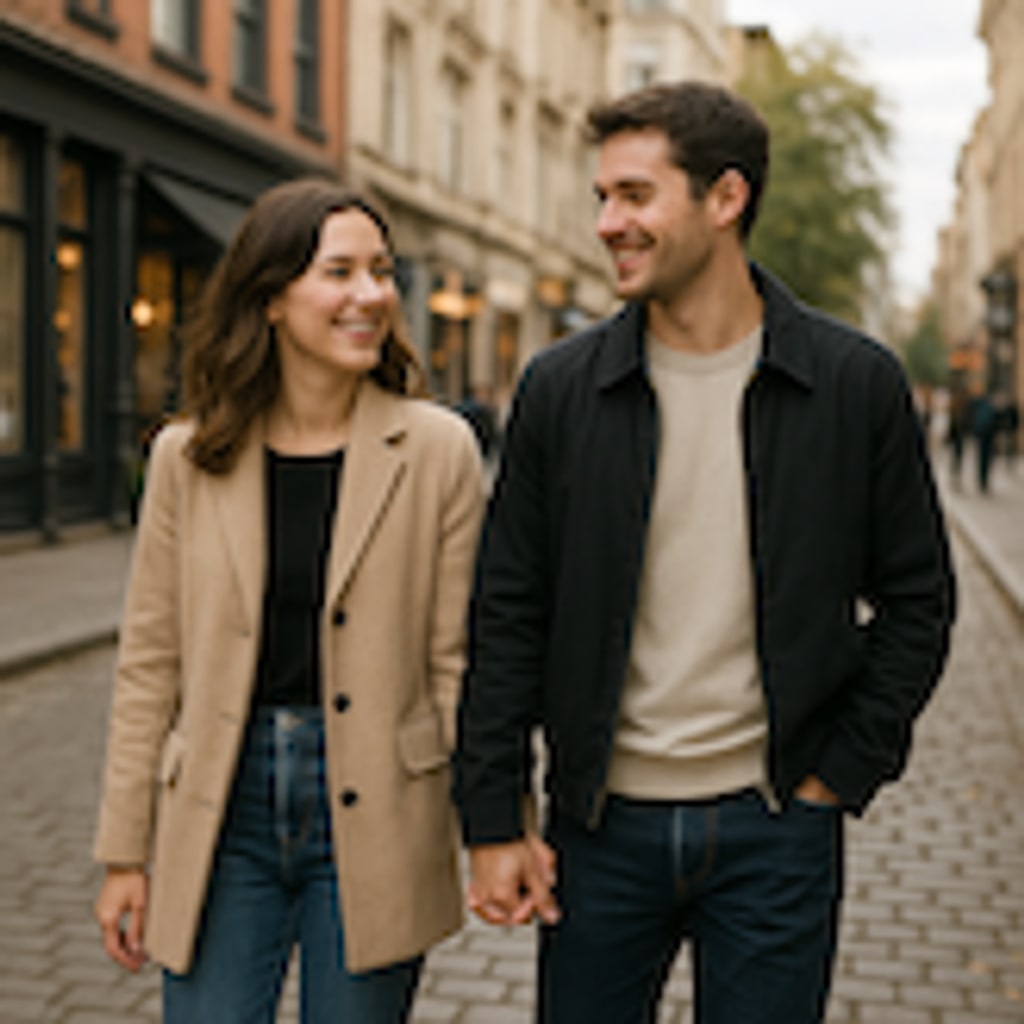
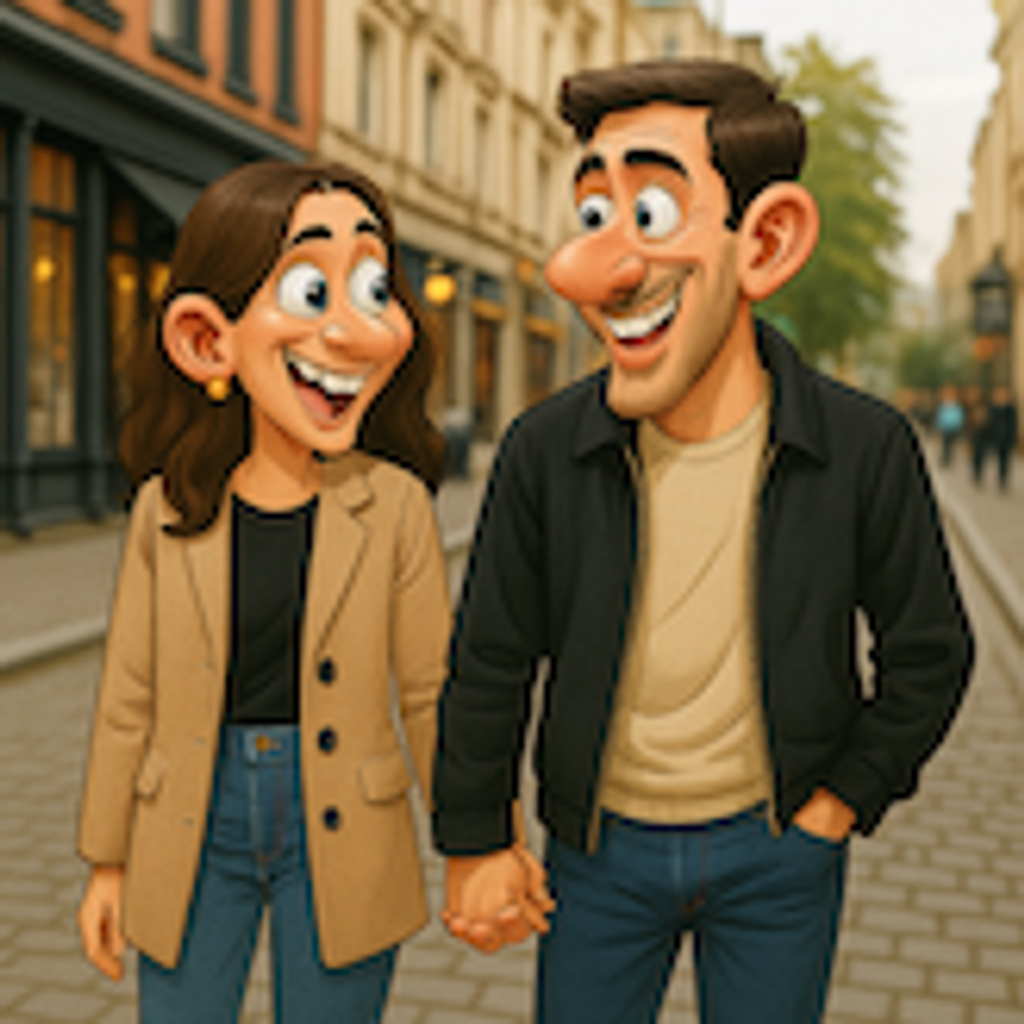
- Input
- One clear face-forward photo
- Output
- Hand-drawn caricature portrait
- Best for
- Gifts, party art, and social profiles
Original photo / Caricature
See the caricature before you generate
Drag the divider to compare the source photo with an exaggerated hand-drawn caricature.
Original photoCaricatureA focused photo-to-caricature workflow
Exaggerate the right features
The preset picks up the most distinctive traits and pushes them while keeping the face instantly recognizable.
Control the exaggeration
Edit the prompt for gentle cartoon warmth or full street-fair exaggeration.
Compare against the source
Use the reference-image comparison to check the likeness before downloading or generating another pass.
How to turn a photo into a caricature
The preset supplies the caricature direction while the ImageStyle workspace keeps the prompt and output settings editable.
- 1
Upload a face-forward photo
Clear, well-lit faces give the artist-style preset the most to work with.
- 2
Review the caricature prompt
The exaggerated portrait direction is prefilled. Keep it, or dial exaggeration up or down.
- 3
Generate and compare
Inspect the caricature beside the original photo, then refine or download the result.
What to inspect in the generated caricature
- Exaggeration is the point
- Features are intentionally distorted. Ask for milder exaggeration if the result feels unkind.
- Group photos crowd the frame
- The preset works best on a single subject. One face per photo reads much better.
- Use source material you can share
- Only upload photos of people who are comfortable being drawn in a playful style.
Photo to caricature FAQ
- Will it still look like me?
- Yes, in caricature form. The preset exaggerates your most recognizable features rather than replacing them.
- Do I need to write a prompt?
- No. The caricature direction is prefilled and editable. Generate as-is or adjust the exaggeration level first.
- Can I caricature my pet?
- Yes. Pets get the same treatment with exaggerated ears, expressions, and fur personality.
- What happens to my uploaded photo?
- The image is uploaded to the same reference-image workflow used by the ImageStyle generator. Review the current privacy and storage terms before using sensitive material.
Updated:
Workflow source: Current ImageStyle reference-image generator.