How to Turn a Product Image into an Ad Video
Plan a short product ad from one approved image with a clear shot sequence, controlled motion prompts, and a practical review checklist.
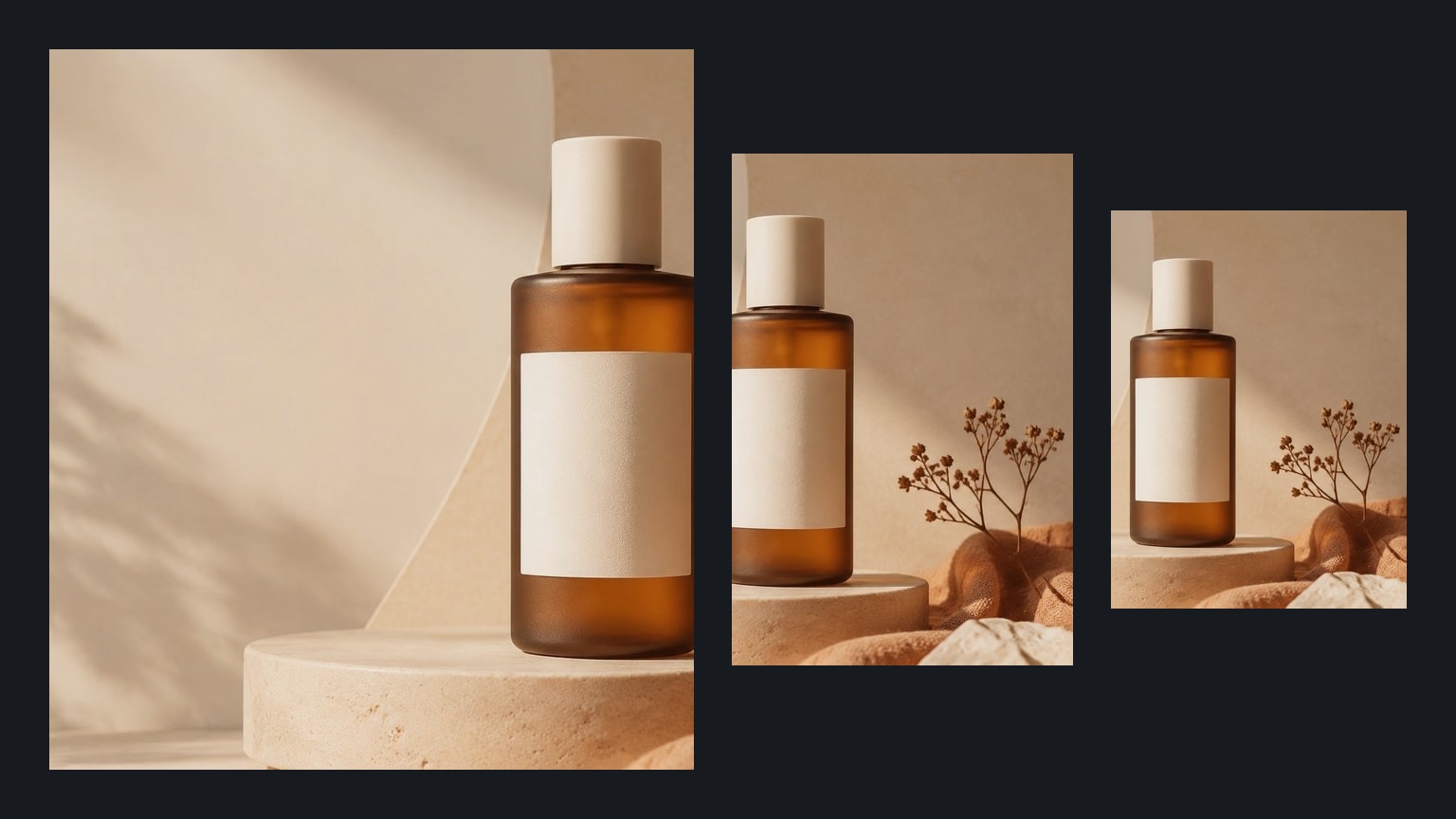
A useful product ad video does more than make a still image move. It gives each shot one job: establish the product, reveal a useful detail, or deliver the final offer frame. Starting with that structure makes the result easier to direct and easier to review.
Use a product image you own or have permission to use. Keep claims, labels, and packaging details accurate, and treat every generated clip as a draft that needs human review before publication.
Build a three-shot plan first
For a short social or storefront ad, begin with three restrained shots.
| Shot | Purpose | Motion direction |
|---|---|---|
| Establish | Show the complete product and setting | Slow push-in with the product held steady |
| Detail | Draw attention to one material or feature | Gentle side move or controlled close-up |
| Finish | Create room for approved campaign copy | Product settles into a clean final composition |
One shot should communicate one idea. If a clip tries to rotate the product, change the lighting, move the background, and perform a fast camera orbit at the same time, important details are more likely to drift.
Prepare the source image
Choose a clean image with the product fully visible, useful space around its edges, and lighting that already fits the intended campaign. A clear silhouette and readable material details give the motion model better visual anchors.
Before uploading, check that:
- You have the right to use the image and every visible asset.
- The product shape, label, and color match the item being advertised.
- The frame does not include third-party logos, celebrity likenesses, or protected characters you do not have permission to use.
- There is enough space for the camera movement you intend to request.
You can create or refine a source frame with the AI product photo generator before moving into video.
Write motion prompts by shot
Describe the change over time rather than repeating everything already visible in the image. Give the product priority, keep the camera instruction concrete, and define what must stay consistent.
Use the supplied product image as the source scene.

Shot purpose: establish the product clearly.
Product motion: the product remains stable with only a subtle natural turn.
Camera: slow, steady push-in from the existing angle.
Environment: restrained light movement; background remains unchanged.
Continuity: preserve the product shape, color, label area, and material.
End frame: hold a clean composition with usable negative space.
Create separate variations for the detail and finish shots. Change one major instruction at a time so you can identify which direction improved or weakened the result.
Assemble the ad without inventing claims
Generate the visual shots first, then add approved text, pricing, calls to action, music, and voiceover in an editor. This keeps exact campaign language out of image generation, where typography and claims can drift.
Do not present generated motion as evidence that a product has a real feature it does not have. Cosmetic effects, liquid behavior, durability demonstrations, and before-and-after results require particular care because viewers may interpret them as factual product performance.
Review every frame before publishing
- Compare the first, middle, and last frames with the real product.
- Pause on the label, cap, controls, seams, and other identity details.
- Check that hands, reflections, shadows, and background objects do not appear unexpectedly.
- Confirm that campaign copy and disclosures are accurate for the target market.
- Recheck your rights to the source image, soundtrack, voice, and final placement.
If product identity drifts, shorten the movement or simplify the camera direction. A quieter five-second clip that preserves the item is more useful than a complex shot that changes what is being sold.
Continue in ImageStyle
- Create a source frame with the AI product photo generator.
- Open the AI product video generator for a product-focused workflow.
- Browse image-to-video prompt examples for additional motion structures.
- Use the video workspace to generate and compare shot variations.
FAQ
How long should a product ad video be?
Use the shortest duration that communicates the idea clearly. A compact sequence of a few controlled shots is often easier to review and adapt for different placements than one long, complex generation.
Should campaign text be included in the generation prompt?
Usually no. Generate the product motion first, then add exact approved copy in an editor so spelling, pricing, and disclosures remain under your control.
Can I use a competitor's product image as the reference?
Only use media you own or are authorized to use. Creating an ad from another company's photography, packaging, or trademarks can raise copyright, trademark, and misleading-advertising concerns.