AI Product Photo Prompts for Ecommerce: A Practical Guide
Learn a reusable AI product photo prompt structure for listing images, product details, lifestyle scenes, and campaign visuals.
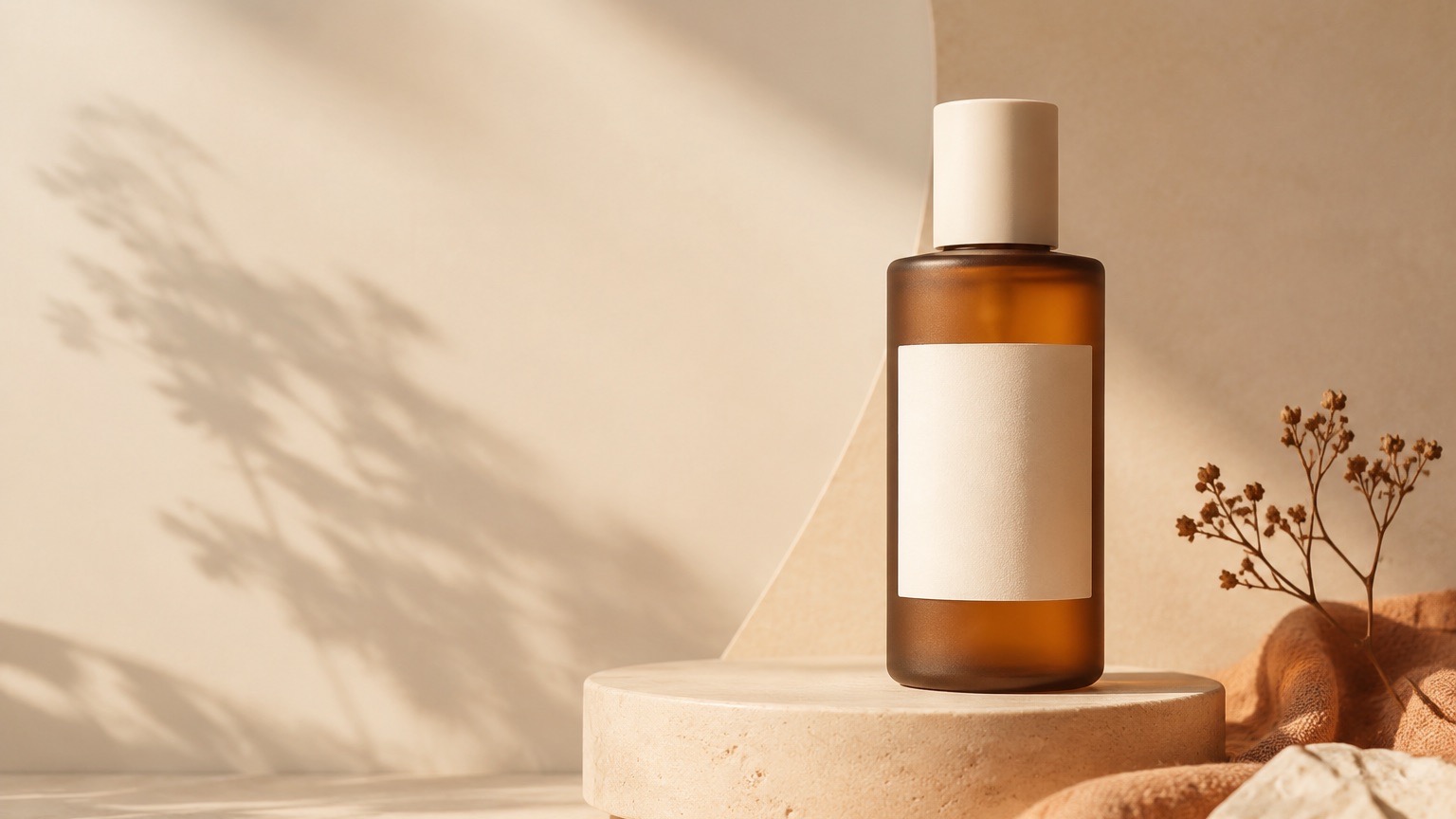
AI product photo prompts work best when they separate the facts that must stay true about an item from the visual role of the image. Start with an approved product reference, ask for one image purpose at a time, then review the result before it reaches a listing, detail page, or campaign.
This guide is for teams creating product visuals from their own source images. It is not a substitute for checking product details, claims, labels, or marketplace requirements before publishing.
Start with a product reference you can use
An image prompt cannot tell you whether a generated product is accurate. A real product reference gives the workflow a visible item to follow, and it gives your reviewer something concrete to compare against.
Before you write a prompt, note the details that should remain recognizable:
- Product silhouette, material, and color
- Logo or label placement where it matters
- Functional details a shopper needs to inspect
- Any packaging, accessory, or bundle boundary
Only upload media you are allowed to use. If a detail is important to a buying decision, keep it in the review checklist rather than assuming the generated result will preserve it.
Give each image one job
Trying to ask for a hero image, a material close-up, a lifestyle scene, and a launch poster in one prompt usually gives the image too many priorities. Define the role first, then write the direction around that role.
| Image role | Main visual direction | Review before use |
|---|---|---|
| Listing hero | Clear product-first framing and a simple background | Product shape, color, and visible labels |
| Detail view | A close framing on material, finish, or construction | Texture, hardware, and product boundaries |
| Lifestyle scene | The product in one believable use context | Scale, placement, and any added people or props |
| Campaign visual | A single focal message with room for final copy | Brand treatment, generated text, and offer details |
Use a reusable prompt structure
Copy this structure, then replace the brackets with details from your own product and campaign.
Use the supplied product reference as the visual source.

Create a [listing hero / material detail / lifestyle scene / campaign visual]
for [audience or placement]. Preserve the recognizable [material, color,
silhouette, and visible product details]. Place the product [composition and
camera framing]. Use [lighting and scene direction]. Keep the visual focus on
[the product feature or message]. Leave [amount and position] of clean space
for final copy if it is needed.
The useful parts are specific: what must remain true, what the image is for, where the camera sits, and what should be visually dominant. Decorative style words can come last.
Review the image as product content, not just artwork
Before publishing, check the output at the size a shopper will actually see:
- Compare the visible product with the approved reference.
- Check generated lettering, labels, logos, dimensions, and price-related copy.
- Remove any image that could imply an unverified feature, accessory, or offer.
- Check the target marketplace or campaign requirements separately.
If an image needs exact campaign copy or legal text, add that copy in the final design workflow rather than relying on generated lettering.
Continue in ImageStyle
- Browse AI product photo prompt examples.
- Start a product image workflow.
- Build a broader set of product detail visuals in Product detail images.
FAQ
Do I need a product reference image?
It is the clearest starting point when the product needs to remain recognizable. Use a source image you are allowed to upload, then compare the output with that source before publishing.
Can one prompt create every image for a product page?
Use separate directions for separate roles. A listing hero, close-up detail, lifestyle scene, and campaign asset each have different visual priorities and review checks.
Can I publish the generated image immediately?
Review it first. Check product details, visible wording, and the rules of the channel where it will appear.