Photo to 3D illustration
Turn a photo into a 3D illustration.
Upload a photo and use the reference-guided preset to rebuild it as a soft-shaded 3D illustration with clean materials and studio light. The preset keeps the subject recognizable while the workspace keeps lighting and finish editable.
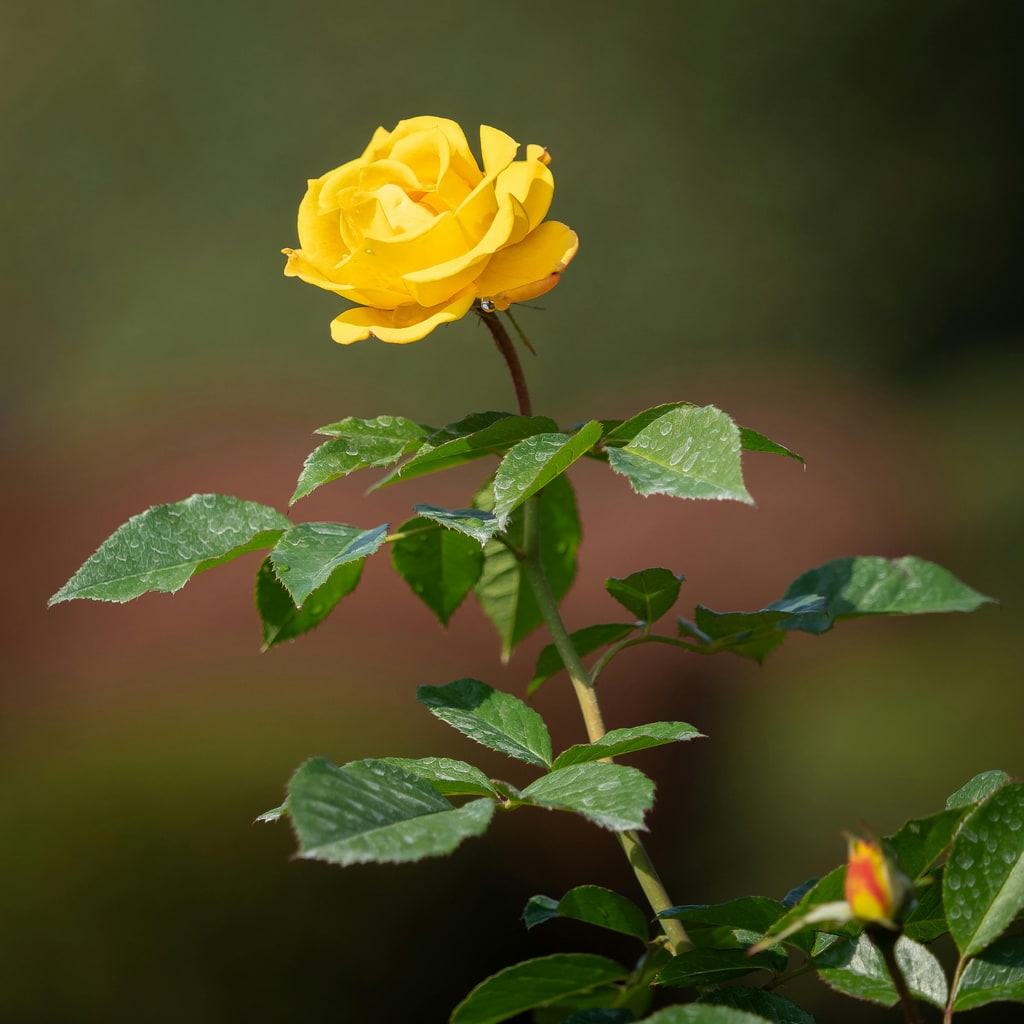
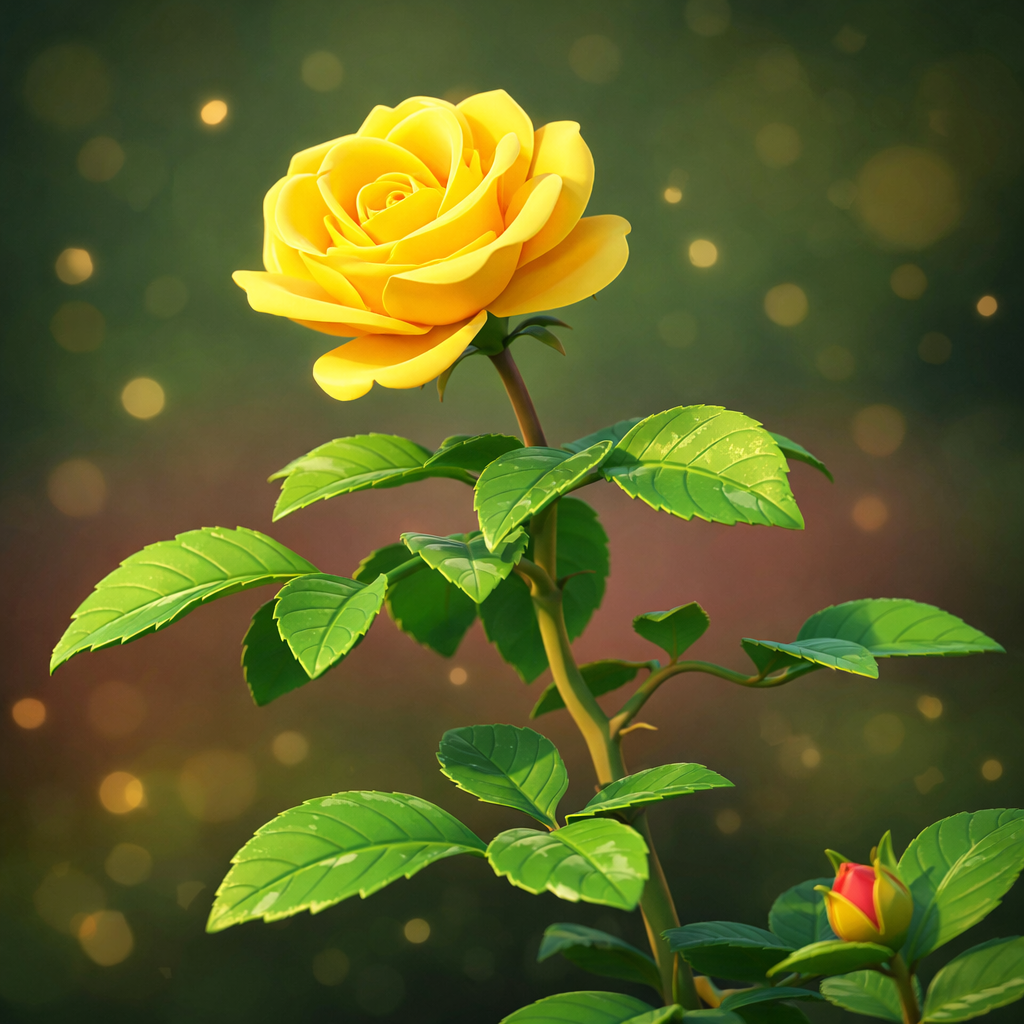
- Input
- One photo with a clear subject
- Output
- Soft-shaded 3D-style illustration
- Best for
- Avatars, product art, and playful portraits
Original photo / 3D illustration
See the dimensional look before you generate
Drag the divider to compare the source photo with a soft-shaded 3D illustration.
Original photo3D illustrationA focused photo-to-3D workflow
Keep the subject recognizable
The preset follows the reference proportions so the illustrated character still reads as the same person or pet.
Tune the materials and light
Edit the prompt for matte clay looks, glossy toy finishes, or softer studio light.
Compare against the source
Use the reference-image comparison to check likeness before downloading or generating another pass.
How to turn a photo into a 3D illustration
The preset supplies the 3D direction while the ImageStyle workspace keeps the prompt and output settings editable.
- 1
Upload a clear photo
Front-facing portraits with simple backgrounds translate into clean dimensional shapes more reliably.
- 2
Review the 3D prompt
The dimensional illustration direction is prefilled. Keep it, or ask for softer light or a glossier finish.
- 3
Generate and compare
Inspect the illustration beside the original photo, then refine or download the result.
What to inspect in the generated illustration
- Likeness drifts in stylization
- Smooth 3D shading simplifies faces. Check the eyes and smile closely before sharing.
- Busy backgrounds get simplified
- Cluttered scenes may be rebuilt with generic props. A clean photo keeps the composition on-model.
- Use source material you can share
- Only upload photos and references that you are allowed to use for the intended project.
Photo to 3D illustration FAQ
- How is this different from a 3D chibi figure?
- The 3D illustration preset keeps natural proportions with soft shading, while the chibi preset exaggerates big-head toy proportions.
- Do I need to write a prompt?
- No. The preset starts with an editable direction. Generate as-is or adjust materials, light, and mood first.
- Can I keep the original pose?
- Yes. The preset follows the reference pose, and you can edit the prompt for a slight three-quarter turn for more dimension.
- What happens to my uploaded photo?
- The image is uploaded to the same reference-image workflow used by the ImageStyle generator. Review the current privacy and storage terms before using sensitive material.
Updated:
Workflow source: Current ImageStyle reference-image generator.