Image-to-Video Prompts: Motion, Camera, and Pacing
Learn a practical image-to-video prompt structure for directing subject motion, environmental movement, camera behavior, and pacing from a reference image.
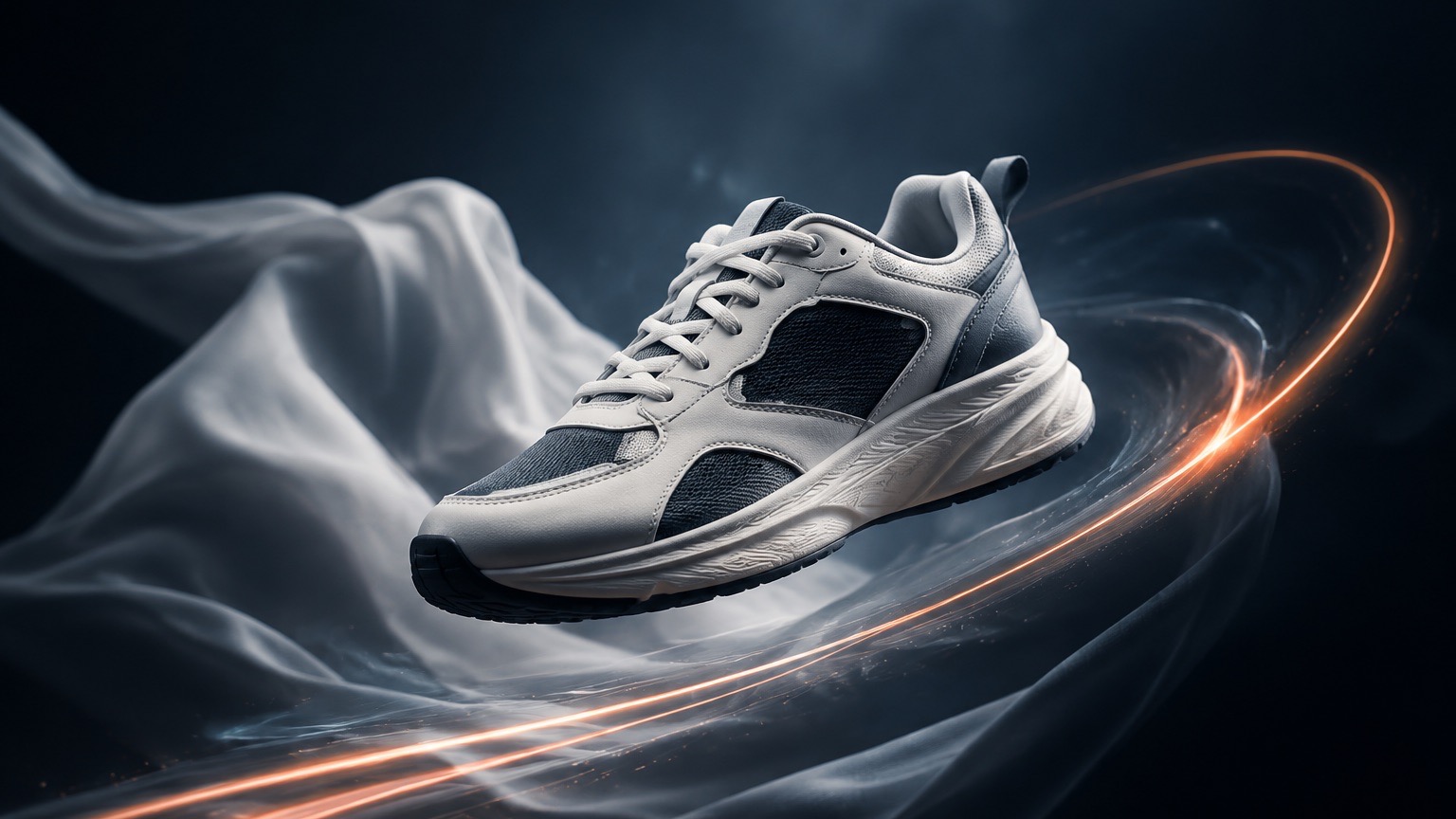
An image-to-video prompt should describe what changes over time, not rebuild every detail already present in the source image. Start with one permitted reference image, choose a main movement, add restrained environmental motion, and specify camera behavior that makes sense for the original framing.
The first output is a draft to review. Check movement, continuity, visible product details, and whether the source media can be used in the place where you plan to share it.
Direct four parts of the motion
| Part | What to describe | Example direction |
|---|---|---|
| Subject motion | The primary movement and its pace | The product slowly turns toward the camera |
| Environmental motion | A small supporting change in the scene | Soft fabric moves in a light breeze |
| Camera behavior | How the camera moves or stays still | A slow push-in from the existing framing |
| Pacing | The overall energy and timing | Calm, steady movement with no abrupt changes |
Give the main subject the highest priority. Adding too many movements at once can make it harder to understand what the clip is supposed to show.
Start from the visible scene
The source image already establishes subject, composition, lighting, and many scene details. Use the prompt to add only the changes you need.
For example, a product still may need a slow rotation and a restrained camera push-in. A portrait may need a small head turn, natural fabric movement, and a steady frame. A landscape may need only drifting clouds or moving water.
Use this prompt template
Use the supplied image as the source scene.

Main motion: [subject] [movement and pace].
Environmental motion: [one subtle supporting movement].
Camera: [static / slow push-in / gentle tracking / restrained orbit].
Pacing: [calm / energetic / measured] with [transition boundary].
Keep the visible subject and original composition recognizable.
Keep one principal action. If a result needs more movement, create another variation with one changed instruction rather than rewriting the whole direction at once.
Review before publishing
- Check that the intended subject remains recognizable from frame to frame.
- Check that camera movement does not crop or contradict the original composition.
- Inspect any text, logo, or product detail that appears during the clip.
- Confirm you have permission to upload and publish the source image and final video.
Avoid using generated motion as proof of a real product feature, event, or outcome.
Continue in ImageStyle
- Browse image-to-video prompt examples.
- Read about the available image-to-video generator.
- Open the video workspace when you are ready to try a direction.
FAQ
Should I repeat everything visible in the source image?
No. Focus on movement and camera behavior. Repeating or contradicting the source can make the visual priority less clear.
What makes a prompt easier to control?
One main subject movement, a small amount of background motion, and a clear camera instruction give the direction a useful hierarchy.
Can I animate a product image?
You can create a motion direction from a source image you are allowed to use. Review the visible product details and the final clip before sharing it publicly.