一貫したキャラクター
一人のキャラクターを、複数のシーンで一貫させる。
キャラクターを定義する写真をアップロードし、同じ顔と髪型のまま新しい場面へ配置するプリセットから始めます。
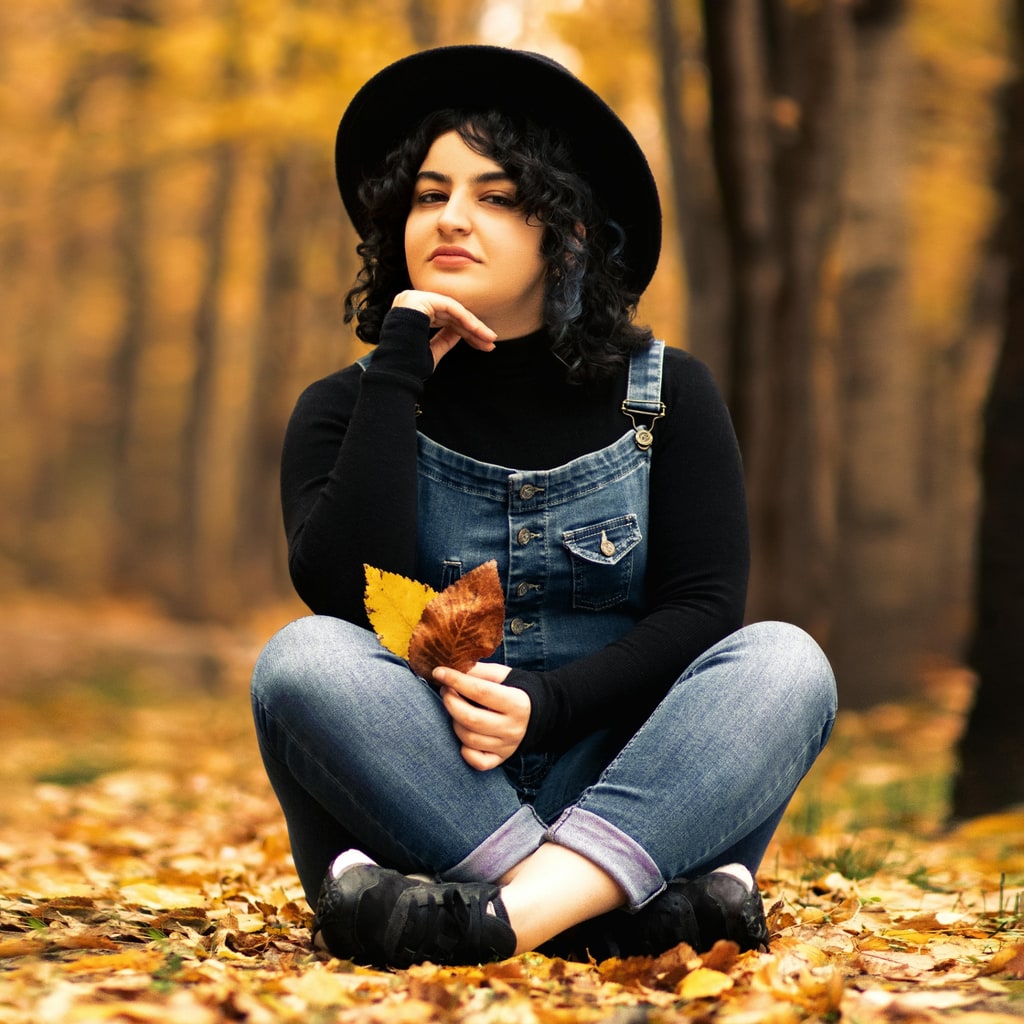
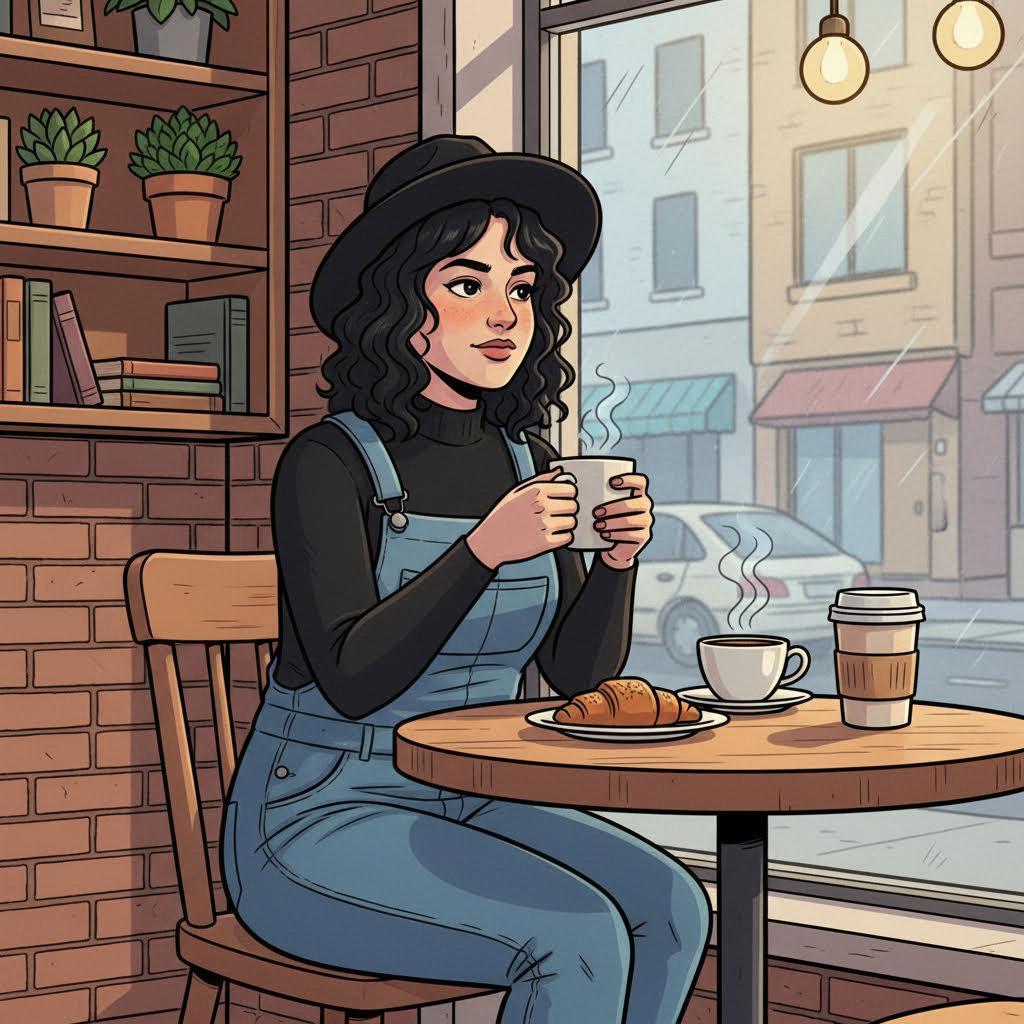
- 入力
- One clear photo that defines the character
- 出力
- The same character in a brand-new scene
- こんな方に最適
- Storyboards, mascots, and series art
Original photo / New scene
See the same character in a new scene
Drag the divider to compare the source photo with the same character in a new setting.
Original photoNew sceneA focused character-consistency workflow
Identity carries over
The preset preserves facial identity, hairstyle, and proportions from the reference photo.
Describe any setting
Edit the prompt to drop the character into cafés, forests, stages, or sci-fi corridors.
Compare against the source
Use the reference-image comparison to confirm the character stayed on-model.
How to keep a character consistent
The preset supplies the consistency direction while the ImageStyle workspace keeps the prompt and output settings editable.
- 1
Upload a defining reference
A clear, front-facing photo with the character’s usual hairstyle and outfit anchors the identity.
- 2
Review the scene prompt
The new-scene direction is prefilled. Keep it, or describe the exact setting, action, and style.
- 3
Generate and compare
Inspect the new scene beside the reference, then refine or download the result.
What to inspect in the generated scene
- Likeness softens with distance
- Wide shots and profiles weaken identity. Close, front-facing scenes stay on-model best.
- Wardrobe changes need prompting
- The preset keeps the reference outfit unless you describe a wardrobe change explicitly.
- Only use references you may use
- Upload character photos that you have the rights to reuse in new scenes.
Consistent character FAQ
- Will the face stay the same in every scene?
- The preset is tuned to preserve identity, though wide or profile shots can soften likeness. Compare against the reference each time.
- Do I need to write a prompt?
- No. The new-scene direction is prefilled and editable. Generate as-is or describe your target setting first.
- Can I change the art style?
- Yes. Edit the prompt for illustrated, painterly, or 3D looks while keeping the same character identity.
- What happens to my uploaded photo?
- The image is uploaded to the same reference-image workflow used by the ImageStyle generator. Review the current privacy and storage terms before using sensitive material.
更新されました:
Workflow source: Current ImageStyle reference-image generator.