AIコミック生成
写真を、コミックアートに変換。
写真をアップロードし、太いインク線とハーフトーン、セルカラーでコミックの一コマとして再描画するプリセットから始めます。

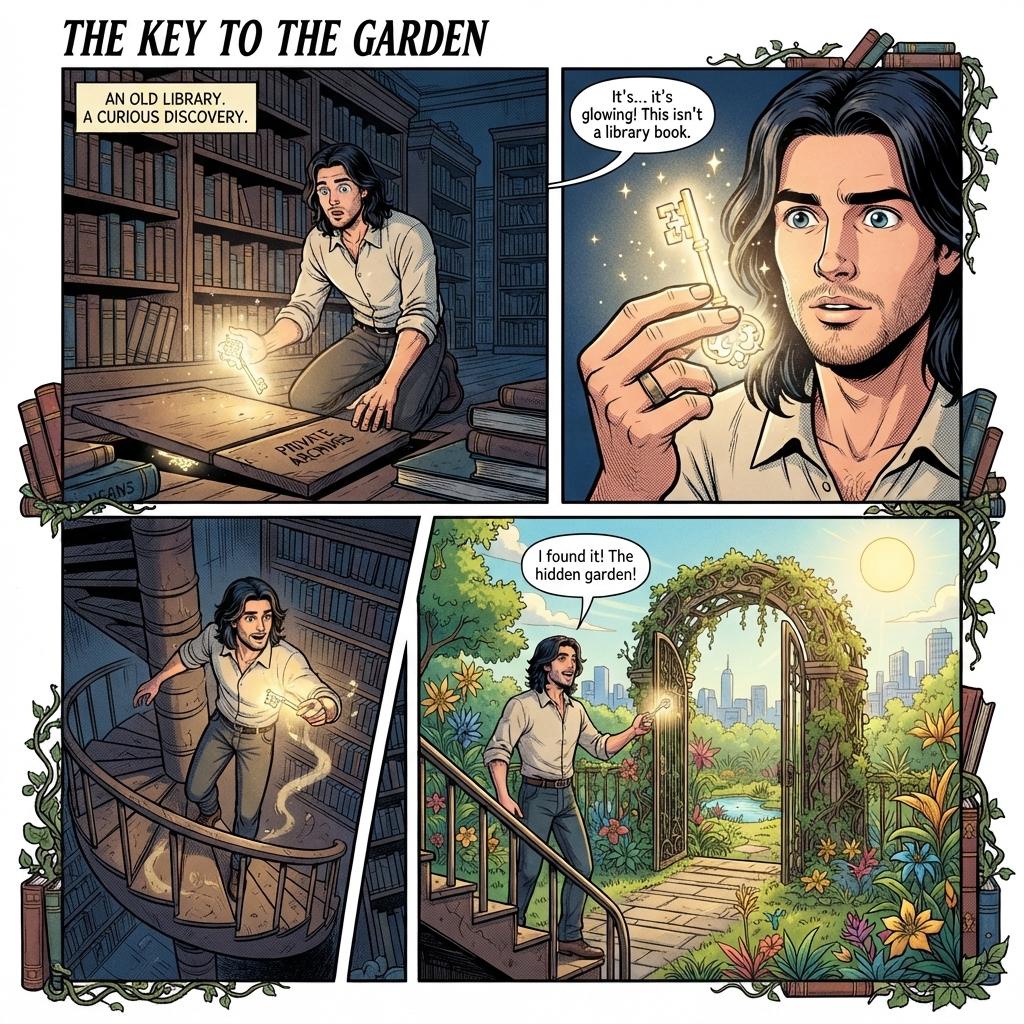
- 入力
- One clear photo with a readable subject
- 出力
- Inked, halftone comic-book illustration
- こんな方に最適
- Avatars, posters, and story pages
Original photo / Comic illustration
See the comic style before you generate
Drag the divider to compare the source photo with a comic-book redraw.
Original photoComic illustrationA focused photo-to-comic workflow
Keep the hero recognizable
The preset preserves likeness and pose so the illustrated character still reads as you.
Pick a comic era
Edit the prompt for golden-age newsprint, modern graphic-novel, or manga-flavored inking.
Compare against the source
Use the reference-image comparison to check the redraw before downloading or sharing.
How to turn a photo into comic art
The preset supplies the comic direction while the ImageStyle workspace keeps the prompt and output settings editable.
- 1
Upload a clear photo
Front-facing subjects with expressive poses translate into the strongest panels.
- 2
Review the comic prompt
The bold-ink direction is prefilled. Keep it, or adjust the era, colors, and drama level.
- 3
Generate and compare
Inspect the panel beside the original photo, then refine or download the result.
What to inspect in the comic art
- Text is omitted on purpose
- The preset skips speech bubbles and captions. Add lettering in a design tool afterward.
- Busy scenes get simplified
- Comic panels reduce clutter. Expect bold shapes rather than every background detail.
- Use source material you can share
- Only upload photos and references that you are allowed to use for the intended project.
AI comic generator FAQ
- Can it make a full comic page?
- This preset creates single illustrated panels. Generate several and compose them into a page in a layout tool.
- Do I need to write a prompt?
- No. The comic direction is prefilled and editable. Generate as-is or adjust era and palette first.
- Can I keep the same character across panels?
- Yes. Pair this style with the consistent-character workflow to keep identity stable between panels.
- What happens to my uploaded photo?
- The image is uploaded to the same reference-image workflow used by the ImageStyle generator. Review the current privacy and storage terms before using sensitive material.
更新されました:
Workflow source: Current ImageStyle reference-image generator.