AIアクションフィギュア生成
自分を、アクションフィギュアに変換。
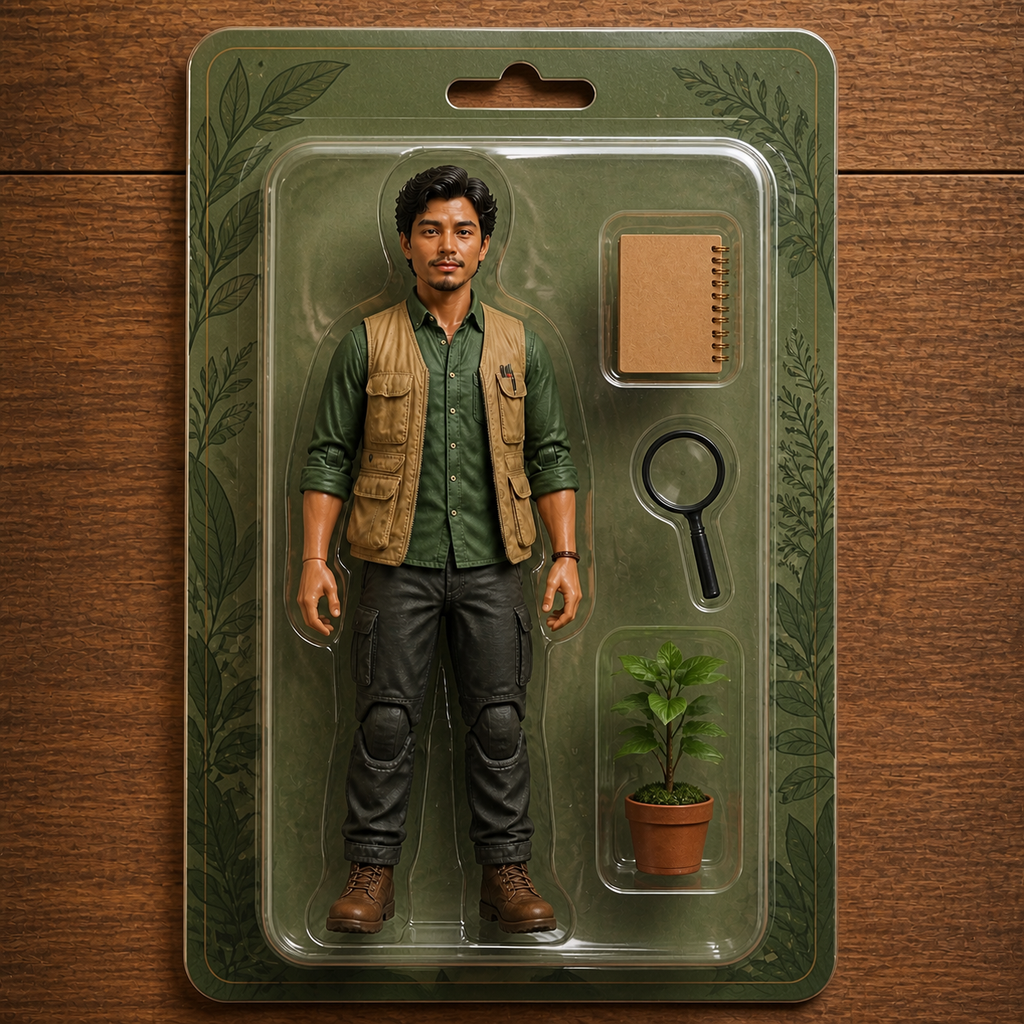
写真をアップロードし、テーマに合う小物とブリスターパックに入ったコレクションフィギュアとして再構成します。

- 入力
- One clear full-body or half-body photo
- 出力
- Blister-pack action figure mockup
- こんな方に最適
- Social posts, gifts, and merch concepts
Original photo / Action figure
See the action figure before you generate
Drag the divider to compare the source photo with a blister-packed action figure.
Original photoAction figureA focused action-figure workflow
Keep the face on-model
The preset preserves identity while converting skin and fabric into toy-like materials.
Theme the accessories
Edit the prompt to fill the side trays with hobby gear, work tools, or pet sidekicks.
Compare against the source
Use the reference-image comparison to check the likeness before downloading or sharing.
How to make an action figure from a photo
The preset supplies the figure direction while the ImageStyle workspace keeps the prompt and output settings editable.
- 1
Upload a clear photo
Front-facing photos with visible outfits give the figure its best costume.
- 2
Review the figure prompt
The blister-pack direction is prefilled. Keep it, or describe accessories and box colors.
- 3
Generate and compare
Inspect the mockup beside the original photo, then refine or download the result.
What to inspect in the mockup
- Packaging text stays unreadable
- The preset avoids real logos and legible text to keep the design safe to share.
- Toy faces simplify detail
- Glossy plastic skin softens facial detail. Check eyes and mouth at full size.
- Use source material you can share
- Only upload photos of people who are happy to be turned into toys.
AI action figure FAQ
- Can I use this to sell real figures?
- The output is a stylized mockup image, not a manufacturing file or a licensed product. Check rights before any commercial use.
- Do I need to write a prompt?
- No. The blister-pack direction is prefilled and editable. Generate as-is or theme the accessories first.
- How is this different from the 3D chibi style?
- The chibi style shows a loose big-head figure; this style frames the figure inside retail-style packaging.
- What happens to my uploaded photo?
- The image is uploaded to the same reference-image workflow used by the ImageStyle generator. Review the current privacy and storage terms before using sensitive material.
更新されました:
Workflow source: Current ImageStyle reference-image generator.