ベビーフェイス生成
誰でも、かわいい赤ちゃん風に変換。
写真をアップロードし、髪や目の色、肌のトーンを保ちながら丸い頬の赤ちゃんとして再構成するプリセットから始めます。

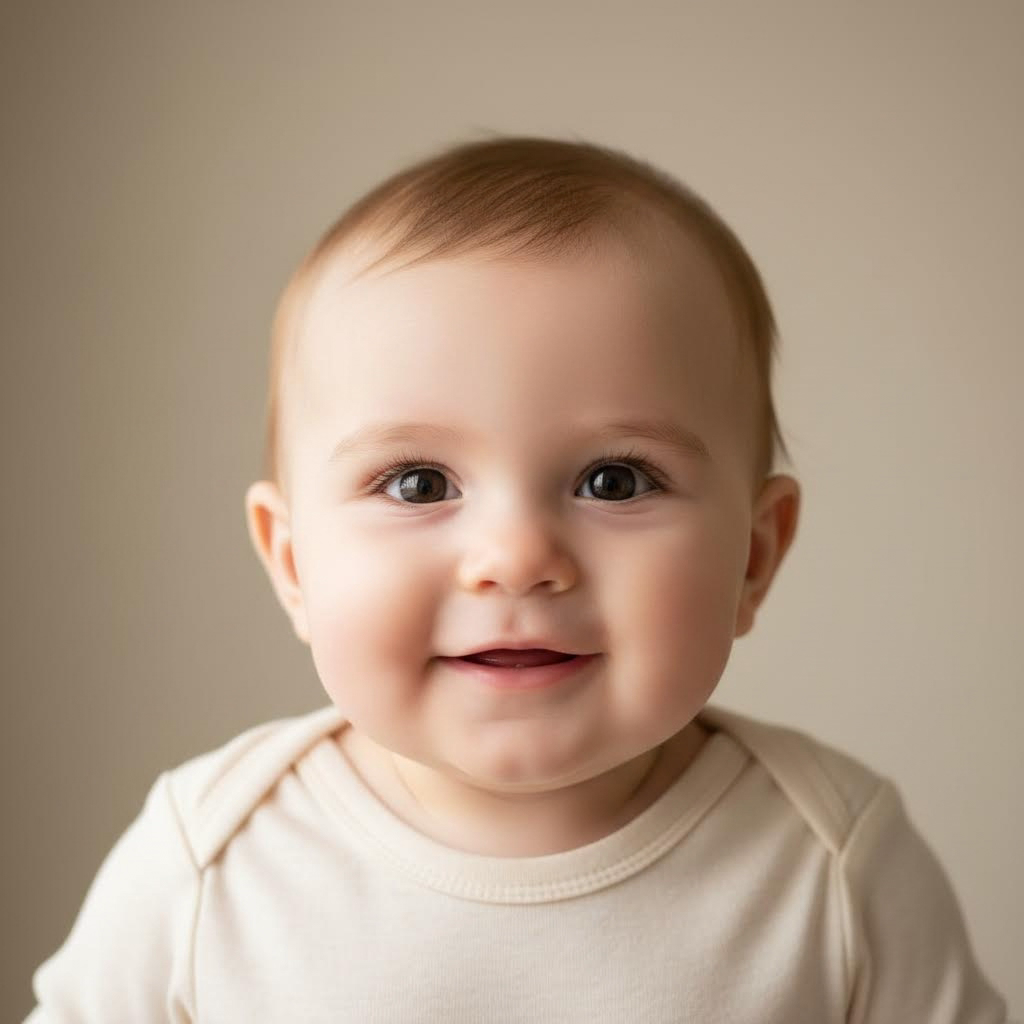
- 入力
- One clear face photo (solo, couple, or family)
- 出力
- Realistic baby version of the same subjects
- こんな方に最適
- Fun shares, announcements, and gifts
Original photo / Baby version
See the baby version before you generate
Drag the divider to compare the original faces with their baby versions.
Original photoBaby versionA focused baby-face workflow
Keep the resemblance
The preset carries hair color, eye color, and skin tone from the source into the baby face.
Works for couples and families
Upload a photo with two or more people and each face is transformed in the same frame.
Compare against the source
Use the reference-image comparison to check the family resemblance before sharing.
How to make a baby face from a photo
The preset supplies the baby-face direction while the ImageStyle workspace keeps the prompt and output settings editable.
- 1
Upload a clear face photo
Front-facing photos with even lighting transform most convincingly.
- 2
Review the baby-face prompt
The realistic-baby direction is prefilled. Keep it, or adjust the setting and expression.
- 3
Generate and compare
Inspect the baby version beside the original, then refine or download the result.
What to inspect in the baby version
- It is entertainment, not prediction
- The result is a cute reimagining. It cannot predict what a real future child will look like.
- Likeness lives in coloring
- With adult features removed, resemblance comes mostly from hair and eye color — not bone structure.
- Only transform faces with consent
- Upload photos of yourself or of people who are happy to be part of the fun.
Baby face generator FAQ
- Is this a real prediction of my future baby?
- No. It is a playful reimagining based on coloring in the photo, not genetics. Enjoy it as entertainment.
- Do I need to write a prompt?
- No. The baby-face direction is prefilled and editable. Generate as-is or adjust the background first.
- Can I use a group photo?
- Yes. Every clearly visible face in the photo is transformed into a baby in the same frame.
- What happens to my uploaded photo?
- The image is uploaded to the same reference-image workflow used by the ImageStyle generator. Review the current privacy and storage terms before using sensitive material.
更新されました:
Workflow source: Current ImageStyle reference-image generator.