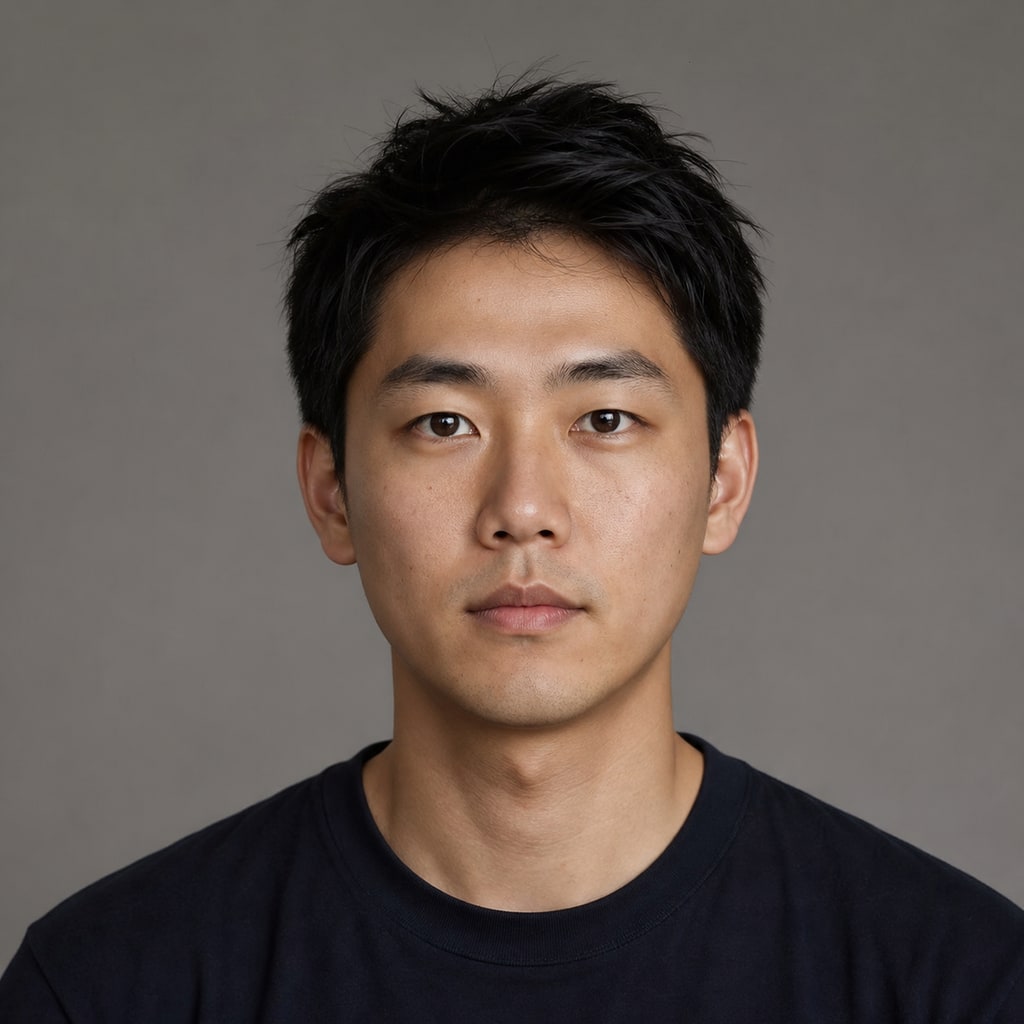

- 入力
- One clear face photo
- 出力
- The same photo with a new expression
- こんな方に最適
- ID photos, profiles, and rescued shots
Original photo / New expression
See the new expression before you generate
Drag the divider to compare the original expression with a warm natural smile.
Original photoNew expressionA focused expression-editing workflow
Change only the expression
The preset keeps face shape, hair, clothing, pose, and background untouched.
Pick the target mood
Edit the prompt for a gentle smile, a hearty laugh, or a focused serious look.
Compare against the source
Use the reference-image comparison to confirm only the expression moved.
How to change an expression in a photo
The preset supplies the expression direction while the ImageStyle workspace keeps the prompt and output settings editable.
- 1
Upload a clear face photo
Sharp, front-facing faces read a new expression most naturally.
- 2
Review the expression prompt
The warm-smile direction is prefilled. Keep it, or describe the exact mood you want.
- 3
Generate and compare
Inspect the new expression beside the original, then refine or download the result.
What to inspect in the edited photo
- Eyes and mouth need a check
- Expression edits reshape eyes and mouth first. Verify they still look like the same person.
- Extreme angles limit realism
- Profile shots and heavy motion blur reduce how naturally the new expression lands.
- Only edit faces with consent
- Upload photos of yourself or of people who agreed to the edit.
Facial expression changer FAQ
- Will the photo still look like me?
- Yes. The preset changes the expression only — identity, hair, clothing, and background stay as shot.
- Do I need to write a prompt?
- No. The warm-smile direction is prefilled and editable. Generate as-is or describe another mood first.
- Can I make someone laugh or look serious?
- Yes. Edit the prompt for the target expression — from a subtle grin to a full laugh or a focused look.
- What happens to my uploaded photo?
- The image is uploaded to the same reference-image workflow used by the ImageStyle generator. Review the current privacy and storage terms before using sensitive material.
更新されました:
Workflow source: Current ImageStyle reference-image generator.