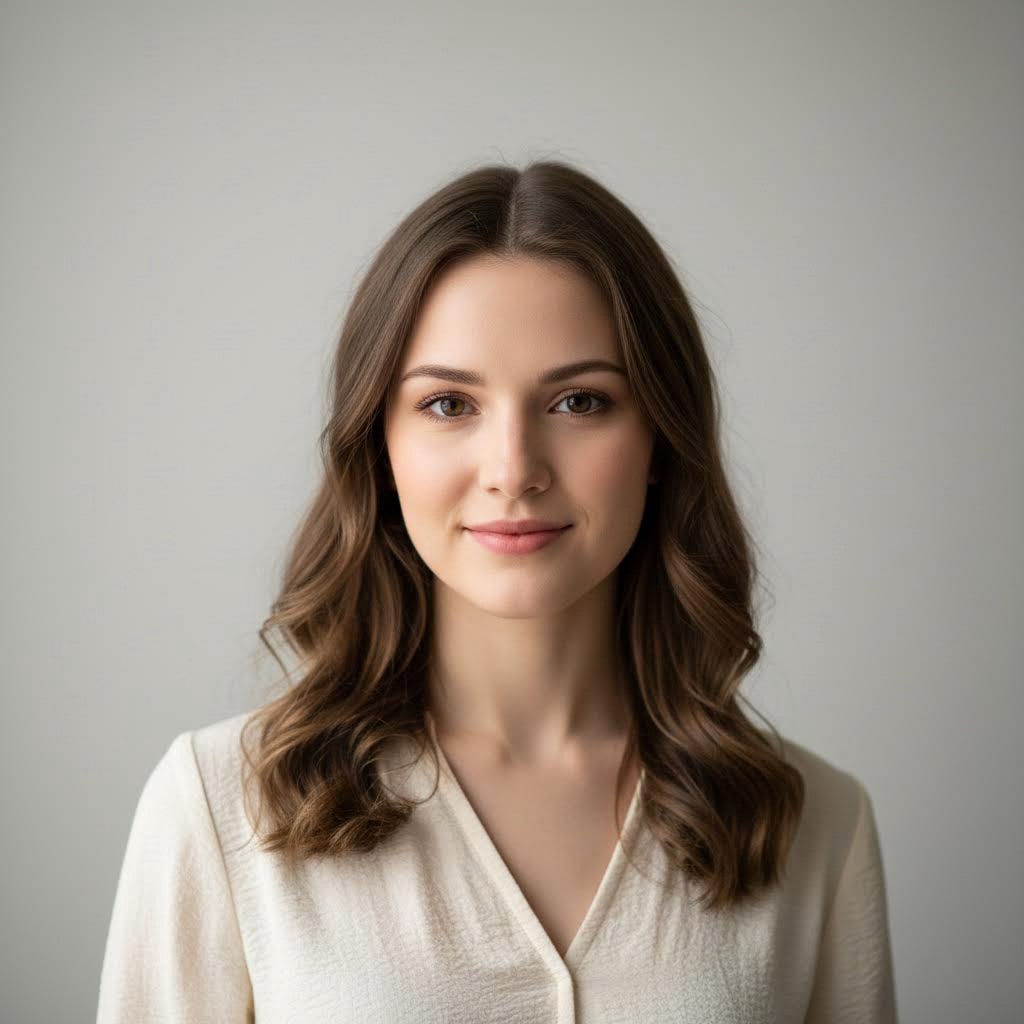
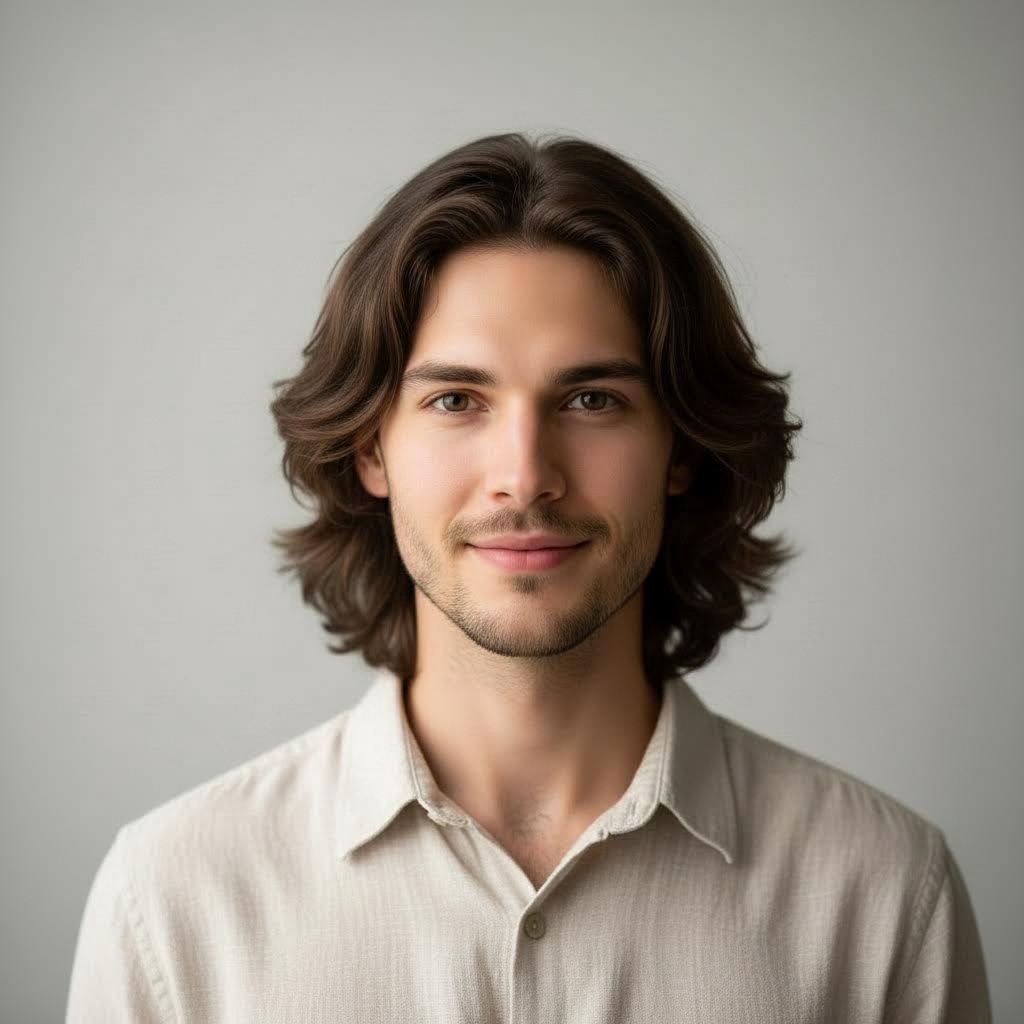
- 入力
- A portrait you have permission to edit
- 出力
- Same framing with a different gender presentation
- こんな方に最適
- Profile pictures, character design, and curiosity
Original portrait / Gender swap
See the same framing, a new presentation
Drag the divider to compare the original portrait with an opposite-gender presentation that keeps the pose, hair length, and studio lighting.
Original portraitGender swapA focused gender-swap workflow
Keep the person recognizable
The preset preserves bone structure, pose, and setting so the result still reads as the same person.
Control the direction with the prompt
Edit the starter prompt to adjust hairstyle, presentation details, or styling notes before generating.
Stay respectful by default
The prompt avoids exaggeration and stereotypes. Keep it that way when you refine the direction.
How to run a gender swap on a photo
The preset supplies a respectful baseline while the ImageStyle workspace keeps the prompt and output settings editable.
- 1
Use a photo you may edit
Your own portrait or one with clear permission works best. Front-facing photos with even lighting swap most cleanly.
- 2
Review the gender-swap prompt
The preset keeps framing, lighting, and identity cues in place. Adjust hairstyle or presentation details if needed.
- 3
Generate and compare
Compare the result with the original portrait, then refine or download when the presentation looks right.
What to check before you share
- Only edit photos you may use
- Swapping photos of other people without consent can be harmful. Use your own portraits or get permission first.
- Expect small identity drift
- Strong lighting, heavy makeup, or covered faces can push the result away from the original likeness. Check at full size.
- Keep the result respectful
- The preset avoids exaggerated stereotypes. Do not edit the prompt to produce mocking or sexualized outputs.
Gender swap filter FAQ
- Does the gender swap change the background?
- No. The preset keeps the pose, framing, lighting, and background, and adjusts only the person’s presentation.
- Will I still look like myself?
- The preset is built to keep bone structure and identity cues so the result reads as the same person. Strong angles or covered faces reduce likeness.
- Can I edit photos of other people?
- Only with their consent. Editing someone’s portrait without permission can be harmful and is not an intended use.
- What happens to my uploaded photo?
- The image is uploaded to the same reference-image workflow used by the ImageStyle generator. Review the current privacy and storage terms before using sensitive material.
更新されました:
Workflow source: Current ImageStyle reference-image generator.