Qwen Image 3 텍스트 이미지 생성
분명한 텍스트 지시로 Qwen Image 3 이미지를 만드세요.
피사체, 구도, 조명, 중요 디테일을 먼저 정리하세요. ImageStyle에서 1K 또는 2K와 용도에 맞는 고정 화면 비율을 선택할 수 있습니다.
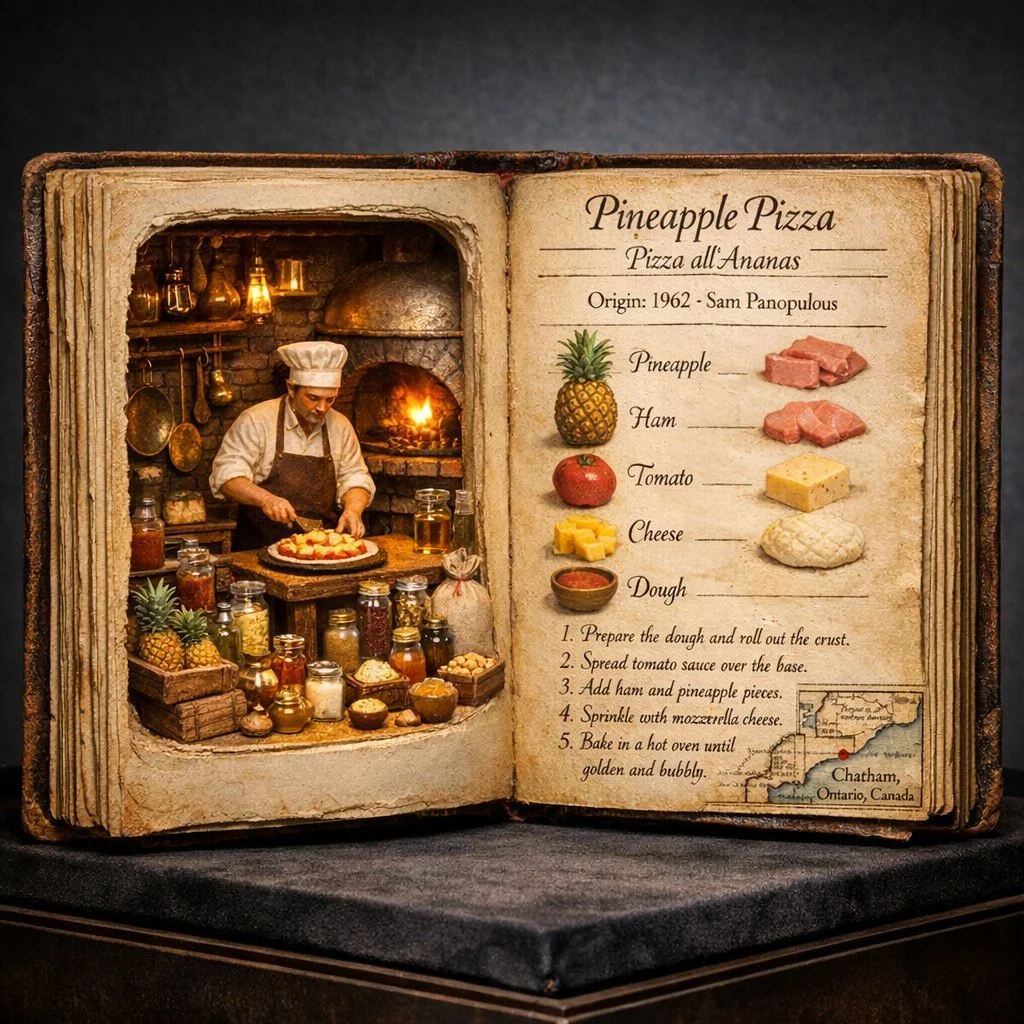
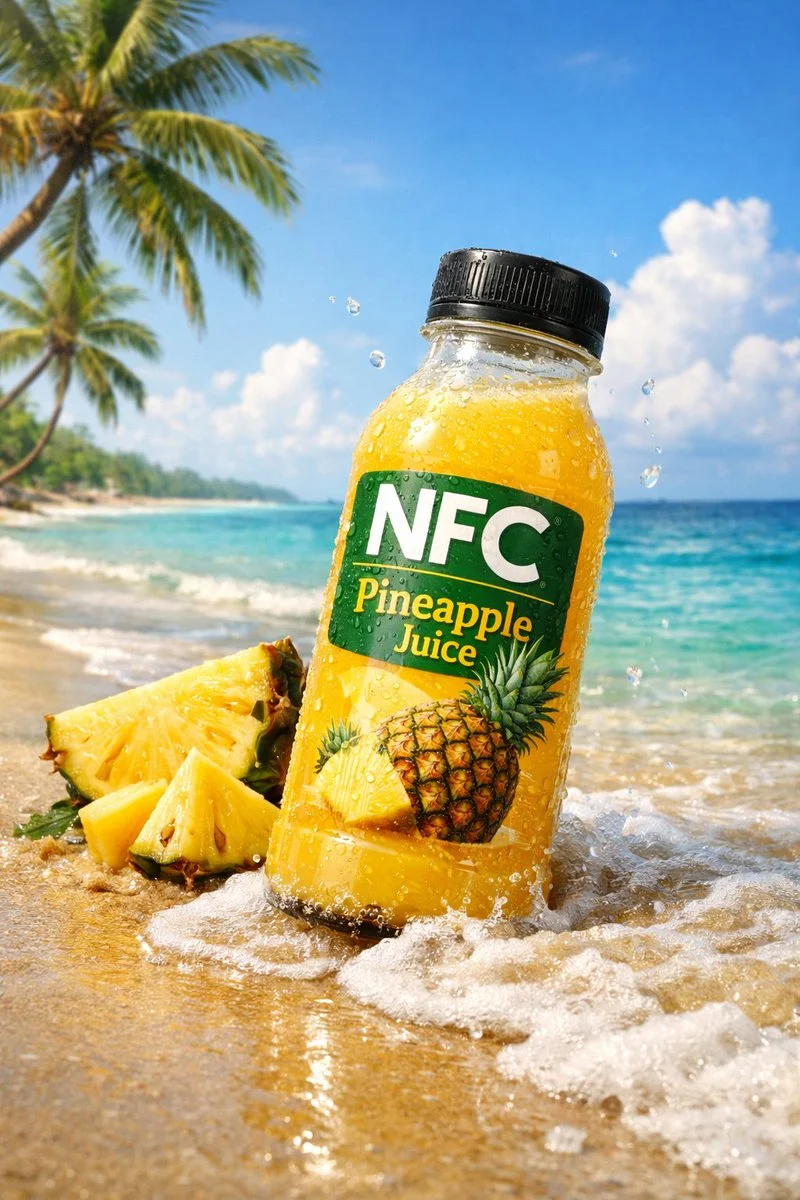
- 다음으로 시작
- A written image direction
- 출력
- 1K or 2K
- Frame choices
- Eight fixed aspect ratios
구체적인 결과를 담은 시각적 개요 작성
이러한 검증된 로컬 Nano Banana 제품군 예제는 서면 방향이 장소에서 시각적 시스템, 동작이 있는 장면으로 어떻게 이동할 수 있는지 보여줍니다.
각 카드는 검증된 모델 계열 예시인지 시각 참고 자료인지 표시합니다. 참고 카드는 모델 벤치마크나 전후 비교 주장이 아닙니다.
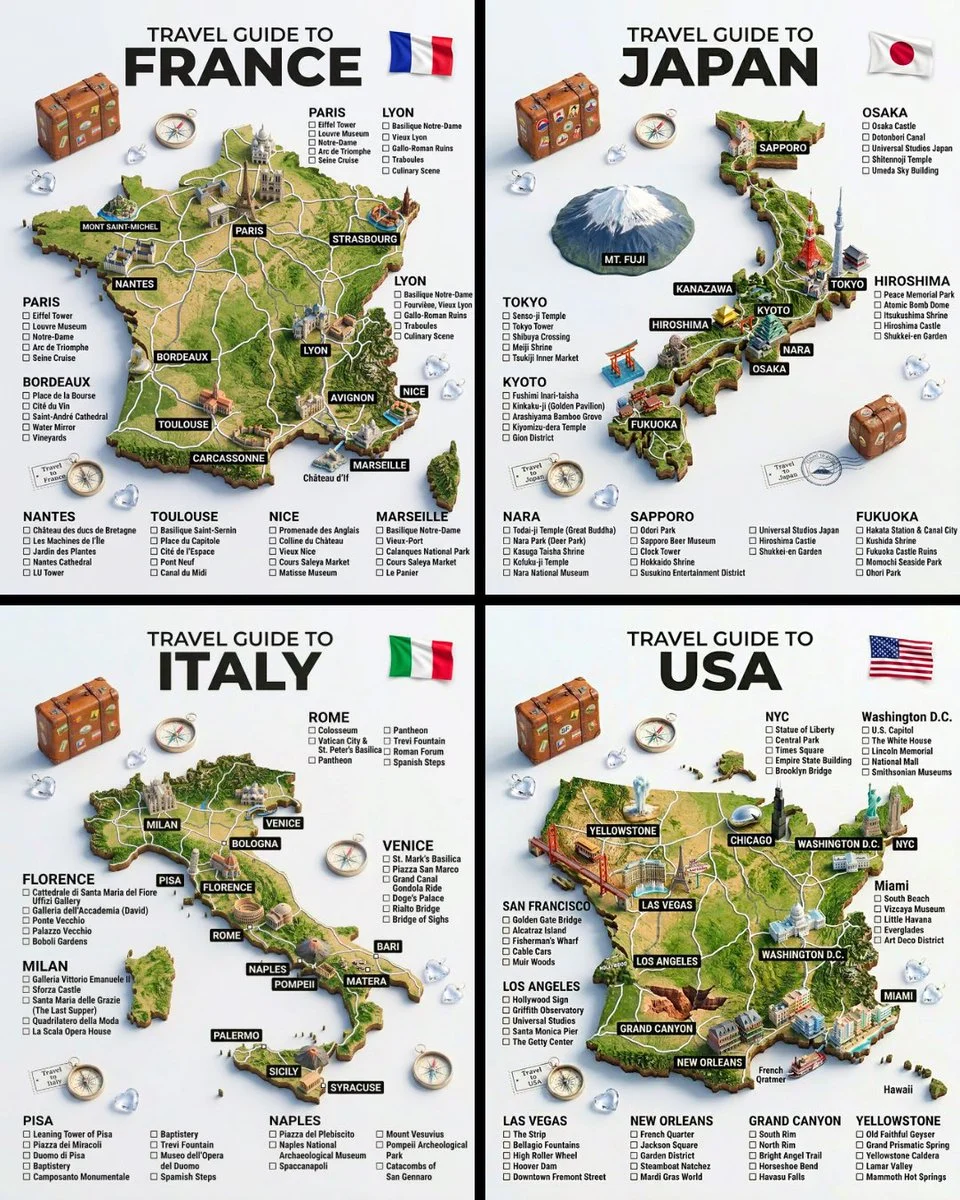
주제, 장소 및 구조
광범위한 아이디어를 특정 장소, 주요 주제, 반복 가능한 레이아웃으로 전환하세요.
검증된 모델 계열 예시
로컬 ImageStyle 프롬프트 라이브러리에서 검증된 Nano Banana 제품군 예입니다.
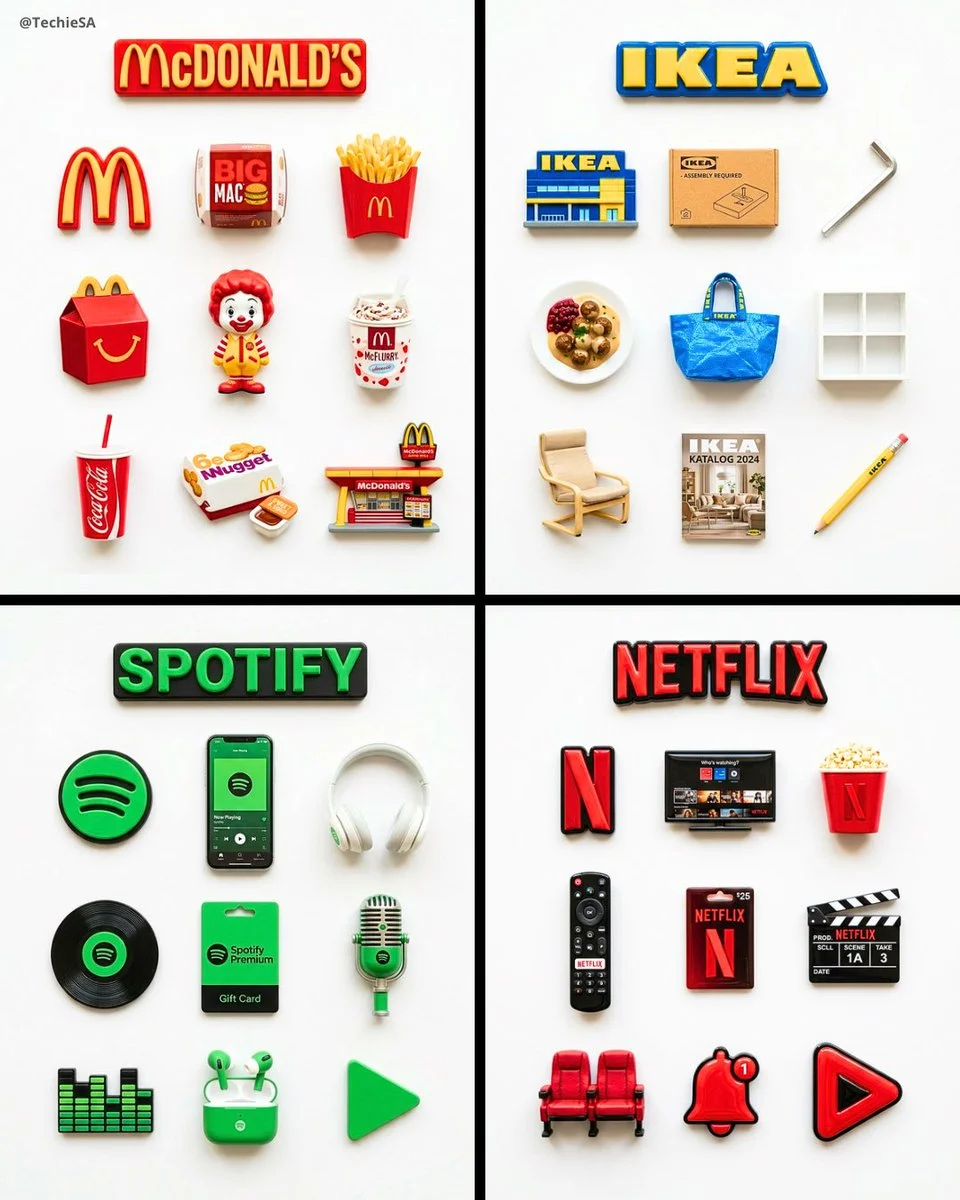
일관된 시각 시스템
세트를 하나로 묶는 반복되는 객체, 재료 처리 및 레이아웃 규칙을 지정합니다.
검증된 모델 계열 예시
로컬 ImageStyle 프롬프트 라이브러리에서 검증된 Nano Banana 제품군 예입니다.
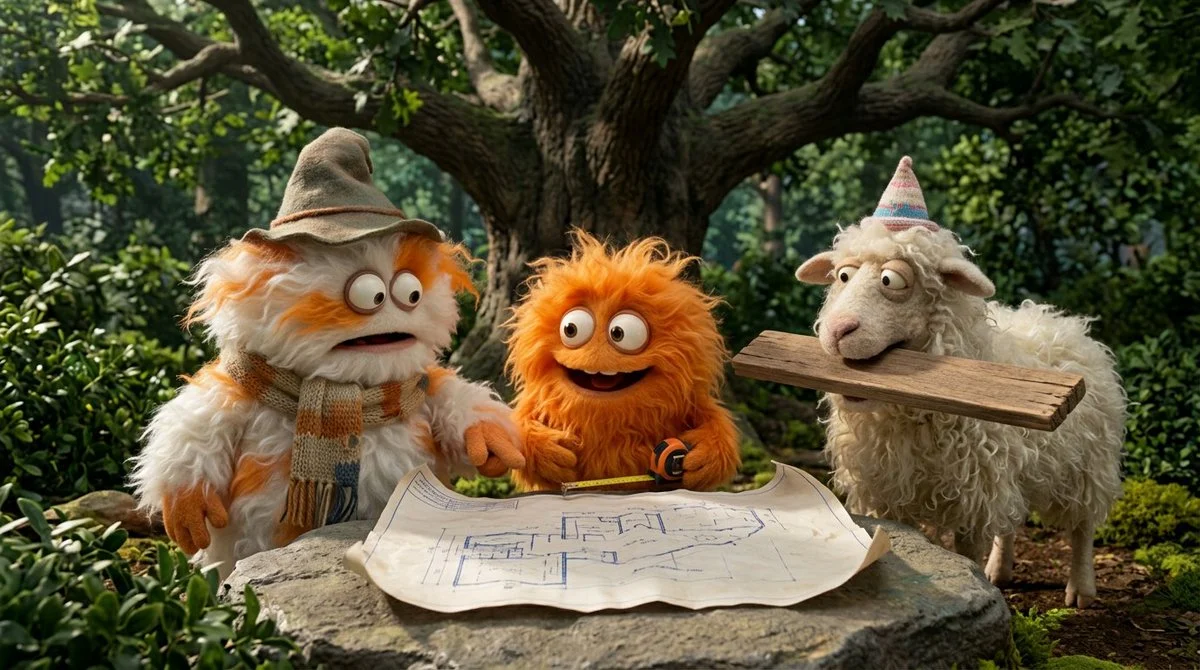
액션과 장면의 관계
참석한 사람, 무슨 일이 일어나고 있는지, 해당 작업이 어디서 발생하는지 이름을 지정합니다.
검증된 모델 계열 예시
로컬 ImageStyle 프롬프트 라이브러리에서 검증된 Nano Banana 제품군 예입니다.
What to specify in Qwen Image 3 text to image
The visual subject
Name the main thing the viewer should recognize first, then add its setting and visible materials.
Composition and framing
Describe the camera distance or layout, then select the Qwen frame that matches the final placement.
Important constraints
Give text, product, color, or placement requirements a clear priority instead of burying them in style tags.
How to use Qwen Image 3 for text to image
A compact brief is easier to refine when it makes the scene, composition, and one non-negotiable detail easy to inspect.
- 1
Write the visible scene
Start with the subject and setting, followed by the framing, light, and details that matter to the image role.
- 2
Choose 1K or 2K and a frame
Use the current Qwen Image 3 controls to choose the output tier and one of eight supported aspect ratios.
- 3
생성 및 검토
Check the first result for readable text and visible details, then revise the direction for the next attempt.
What to check before using a Qwen Image 3 result
- The selected workflow controls the input
- Qwen Image 3 and Qwen Image 3 Pro accept either a text direction or approved reference images. Output is currently available at 1K or 2K with eight fixed frames.
- Inspect details that need to stay accurate
- Treat each output as a new image. Review product details, text, proportions, and the elements a prompt or reference was intended to preserve.
- Use only publishable source material
- Upload reference images only when you have the rights to use them, and review the generated result before publishing it.
Qwen Image 3 text to image FAQ
- What is Qwen Image 3 text to image?
- It is the Qwen Image 3 workflow that creates an image from a written direction. In ImageStyle, the standard tier offers 1K or 2K output and eight fixed frame options.
- What should a Qwen Image 3 prompt include?
- Start with the subject, setting, composition, light, and the details that must be visible. Keep the required parts explicit so they can be reviewed in the result.
- Can I choose the output size?
- Yes. The current Qwen Image 3 text-to-image workflow offers 1K and 2K output tiers, plus eight fixed aspect ratios.
- When should I use Qwen Image 3 Pro instead?
- Use the Pro workflow when the higher-fidelity Qwen tier is worth the additional credits for the task. Input types and available output tiers remain comparable.
업데이트됨:
능력 소스: Current ImageStyle Qwen Image 3 workspace.