Qwen Image 3 Pro 텍스트 이미지 생성
더 높은 충실도가 필요한 이미지를 Qwen Image 3 Pro로 만드세요.
Pro는 더 높은 가격의 Qwen 출력 티어입니다. 1K 또는 2K 결과에 추가 충실도가 필요한 작업에서 선택하세요.
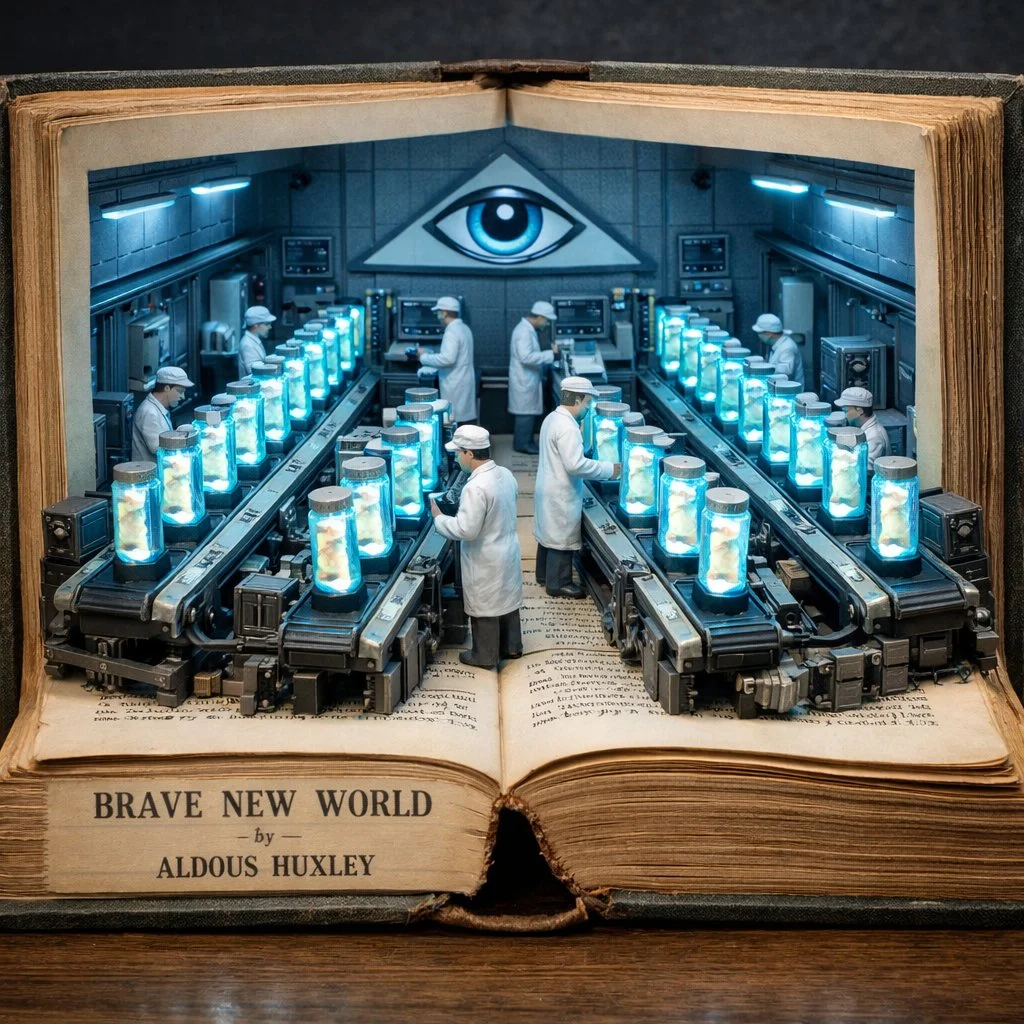
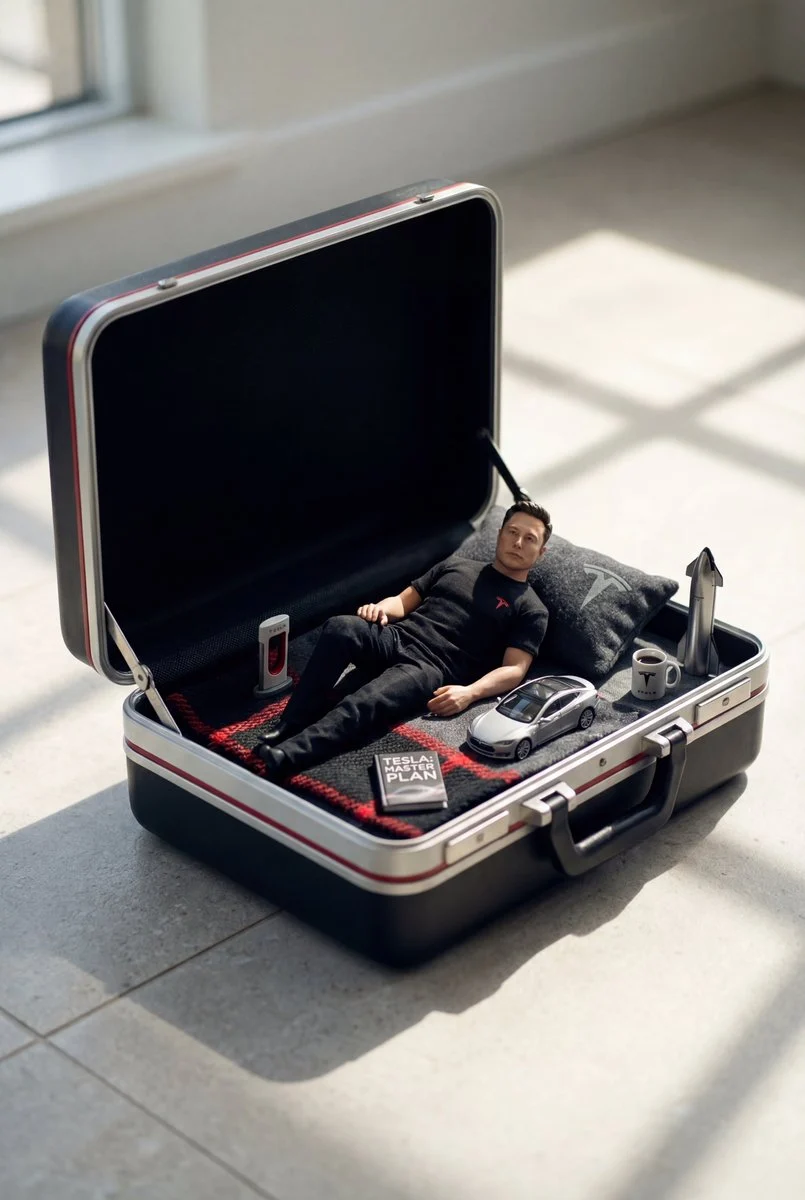
- 다음으로 시작
- A written visual brief
- 출력
- 1K or 2K
- Choose Pro for
- A higher-fidelity Qwen tier
구체적인 결과를 담은 시각적 개요 작성
이러한 검증된 로컬 Nano Banana 제품군 예제는 서면 방향이 장소에서 시각적 시스템, 동작이 있는 장면으로 어떻게 이동할 수 있는지 보여줍니다.
각 카드는 검증된 모델 계열 예시인지 시각 참고 자료인지 표시합니다. 참고 카드는 모델 벤치마크나 전후 비교 주장이 아닙니다.
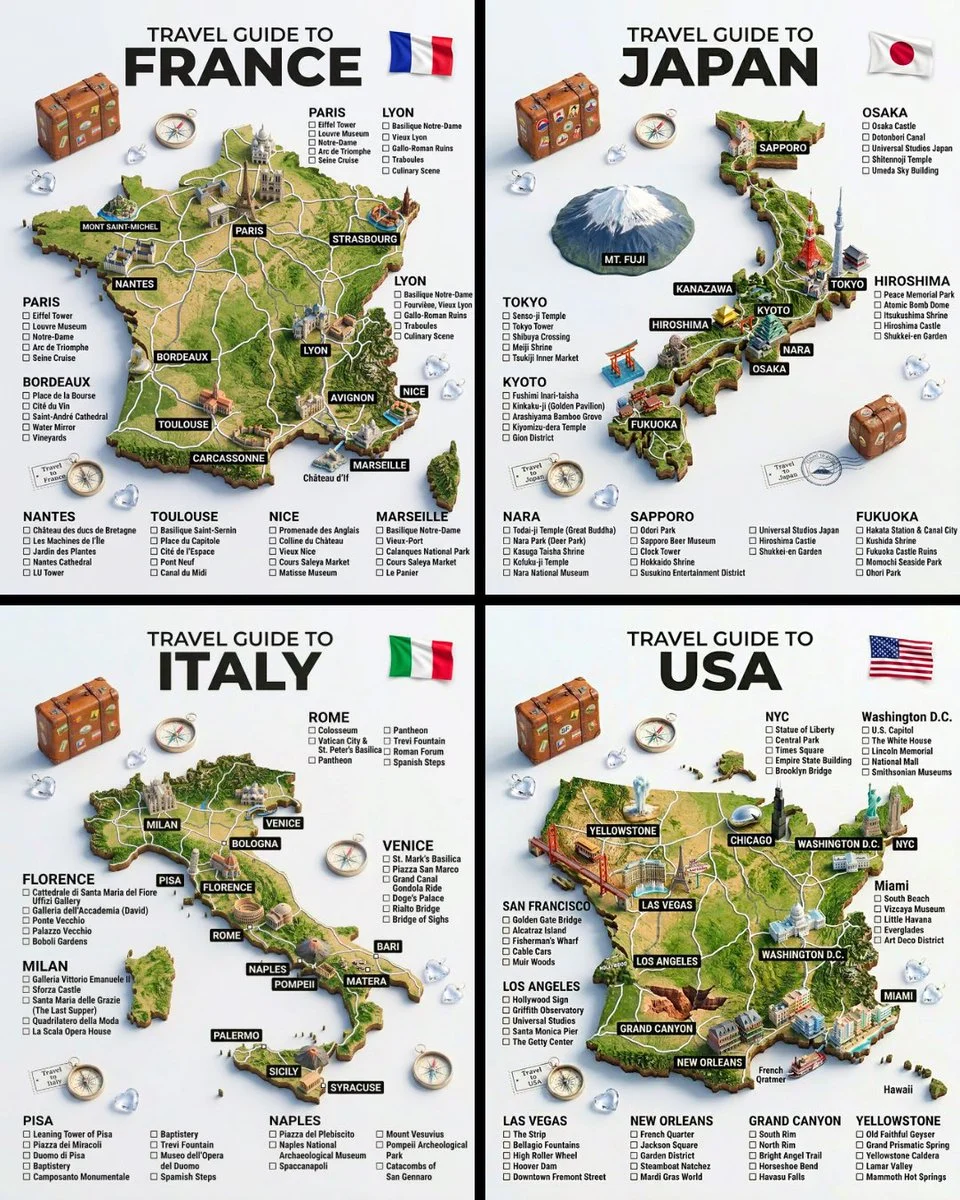
주제, 장소 및 구조
광범위한 아이디어를 특정 장소, 주요 주제, 반복 가능한 레이아웃으로 전환하세요.
검증된 모델 계열 예시
로컬 ImageStyle 프롬프트 라이브러리에서 검증된 Nano Banana 제품군 예입니다.
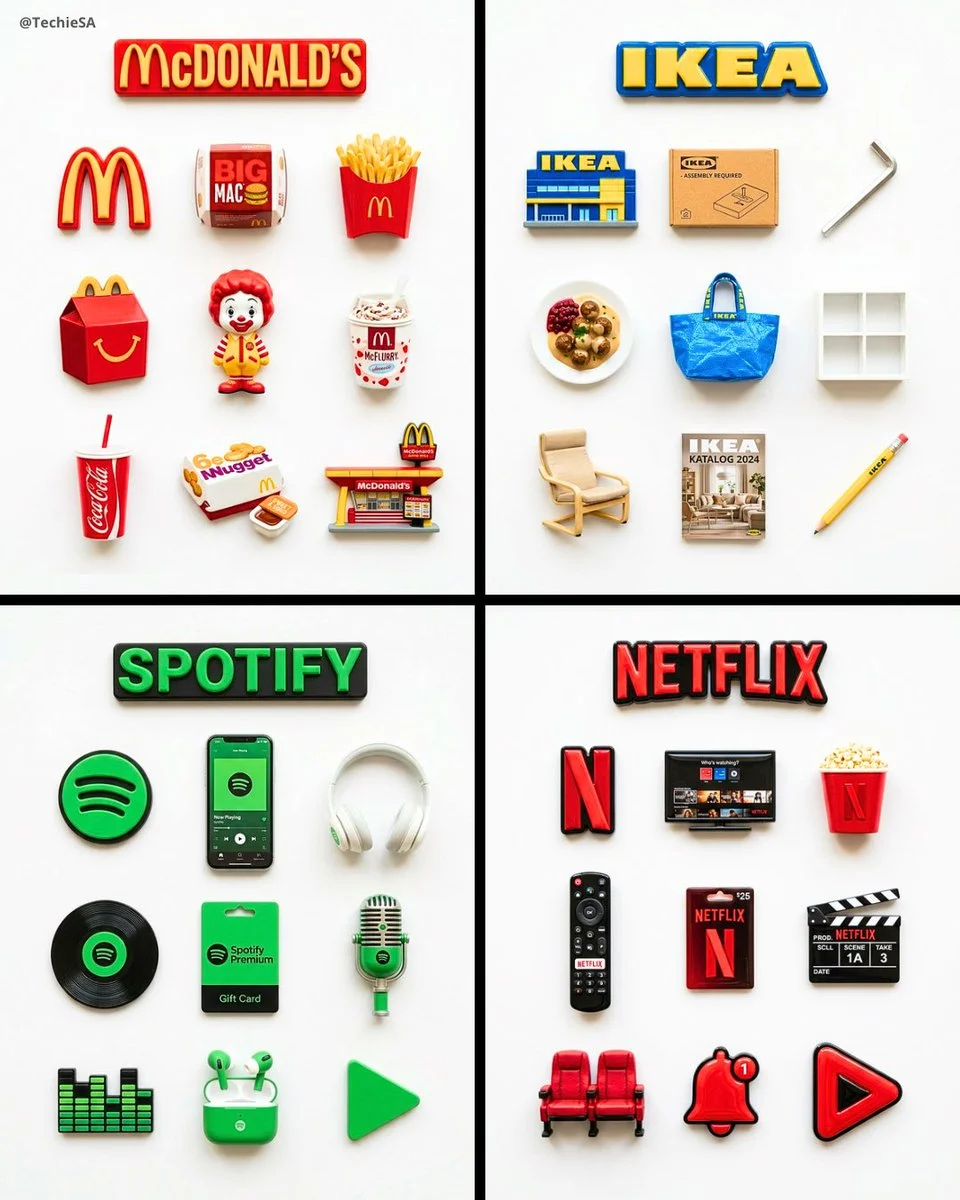
일관된 시각 시스템
세트를 하나로 묶는 반복되는 객체, 재료 처리 및 레이아웃 규칙을 지정합니다.
검증된 모델 계열 예시
로컬 ImageStyle 프롬프트 라이브러리에서 검증된 Nano Banana 제품군 예입니다.
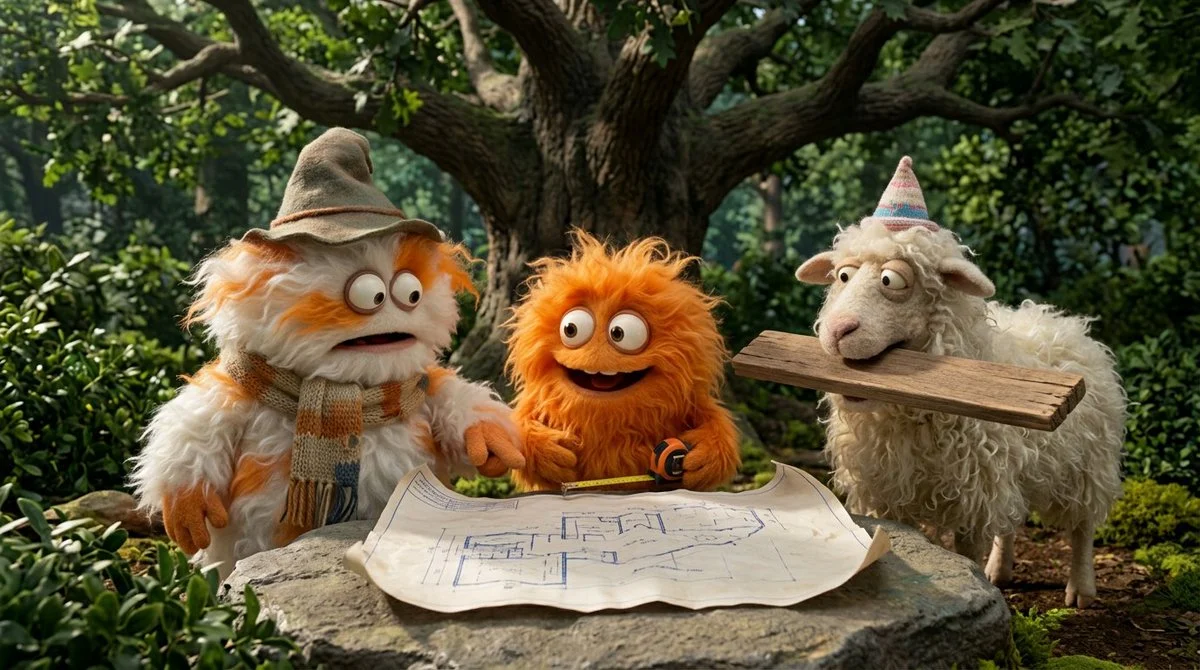
액션과 장면의 관계
참석한 사람, 무슨 일이 일어나고 있는지, 해당 작업이 어디서 발생하는지 이름을 지정합니다.
검증된 모델 계열 예시
로컬 ImageStyle 프롬프트 라이브러리에서 검증된 Nano Banana 제품군 예입니다.
When Qwen Image 3 Pro text to image fits
A focused production brief
Use a clear subject, composition, material, and light direction so the higher-fidelity tier has a specific job to do.
A deliberate output choice
Select 1K or 2K and an available frame based on the asset placement, not a generic quality assumption.
A higher-fidelity Qwen option
Choose Pro when the visual task merits its higher-priced output tier; it is not a guarantee of exact text or details.
How to create with Qwen Image 3 Pro from text
Use Pro because the delivery needs a higher-fidelity Qwen tier, then keep the prompt concrete enough for a visual review.
- 1
Decide whether Pro is worth it
Choose the higher-priced tier when the task benefits from its added fidelity and a 1K or 2K output is enough.
- 2
Write the image brief
Describe the primary subject, composition, light, materials, and the details that need attention.
- 3
Select frame and output tier
Choose a current Qwen Pro frame and 1K or 2K output before generating.
- 4
배송 전 검사
Review all details that must be accurate, including text and product features, before publishing the result.
What to check before using a Qwen Image 3 result
- The selected workflow controls the input
- Qwen Image 3 and Qwen Image 3 Pro accept either a text direction or approved reference images. Output is currently available at 1K or 2K with eight fixed frames.
- Inspect details that need to stay accurate
- Treat each output as a new image. Review product details, text, proportions, and the elements a prompt or reference was intended to preserve.
- Use only publishable source material
- Upload reference images only when you have the rights to use them, and review the generated result before publishing it.
Qwen Image 3 Pro text to image FAQ
- What is Qwen Image 3 Pro text to image?
- It is ImageStyle’s text-led workflow for the higher-fidelity Qwen Image 3 Pro tier. It accepts a written image direction and currently offers 1K or 2K output with eight fixed frames.
- How is Pro different from standard Qwen Image 3?
- Both current workflows support written directions and reference-guided image editing at 1K or 2K. Pro is the higher-priced tier intended for tasks where its extra fidelity is worth more credits.
- Does Pro offer 4K output?
- No. The current Qwen Image 3 Pro workflow offers 1K and 2K output. Compare another model when the delivery requires an output tier above 2K.
- Can I use the same prompt structure in Pro?
- Yes. Start with the subject, composition, light, materials, and constraints. The Pro tier changes the output tier, not the need for a clear brief.
업데이트됨:
능력 소스: Current ImageStyle Qwen Image 3 workspace.