Qwen Image 3 Pro 이미지 투 이미지
높은 충실도가 필요한 참조 이미지 편집을 Qwen Image 3 Pro로.
구도나 피사체 방향이 중요하다면 사용할 권한이 있는 참조 이미지에서 시작하세요. Pro 선택 기준은 추가 충실도가 필요한지입니다.

- 다음으로 시작
- An approved reference image
- 직접
- The intended preservation and change
- Choose Pro for
- A higher-fidelity output tier
참고와 다음 방향을 별도로 계획
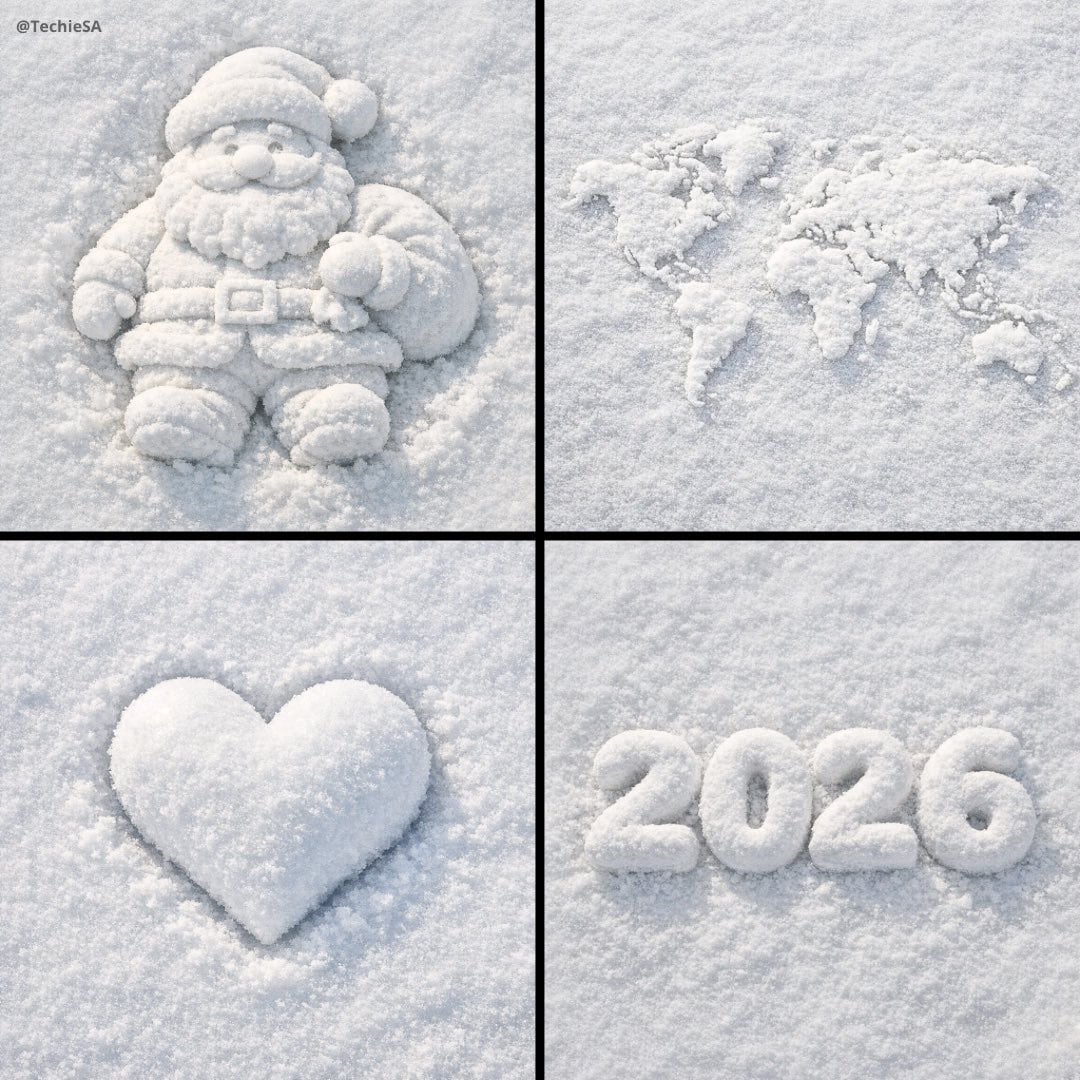
이러한 검증된 지역적 예는 출발점을 설정할 수 있는 주제, 재료, 환경 및 구성 단서를 보여줍니다. 이는 입력-출력 쌍으로 표시되지 않습니다.
각 카드는 검증된 모델 계열 예시인지 시각 참고 자료인지 표시합니다. 참고 카드는 모델 벤치마크나 전후 비교 주장이 아닙니다.
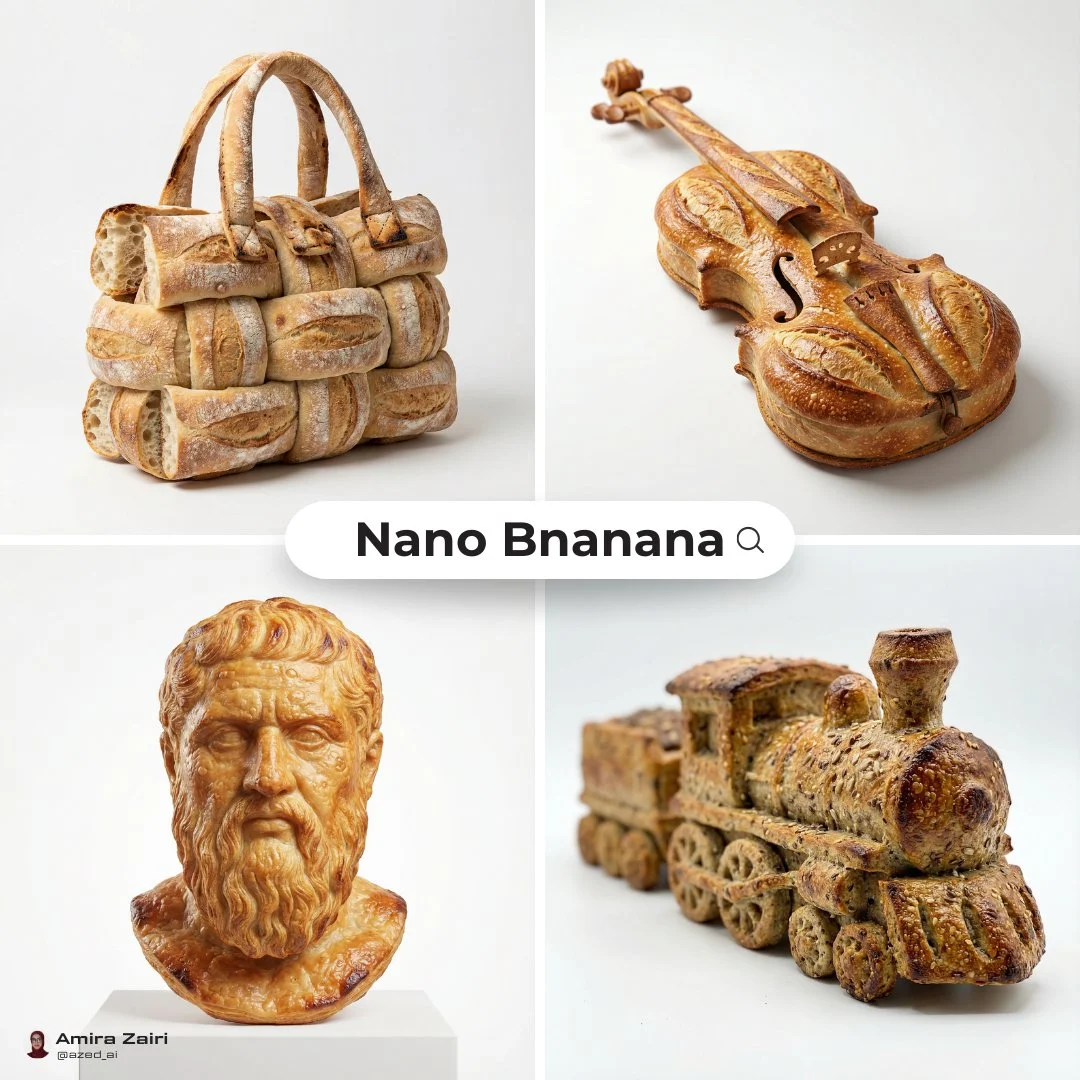
개체 실루엣 단서
새 장면을 작성하기 전에 참조를 사용하여 개체 윤곽선과 재료 처리를 설정하십시오.
검증된 모델 계열 예시
로컬 ImageStyle 프롬프트 라이브러리에서 검증된 Nano Banana 제품군 예입니다.
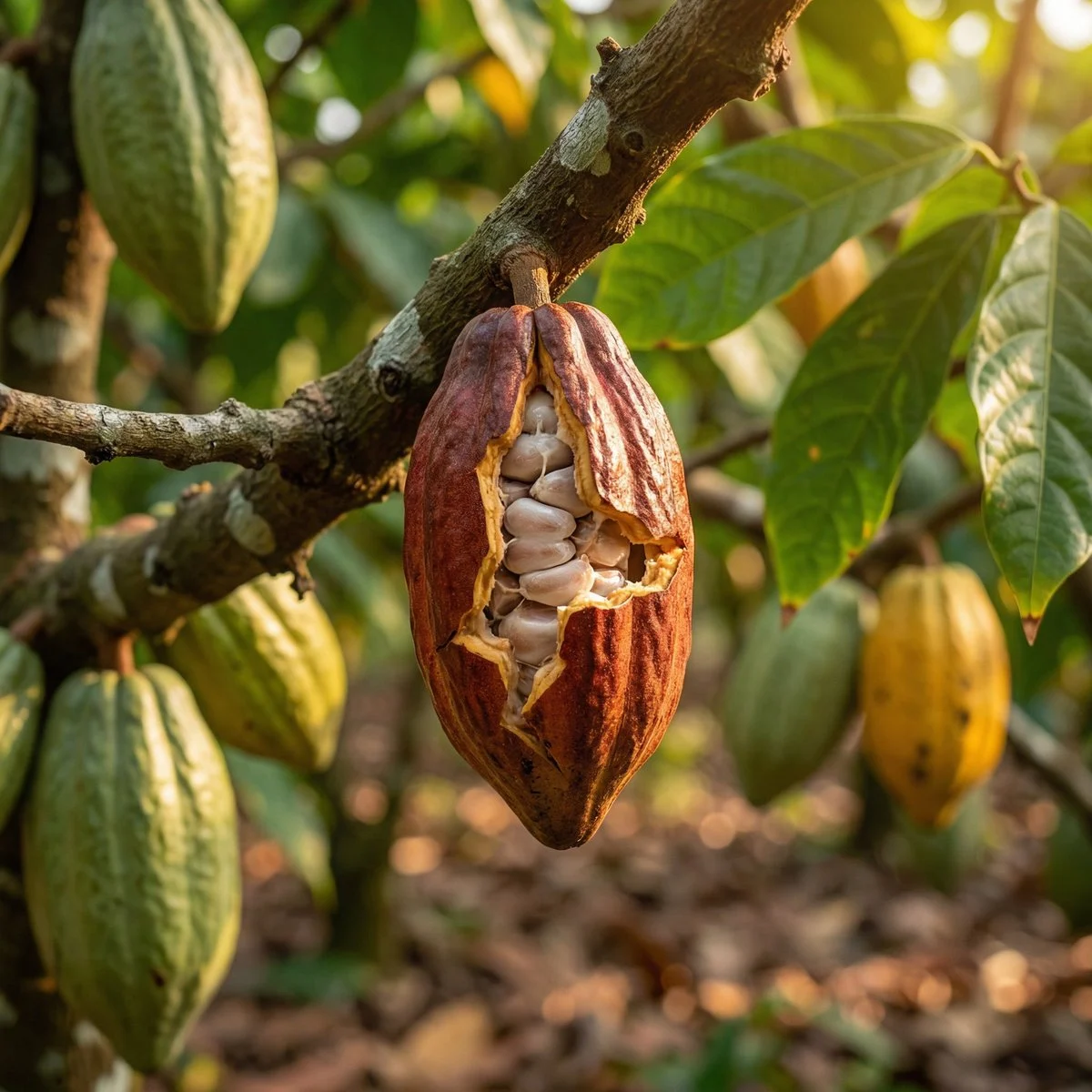
환경 텍스처 단서
승인된 소스를 사용하여 중요한 자료, 환경, 클로즈업 세부정보를 고정하세요.
검증된 모델 계열 예시
로컬 ImageStyle 프롬프트 라이브러리에서 검증된 Nano Banana 제품군 예입니다.
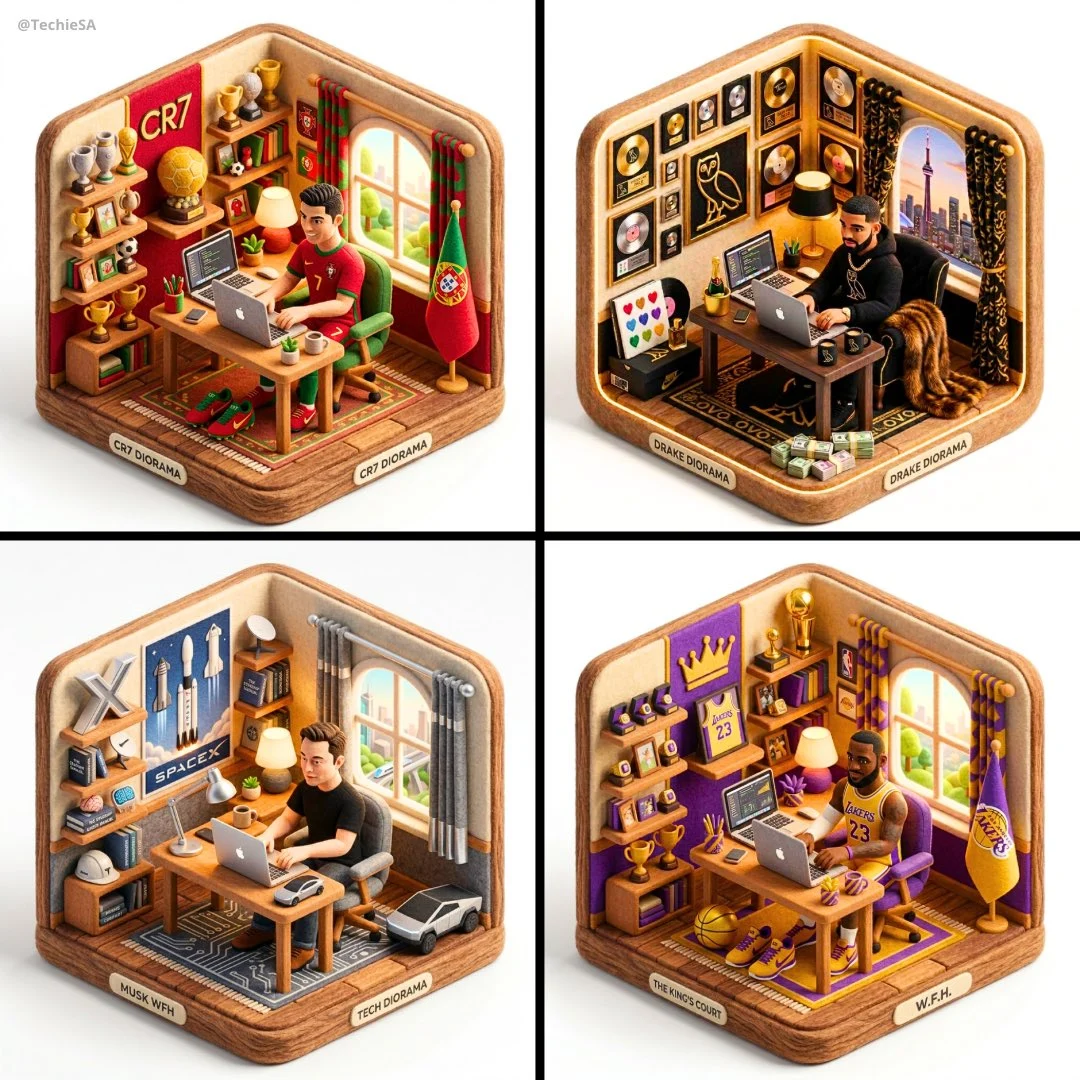
구성 단서
다음 이미지가 복사본이라고 가정하지 않고 레이아웃 관계를 설정하려면 참조를 사용하세요.
검증된 모델 계열 예시
로컬 ImageStyle 프롬프트 라이브러리에서 검증된 Nano Banana 제품군 예입니다.
What to control in Qwen Image 3 Pro image to image
The reference role
Choose a source that makes the composition or subject you need to carry forward clear.
The change boundary
Tell the model which elements should remain and which visual attributes should be replaced or enhanced.
The delivery inspection
Use the Pro tier for a specific fidelity need, then still inspect all brand, product, and text details.
How to use Qwen Image 3 Pro image to image
Pro reference editing is useful when a supplied source gives a necessary visual direction and the delivery calls for the higher-fidelity Qwen tier.
- 1
Confirm the source is usable
Upload an approved image with a clear subject and composition. Do not use material you cannot publish.
- 2
Describe the preservation and change
Identify the elements to keep, then name the new appearance, environment, or treatment.
- 3
Select Pro output settings
Choose 1K or 2K and a fixed frame that matches the target placement.
- 4
Review the generated variation
Check that the intended reference-led direction is present and that critical visible details are correct.
What to check before using a Qwen Image 3 result
- The selected workflow controls the input
- Qwen Image 3 and Qwen Image 3 Pro accept either a text direction or approved reference images. Output is currently available at 1K or 2K with eight fixed frames.
- Inspect details that need to stay accurate
- Treat each output as a new image. Review product details, text, proportions, and the elements a prompt or reference was intended to preserve.
- Use only publishable source material
- Upload reference images only when you have the rights to use them, and review the generated result before publishing it.
Qwen Image 3 Pro image to image FAQ
- Can Qwen Image 3 Pro edit reference images?
- Yes. When approved reference images are attached, ImageStyle selects the Qwen Image 3 Pro image-to-image endpoint.
- What changes with Qwen Image 3 Pro image to image?
- The core reference-image workflow, 1K or 2K output, and fixed frames are shared with standard Qwen Image 3. Pro is the higher-priced tier for work that needs its added fidelity.
- How can I protect a reference composition?
- Use a clear source image, say which composition or subject elements should remain, and make one focused change request. Review the new image before using it.
- Can I attach any image?
- Only attach images you are allowed to use. Every supplied source image is separately billed by the provider.
업데이트됨:
능력 소스: Current ImageStyle Qwen Image 3 workspace.