Qwen Image 3 プロンプトガイド
Qwen Image 3で確認しやすい画像指示を書く。
プロンプトはスタイル語の羅列ではなく、制作のための指示書です。被写体と構図から始め、質感、光、必要な制約を加えます。
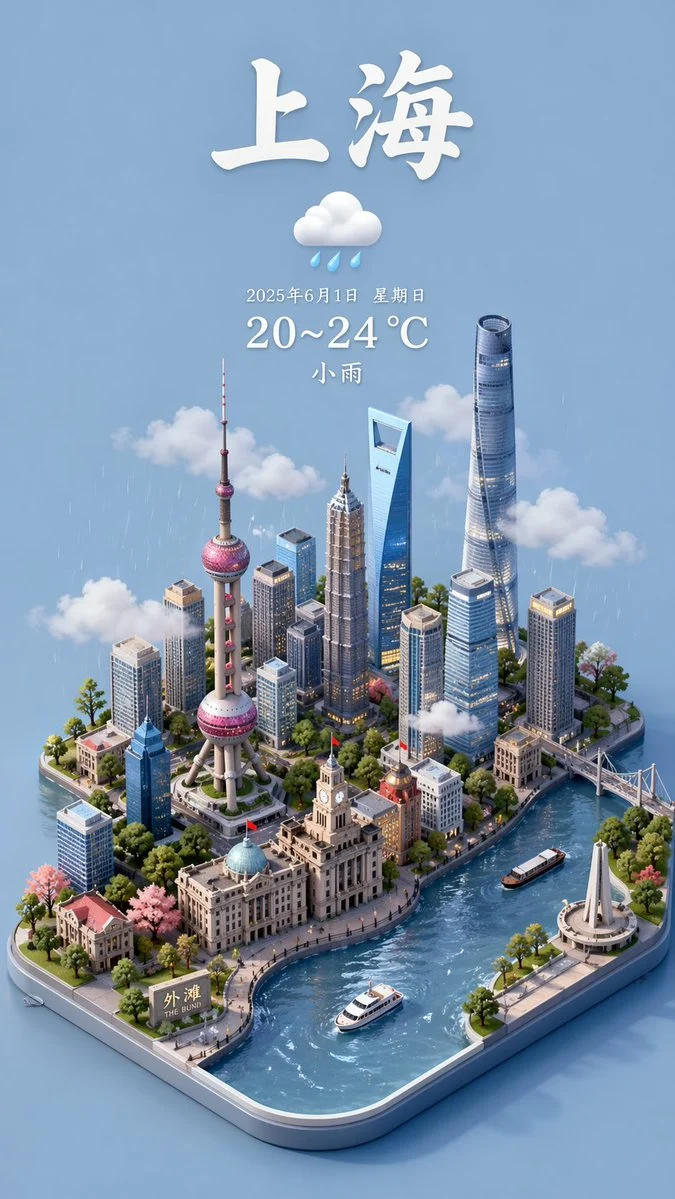

- Prompt limit
- Up to 800 characters
- For text to image
- Describe the full visual brief
- For image to image
- State what stays and changes
生成する前に検査する例
モデル、フレーム、プロンプト構造を選択する前に、さまざまな画像の方向を調べてください。
各カードには、検証済みのモデルファミリー例か視覚的な参照かを表示します。参照カードはモデル比較や生成前後の主張ではありません。
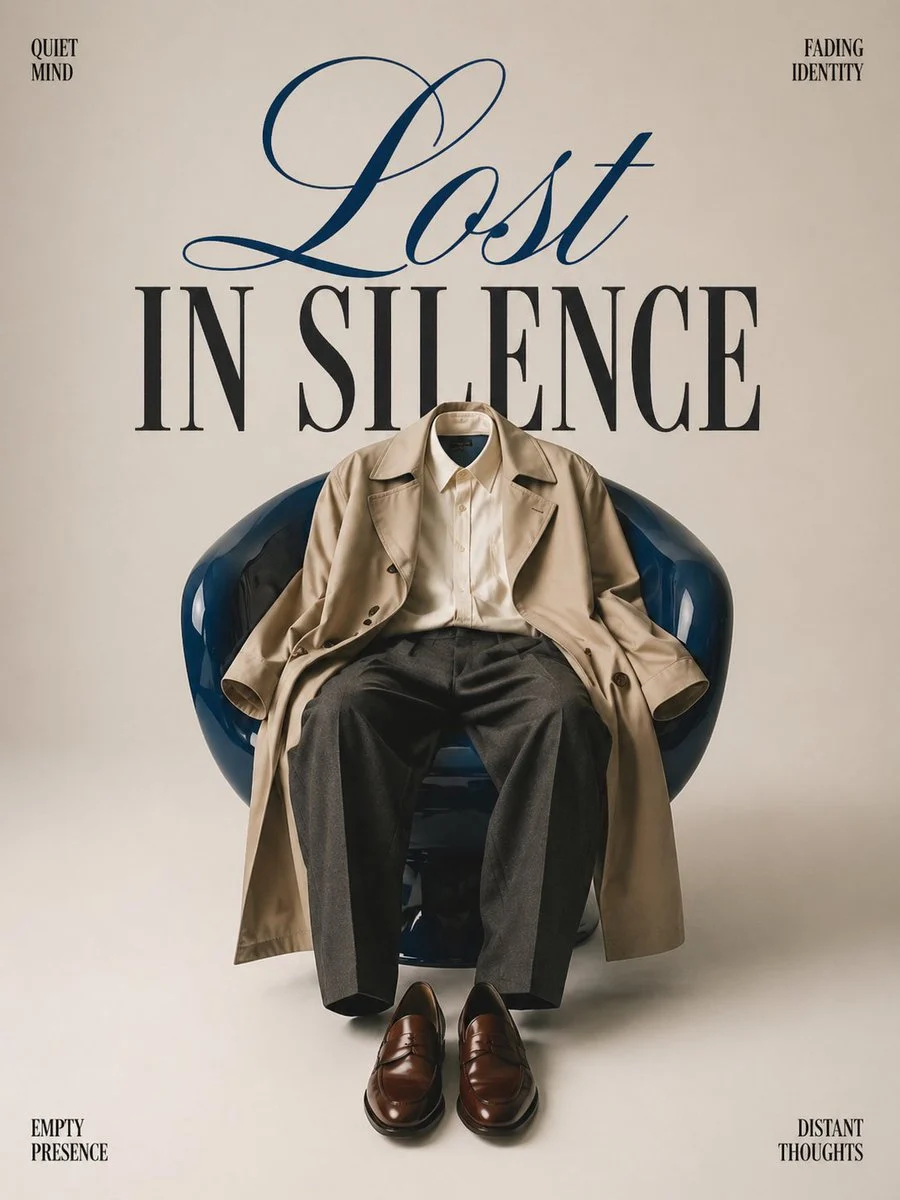
ポスター構成
1 つの中心オブジェクト、明確なネガティブ スペース、および意図的なテキスト階層。
検証済みのモデルファミリー例
ローカルの ImageStyle プロンプト ライブラリからの GPT イメージ ファミリの例を確認しました。
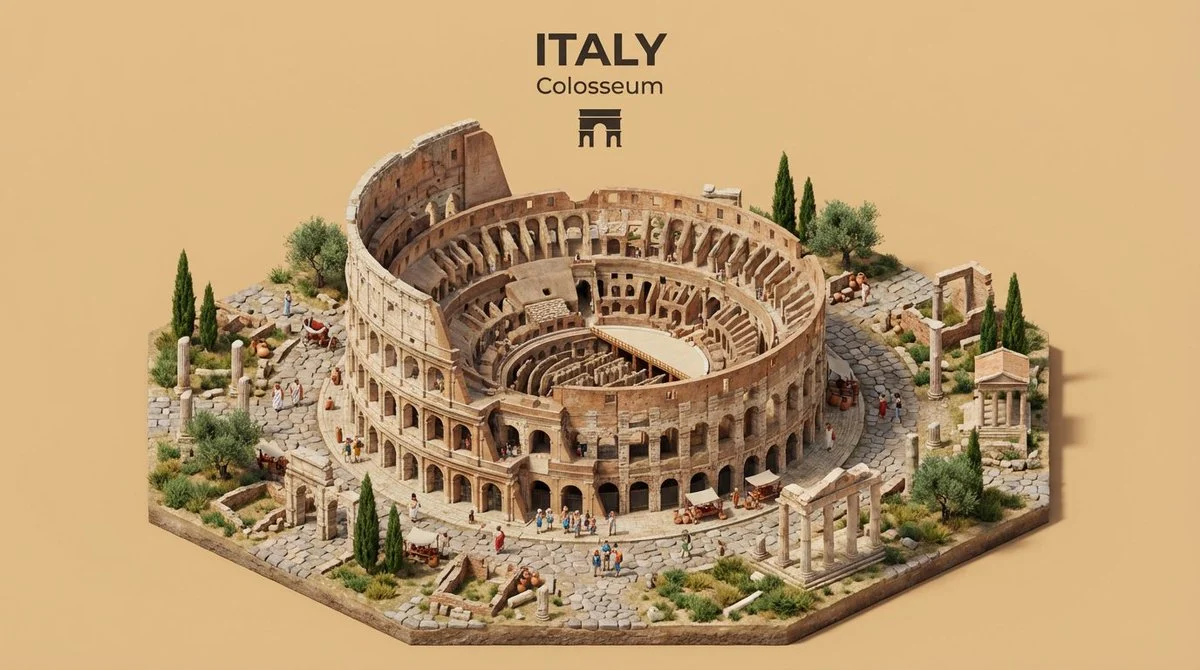
イラスト付きの場所のコンセプト
場所、その特徴的なランドマーク、および 1 つの視覚方向の明確な視野角を組み合わせます。
検証済みのモデルファミリー例
ローカルの ImageStyle プロンプト ライブラリからの Nano Banana ファミリの例を検証しました。
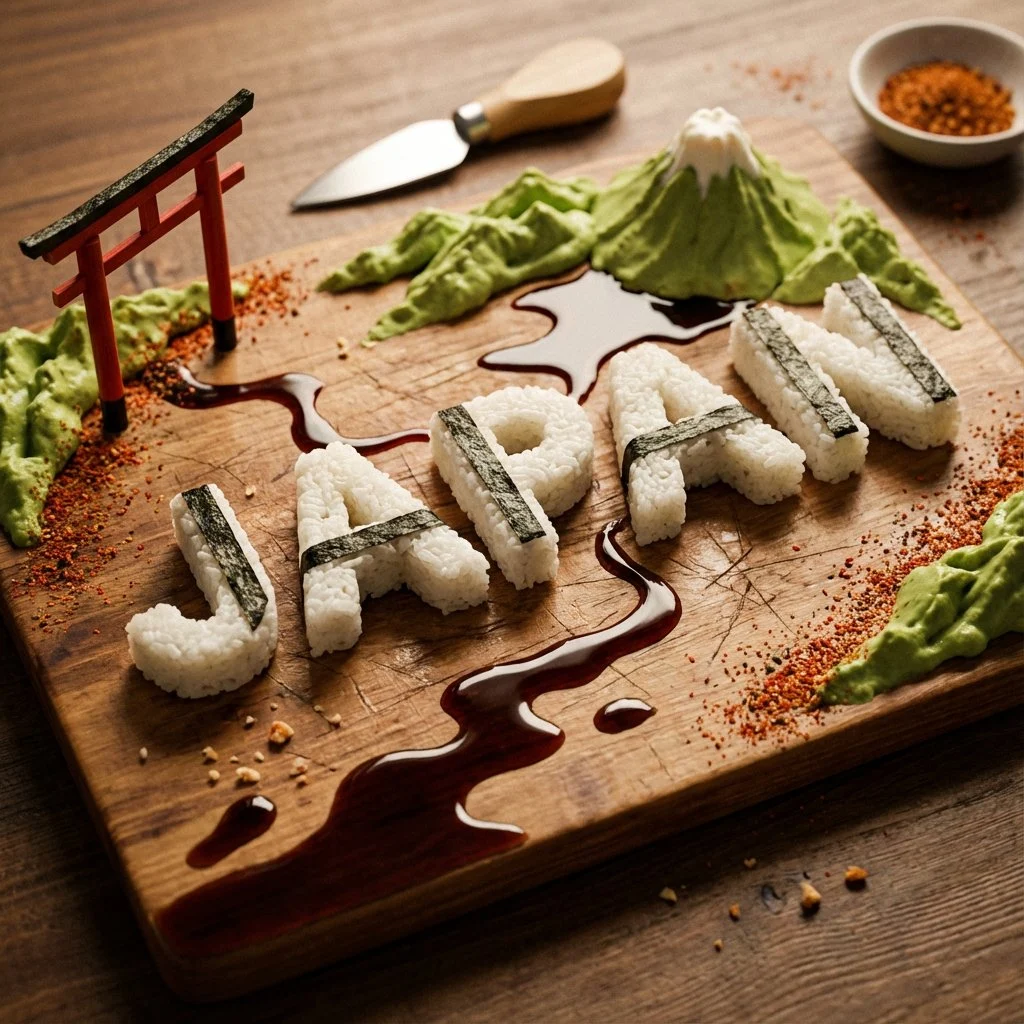
コンセプト主導のオブジェクト処理
抽象的なアイデアに素材、物理的形状、そして簡単な構成ルールを与えます。
検証済みのモデルファミリー例
ローカルの ImageStyle プロンプト ライブラリからの GPT イメージ ファミリの例を確認しました。
A practical Qwen Image 3 prompt structure
件名と設定
State what is in the image and where it is before asking for a style treatment.
Composition and light
Describe the point of view, framing, visual hierarchy, and light that make the image usable.
Materials and constraints
Name texture, color, readable copy, and other required details with a clear priority.
How to build a Qwen Image 3 prompt
Use the prompt to make choices inspectable. Do not treat it as a promise that every generated element will be exact.
- 1
Write the scene in one sentence
Give the subject, setting, and intended composition before adding secondary visual details.
- 2
Add the visual treatment
Specify lighting, materials, colors, or a visual mood that helps the image communicate its purpose.
- 3
Add the constraint or edit instruction
For a reference-led task, identify what stays and what changes. For text-to-image, identify the one detail that cannot be missed.
- 4
Generate, inspect, and revise
Review the visible output. Rewrite only the part that did not deliver the intended direction.
What to check before using a Qwen Image 3 result
- The selected workflow controls the input
- Qwen Image 3 and Qwen Image 3 Pro accept either a text direction or approved reference images. Output is currently available at 1K or 2K with eight fixed frames.
- Inspect details that need to stay accurate
- Treat each output as a new image. Review product details, text, proportions, and the elements a prompt or reference was intended to preserve.
- Use only publishable source material
- Upload reference images only when you have the rights to use them, and review the generated result before publishing it.
Qwen Image 3 prompts FAQ
- How long can a Qwen Image 3 prompt be?
- The current ImageStyle Qwen Image 3 workflow accepts prompts up to 800 characters. Use that space for visible direction rather than repeated adjectives.
- What is a good Qwen Image 3 prompt format?
- Use subject, setting, composition, light or materials, and constraints. For a reference image, add a separate instruction for what to preserve and what to change.
- Does Qwen Image 3 support negative prompts?
- The current ImageStyle controls do not expose a separate negative-prompt field. Write positive requirements and explicit constraints in the main prompt instead.
- Can prompt rewriting help?
- The current Qwen Image 3 provider request enables prompt rewriting. Start with a clear brief anyway, because the original direction remains the basis of the generation.
更新されました:
能力のソース: Current ImageStyle Qwen Image 3 workspace.