Qwen Image 3 画像から画像
参照画像を起点に、Qwen Image 3で新しいバリエーションを作成。
構図や被写体の方向を引き継ぎたいときは、使用許可のある画像を追加します。残す部分と変える部分を分けて指示しましょう。
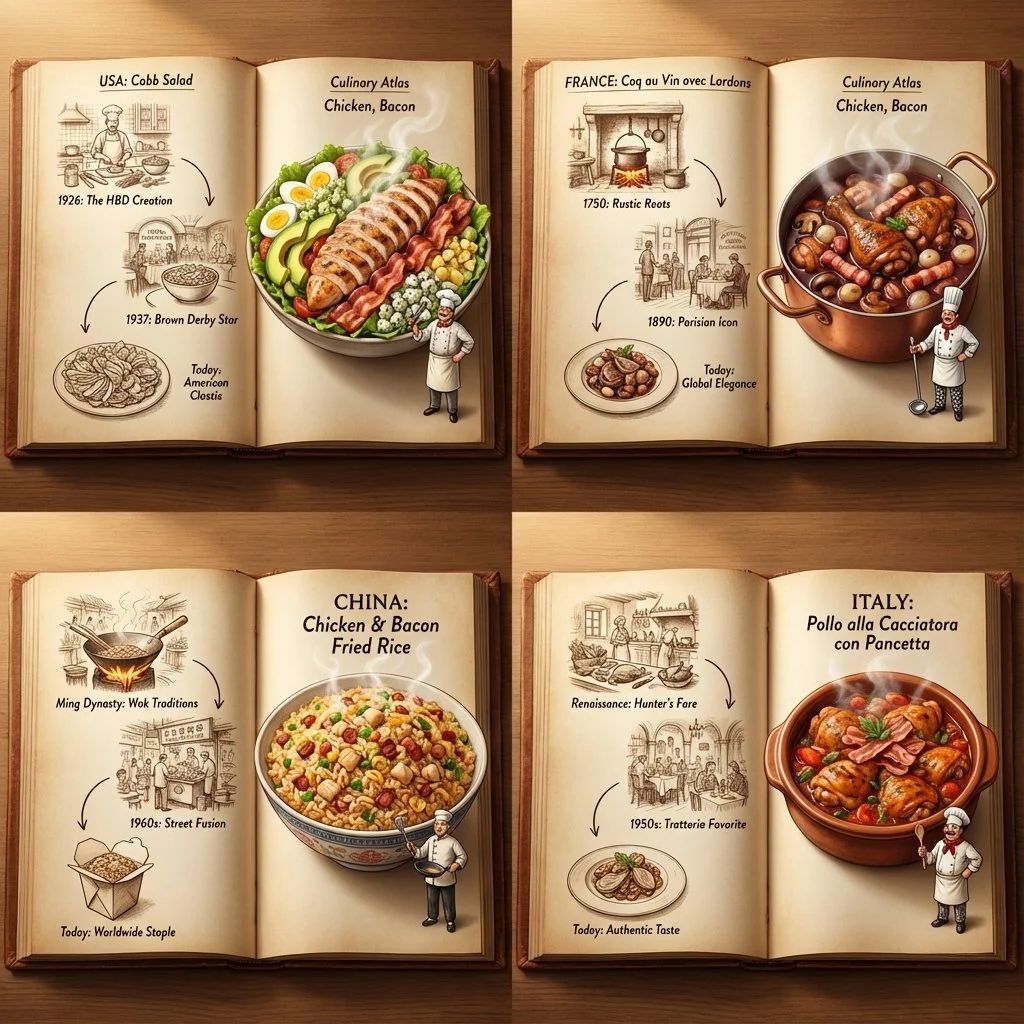
- から始める
- An approved reference image
- 直接
- What to keep and change
- 出力
- 1K or 2K in eight fixed frames
基準と次の方向性を別々に計画する
これらの検証済みの現地の例は、出発点を確立できる主題、素材、環境、構成のヒントを示しています。これらは入力と出力のペアとしては表示されません。
各カードには、検証済みのモデルファミリー例か視覚的な参照かを表示します。参照カードはモデル比較や生成前後の主張ではありません。
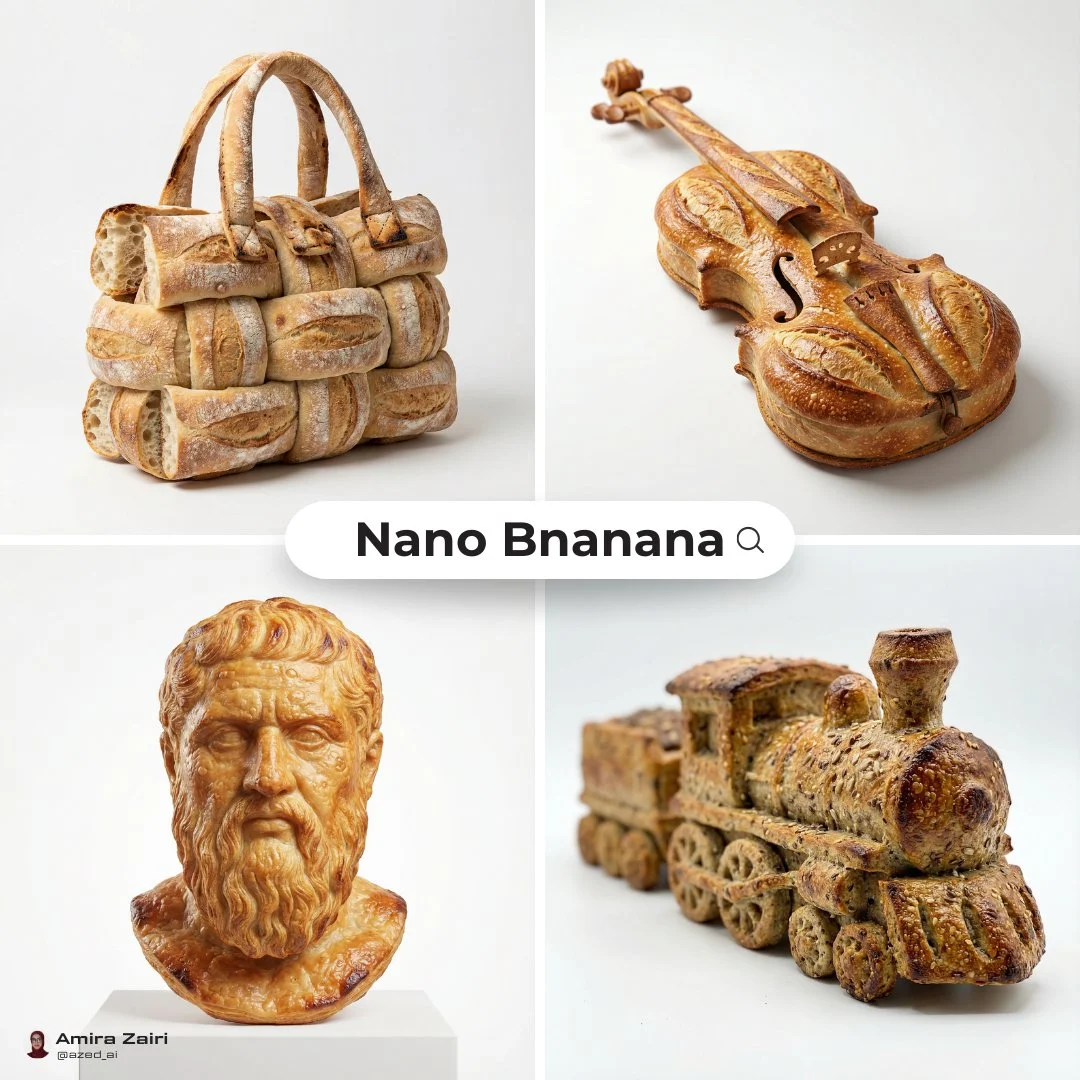
オブジェクトのシルエットの手がかり
新しいシーンを作成する前に、リファレンスを使用してオブジェクトのアウトラインとマテリアルの処理を確立します。
検証済みのモデルファミリー例
ローカルの ImageStyle プロンプト ライブラリからの Nano Banana ファミリの例を検証しました。
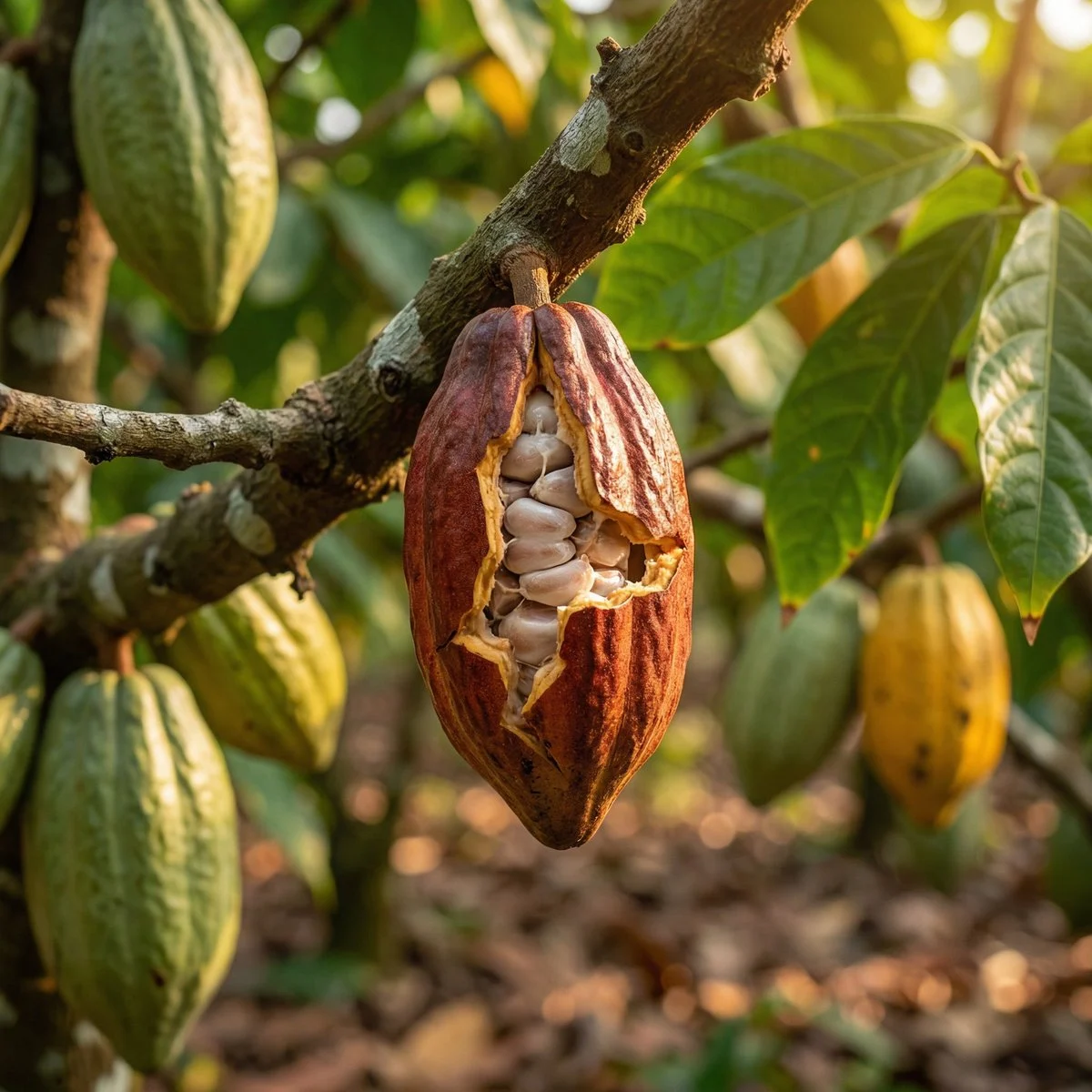
環境テクスチャの手がかり
承認された情報源を使用して、重要な素材、環境、クローズアップの詳細を強調します。
検証済みのモデルファミリー例
ローカルの ImageStyle プロンプト ライブラリからの Nano Banana ファミリの例を検証しました。
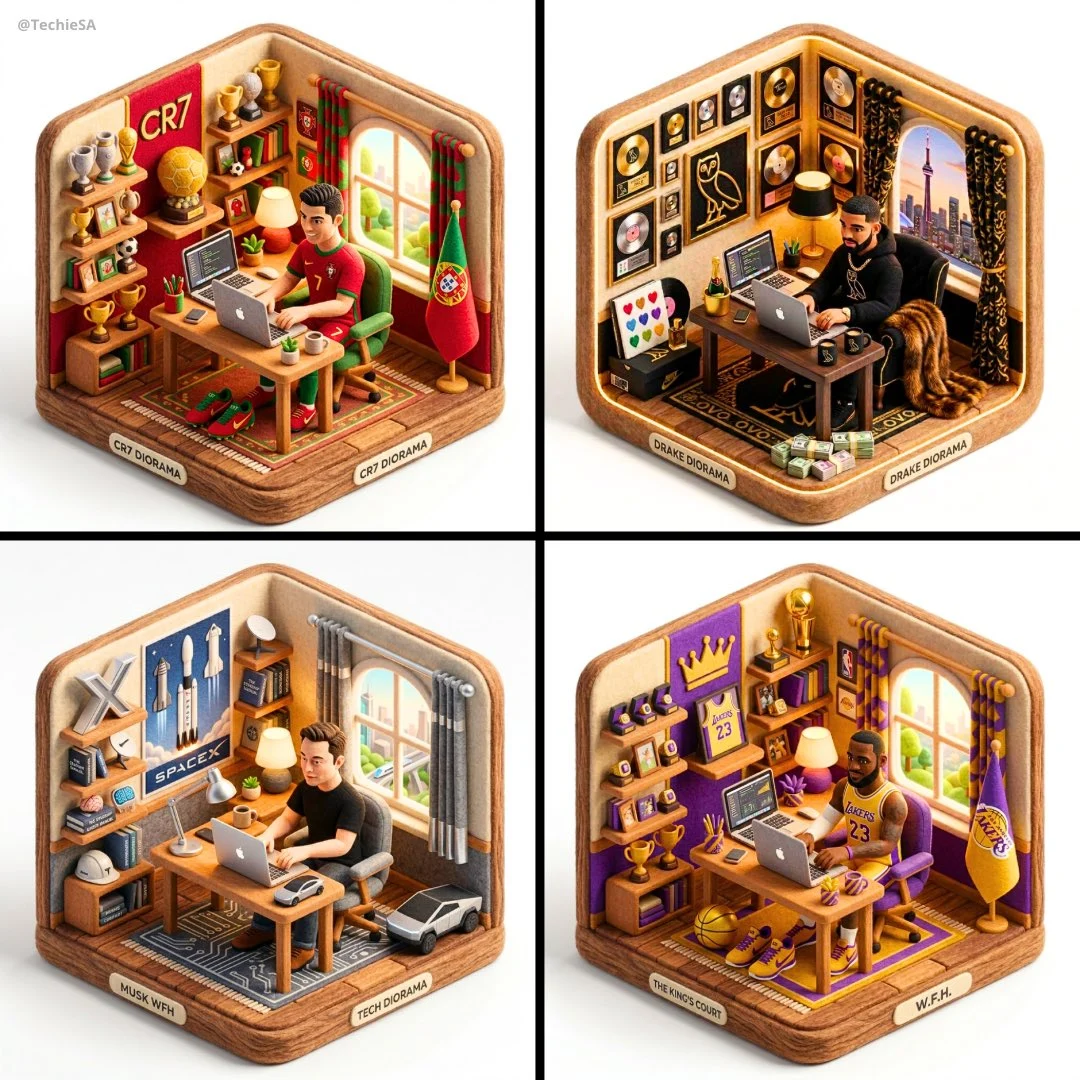
構成の手がかり
次の画像がそのコピーであると想定せずに、参照を使用してレイアウト関係を確立します。
検証済みのモデルファミリー例
ローカルの ImageStyle プロンプト ライブラリからの Nano Banana ファミリの例を検証しました。
What Qwen Image 3 image editing can help direct
A stable starting composition
Use a reference when the position, point of view, or core subject should inform the next image.
An explicit change request
Separate the parts to preserve from the parts to replace, restyle, or add.
A reviewable result
Review whether the reference-guided details held before relying on the result for product or brand work.
How to use Qwen Image 3 image to image
Reference-led editing works best when the image gives a clear visual starting point and the instruction names only the intended change.
- 1
Choose an approved reference
Upload an image you can use and make sure it clearly shows the composition or detail that should guide the result.
- 2
State what stays and what changes
Name the elements to preserve, then describe the new setting, material, color, or treatment.
- 3
Set output and inspect the variation
Choose a 1K or 2K output and a fixed frame, then check important details before using the new image.
What to check before using a Qwen Image 3 result
- The selected workflow controls the input
- Qwen Image 3 and Qwen Image 3 Pro accept either a text direction or approved reference images. Output is currently available at 1K or 2K with eight fixed frames.
- Inspect details that need to stay accurate
- Treat each output as a new image. Review product details, text, proportions, and the elements a prompt or reference was intended to preserve.
- Use only publishable source material
- Upload reference images only when you have the rights to use them, and review the generated result before publishing it.
Qwen Image 3 image to image FAQ
- Can Qwen Image 3 use a reference image?
- Yes. When approved reference images are attached, ImageStyle routes the standard Qwen Image 3 workflow to its image-to-image endpoint.
- How should I write an image-to-image instruction?
- First say what should remain from the reference, then name the specific change. A short change request is easier to assess than a prompt that replaces every part of the source.
- Will the result keep every detail of the reference?
- No. Generated images can vary, so inspect product details, text, shapes, and any other requirement before publishing.
- Does using a reference image cost the same?
- The provider bills each supplied source image separately. Review the current workspace pricing before generating.
更新されました:
能力のソース: Current ImageStyle Qwen Image 3 workspace.