Qwen Image 3 テキストから画像
明確なテキスト指示から、Qwen Image 3で画像を生成。
被写体、構図、光、優先したい細部を整理してから生成します。ImageStyleで1Kまたは2Kと用途に合う固定フレームを選べます。
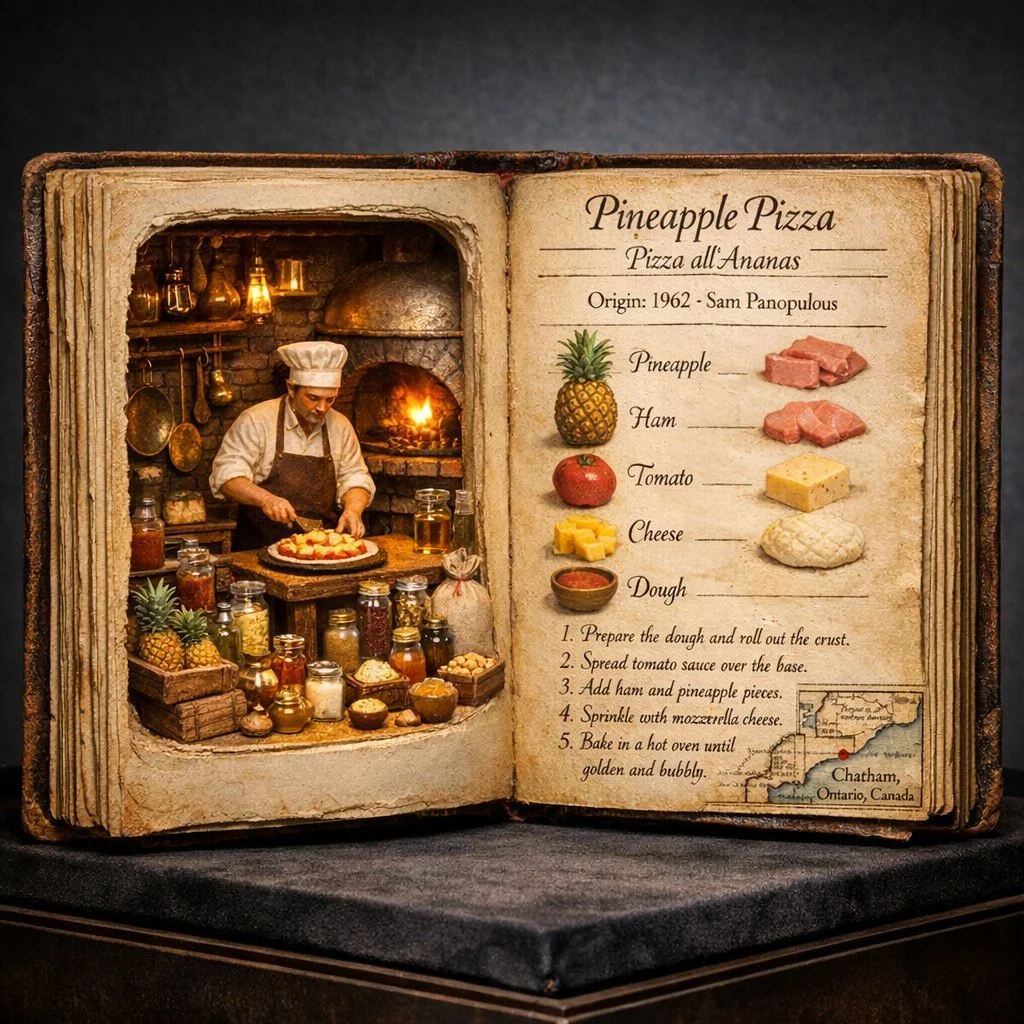
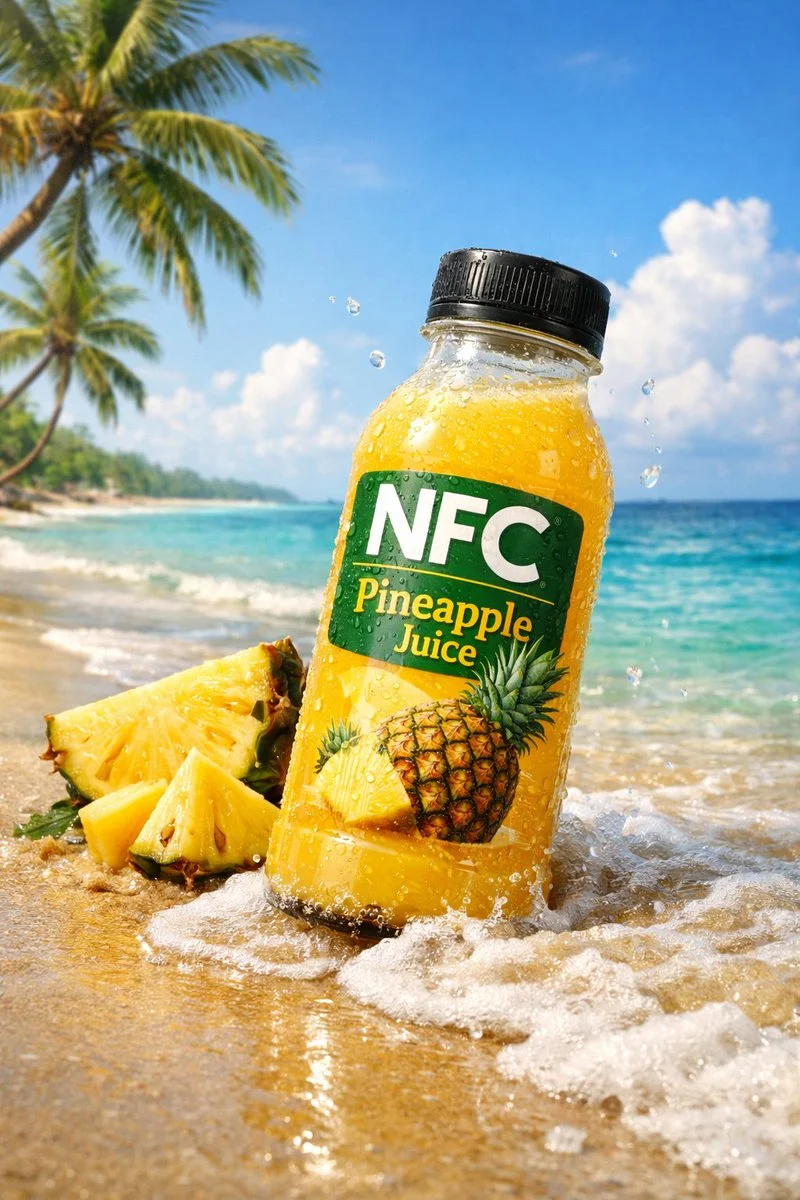
- から始める
- A written image direction
- 出力
- 1K or 2K
- Frame choices
- Eight fixed aspect ratios
具体的な結果を伴う視覚的な概要を書く
これらの検証済みのローカル Nano Banana ファミリーの例は、書かれた方向が場所から視覚システム、そしてアクションのあるシーンにどのように移動できるかを示しています。
各カードには、検証済みのモデルファミリー例か視覚的な参照かを表示します。参照カードはモデル比較や生成前後の主張ではありません。
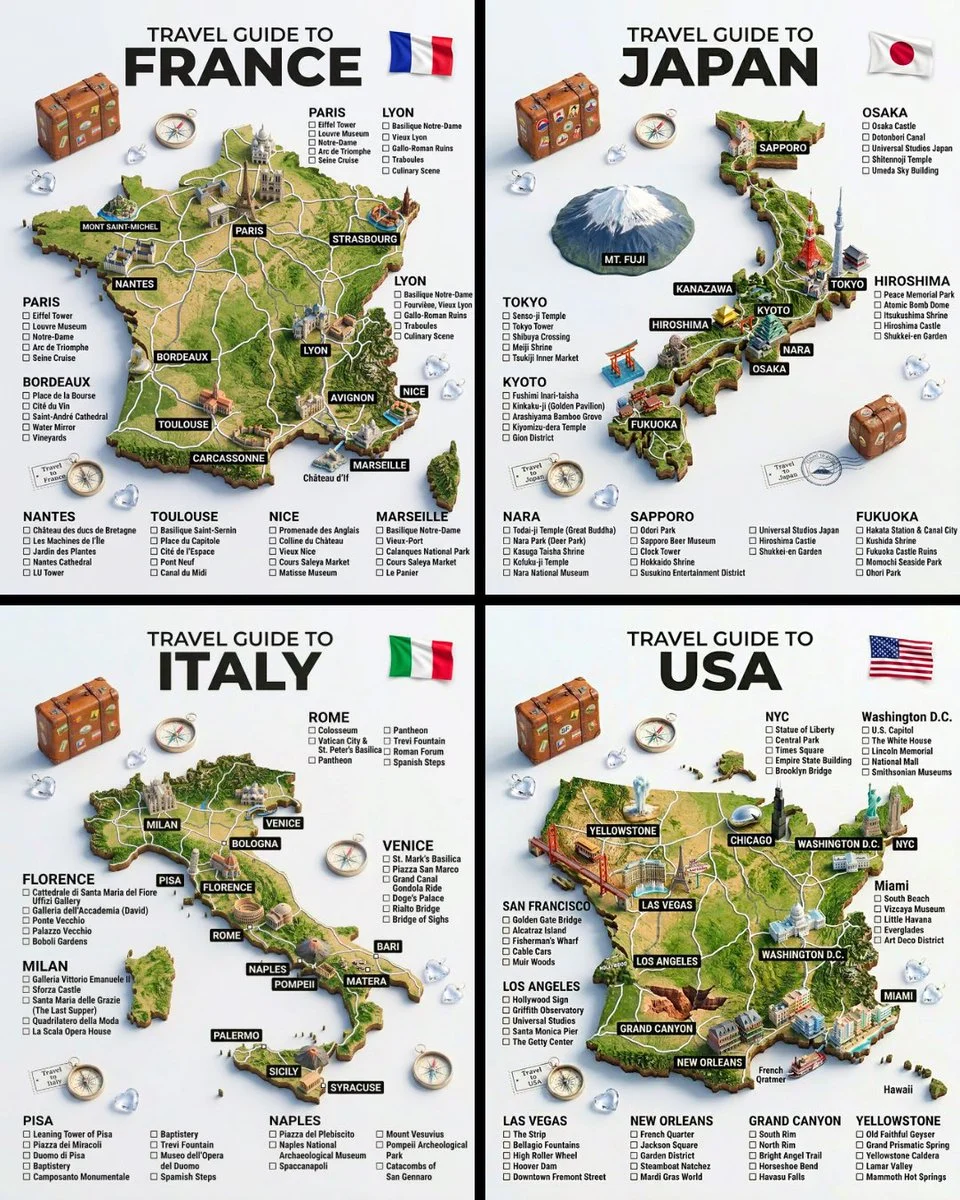
主題、場所、構造
広いアイデアを特定の場所、主要な主題、反復可能なレイアウトに変換します。
検証済みのモデルファミリー例
ローカルの ImageStyle プロンプト ライブラリからの Nano Banana ファミリの例を検証しました。
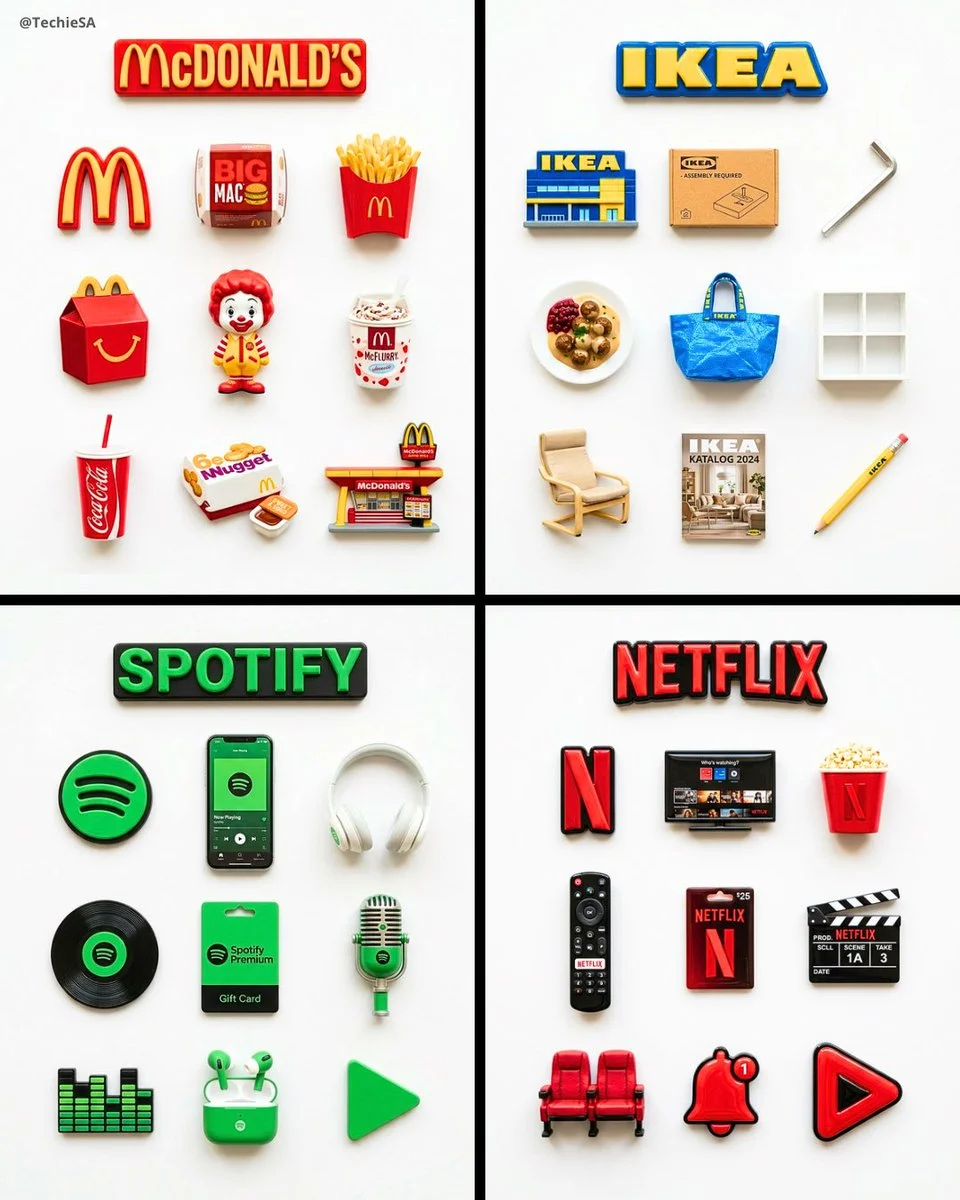
一貫したビジュアルシステム
セットを結び付ける繰り返しオブジェクト、マテリアル処理、およびレイアウト ルールを指定します。
検証済みのモデルファミリー例
ローカルの ImageStyle プロンプト ライブラリからの Nano Banana ファミリの例を検証しました。
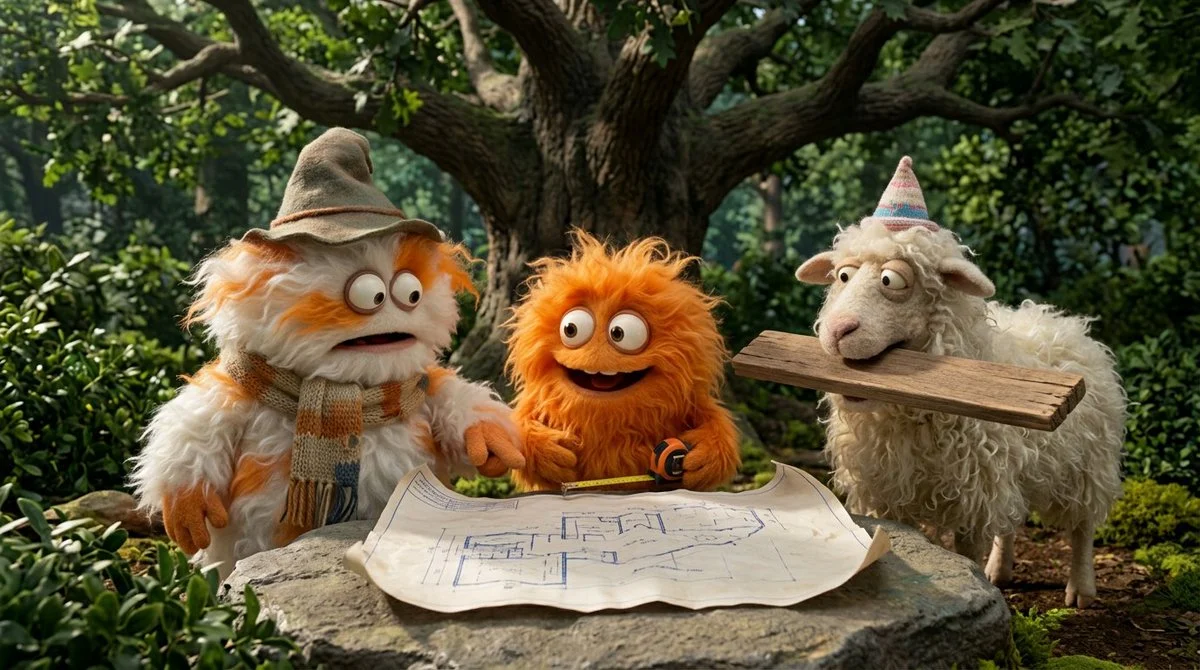
アクションとシーンの関係
誰がいるのか、何が起こっているのか、どこでアクションが行われたのかを名前を挙げてください。
検証済みのモデルファミリー例
ローカルの ImageStyle プロンプト ライブラリからの Nano Banana ファミリの例を検証しました。
What to specify in Qwen Image 3 text to image
The visual subject
Name the main thing the viewer should recognize first, then add its setting and visible materials.
Composition and framing
Describe the camera distance or layout, then select the Qwen frame that matches the final placement.
Important constraints
Give text, product, color, or placement requirements a clear priority instead of burying them in style tags.
How to use Qwen Image 3 for text to image
A compact brief is easier to refine when it makes the scene, composition, and one non-negotiable detail easy to inspect.
- 1
Write the visible scene
Start with the subject and setting, followed by the framing, light, and details that matter to the image role.
- 2
Choose 1K or 2K and a frame
Use the current Qwen Image 3 controls to choose the output tier and one of eight supported aspect ratios.
- 3
生成してレビューする
Check the first result for readable text and visible details, then revise the direction for the next attempt.
What to check before using a Qwen Image 3 result
- The selected workflow controls the input
- Qwen Image 3 and Qwen Image 3 Pro accept either a text direction or approved reference images. Output is currently available at 1K or 2K with eight fixed frames.
- Inspect details that need to stay accurate
- Treat each output as a new image. Review product details, text, proportions, and the elements a prompt or reference was intended to preserve.
- Use only publishable source material
- Upload reference images only when you have the rights to use them, and review the generated result before publishing it.
Qwen Image 3 text to image FAQ
- What is Qwen Image 3 text to image?
- It is the Qwen Image 3 workflow that creates an image from a written direction. In ImageStyle, the standard tier offers 1K or 2K output and eight fixed frame options.
- What should a Qwen Image 3 prompt include?
- Start with the subject, setting, composition, light, and the details that must be visible. Keep the required parts explicit so they can be reviewed in the result.
- Can I choose the output size?
- Yes. The current Qwen Image 3 text-to-image workflow offers 1K and 2K output tiers, plus eight fixed aspect ratios.
- When should I use Qwen Image 3 Pro instead?
- Use the Pro workflow when the higher-fidelity Qwen tier is worth the additional credits for the task. Input types and available output tiers remain comparable.
更新されました:
能力のソース: Current ImageStyle Qwen Image 3 workspace.