写真から3Dキーホルダーへ
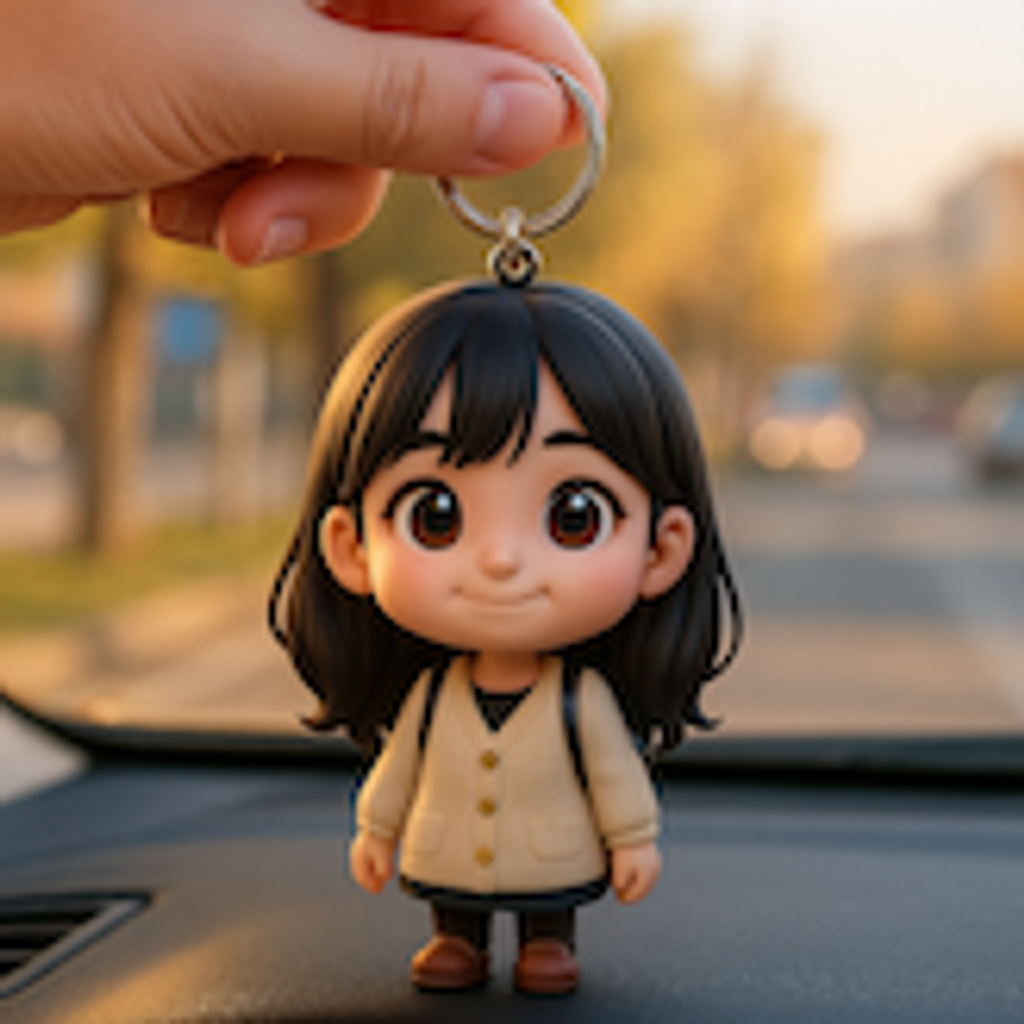
写真を、ちびキャラのキーホルダーレンダーに変換。
写真をアップロードし、リングに取り付けた大きな頭のフィギュアとして商品写真風に再構成します。

- 入力
- One clear portrait photo
- 出力
- Big-headed figure keyring product render
- こんな方に最適
- Merch mockups, gifts, and shop listings
Original photo / 3D chibi keychain
See the keychain product shot before you generate
Drag the divider to compare the source photo with a 3D chibi keychain product render.
Original photo3D chibi keychainA focused keychain-mockup workflow
Keep the figure front and center
The preset frames the chibi figure on its keyring so the render reads as a real product photo.
Restyle the material
Edit the prompt for glossy acrylic, soft rubber, or enamel-metal charm finishes.
Compare against the source
Use the reference-image comparison to check the likeness before downloading or generating another pass.
How to turn a photo into a chibi keychain render
The preset supplies the keychain direction while the ImageStyle workspace keeps the prompt and output settings editable.
- 1
Upload a clear portrait
A front-facing photo with a visible outfit helps the tiny figure keep recognizable details.
- 2
Review the keychain prompt
The keyring product-shot direction is prefilled. Keep it, or change the charm material or backdrop color.
- 3
Generate and compare
Inspect the render beside the original photo, then refine or download the result.
What to inspect in the generated render
- It is a mockup, not a product
- The image looks like a real keychain but is an illustration. Actual manufacturing needs a real 3D file.
- Tiny details simplify
- Small outfit features may blur at keychain scale. Simplify expectations for intricate clothing.
- Use source material you can share
- Only upload photos and references that you are allowed to use for the intended project.
Photo to chibi keychain FAQ
- Can I order a real keychain from this image?
- Not directly. The render is a mockup for design and presentation; producing a real charm requires a physical production workflow.
- Do I need to write a prompt?
- No. The keychain direction is prefilled and editable. Generate as-is or adjust material and backdrop first.
- How is this different from the 3D chibi style?
- The keychain style adds the keyring, compact base, and product-shot framing on top of the same big-head figure.
- What happens to my uploaded photo?
- The image is uploaded to the same reference-image workflow used by the ImageStyle generator. Review the current privacy and storage terms before using sensitive material.
更新されました:
Workflow source: Current ImageStyle reference-image generator.