昼から夜への写真変換
同じシーンを、昼から夜に変換。
昼の写真をアップロードし、建物や被写体を動かさず夜空、暖かな明かり、月明かりの影を加えるプリセットから始めます。
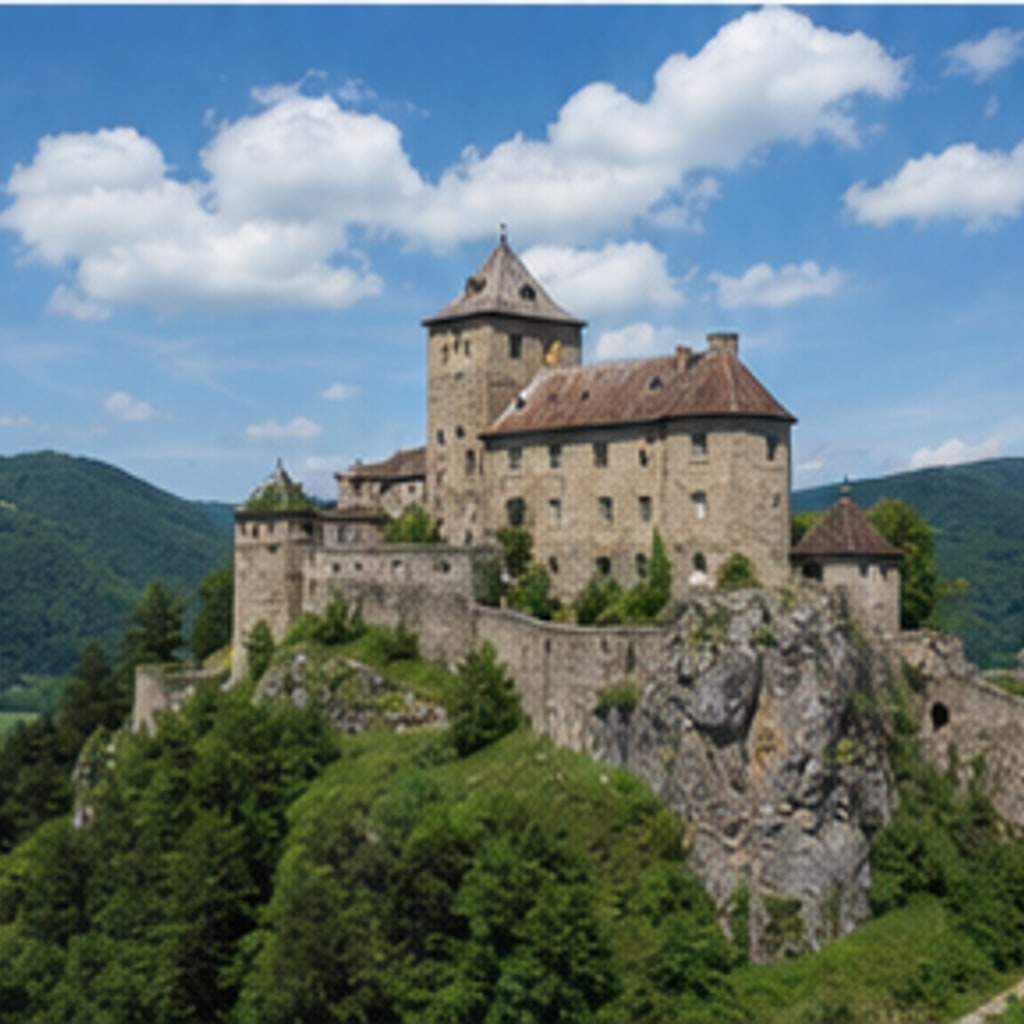
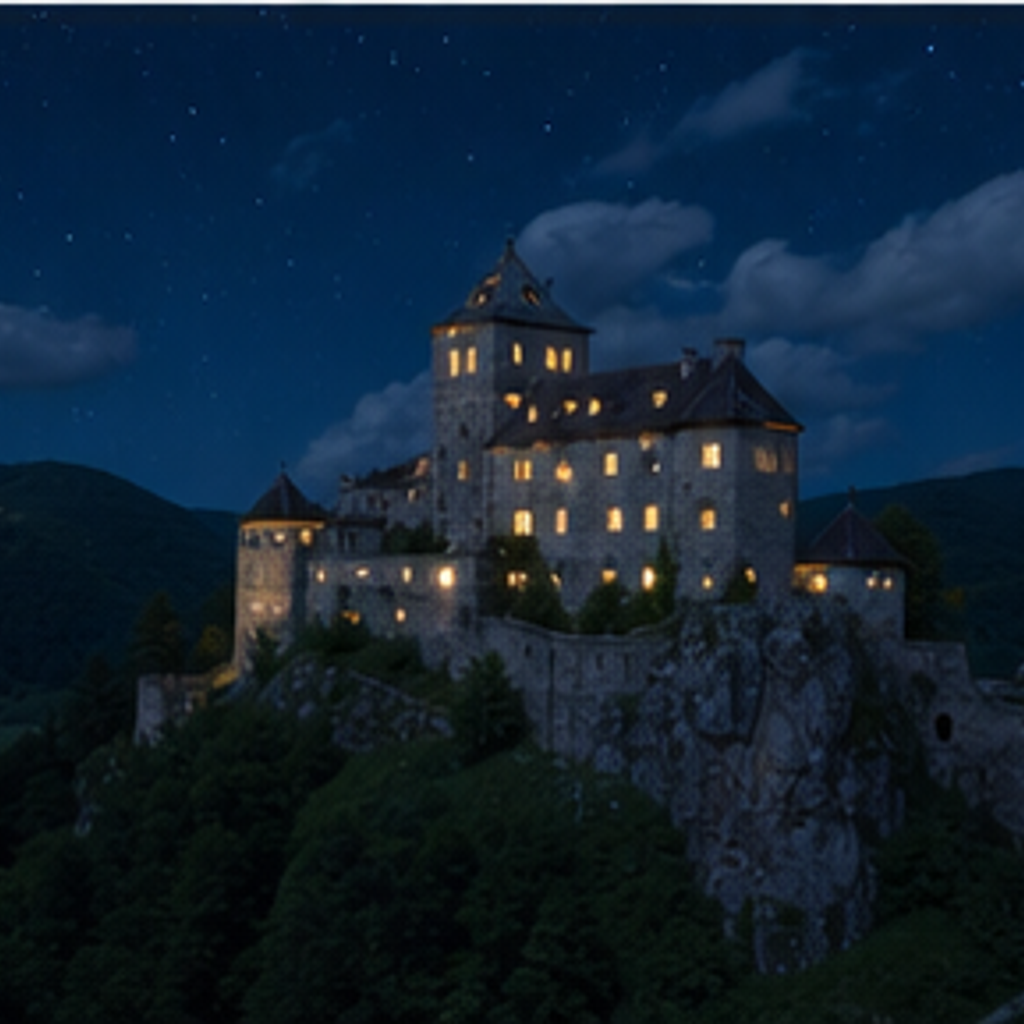
- 入力
- One daytime photo of a scene or building
- 出力
- The same scene convincingly relit as night
- こんな方に最適
- Real estate mood shots and cityscapes
Daytime photo / Night version
See the night version before you generate
Drag the divider to compare the daytime photo with its night-time transformation.
Daytime photoNight versionA focused day-to-night workflow
Nothing moves but the light
The preset keeps composition, buildings, and subjects locked while changing the time of day.
Light sources come alive
Windows, street lamps, and signs glow naturally with soft pools and long shadows.
Compare against the source
Use the reference-image comparison to confirm the scene geometry never drifted.
How to turn a day photo into night
The preset supplies the relighting direction while the ImageStyle workspace keeps the prompt and output settings editable.
- 1
Upload a daytime scene
Buildings, streets, and landscapes with visible windows or lamps transform most convincingly.
- 2
Review the night prompt
The night-relighting direction is prefilled. Keep it, or ask for dusk tones, blue hour, or deeper night.
- 3
Generate and compare
Inspect the night version beside the original, then refine or download the result.
What to inspect in the night version
- Light placement is plausible, not measured
- The preset invents lamp and window light where it fits the scene. Check that it reads naturally.
- Very flat skies simplify
- Overcast or empty skies may become generic night gradients. Try dusk for richer skies.
- Use source material you can share
- Only upload photos and references that you are allowed to use for the intended project.
Day to night photo FAQ
- Will buildings and people stay in place?
- Yes. The preset changes the light, not the scene — composition and subjects stay locked to the original.
- Do I need to write a prompt?
- No. The night direction is prefilled and editable. Generate as-is or ask for dusk or deep night first.
- Can I go the other way, night to day?
- The preset is tuned day-to-night. For the reverse, describe the daylight target in an edited prompt and check results carefully.
- What happens to my uploaded photo?
- The image is uploaded to the same reference-image workflow used by the ImageStyle generator. Review the current privacy and storage terms before using sensitive material.
更新されました:
Workflow source: Current ImageStyle reference-image generator.