AIタトゥージェネレーター
針を入れる前に、写真でタトゥーを試す。
肌の部分を写した写真をアップロードし、体の輪郭に沿うカスタムタトゥーを試着するプリセットから始めます。
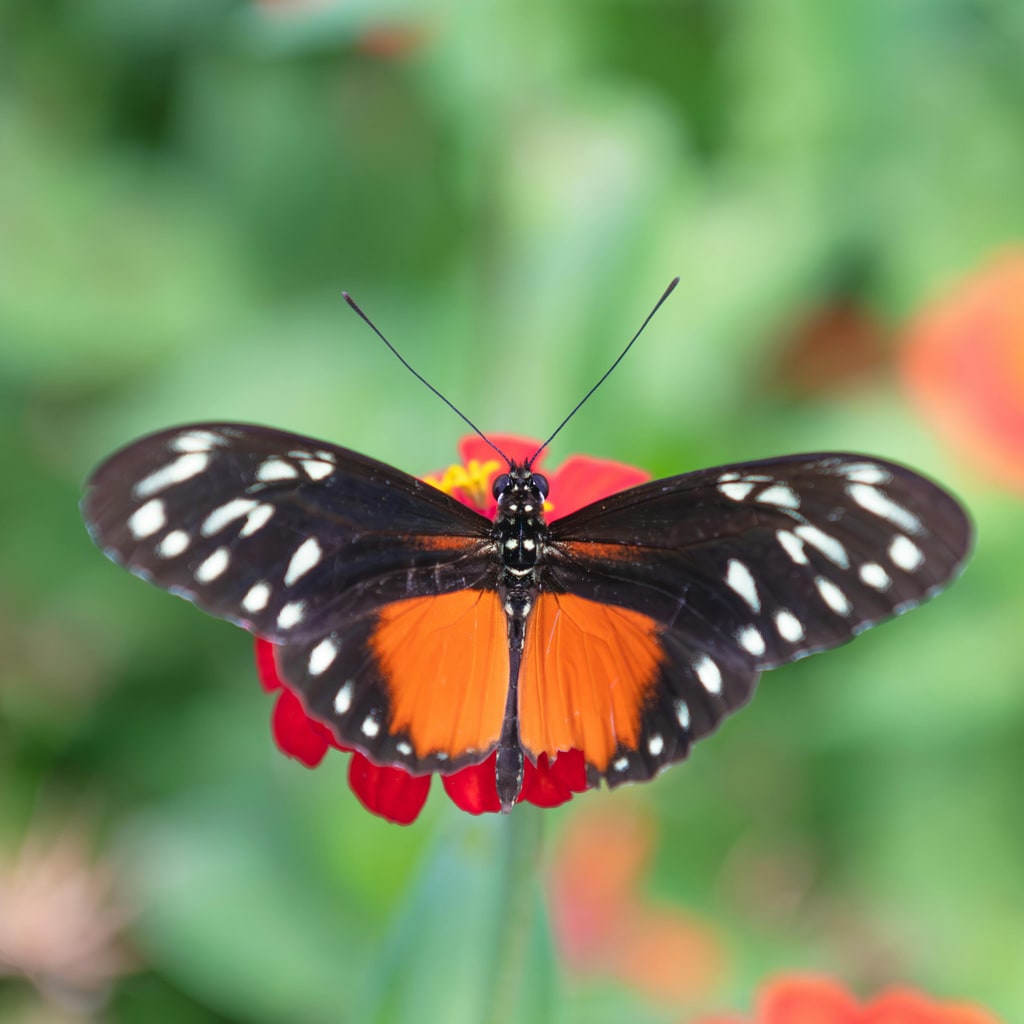
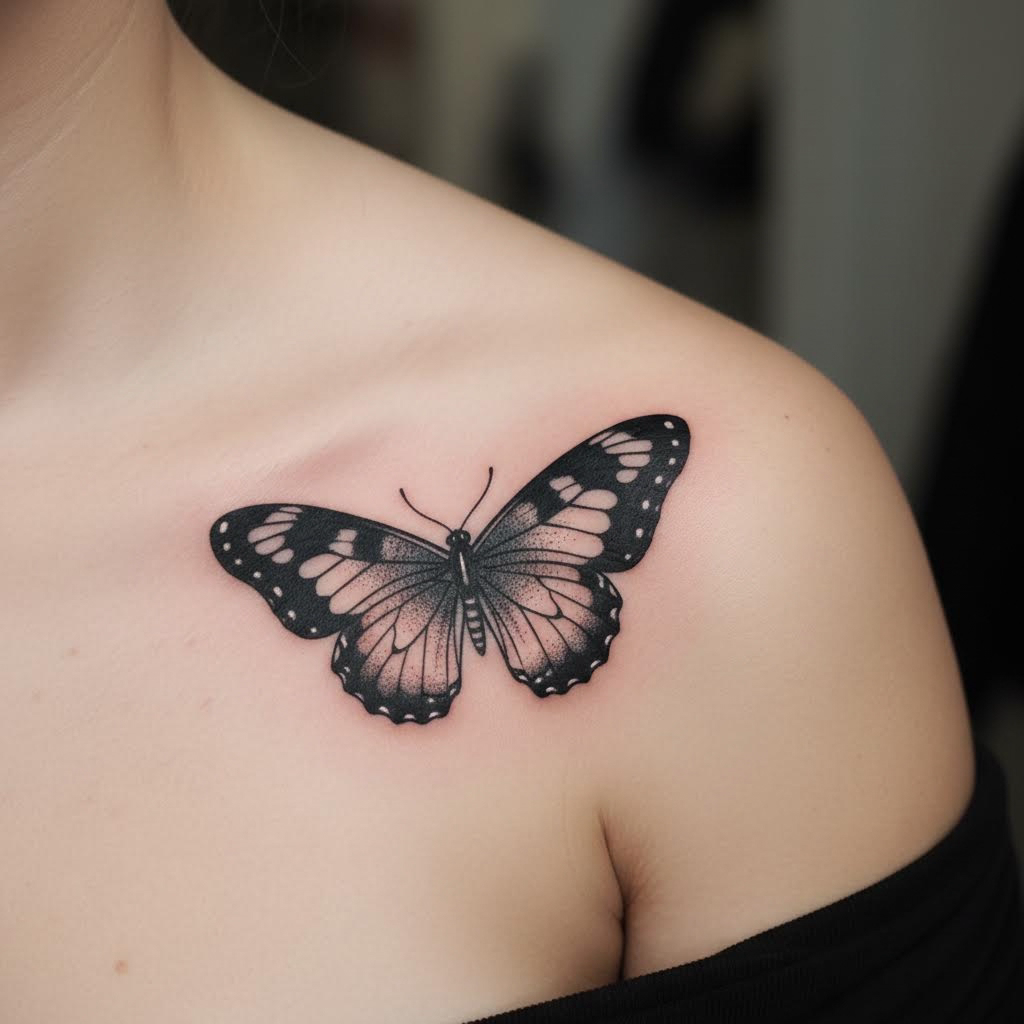
- 入力
- One clear photo of the skin area
- 出力
- Realistic tattoo try-on of the same photo
- こんな方に最適
- Design previews and artist consultations
Original photo / Tattoo applied
See the tattoo try-on before you generate
Drag the divider to compare bare skin with the same skin wearing a custom tattoo.
Original photoTattoo appliedA focused tattoo try-on workflow
Follow the body contours
The preset wraps the design around the arm, shoulder, or leg shown in the photo.
Iterate designs for free
Edit the prompt to swap motifs, sizes, and placements before committing to real ink.
Compare against the source
Use the reference-image comparison to see exactly what changed on the skin.
How to preview a tattoo on a photo
The preset supplies the tattoo direction while the ImageStyle workspace keeps the prompt and output settings editable.
- 1
Upload a clear skin photo
Even lighting on the area you want inked gives the most realistic try-on.
- 2
Review the tattoo prompt
The custom tattoo direction is prefilled. Keep it, or describe the motif, style, and placement you want.
- 3
Generate and compare
Inspect the try-on beside the original photo, then refine or download the result.
What to inspect in the try-on
- It is a preview, not a promise
- Real results depend on skin tone, healing, and artist technique. Treat renders as direction for a professional.
- Small text and detail blur
- Fine script and micro-detail may soften at photo scale. Check lettering at full size.
- Use photos you have the right to edit
- Only upload photos of yourself or of people who agreed to the try-on.
AI tattoo generator FAQ
- Can I describe my own design?
- Yes. Edit the prompt with your motif, style, and placement — for example a fine-line wolf on the forearm.
- Do I need to write a prompt?
- No. The preset starts with a neutral custom-tattoo direction you can generate as-is or replace entirely.
- Does it work in color?
- The preset defaults to black-and-gray. Edit the prompt to request color styles like traditional or watercolor.
- What happens to my uploaded photo?
- The image is uploaded to the same reference-image workflow used by the ImageStyle generator. Review the current privacy and storage terms before using sensitive material.
更新されました:
Workflow source: Current ImageStyle reference-image generator.