사진을 조각상으로
사진을 고전적인 조각상으로 바꾸세요.
인물 사진을 올리고 자세와 얼굴 구조를 유지하면서 돌을 깎은 듯한 표면으로 재구성하는 프리셋으로 시작하세요.
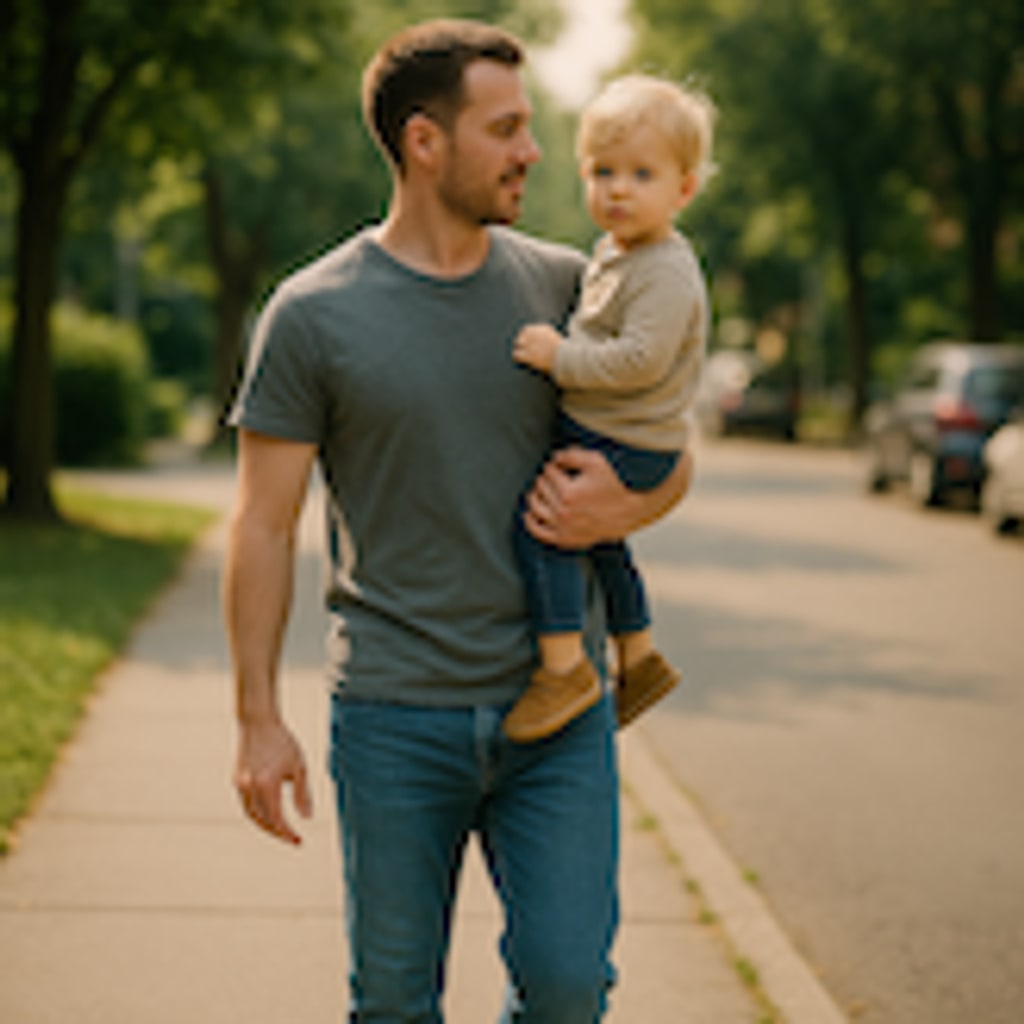
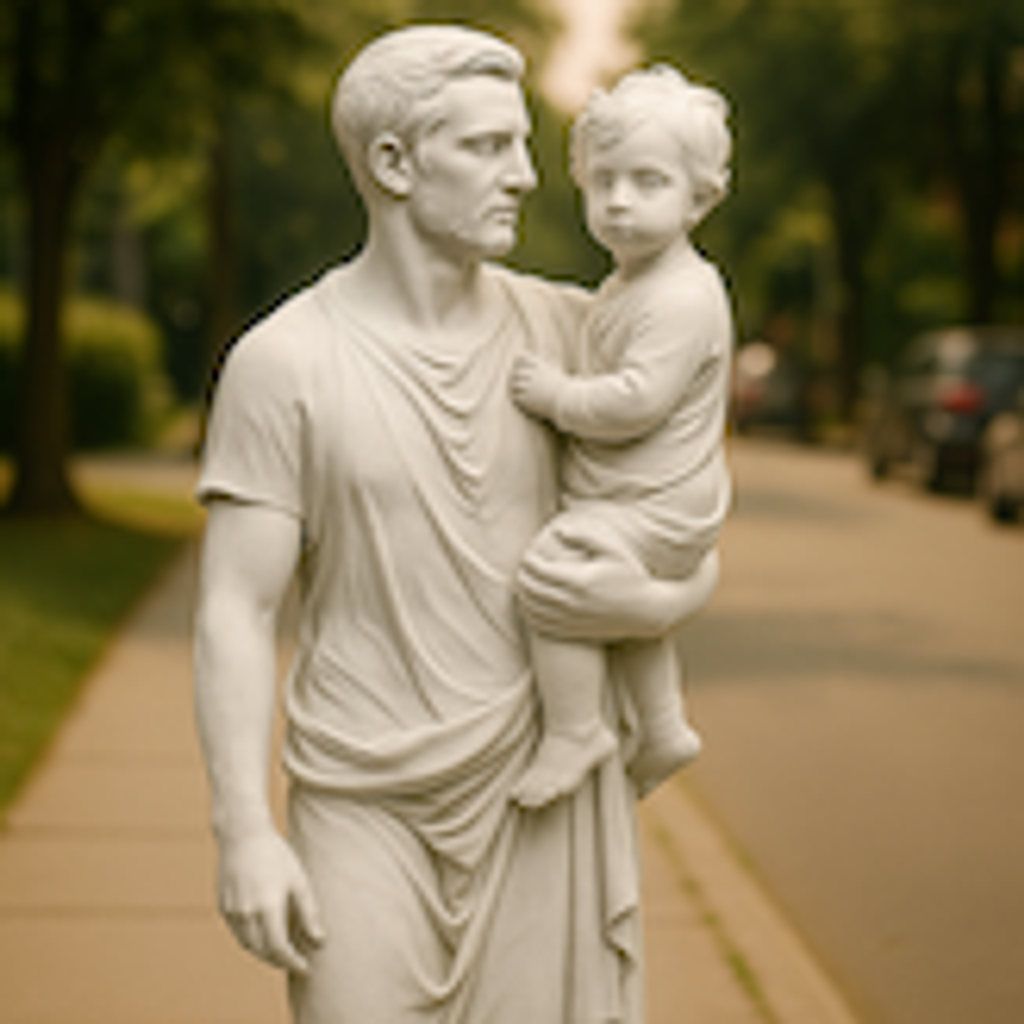
- 입력
- One clear portrait or object photo
- 출력
- Carved-stone style artwork
- 다음에 가장 적합
- Portraits, pets, and museum-style renders
Original photo / Sculpture
See the carved-stone treatment before you generate
Drag the divider to compare the source portrait with a chiseled marble-sculpture interpretation.
Original photoSculptureA focused photo-to-sculpture workflow
Keep the subject recognizable
The preset asks the model to preserve pose, proportions, and facial structure while reinterpreting the surface as stone.
Adjust the material and lighting
Edit the starter prompt when you want rougher granite, brighter studio light, or a closer bust framing.
Compare against the source
Use the reference-image comparison to check likeness and silhouette before downloading or generating again.
How to turn a photo into a sculpture
The preset removes the blank-page problem, while the ImageStyle workspace keeps the direction and output settings editable.
- 1
Upload one clear photo
Front-facing portraits and objects with readable edges translate into sculpture forms more cleanly than crowded scenes.
- 2
Review the sculpture prompt
The marble-stone direction is prefilled for you. Keep it as-is or specify a different stone, finish, or framing.
- 3
Generate and compare
Inspect the carved result next to the original photo, then refine the prompt for another pass or download the artwork.
What to inspect in the generated sculpture
- Skin becomes stone
- Fine skin texture, hair strands, and fabric detail are reinterpreted as carved surfaces by design. Check likeness at full size.
- Hard edges translate best
- Busy backgrounds and motion blur can produce muddy carvings. Simple, high-contrast photos usually work better.
- Use source material you can share
- Only upload photos and references that you are allowed to use for the intended project.
Photo to sculpture FAQ
- What photos make the best sculptures?
- Clear front-facing portraits, statues, pets, and objects with visible edges. Good contrast helps the model read the underlying form.
- Do I need to write a prompt?
- No. The sculpture preset starts with an editable carved-stone direction. You can generate with it as-is or adjust the material and framing.
- Can I make a bronze or jade version instead?
- Yes. Edit the prompt to name a different material and finish, such as weathered bronze or polished jade, then generate again.
- What happens to my uploaded photo?
- The image is uploaded to the same reference-image workflow used by the ImageStyle generator. Review the current privacy and storage terms before using sensitive material.
업데이트됨:
Workflow source: Current ImageStyle reference-image generator.