
- 입력
- One photo with a clear subject
- 출력
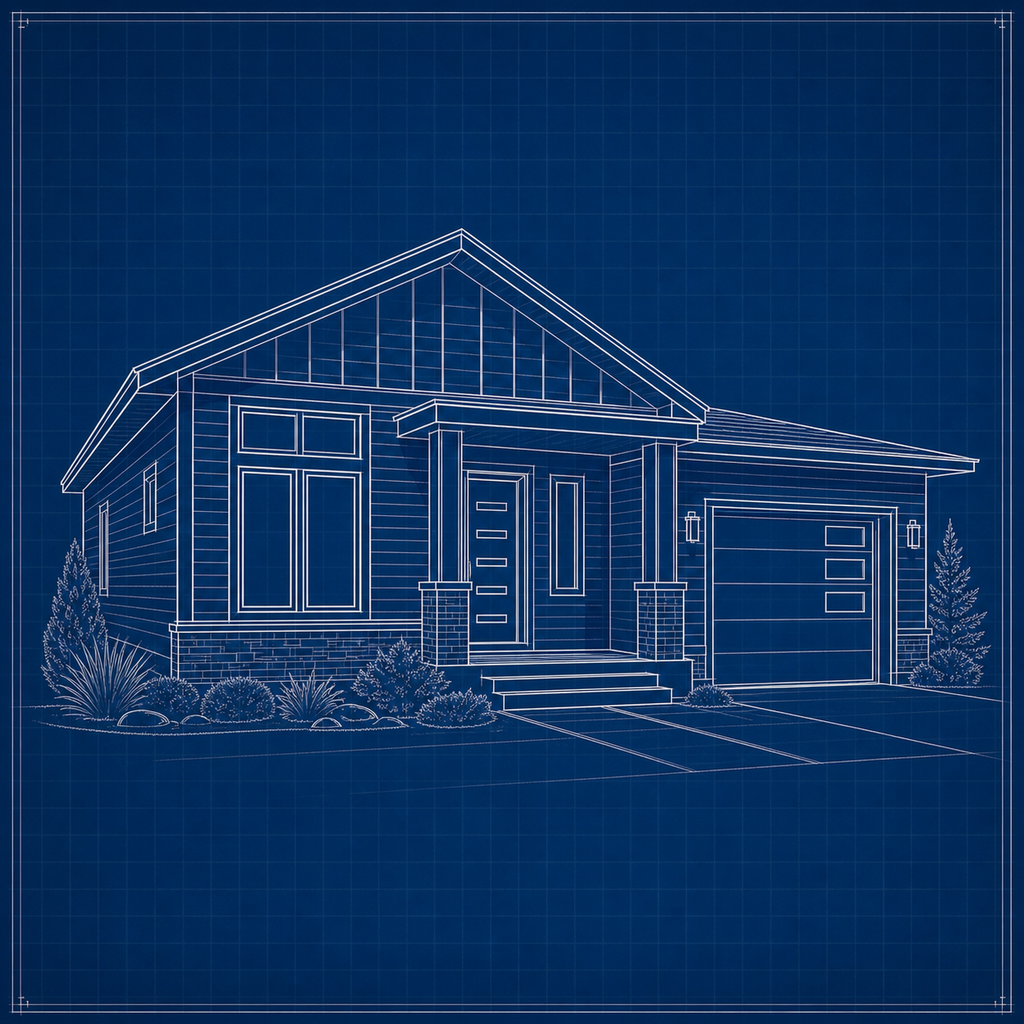
- White-line schematic on blueprint blue
- 다음에 가장 적합
- Posters, gift art, and project mockups
Original photo / Blueprint
See the blueprint look before you generate
Drag the divider to compare the source photo with white blueprint lines on cyan paper.
Original photoBlueprintA focused photo-to-blueprint workflow
Keep the schematic structure
The preset reduces the subject to outlines and construction lines the way a draughtsman would.
Adjust the blueprint tint
Edit the prompt for classic cyan, deep navy, or a blackboard-style inverse.
Compare against the source
Use the reference-image comparison to check the structure before downloading or generating another pass.
How to turn a photo into blueprint art
The preset supplies the blueprint direction while the ImageStyle workspace keeps the prompt and output settings editable.
- 1
Upload a clear photo
Objects, buildings, and gadgets with distinct silhouettes redraw as convincing schematics.
- 2
Review the blueprint prompt
The white-on-blue direction is prefilled. Keep it, or add grid paper or dimension-style callouts.
- 3
Generate and compare
Inspect the blueprint beside the original photo, then refine or download the result.
What to inspect in the generated blueprint
- Detail becomes schematic
- Textures and small features are simplified into line work. Expect a drawing, not a tracing.
- Low-contrast subjects vanish
- Subjects close to the background color lose definition. Choose photos with clear edges.
- Use source material you can share
- Only upload photos and references that you are allowed to use for the intended project.
Photo to blueprint FAQ
- Can I change the blue color?
- Yes. Edit the prompt for a different tint, such as deep navy or a white-on-black chalkboard look.
- Do I need to write a prompt?
- No. The blueprint direction is prefilled and editable. Generate as-is or adjust line weight and extras first.
- Will it look like a real construction plan?
- It looks like blueprint-style art. It is not a measured plan, so do not use it for construction or engineering work.
- What happens to my uploaded photo?
- The image is uploaded to the same reference-image workflow used by the ImageStyle generator. Review the current privacy and storage terms before using sensitive material.
업데이트됨:
Workflow source: Current ImageStyle reference-image generator.