사진을 아이소메트릭 벡터로
사진을 아이소메트릭 벡터 아트로 바꾸세요.
사진을 올리고 평면과 선명한 기하학으로 아이소메트릭 장면을 다시 만드는 프리셋으로 시작하세요.
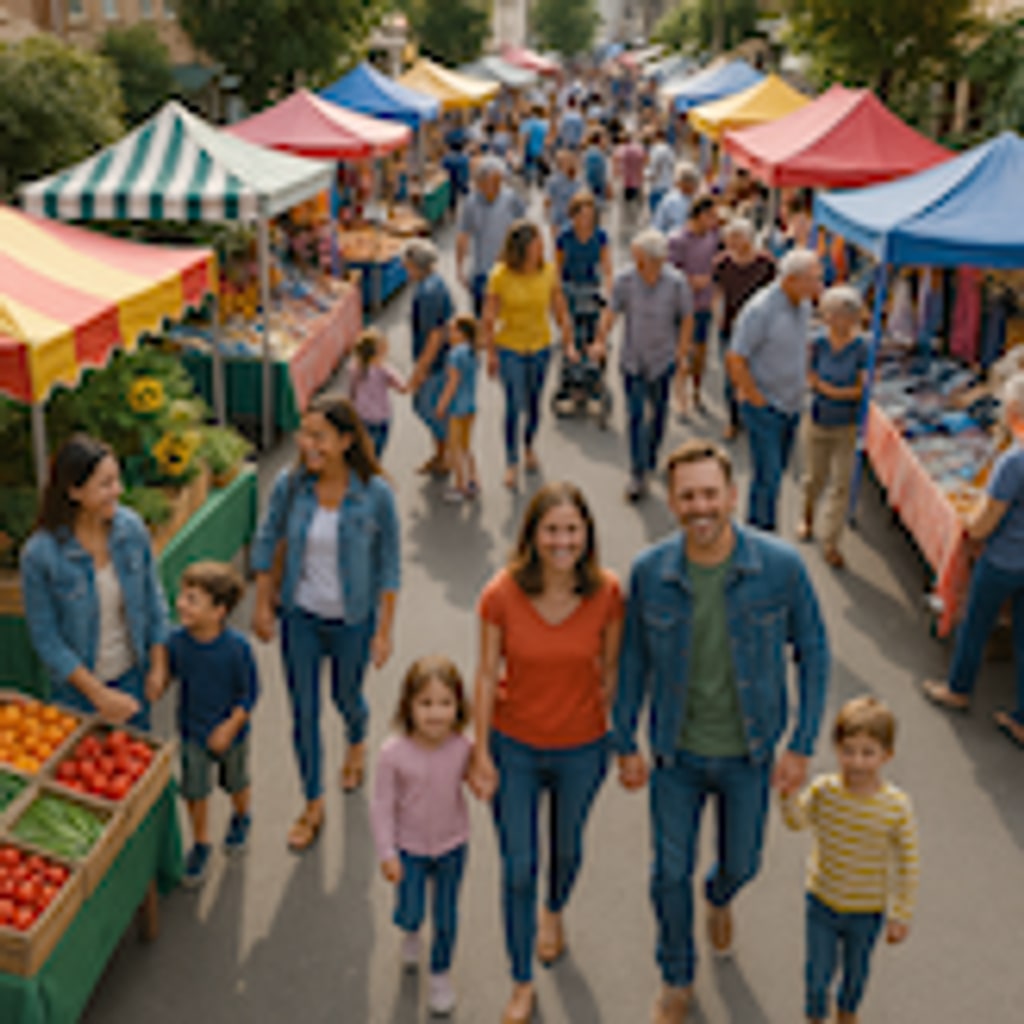

- 입력
- One photo with clear structure
- 출력
- Flat-shaded isometric vector scene
- 다음에 가장 적합
- Rooms, buildings, and product scenes
Original photo / Isometric vector
See the isometric layout before you generate
Drag the divider to compare the source photo with a flat-shaded isometric vector scene.
Original photoIsometric vectorA focused photo-to-isometric workflow
Keep the geometry clean
The preset snaps shapes to isometric angles so walls, floors, and props line up consistently.
Adjust the palette
Edit the prompt for muted editorial tones or brighter playful color stops.
Compare against the source
Use the reference-image comparison to check the layout before downloading or generating another pass.
How to turn a photo into isometric vector art
The preset supplies the isometric direction while the ImageStyle workspace keeps the prompt and output settings editable.
- 1
Upload a structured photo
Rooms, desks, and buildings with straight edges map onto isometric grids more reliably.
- 2
Review the isometric prompt
The isometric vector direction is prefilled. Keep it, or ask for more props or a different camera angle.
- 3
Generate and compare
Inspect the scene beside the original photo, then refine or download the result.
What to inspect in the generated scene
- Curved subjects simplify
- Organic shapes like pets and plants become geometric approximations. Simplify expectations for soft subjects.
- Dense scenes lose detail
- Very cluttered photos are condensed into representative props. Fewer objects read better.
- Use source material you can share
- Only upload photos and references that you are allowed to use for the intended project.
Photo to isometric vector FAQ
- How is this different from low poly art?
- Isometric vector keeps clean right-angle planes with flat fills, while low poly builds the whole image from triangular facets.
- Do I need to write a prompt?
- No. The preset starts with an editable direction. Generate as-is or adjust the palette and level of detail first.
- Can I use it for game assets?
- You can. Generate at the highest size available and check edges at full size before adding the scene to a project.
- What happens to my uploaded photo?
- The image is uploaded to the same reference-image workflow used by the ImageStyle generator. Review the current privacy and storage terms before using sensitive material.
업데이트됨:
Workflow source: Current ImageStyle reference-image generator.