AI 반려동물 초상화
반려동물을 클래식한 초상화로 바꾸세요.
반려동물 사진을 올리고 털 무늬와 표정을 유지한 스튜디오 스타일 초상화로 만드는 프리셋으로 시작하세요.
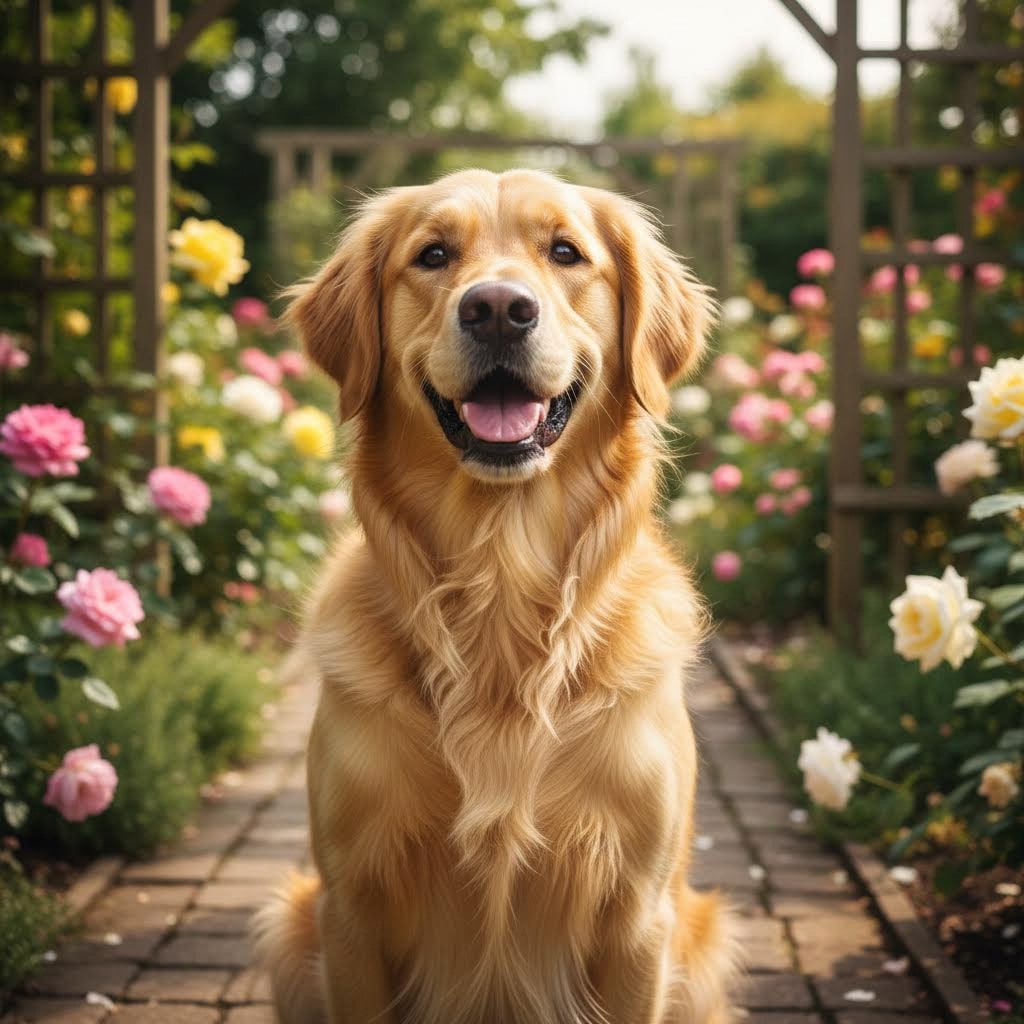
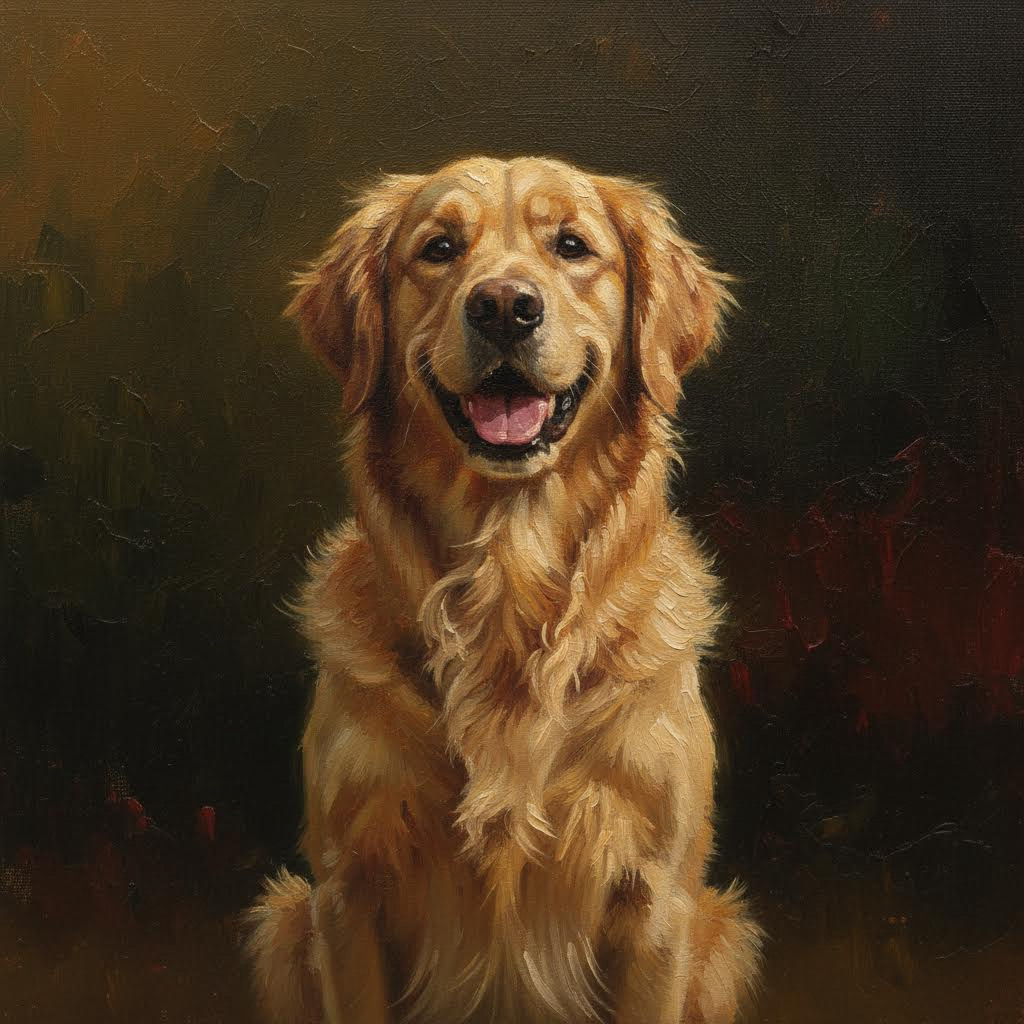
- 입력
- One clear pet photo
- 출력
- Classic painted-style pet portrait
- 다음에 가장 적합
- Gifts, wall art, and profile pictures
Original photo / Pet portrait
See the pet portrait before you generate
Drag the divider to compare the pet photo with a classic painted portrait.
Original photoPet portraitA focused pet-portrait workflow
Keep every marking
The preset preserves fur color, patches, and eye color so the portrait is unmistakably your pet.
Choose the backdrop
Edit the prompt for a dark classic backdrop, a warm interior, or a garden setting.
Compare against the source
Use the reference-image comparison to check the likeness before downloading or printing.
How to generate a pet portrait
The preset supplies the portrait direction while the ImageStyle workspace keeps the prompt and output settings editable.
- 1
Upload a clear pet photo
Sharp, well-lit photos where the face and chest are visible give the best portraits.
- 2
Review the portrait prompt
The classic painted-portrait direction is prefilled. Keep it, or change the setting or medium.
- 3
Generate and compare
Inspect the portrait beside the original photo, then refine or download the result.
What to inspect in the portrait
- Eyes carry the likeness
- Pet resemblance lives in the eyes and ear set. Zoom in and check both against the photo.
- Multiple pets complicate framing
- Group pet photos can merge features. One pet per photo portraits best.
- Use photos you have the right to use
- Only upload photos that you are allowed to transform for the intended use.
AI pet portrait FAQ
- Does it work for all pets?
- Yes — dogs, cats, rabbits, birds, and more. Clear face-on photos give the strongest likeness.
- Do I need to write a prompt?
- No. The portrait direction is prefilled and editable. Generate as-is or adjust the backdrop and medium first.
- Can I request a royal or renaissance style?
- Yes. Edit the prompt for ornate clothing and a palace backdrop — a popular gift choice.
- What happens to my uploaded photo?
- The image is uploaded to the same reference-image workflow used by the ImageStyle generator. Review the current privacy and storage terms before using sensitive material.
업데이트됨:
Workflow source: Current ImageStyle reference-image generator.