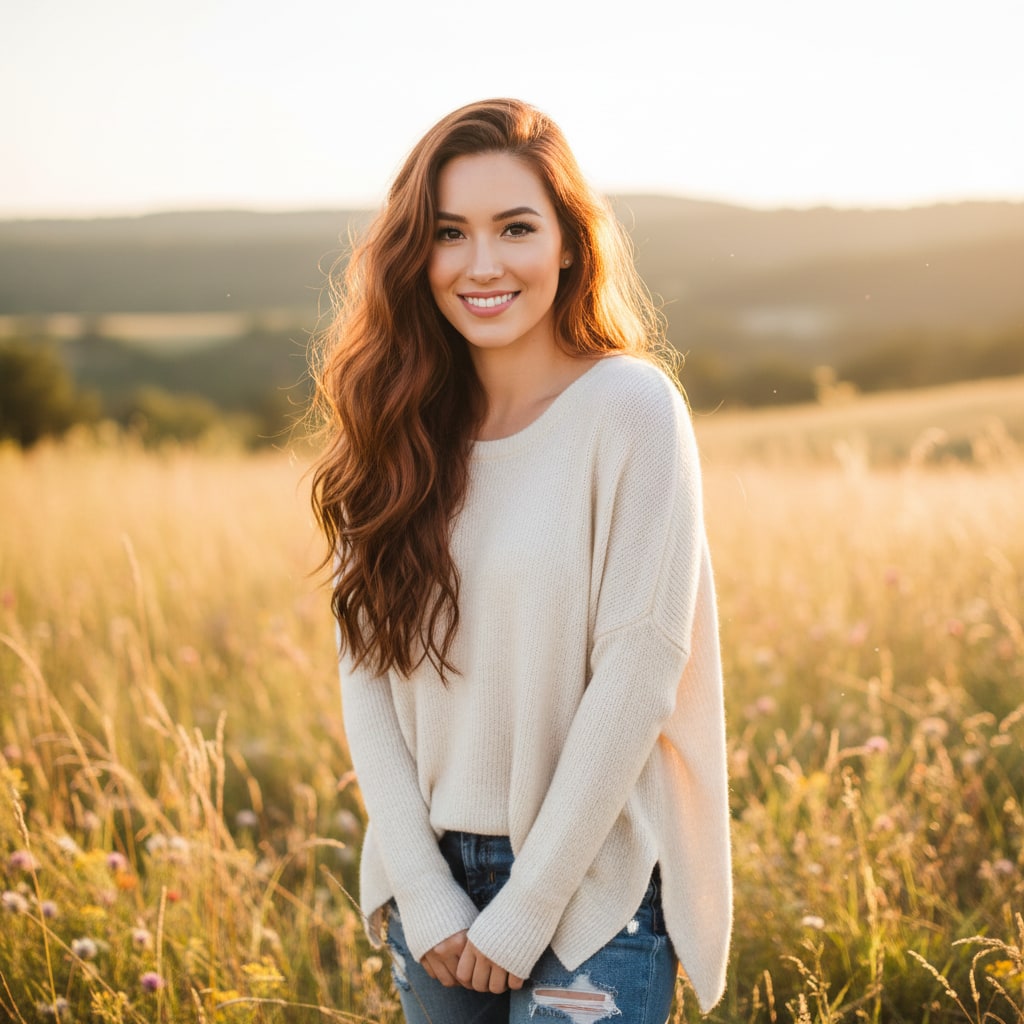
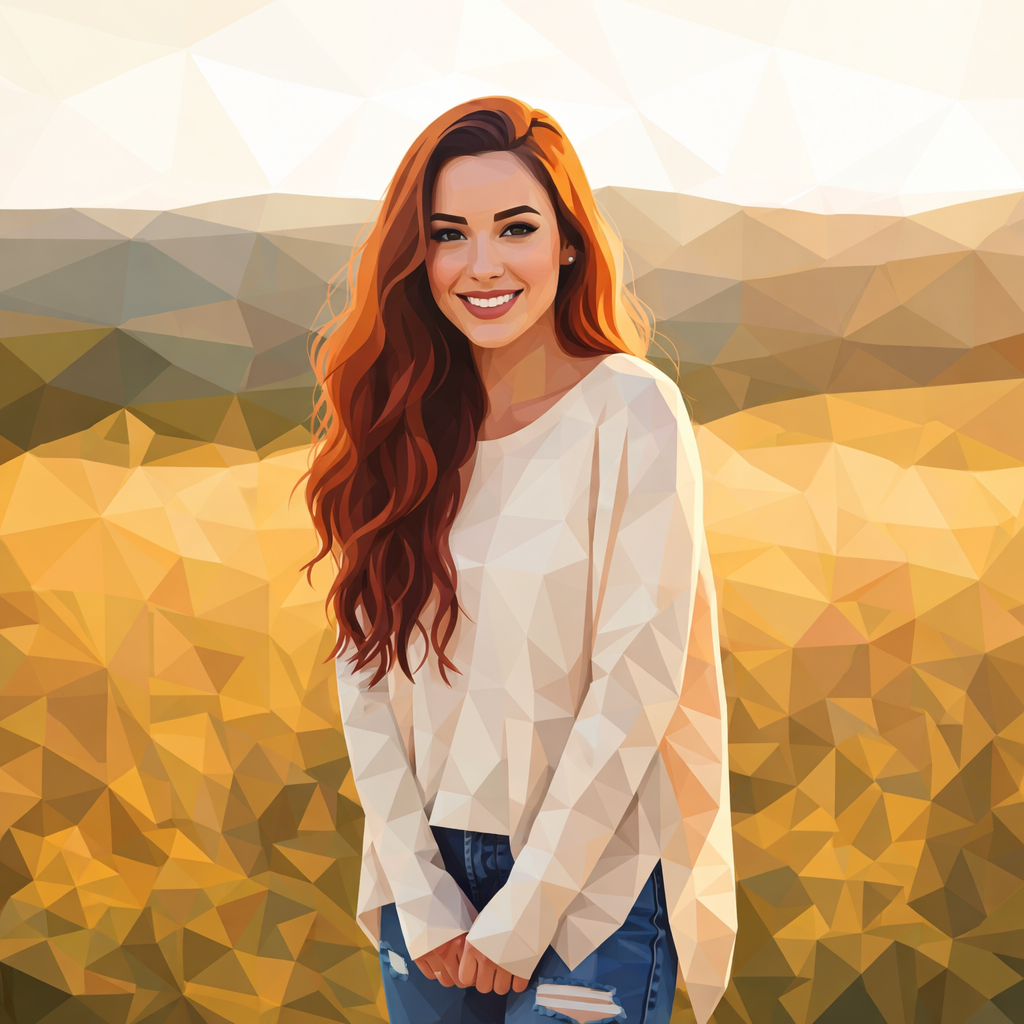
- 入力
- One clear photo
- 出力
- Triangular-facet low-poly artwork
- こんな方に最適
- Portraits, animals, and wallpapers
Original photo / Low poly art
See the triangle mesh before you generate
Drag the divider to compare the source photo with a clean low-poly facet reconstruction.
Original photoLow poly artA focused photo-to-low-poly workflow
Keep the silhouette readable
The preset preserves the subject outline and key color zones while faceting the interior.
Choose coarse or fine mesh
Edit the prompt for fewer, larger facets or denser triangles that hold more detail.
Compare against the source
Use the reference-image comparison to check the subject before downloading.
How to turn a photo into low poly art
The preset supplies the faceting direction while the ImageStyle workspace keeps the prompt and output settings editable.
- 1
Upload one clear photo
Subjects with readable outlines and distinct color zones facet most cleanly.
- 2
Review the low-poly prompt
The triangular-facet direction is prefilled. Keep it or specify mesh density and palette.
- 3
Generate and compare
Inspect the artwork beside the original photo, then refine or download.
What to inspect in the generated artwork
- Small features simplify
- Eyes and small markings become clustered facets. Check the face at full size.
- It is not a 3D model
- The output is a flat faceted image, not a mesh file. Use 3D software for real models.
- Use source material you can share
- Only upload photos and references that you are allowed to use for the intended project.
Photo to low poly FAQ
- What photos suit low poly best?
- Single subjects with clear outlines such as faces, animals, mountains, and vehicles. Strong shapes facet most cleanly.
- Do I need to write a prompt?
- No. The low-poly preset starts with an editable facet direction. Generate as-is or adjust mesh density first.
- Can I get a printable wallpaper size?
- Generate, then use the aspect-ratio controls for the frame you need. Facets stay crisp at higher output sizes.
- What happens to my uploaded photo?
- The image is uploaded to the same reference-image workflow used by the ImageStyle generator. Review the current privacy and storage terms before using sensitive material.
更新されました:
Workflow source: Current ImageStyle reference-image generator.