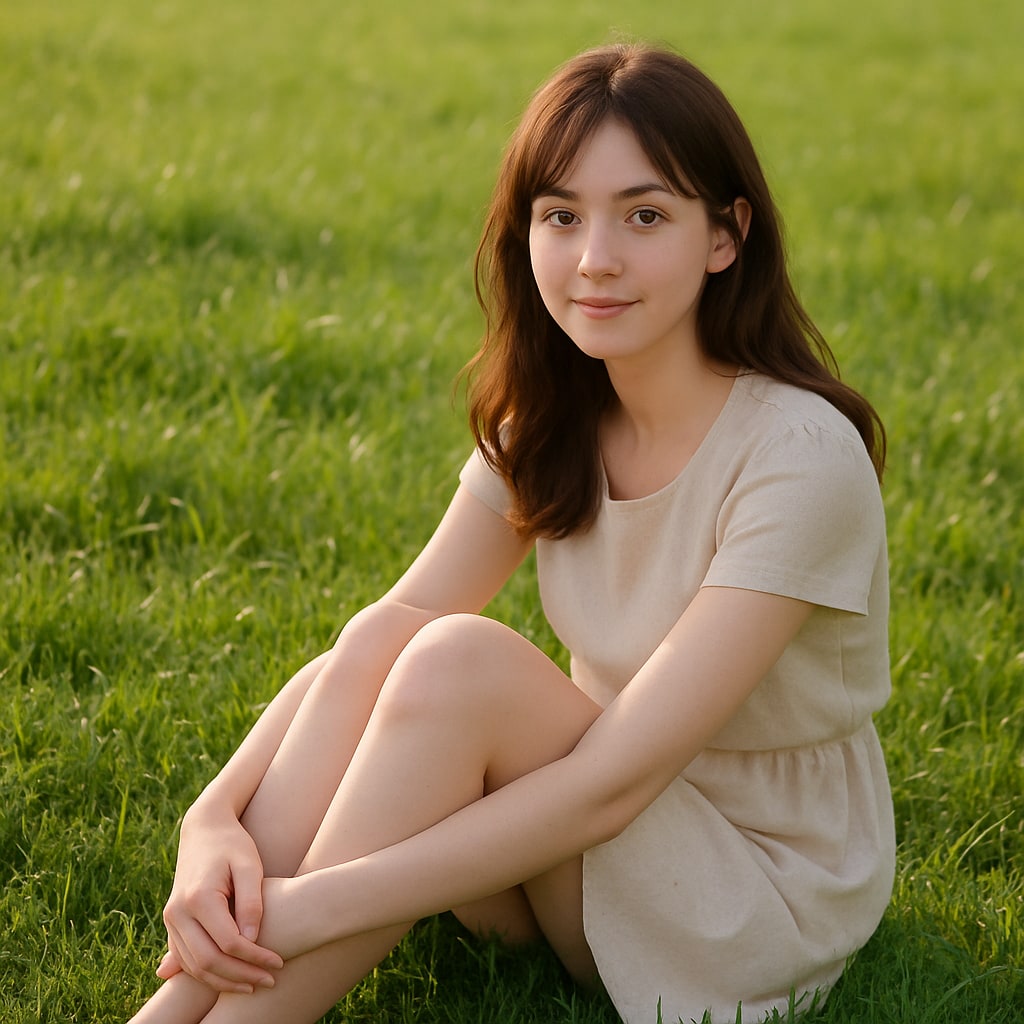
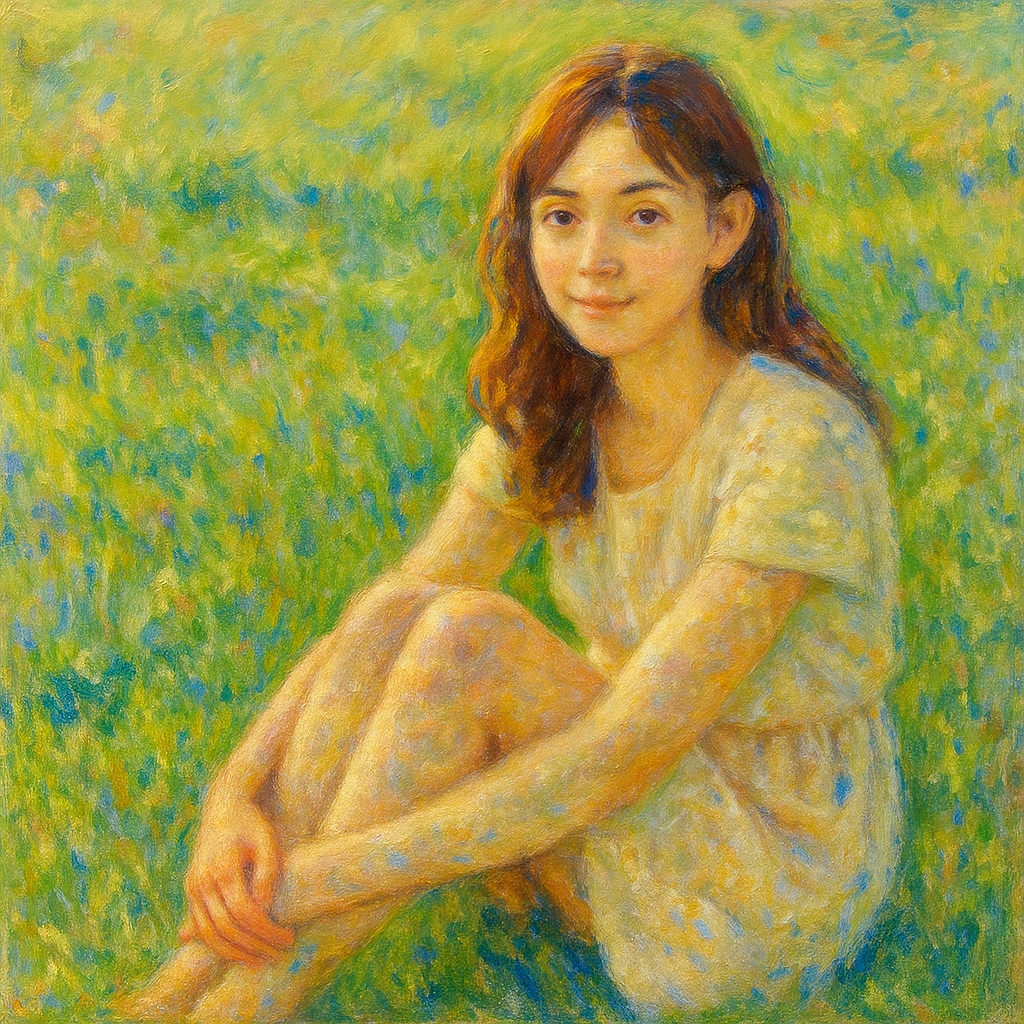
- 入力
- One photo with interesting light
- 出力
- Broken-brushstroke impressionist painting
- こんな方に最適
- Gardens, streetscapes, and portraits
Original photo / Impressionism
See the broken color before you generate
Drag the divider to compare the source photo with shimmering impressionist brushwork.
Original photoImpressionismA focused photo-to-impressionism workflow
Keep the scene readable
The preset preserves composition and color relationships while the surface dissolves into strokes.
Shift the light direction
Edit the prompt for golden-hour warmth, cool morning haze, or brighter midday shimmer.
Compare against the source
Use the reference-image comparison to check that the subject still reads at a glance.
How to turn a photo into an impressionist painting
The preset supplies the broken-color direction while the ImageStyle workspace keeps the prompt and output settings editable.
- 1
Upload a photo with real light
Outdoor scenes, water, gardens, and strong shadows give the broken strokes something to shimmer with.
- 2
Review the impressionist prompt
The broken-brushstroke direction is prefilled. Keep it or push the palette warmer or cooler.
- 3
Generate and compare
Inspect the painting beside the original photo, then refine or download the artwork.
What to inspect in the generated painting
- Faces lose precision
- Impressionist strokes simplify facial detail. Tight portraits may need a second, gentler pass.
- Busy scenes stay busy
- Crowded compositions turn into busy strokes. Simpler scenes usually read better.
- Use source material you can share
- Only upload photos and references that you are allowed to use for the intended project.
Photo to impressionism FAQ
- Which photos suit impressionism best?
- Scenes with natural light and color variety such as gardens, waterfronts, and streets. The style thrives on shimmering light.
- Do I need to write a prompt?
- No. The impressionist preset starts with an editable direction. Generate as-is or adjust palette and stroke length first.
- Can I make it look like a specific painter?
- The preset targets the shared impressionist language of broken color and light. Naming living artists is not supported.
- What happens to my uploaded photo?
- The image is uploaded to the same reference-image workflow used by the ImageStyle generator. Review the current privacy and storage terms before using sensitive material.
更新されました:
Workflow source: Current ImageStyle reference-image generator.