AI 텍스트 제거
이미지에서 글자를 지우고 가려진 부분을 다시 만드세요.
글자가 있는 이미지를 올리면 보이는 문구를 지우고 주변 색상, 질감, 빛, 윤곽을 바탕으로 가려진 표면을 재구성합니다.
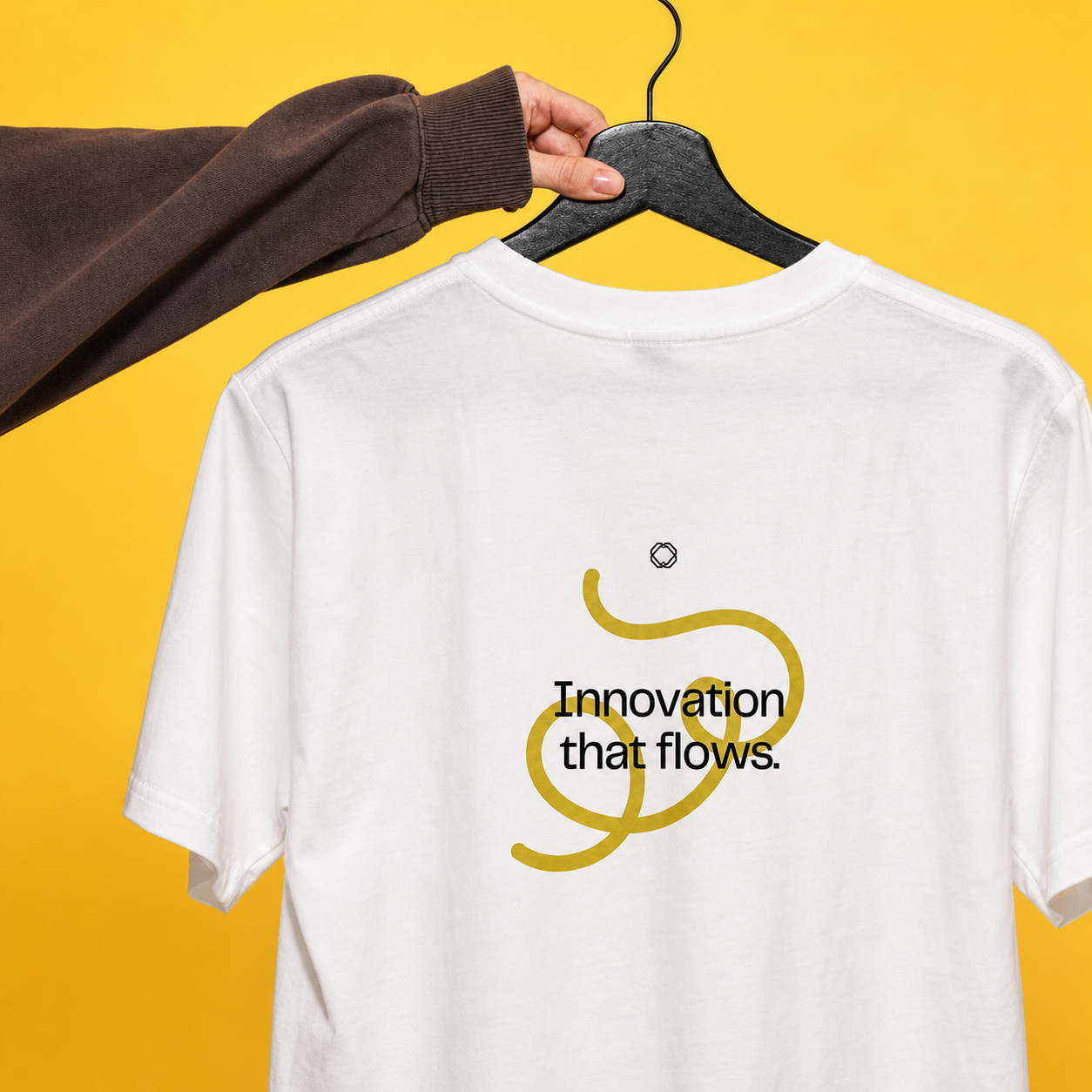
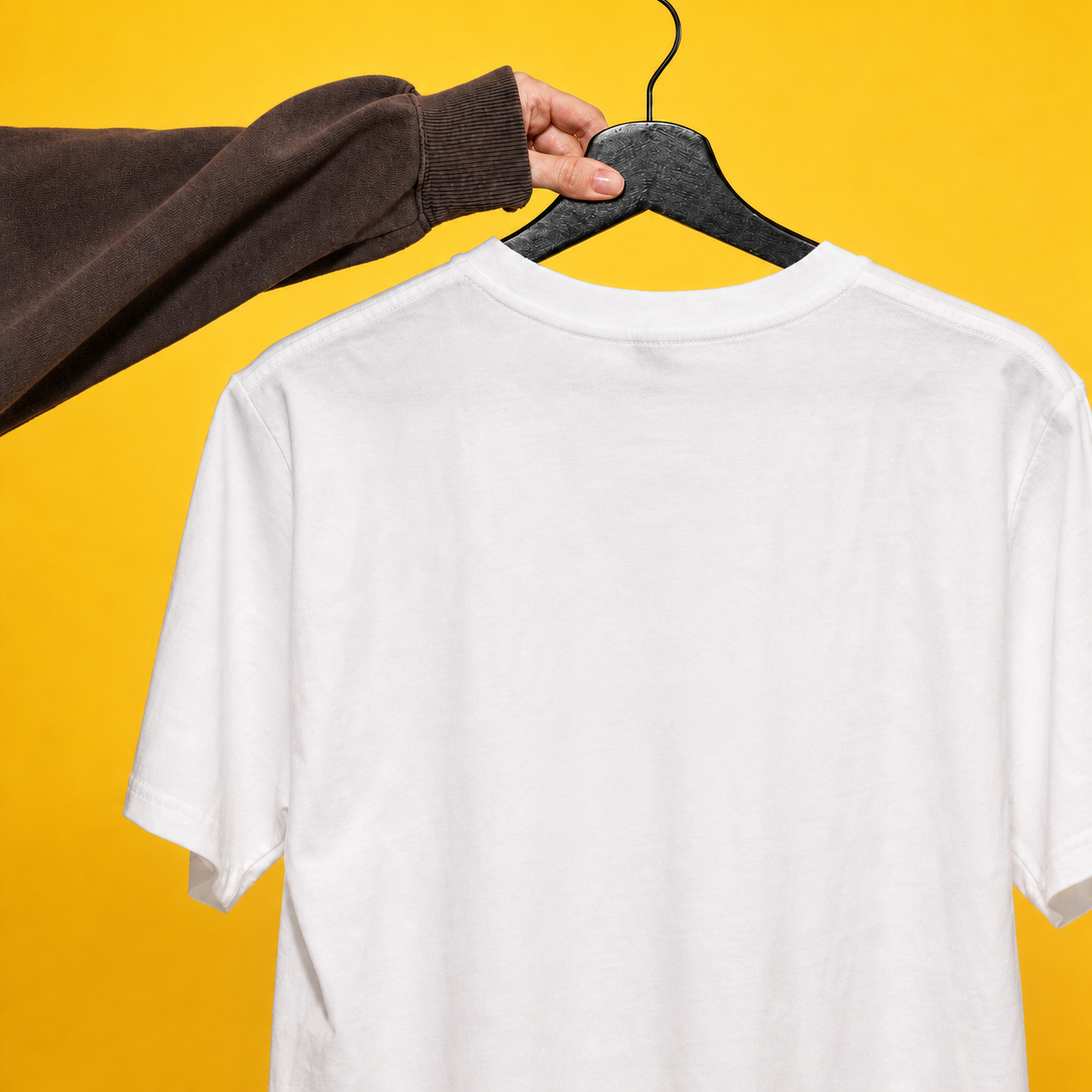
- 입력
- One image containing visible text
- 출력
- A generated text-free reconstruction
- 다음에 가장 적합
- Simple signs, labels, products, and backgrounds
Image with text / Text removed
See the surface rebuilt without lettering
Drag the divider to compare the original product photo with a generated reconstruction that removes the visible lettering.
Image with textText removedGenerative text removal with clear boundaries
Remove visible lettering
The preset targets captions, printed words, and other typographic marks instead of changing the overall creative style.
Rebuild the covered area
The model reconstructs nearby color, surface texture, lighting, edges, and background where the text used to be.
Add precise instructions
Describe the text location and the surface that should continue through the removed area when the image is complex.
How to remove text from an image
This workflow uses reference-guided generation. It does not expose a pixel mask, so clear instructions and careful review matter.
- 1
Upload the image you can edit
Choose an image where the text and surrounding surface are visible at useful resolution.
- 2
Describe what should disappear
Keep the preset or specify the caption, label, sign, watermark, or typographic mark and its location.
- 3
Compare the reconstruction
Zoom in on edges, texture, repeated patterns, products, faces, and any non-text detail that must remain accurate.
What generative text removal cannot guarantee
- Covered pixels are reconstructed
- The model cannot recover unseen original pixels. It generates a plausible continuation from the visible surroundings.
- Complex patterns may change
- Text over faces, hands, logos, detailed products, repeating fabric, or fine architecture can alter nearby features.
- Respect ownership and attribution
- Only remove text from material you are authorized to edit. Do not use the tool to misrepresent ownership or provenance.
AI text remover questions
- Can AI remove text from any image?
- It works best when the surrounding color and texture provide enough context. Text over complex subjects is less predictable.
- Does the tool recover the exact background?
- No. Hidden pixels are not available, so the model generates a plausible reconstruction rather than restoring exact unseen content.
- Can I remove only one piece of text?
- Yes. Replace the default instruction with the exact words or location to remove and explicitly ask the model to retain other text.
- Will the rest of the image stay identical?
- The prompt asks for close preservation, but reference-guided generation can change nearby details. Always compare the result.
업데이트됨:
Workflow source: Current ImageStyle reference-image generator.