사진을 스테인드글라스로
사진을 스테인드글라스 창으로 바꾸세요.
사진을 올리고 굵은 납선으로 나뉜 색유리 조각으로 다시 그리는 프리셋으로 시작하세요.
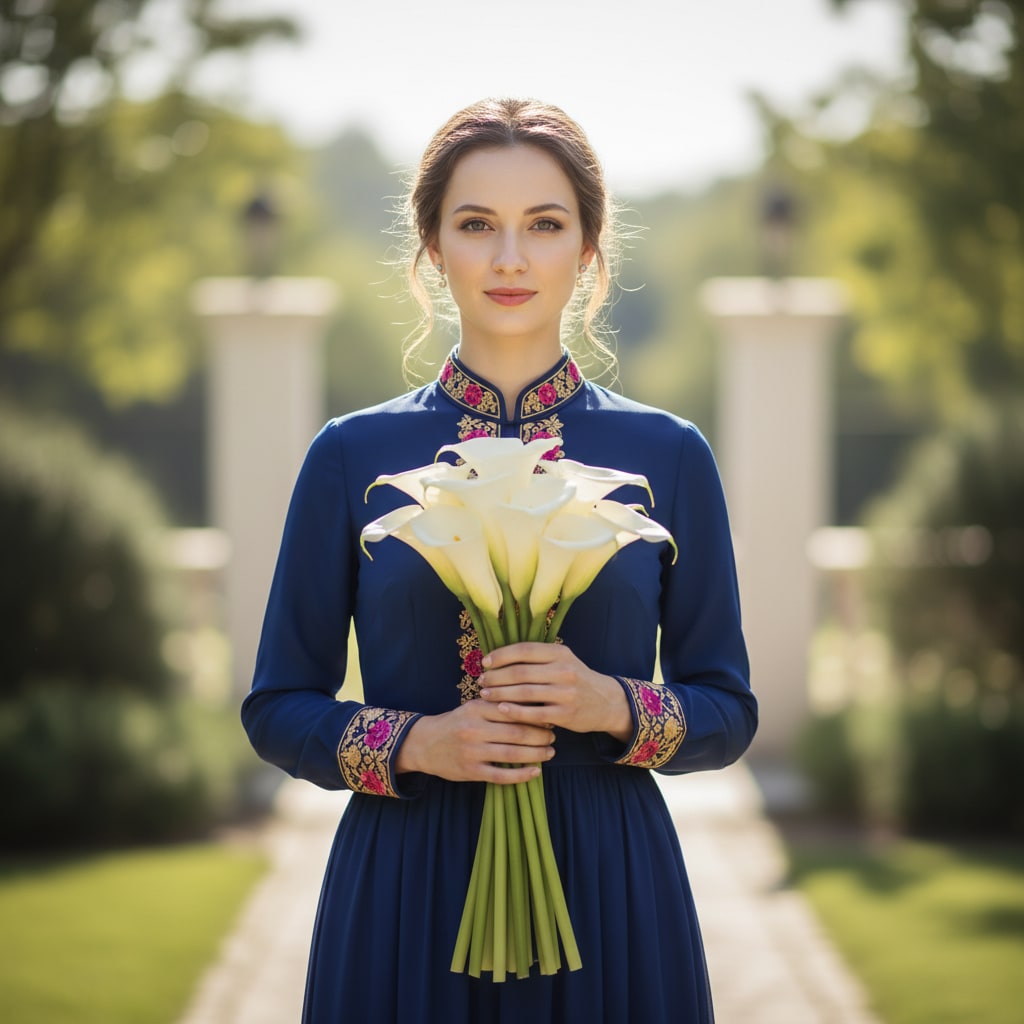
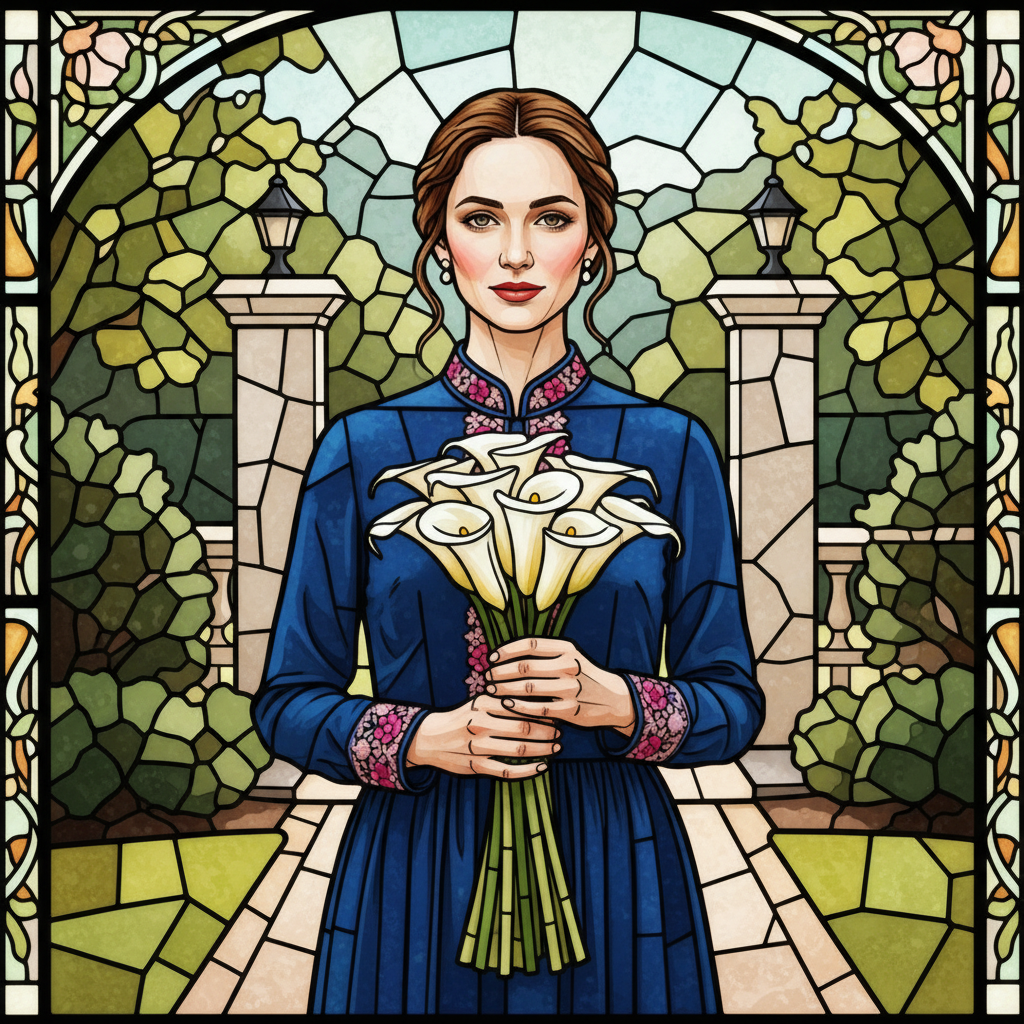
- 입력
- One photo with bold shapes
- 출력
- Leaded stained-glass artwork
- 다음에 가장 적합
- Pets, florals, and decor windows
Original photo / Stained glass
See the leaded glass before you generate
Drag the divider to compare the source photo with a glowing stained-glass window interpretation.
Original photoStained glassA focused photo-to-stained-glass workflow
Keep segments readable
The preset simplifies shapes into glass pieces bounded by confident lead lines.
Direct the light and palette
Edit the prompt for cathedral jewel tones, soft pastel glass, or warmer backlight.
Compare against the source
Use the reference-image comparison to confirm the subject reads through the segmentation.
How to turn a photo into stained glass
The preset supplies the leaded-glass direction while the ImageStyle workspace keeps the prompt and output settings editable.
- 1
Upload a photo with bold shapes
Silhouette-strong subjects such as pets, flowers, and converts cleanly into glass segments.
- 2
Review the stained-glass prompt
The lead-line and glow direction is prefilled. Keep it or adjust the palette and segment size.
- 3
Generate and compare
Inspect the window beside the original photo, then refine or download.
What to inspect in the generated window
- Fine lines cannot lead
- Thin details and small text disappear into came lines. Simple shapes work best.
- It is a flat artwork
- The output is a stained-glass-style image, not build plans for real glasswork.
- Use source material you can share
- Only upload photos and references that you are allowed to use for the intended project.
Photo to stained glass FAQ
- What photos suit stained glass best?
- Bold silhouettes such as pets, flowers, sunsets, and geometric motifs. Strong shapes segment into glass most cleanly.
- Do I need to write a prompt?
- No. The stained-glass preset starts with an editable leaded-glass direction. Generate as-is or adjust palette first.
- Can I use it to build a real window?
- Use it as design inspiration only. Real glasswork needs professional patterns and construction.
- What happens to my uploaded photo?
- The image is uploaded to the same reference-image workflow used by the ImageStyle generator. Review the current privacy and storage terms before using sensitive material.
업데이트됨:
Workflow source: Current ImageStyle reference-image generator.