사진을 픽셀 아트로
사진을 선명한 픽셀 아트로 바꾸세요.
사진을 올리고 흐린 모자이크가 아닌 의도적인 픽셀 클러스터로 다시 그리는 프리셋을 사용하세요.
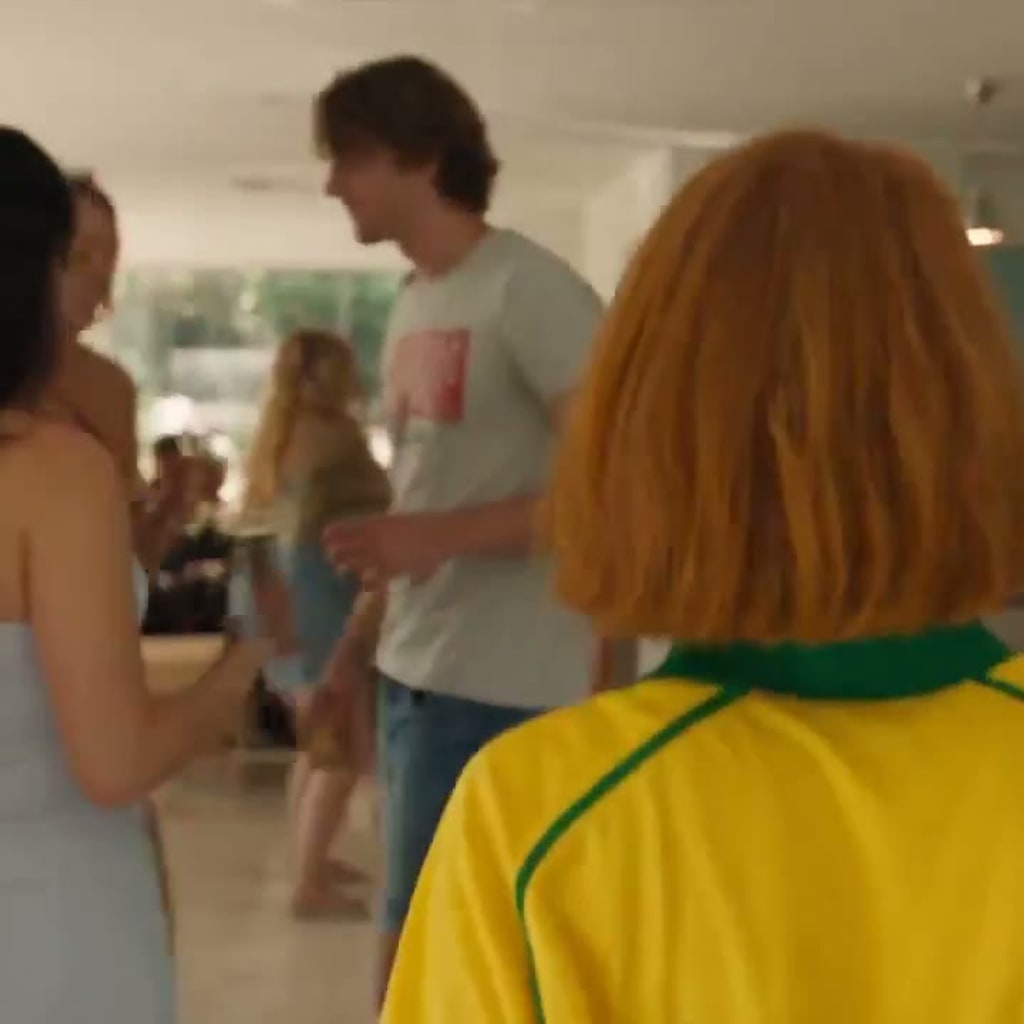
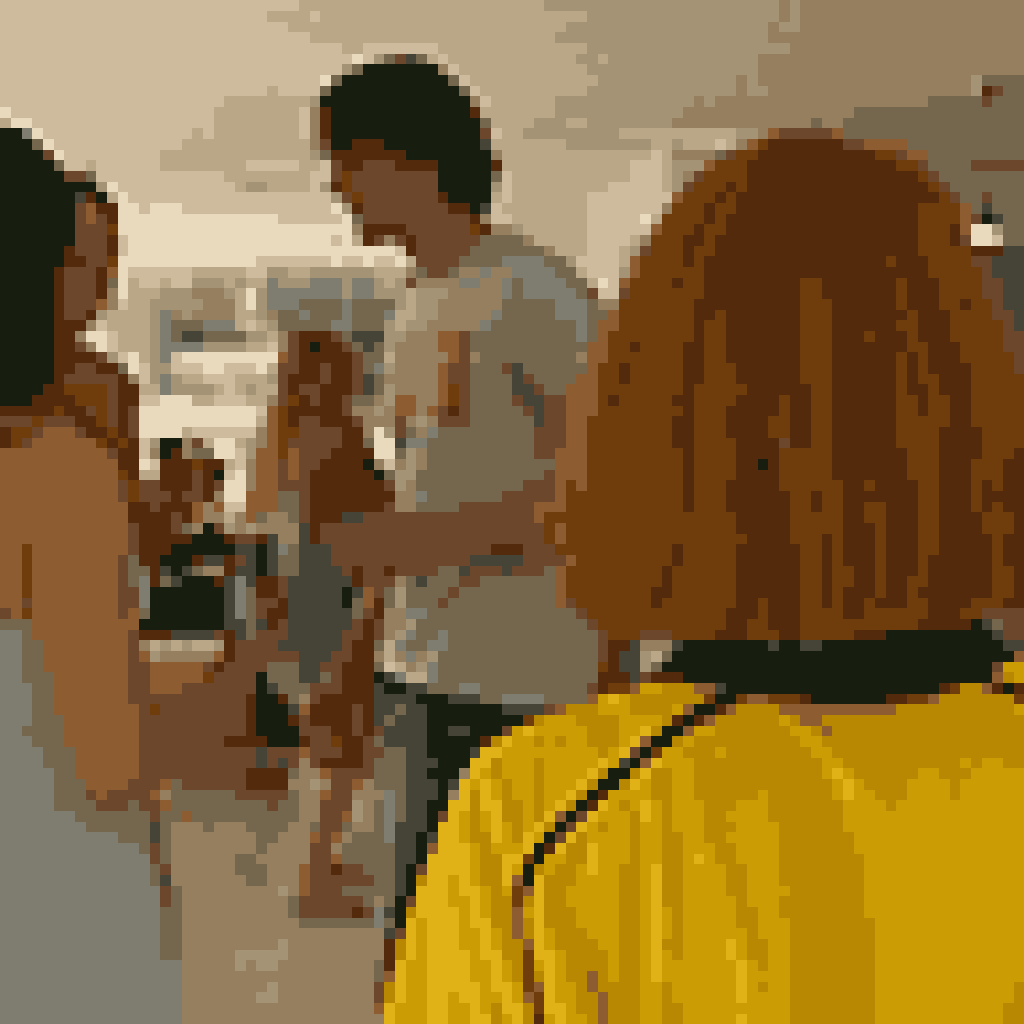
- 입력
- One clear picture
- 출력
- Limited-palette pixel art
- 다음에 가장 적합
- Avatars, game references, icons, and scenes
Original picture / Pixel art
See the pixel clusters before you generate
Drag the divider to compare the source picture with a limited-palette pixel-art treatment.
Original picturePixel artA focused picture-to-pixel-art workflow
Use deliberate pixel clusters
The preset asks for crisp square clusters, readable value steps, and a controlled palette instead of a soft low-resolution effect.
Keep the composition recognizable
The reference image anchors the subject, pose, silhouette, and major color relationships while the rendering language changes.
Tune the game-art direction
Edit the prompt to request chunkier pixels, a smaller palette, a retro console feel, or a cleaner icon-like result.
How to turn a picture into pixel art
The pixel-art preset gives you a clear starting direction while keeping the reference image and generation controls editable.
- 1
Choose a picture with a clear subject
Simple silhouettes, readable color blocks, and uncluttered scenes translate more reliably than tiny text or dense fine texture.
- 2
Review the pixel-art prompt
Keep the preset or specify the cluster size, palette mood, level of detail, and whether the output should feel like an icon or a game scene.
- 3
Generate and inspect at native size
Zoom in to check that edges, faces, hands, and important objects read as intentional pixels rather than compression noise.
What to check in pixel art
- Very small details may disappear
- Pixel art is a selective reduction. Tiny text, jewelry, fingers, and background texture may be simplified or reinterpreted.
- A limited palette changes color relationships
- Ask for a palette direction when the exact colors matter, then inspect the result before using it as a product or character reference.
- Use source material you can share
- Only upload photos and references that you are allowed to use for your intended personal, educational, or commercial project.
Picture to pixel art FAQ
- Is this just a pixelation filter?
- No. The starter prompt asks for deliberate pixel clusters, a limited palette, and readable value steps instead of simply shrinking and enlarging the original image.
- What pictures work best?
- Use a clear subject with a simple silhouette and visible color blocks. Crowded scenes and tiny text need more manual review.
- Can I choose a retro palette?
- Yes. Edit the prompt to request a smaller palette or a specific retro direction, then check that the subject remains recognizable.
- Do I need to write the prompt from scratch?
- No. ImageStyle opens with an editable pixel-art prompt, GPT Image 2 selected, and the reference image requirement enabled.
업데이트됨:
Workflow source: Current ImageStyle reference-image generator.